The Iconator is a plugin for the XrmToolBox from MsCrmTools that manages icons for entities.
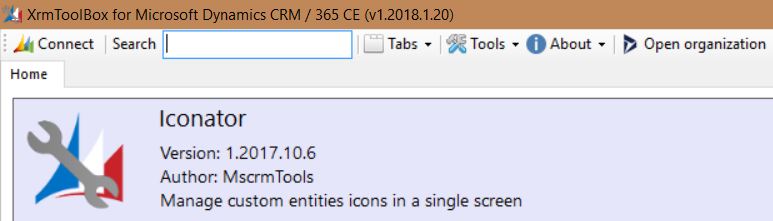
To use it, open the XrmToolBox and open Iconator:
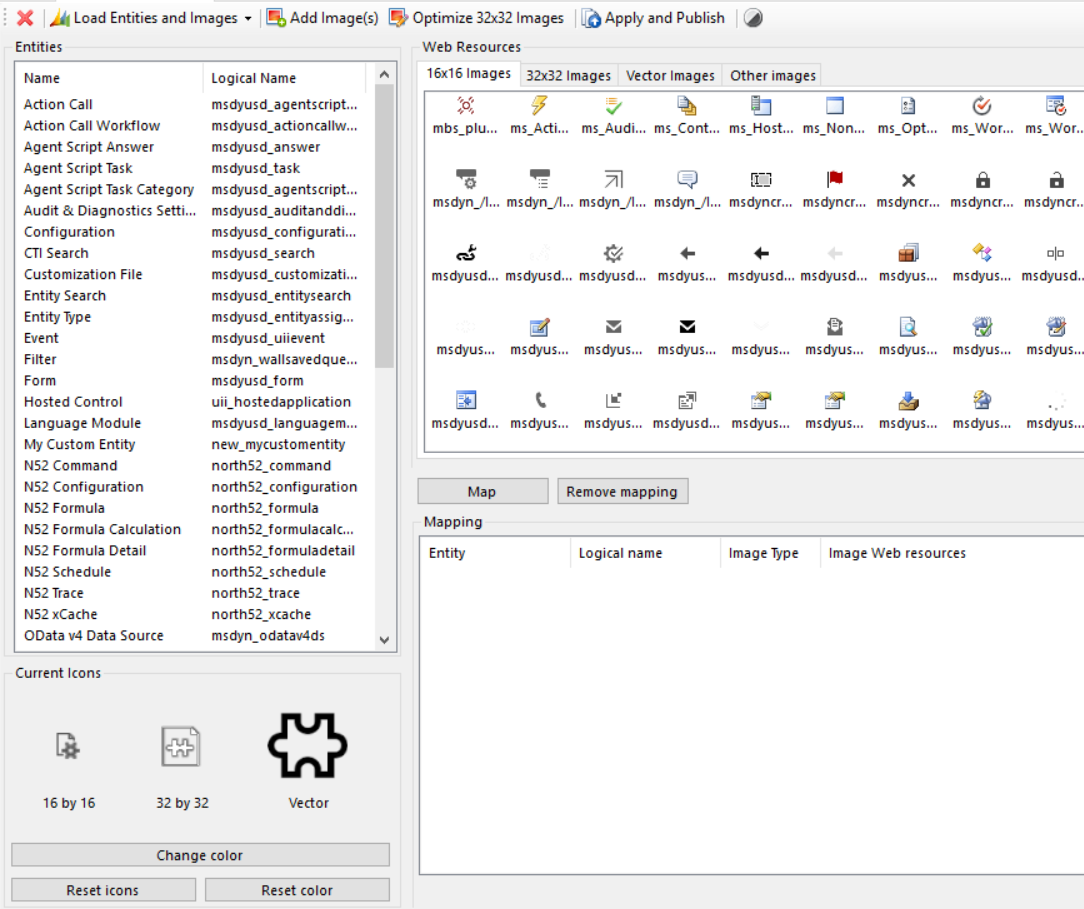
Click Load Entities and Images. You will see:
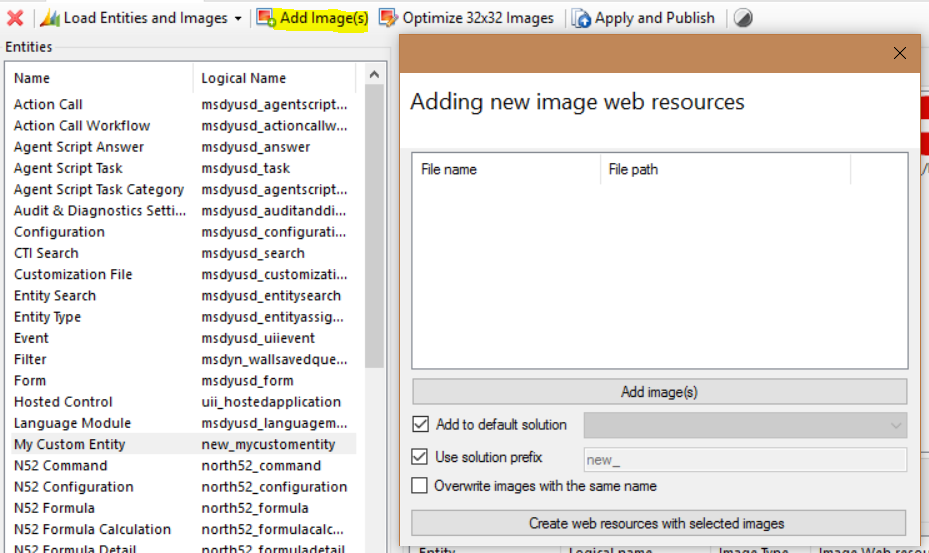
Click Add Images. Here you can add new web resource images to a solution:
Select an image and click Map, then Apply and Publish:
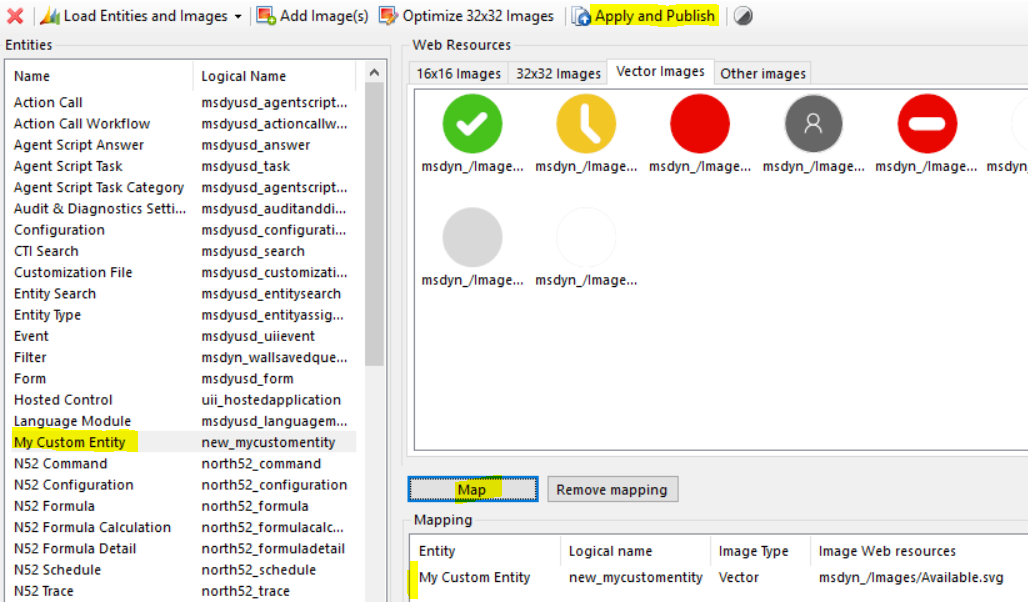
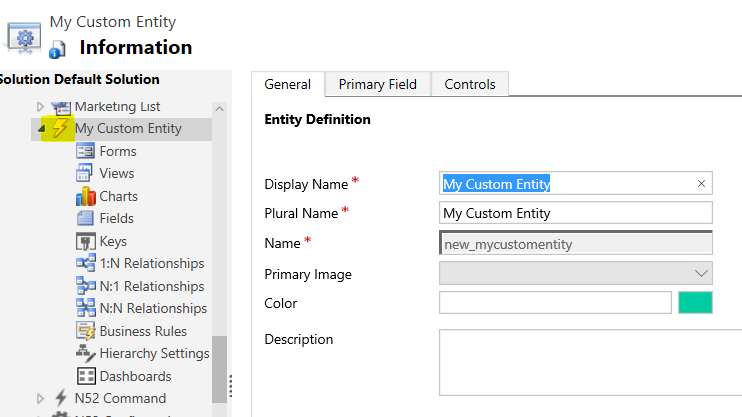
The entity image will be updated:

Keep learning. Keep building.
Explore AI, agents & Microsoft technology.
I share practical ideas, tutorials, and videos about AI, AI agents, Microsoft technologies, and the Power Platform.
Subscribe on YouTube →Carl de Souza Enterprise Architect at Microsoft · AI Technology Expert