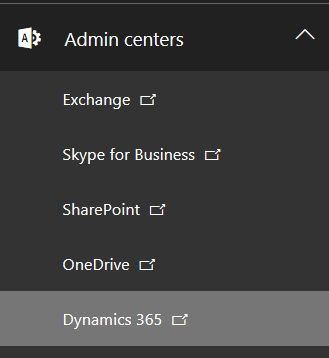
To downgrade a Dynamics 365 version, first log into https://portal.office.com and go to the Dynamics 365 Admin Center:
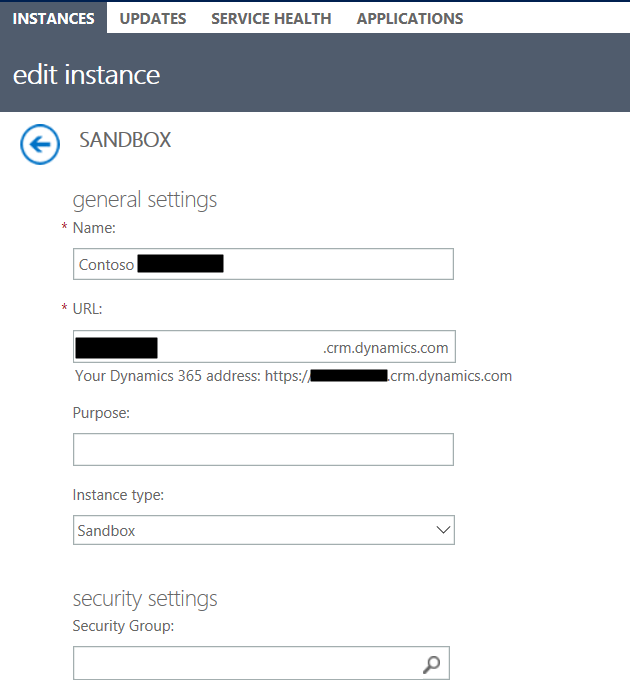
Select your environment and click Edit. Set the environment to Sandbox mode.
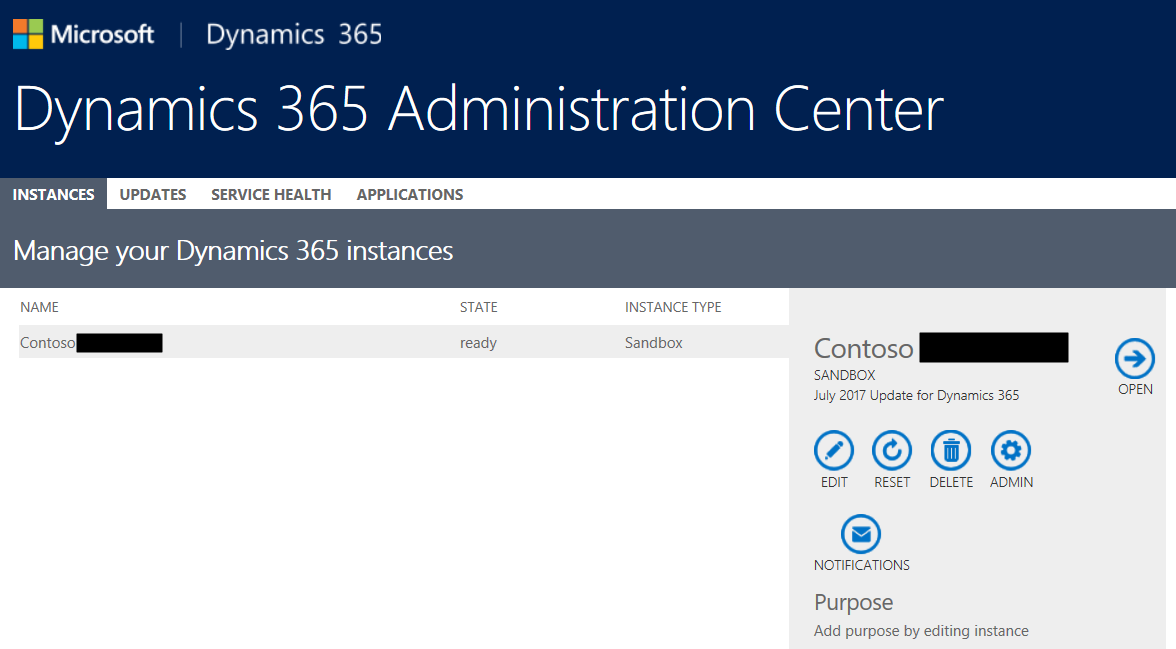
Next, click on Reset:
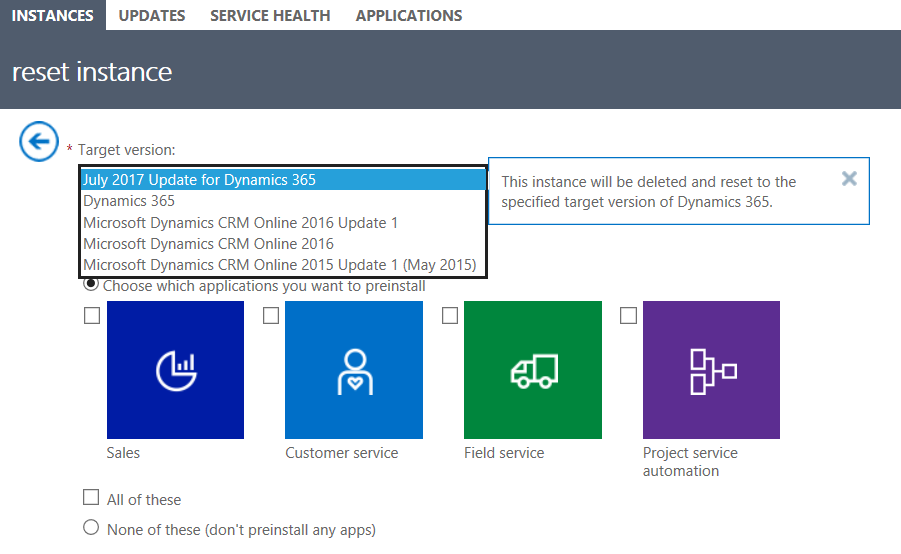
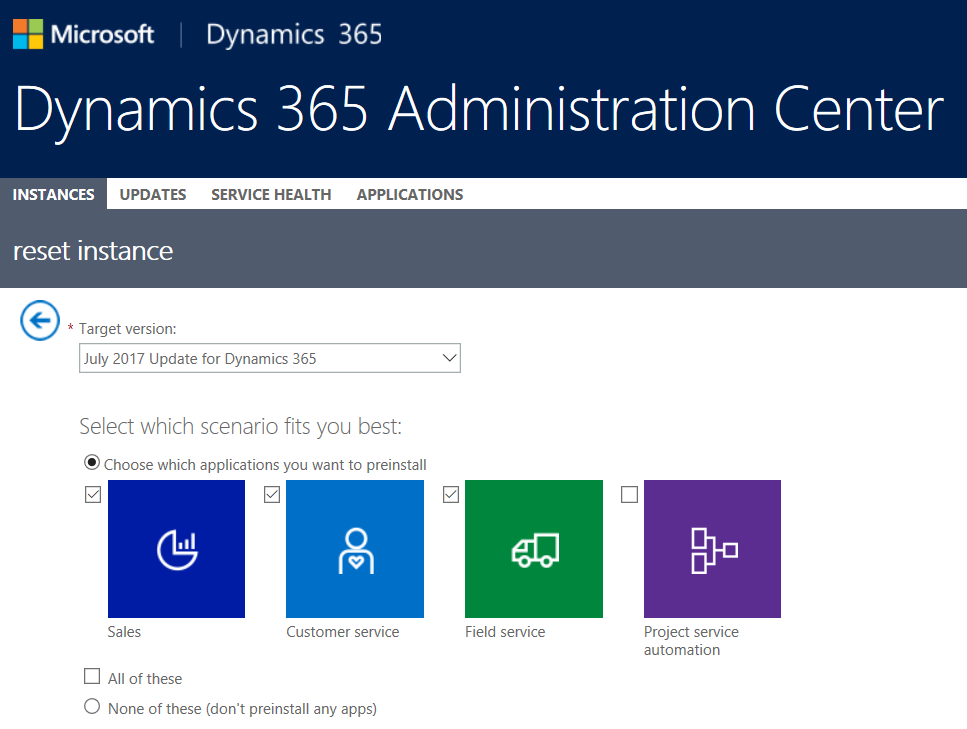
Select the target version to reset to:
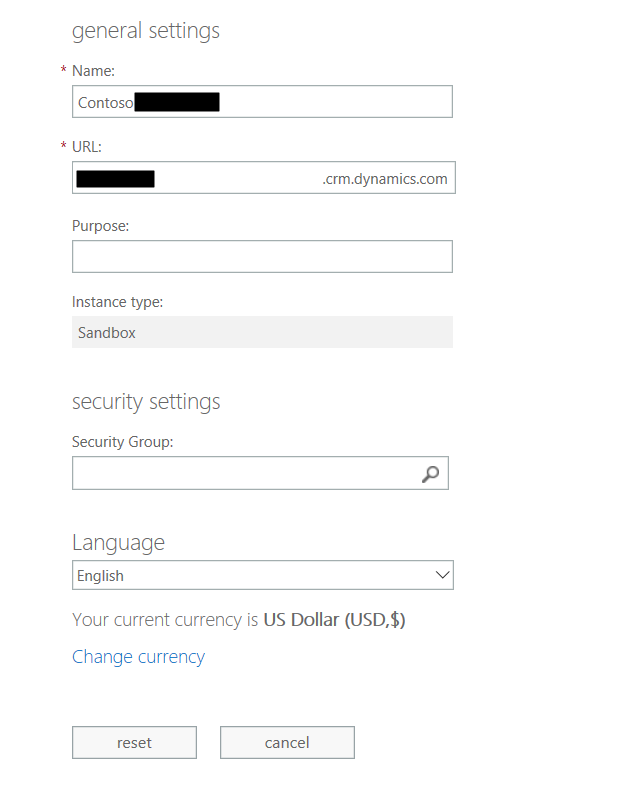
Click Reset:
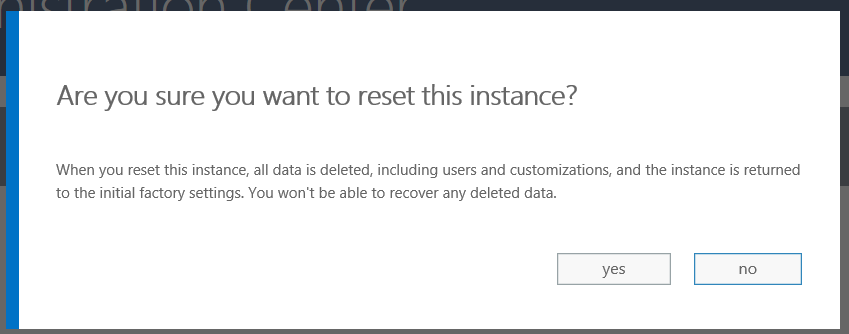
Click Yes to Reset:
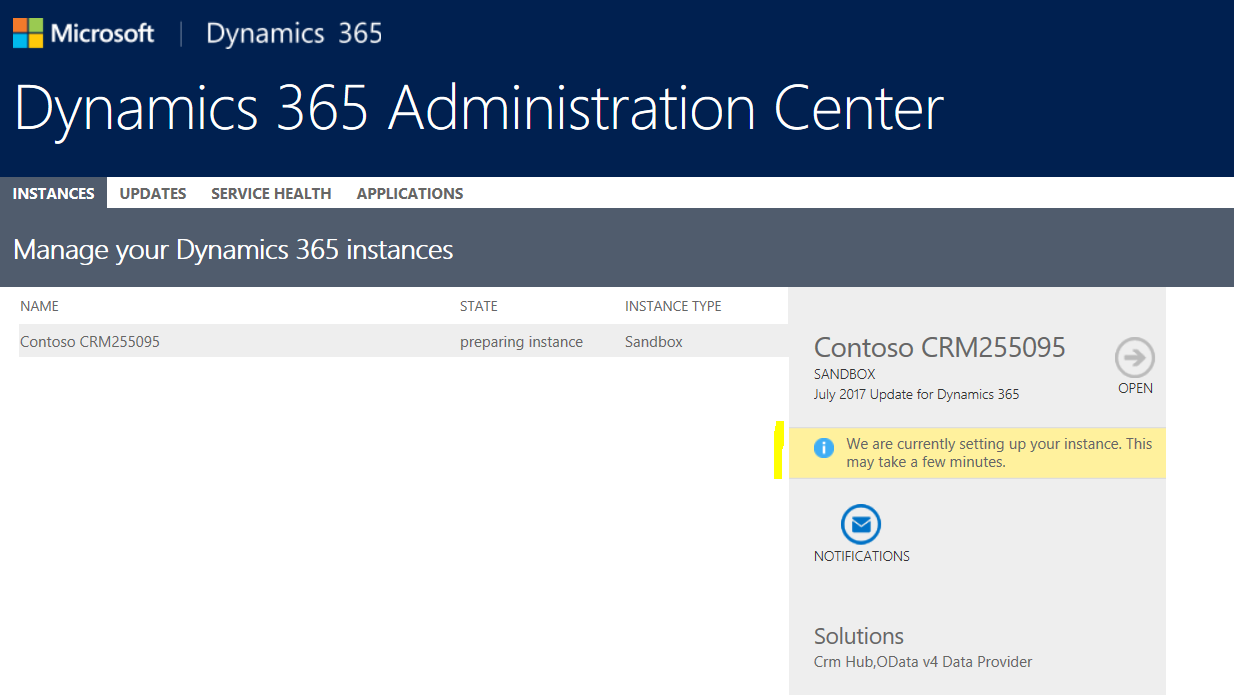
Go back to the Admin Center home page. You will see the instance is being set up and the state is “preparing instance”:
If you access the organization, you may see the message that your user does not exist. Wait a few minutes.
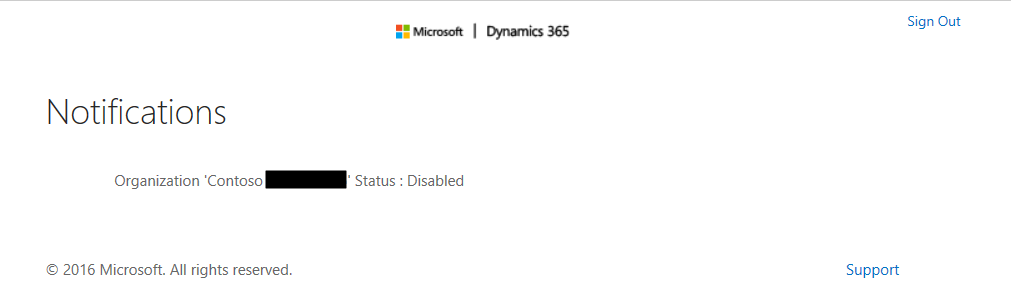
You will then see:
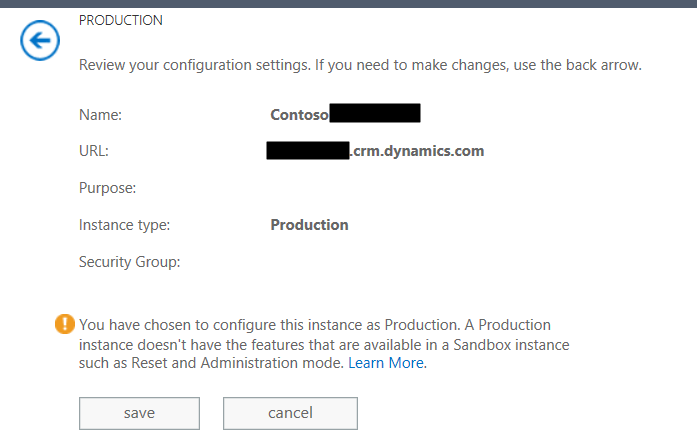
In the Admin page, set the type to Production:

Click Save:
That’s it. Check the About page to confirm the version has changed.

Explore AI, agents & Microsoft technology.
I share practical ideas, tutorials, and videos about AI, AI agents, Microsoft technologies, and the Power Platform.
Subscribe on YouTube →
Hello Carl De Souza
Please help to achieve the below scenarios
)Requirement: Need ability to default cases sort order in Stream.
a. Issue: Sort order is not respected when defined in the underlying view.
2. Requirement: Need ability to show Average number of days a case has been open. Should show number based on filters applied.
a. Issue: Cannot be implemented Out of Box.
3. Requirement: Display count of email conversations without a case.
a. Issue: View does not display accurate data.
4. Requirement: Display Resolved Cases by Subject Category in Stacked Chart View.
a. Issue: Chart does not filter out Unresolved cases even though underlying view has a filter applied.
5. Requirement: Tile view needs to display Due Date field for My Tasks
a. Issue: Tile view does not respect the fields on the Entity Card and keeps showing CreatedOn date.