In Dynamics 365, workflows can be run based on waiting for a time period to elapse given certain conditions. Here we will create a workflow that will send a reminder email for tasks to their owners when the task is due.
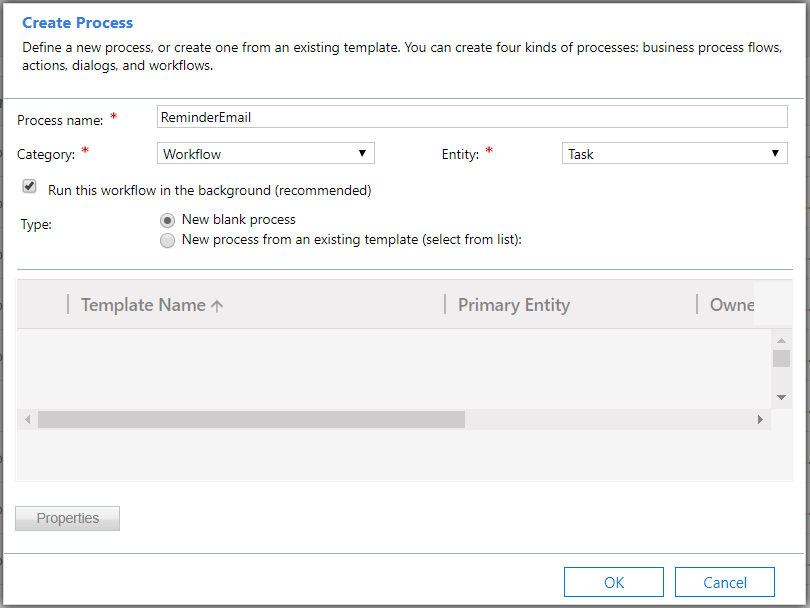
Go to Processes and create a new workflow on the Task entity:
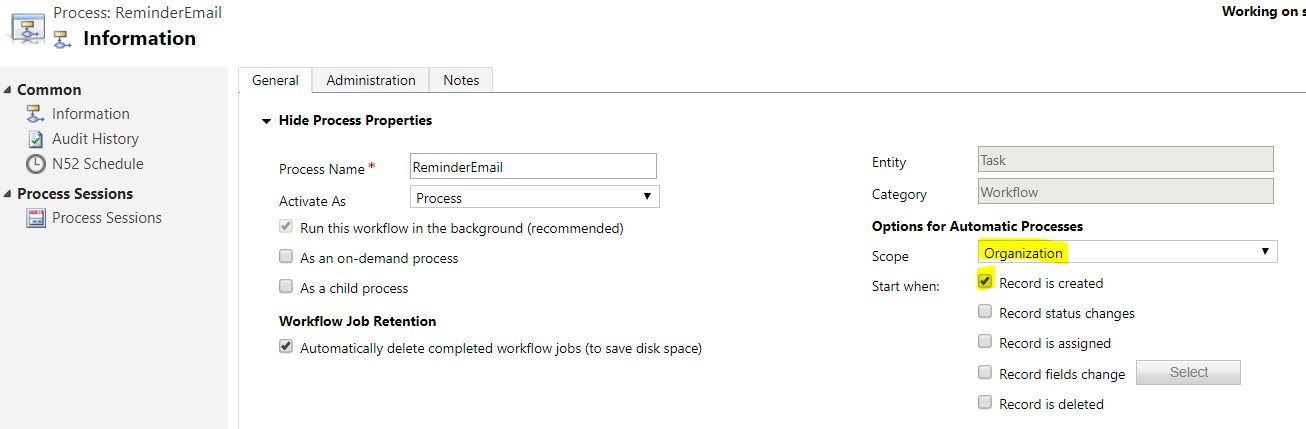
Set the scope to Organization and the start to Created:
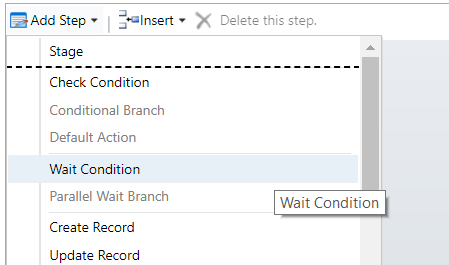
Next, insert a new Wait condition step:
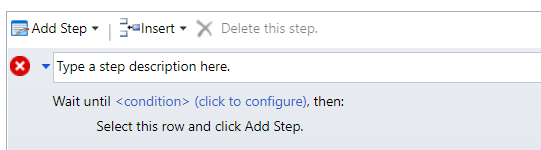
Click to configure:
Select Process, Execution Time:
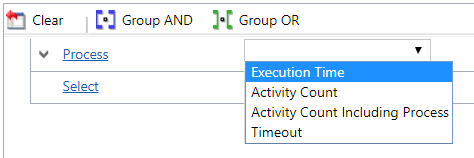
Equals the Task Due Date field:

Save and close. Now add a Send Email step:
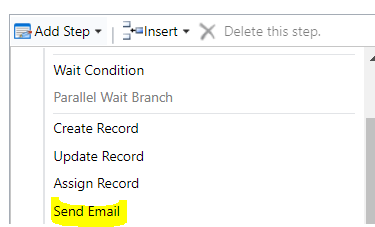
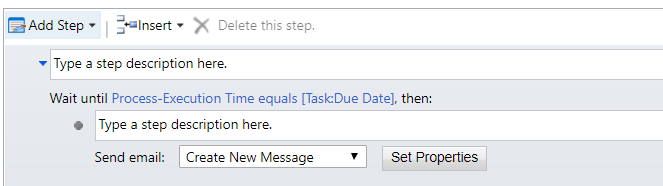
Select Set Properties:
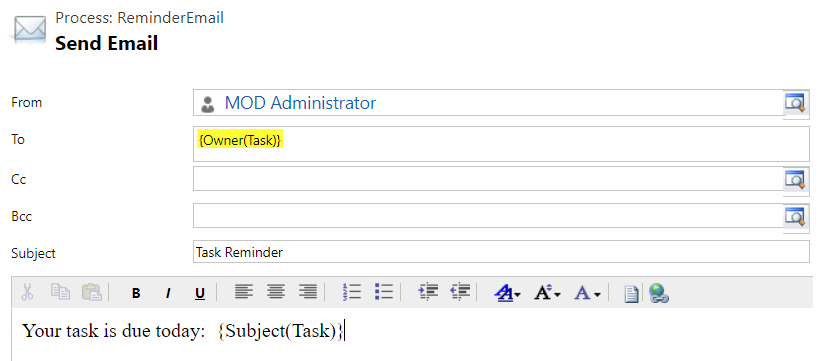
Add the Task Owner as the email to, and in the description we will use the Task Subject field:
The workflow should now look like below. Click Activate:
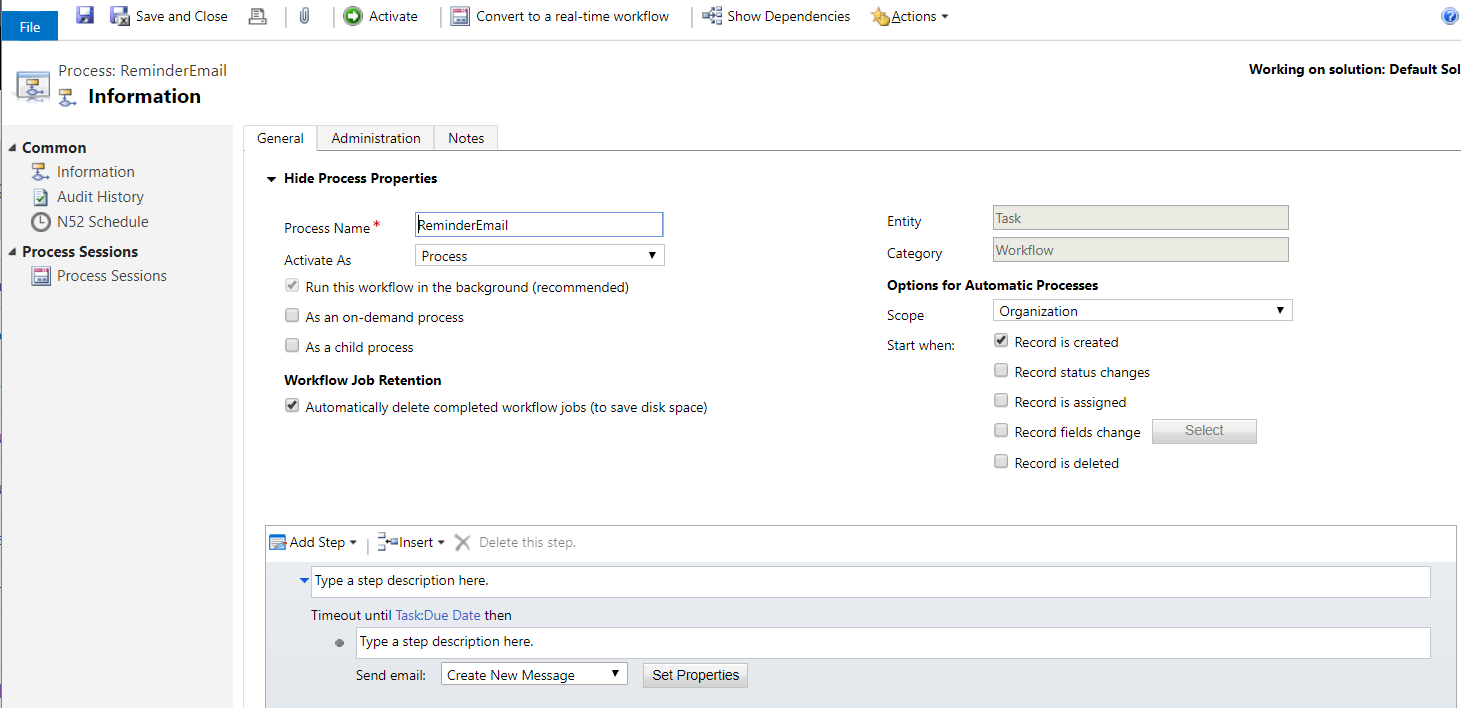
We will now test this. Create a new task and set the due date:
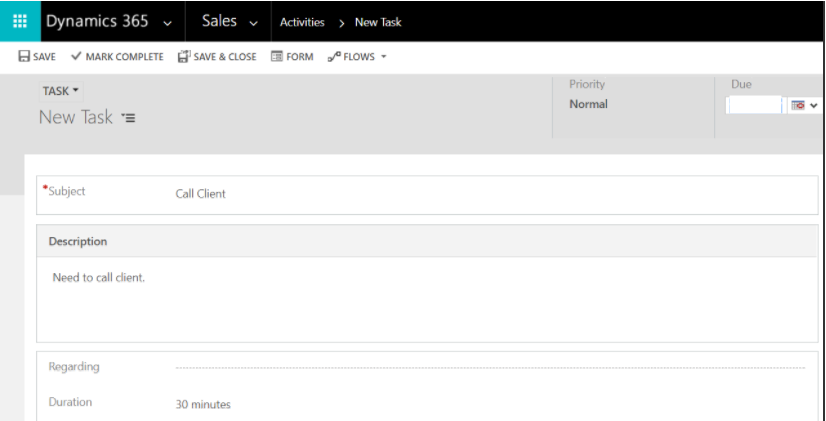
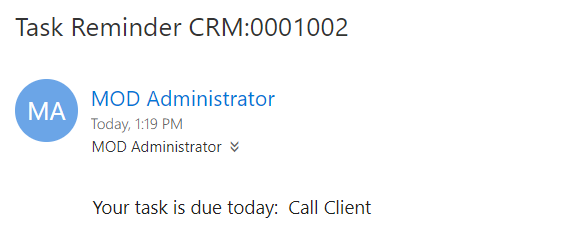
Once the due date is set, the task owner will receive an email:

Explore AI, agents & Microsoft technology.
I share practical ideas, tutorials, and videos about AI, AI agents, Microsoft technologies, and the Power Platform.
Subscribe on YouTube →
thank you and i wish you all the best
Thank you Vahid!