Activities in Dynamics 365 are ways to communicate with your customers.
To access activities, go to Sales->Activities:
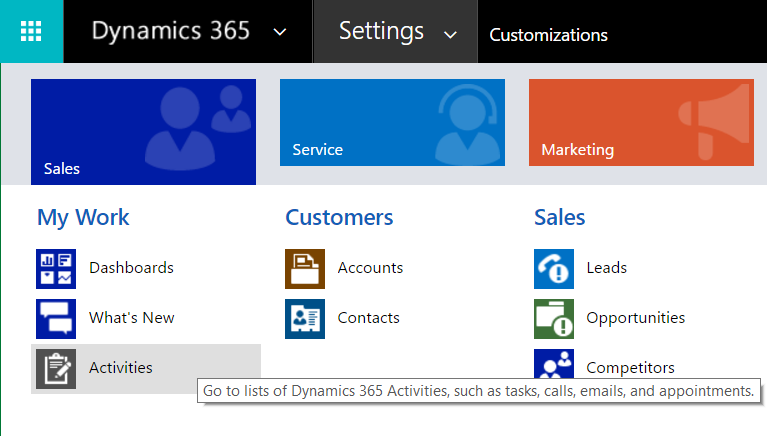
Selecting this link takes you to the Activities view:
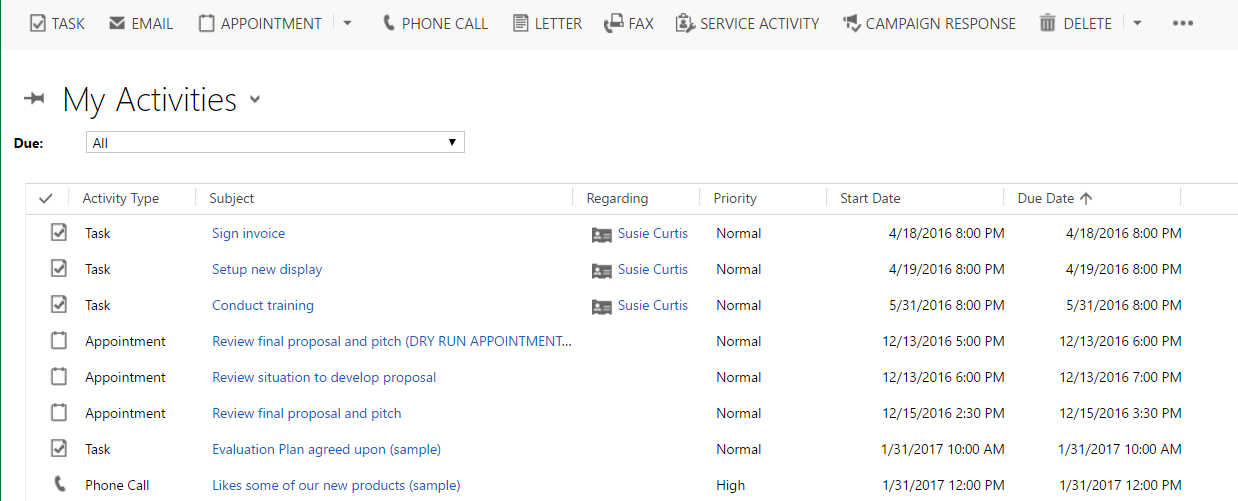
There are different types of activities, including:
- tasks
- appointments
- phone call
- letter
- fax
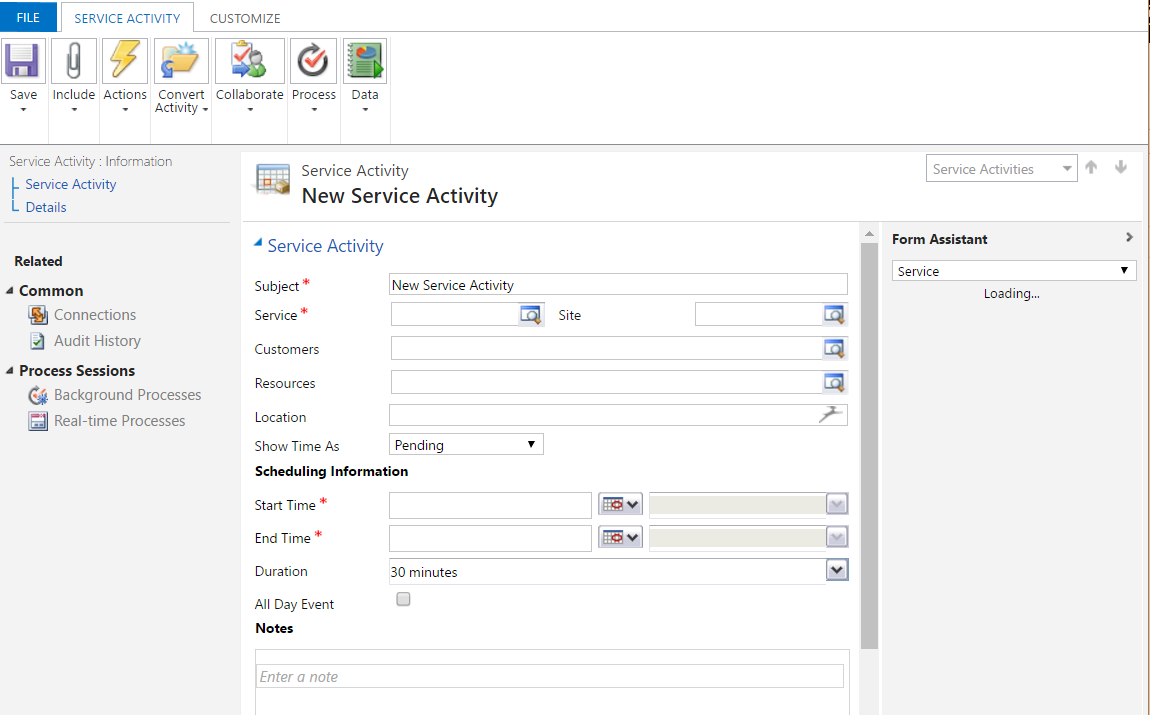
- service activity
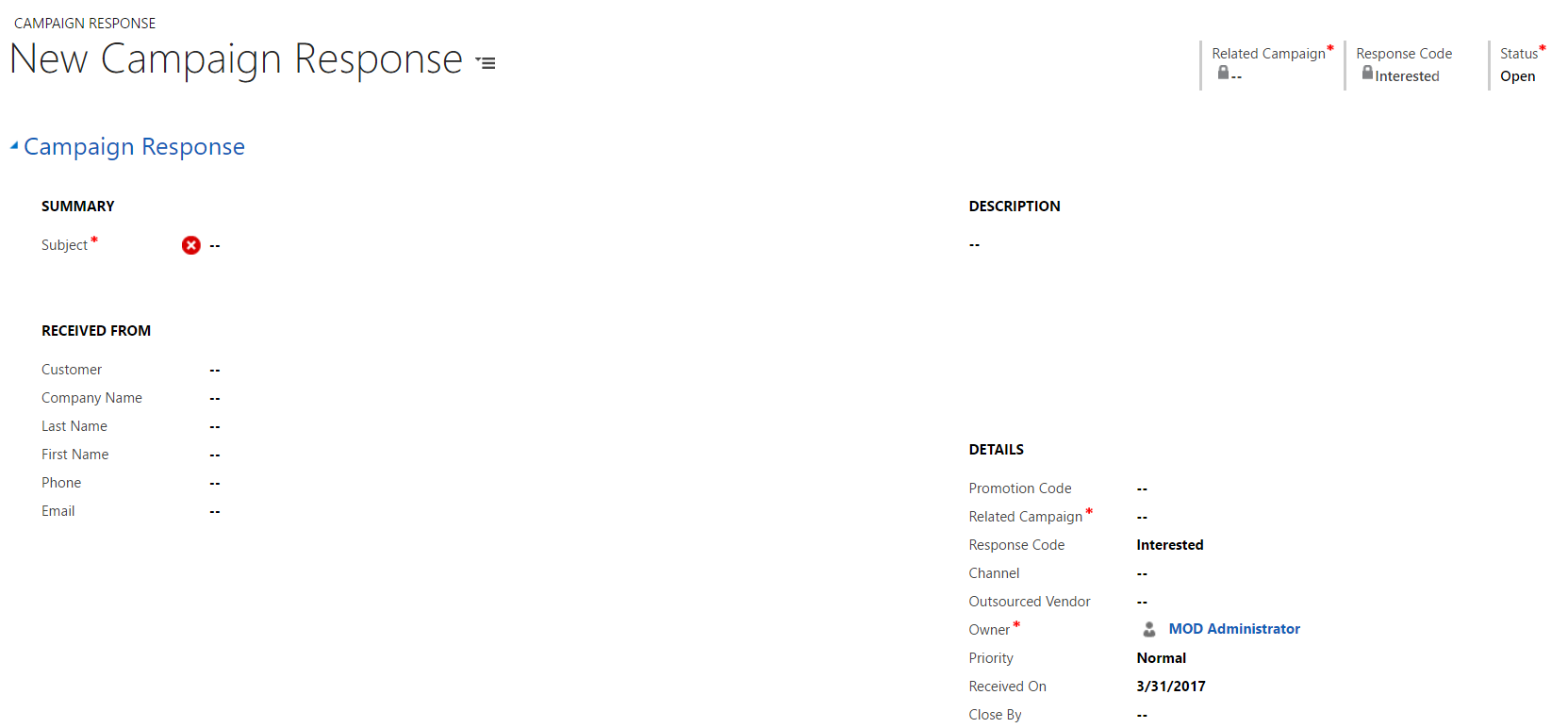
- campaign response
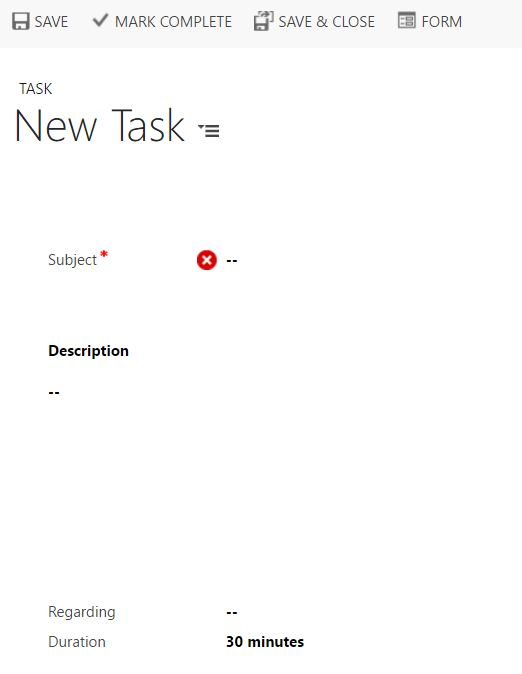
To enter a new task, select New Task and set the regarding (select the entity and record):
To enter a new email, select New Email and then you can save or send.

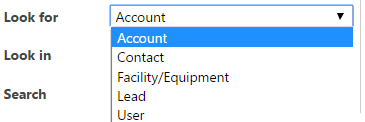
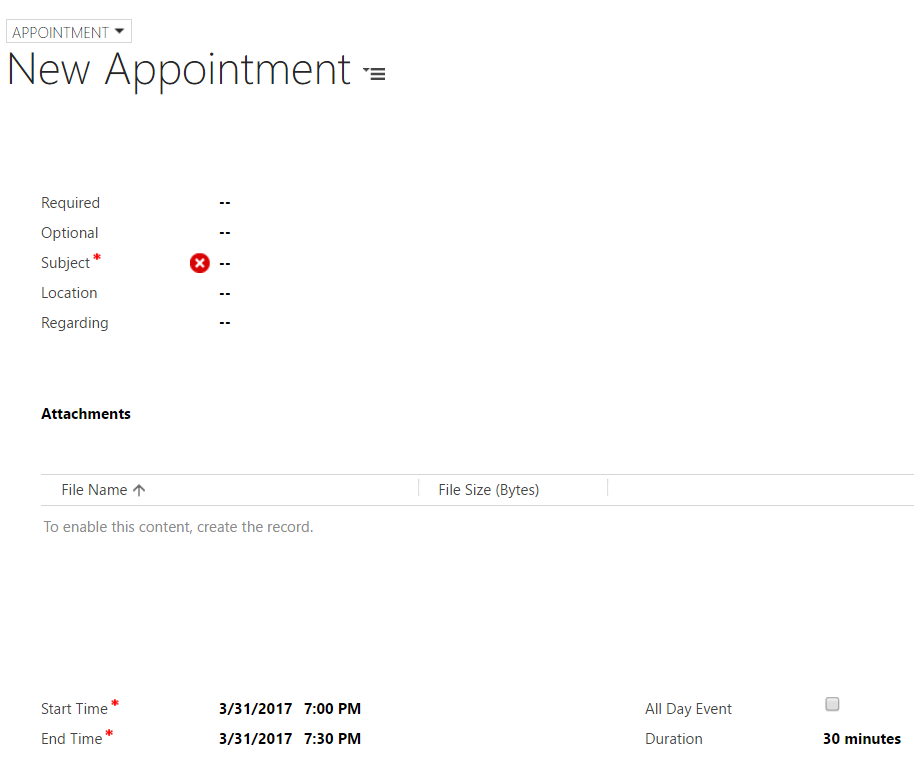
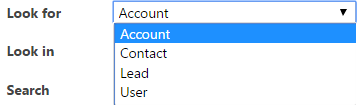
For Appointments, select the record type, and then who you are meeting with, the location, time, attachments etc:
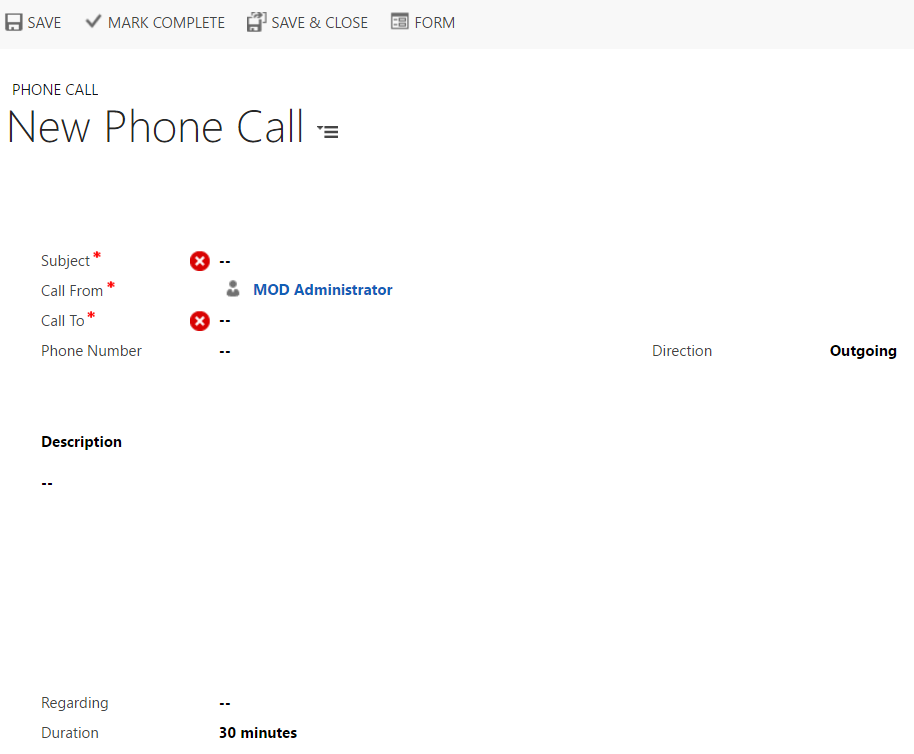
New Phone Call:
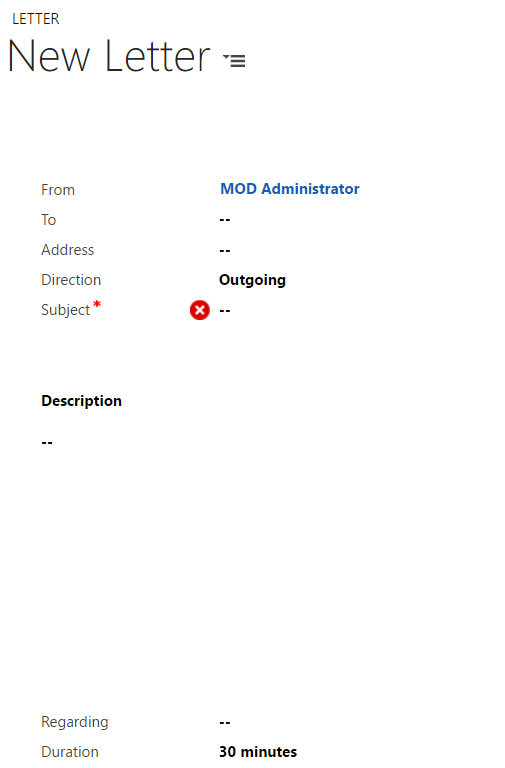
New Letter:
New Service Request:
Campaign Response:

Keep learning. Keep building.
Explore AI, agents & Microsoft technology.
I share practical ideas, tutorials, and videos about AI, AI agents, Microsoft technologies, and the Power Platform.
Subscribe on YouTube →Carl de Souza Enterprise Architect at Microsoft · AI Technology Expert
