Connections are a way in Dynamics CRM to link entities. You may want to link an opportunity to a contact if the contact was the referrer, for example.
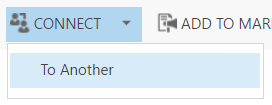
To make a connection, go to the record you would like to connect and click Connect:

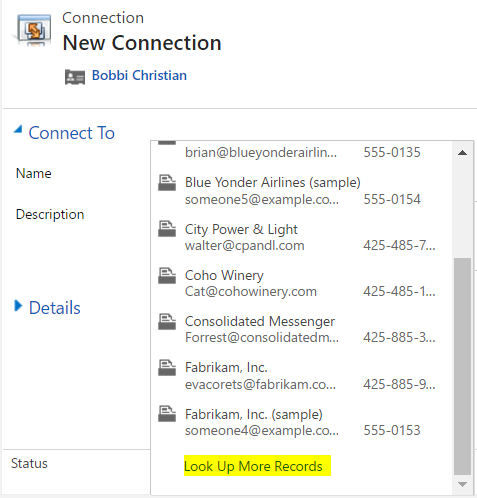
Select Look Up More Records:
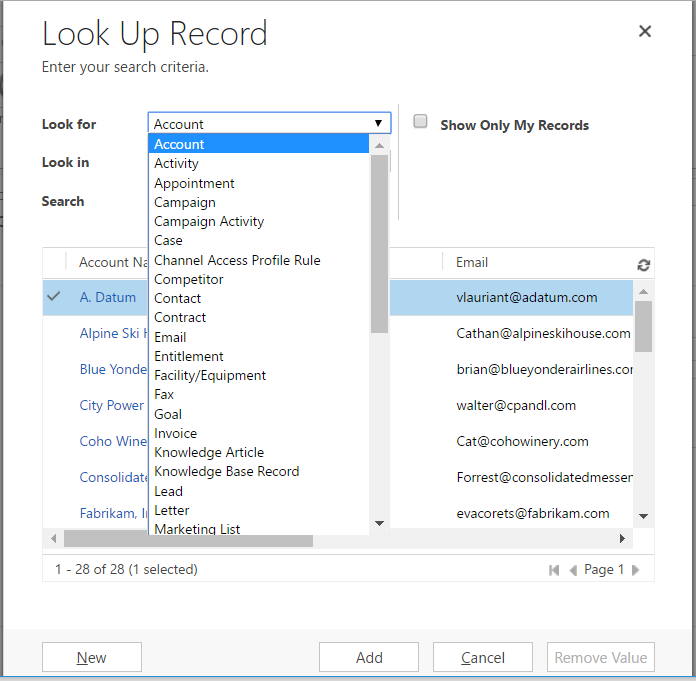
Here you have the option to select a different entity and then pick a record, or select a record from the same entity:
Select a record and then select a role.
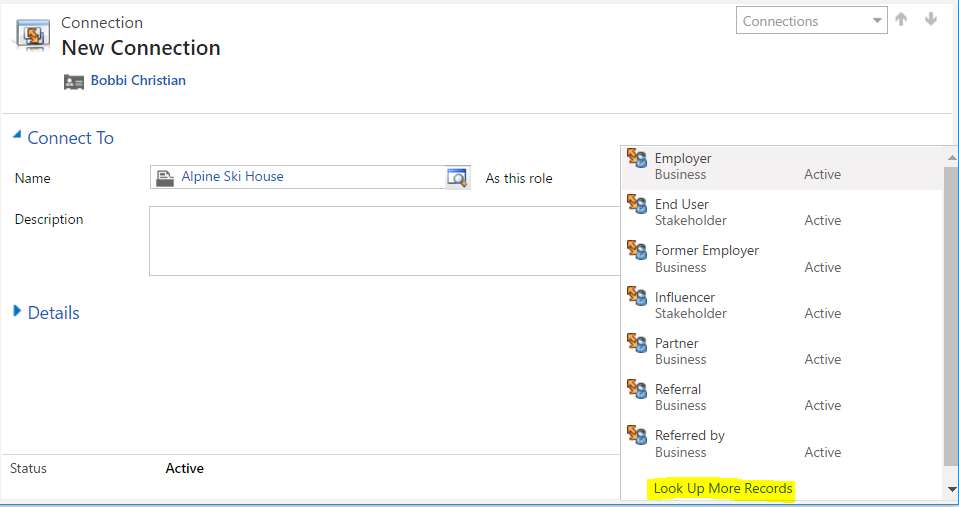
You can then look up more records again and have the option to enter a new role for this connection if you want to.
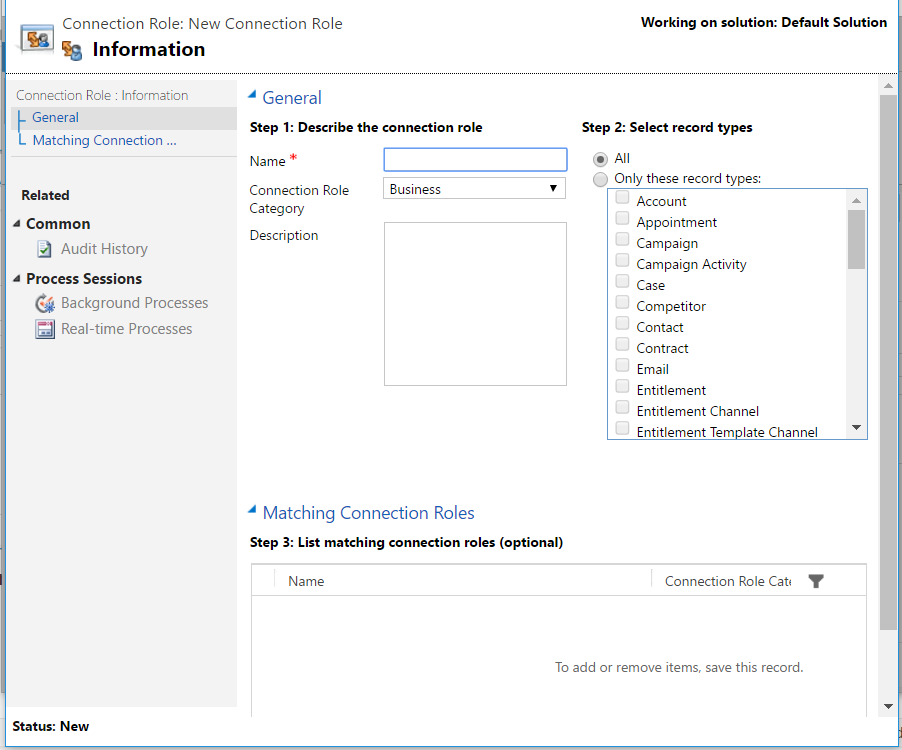
You have the option to determine which record types the new role would apply to.
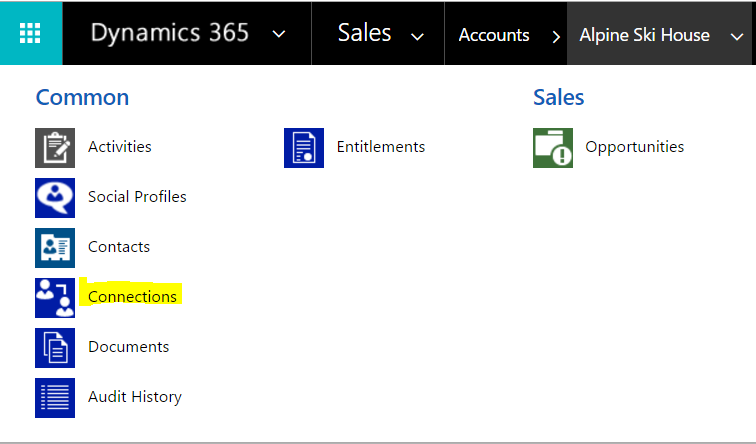
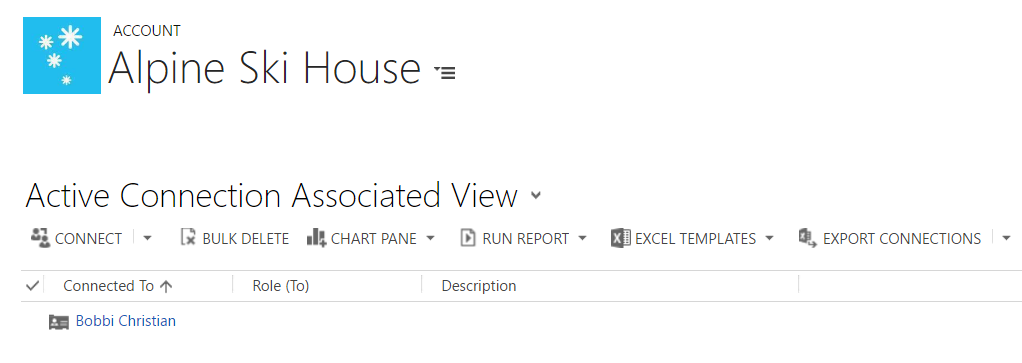
Save the record. You can now go to the entity record and select Connections to view their connections:

Explore AI, agents & Microsoft technology.
I share practical ideas, tutorials, and videos about AI, AI agents, Microsoft technologies, and the Power Platform.
Subscribe on YouTube →