Let’s look at how to get the Id of a record in Dynamics 365 Power Apps using JavaScript.
We can see below our Account record with the Id in the URL:
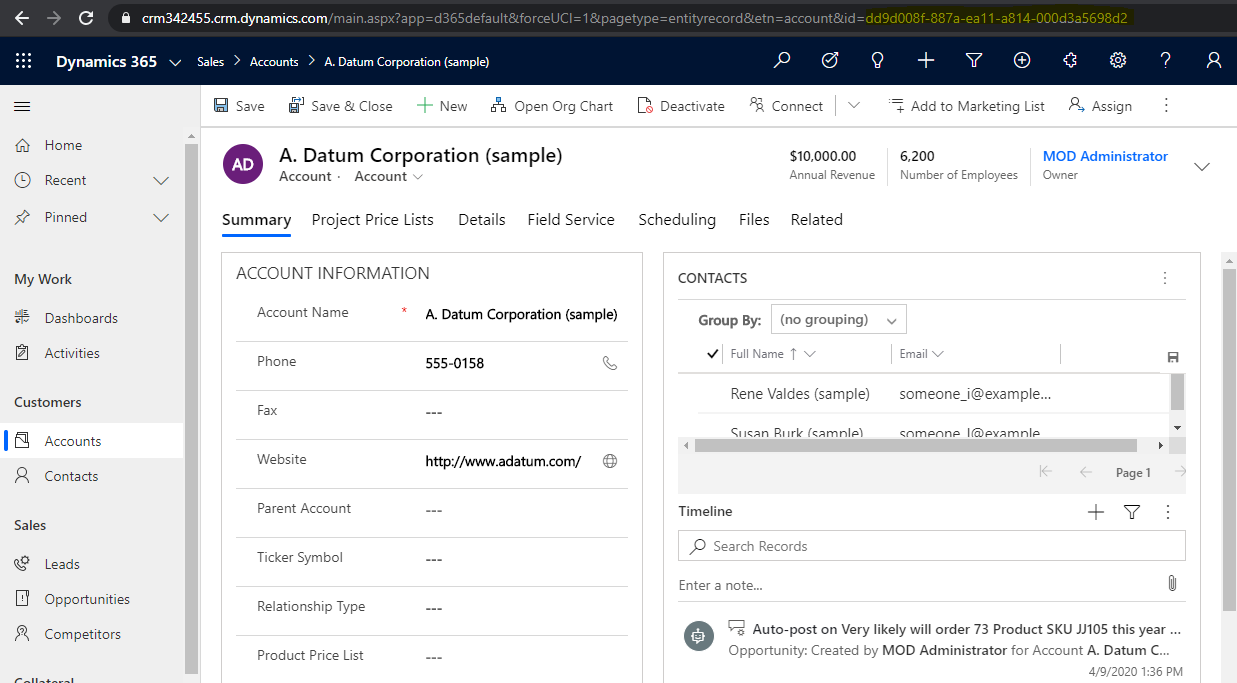
To get the Id of the record in JavaScript, let’s run the code below, which
Xrm.Page.data.entity.getId();
or by passing the formContext:
formContext.data.entity.getId();
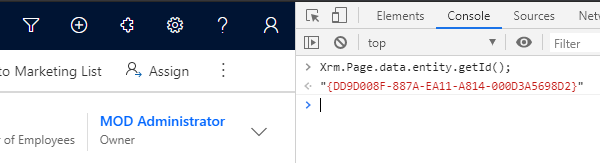
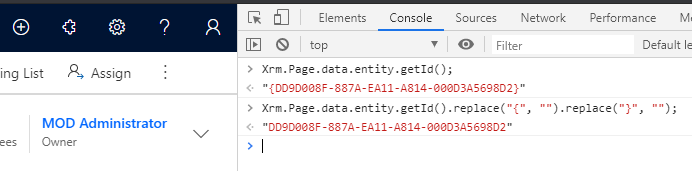
And to remove the curly braces:
Xrm.Page.data.entity.getId().replace(“{“, “”).replace(“}”, “”);
Or
formContext.data.entity.getId().replace(“{“, “”).replace(“}”, “”);

Keep learning. Keep building.
Explore AI, agents & Microsoft technology.
I share practical ideas, tutorials, and videos about AI, AI agents, Microsoft technologies, and the Power Platform.
Subscribe on YouTube →Carl de Souza Enterprise Architect at Microsoft · AI Technology Expert
