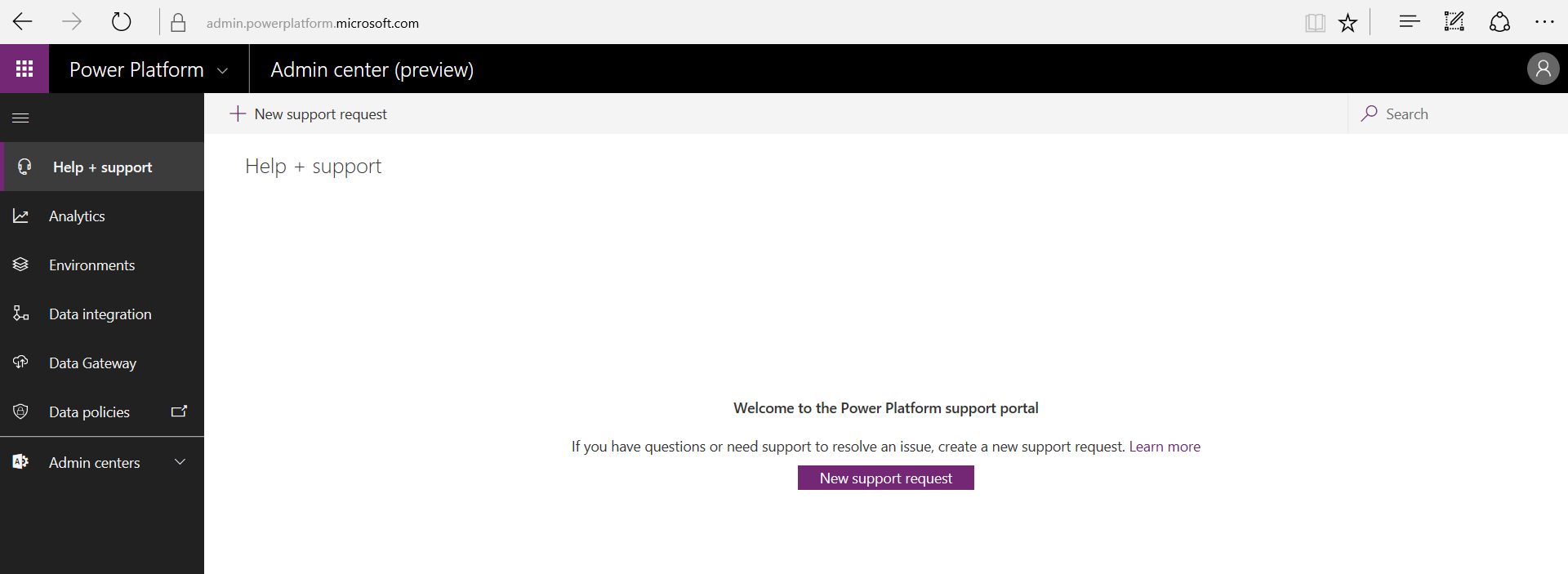
To opt in to the April 2019 update, first, sign into https://admin.powerplatform.microsoft.com/. You will see:
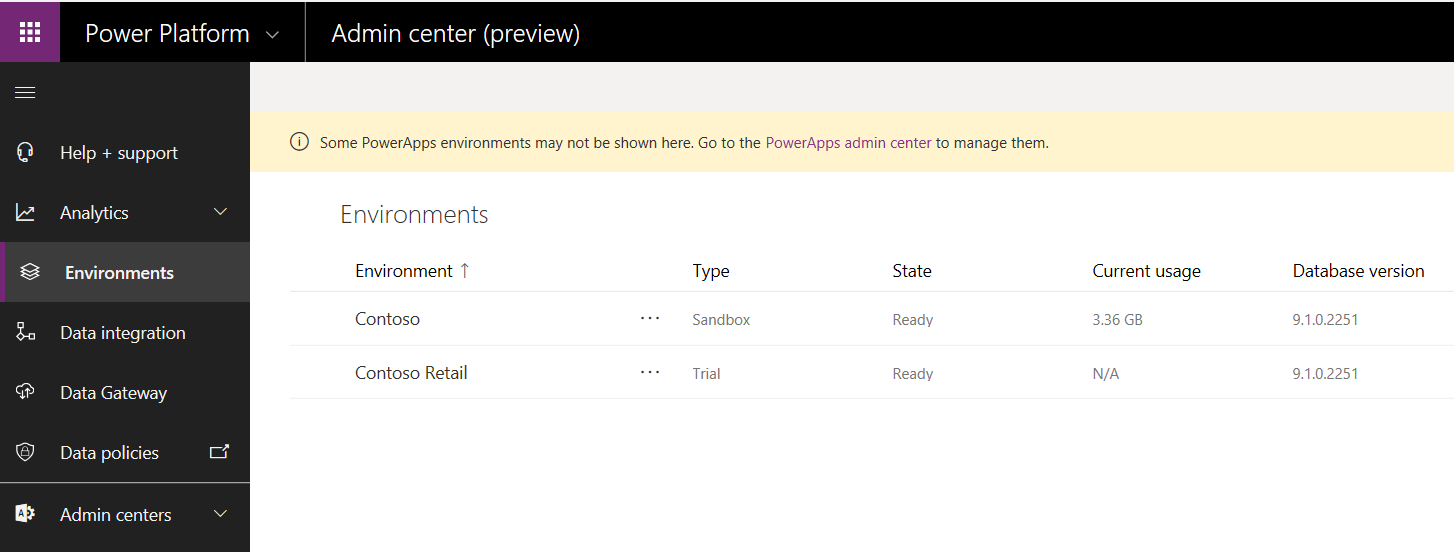
Click on Environments to display a list of your environments:
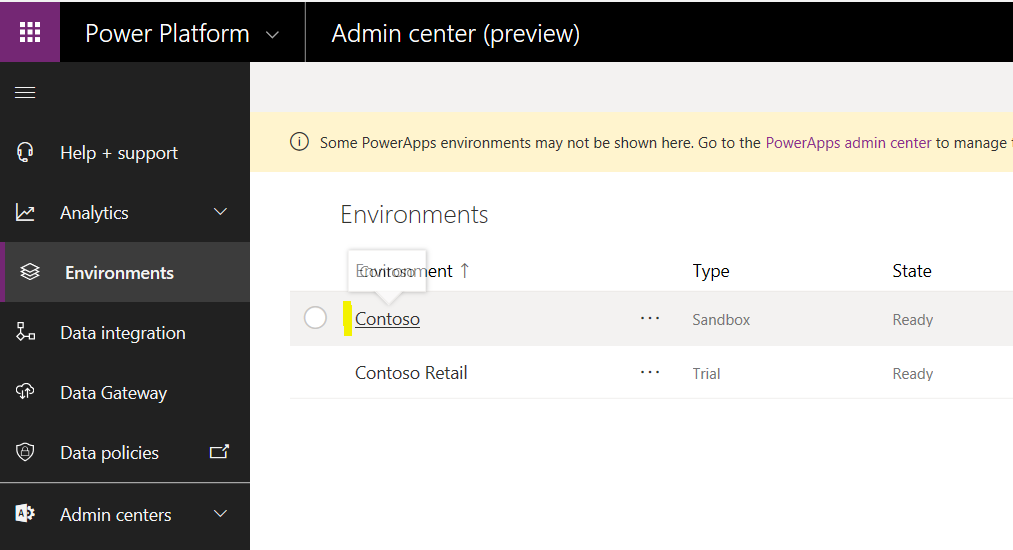
Click on the environment you want to opt in:
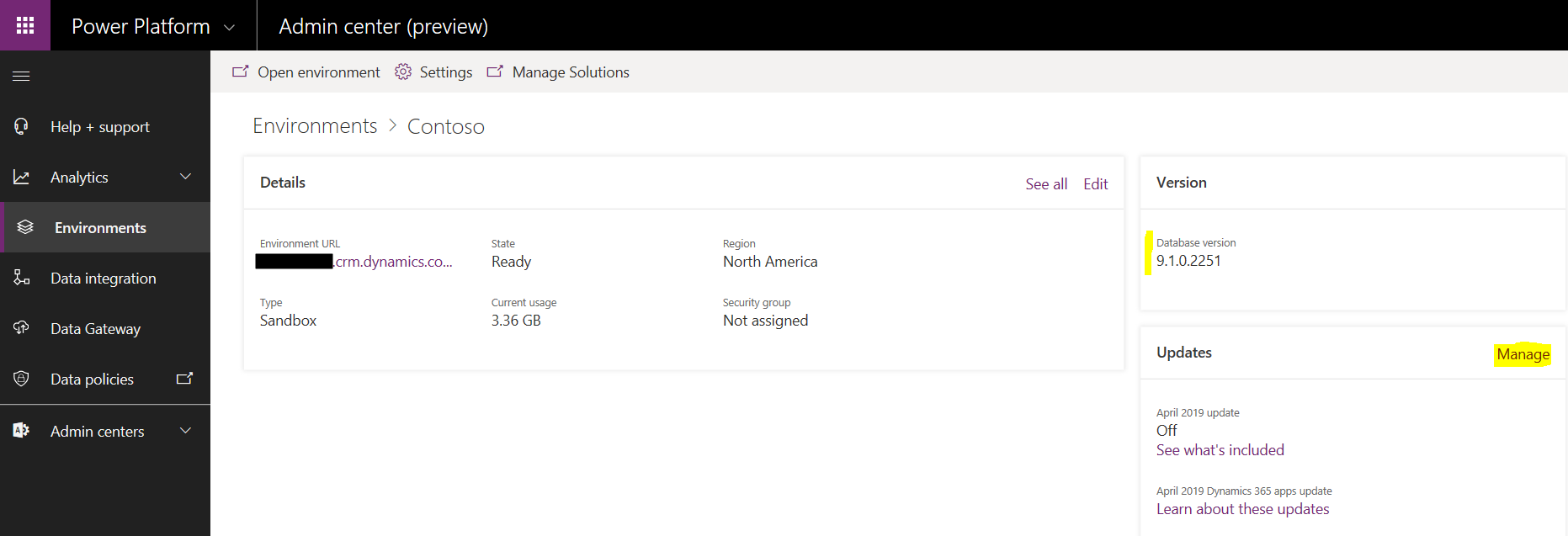
On the right, note the current database version, in this case 9.1.0.2251. In the updates section, select Manage:
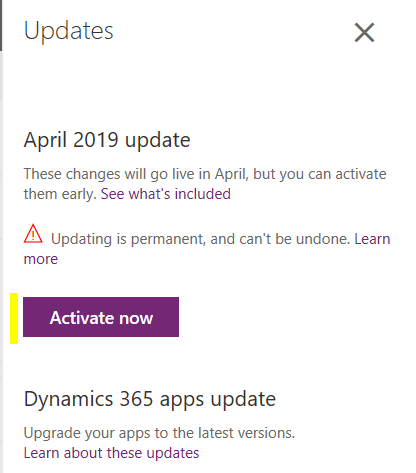
You will see “April 2019 update – These changes will go live in April, but you can activate them early”:
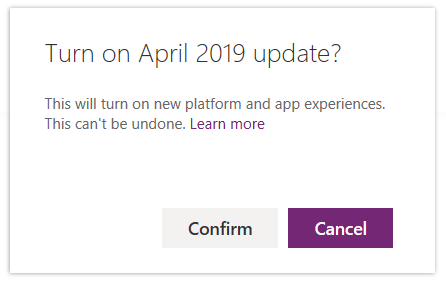
Click Confirm:
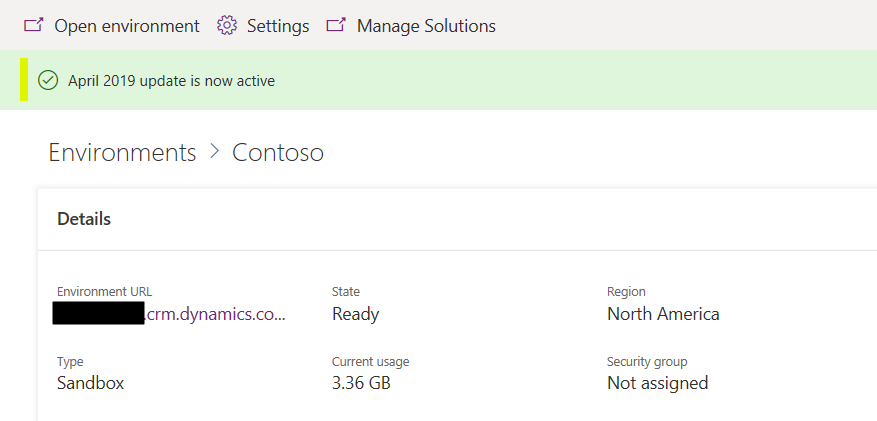
Once complete, you will see “April 2019 update is now active”:
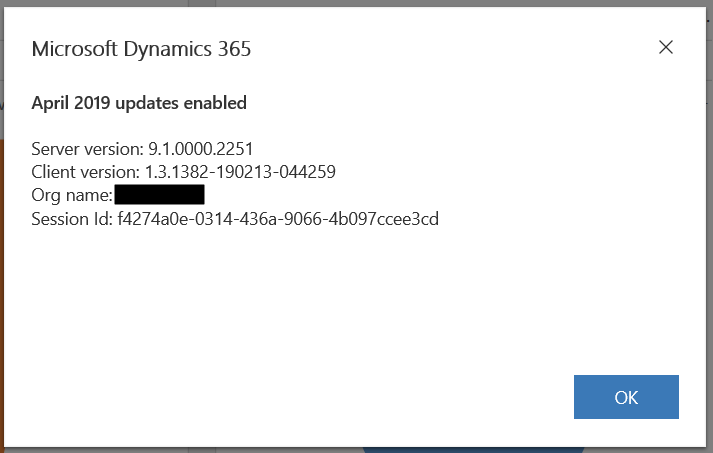
Open a Hub app such as the Sales Hub and go to Settings->About:
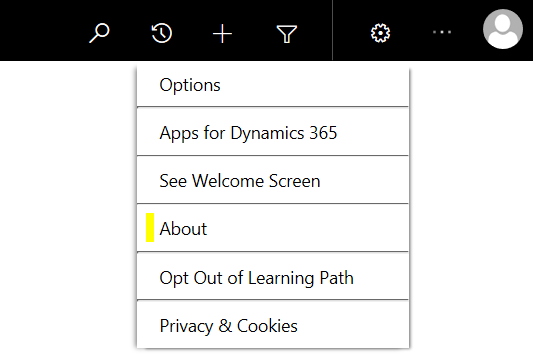
You will see April 2019 updates enabled:
For more information on what’s included in the April 2019 update, click here.

Explore AI, agents & Microsoft technology.
I share practical ideas, tutorials, and videos about AI, AI agents, Microsoft technologies, and the Power Platform.
Subscribe on YouTube →