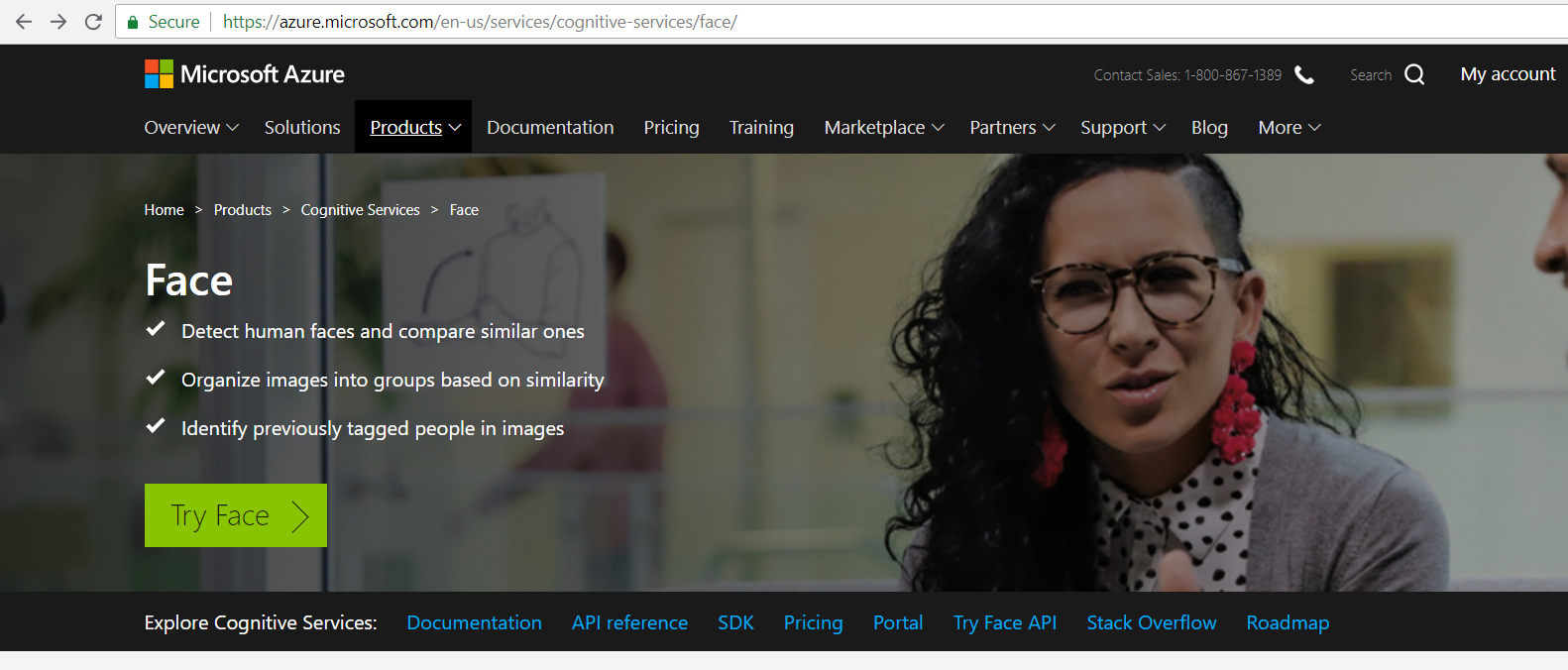
To sign up for a Microsoft Azure Cognitive Services API Key for the Face API, go to https://azure.microsoft.com/en-us/services/cognitive-services/face/ and click Try Face:
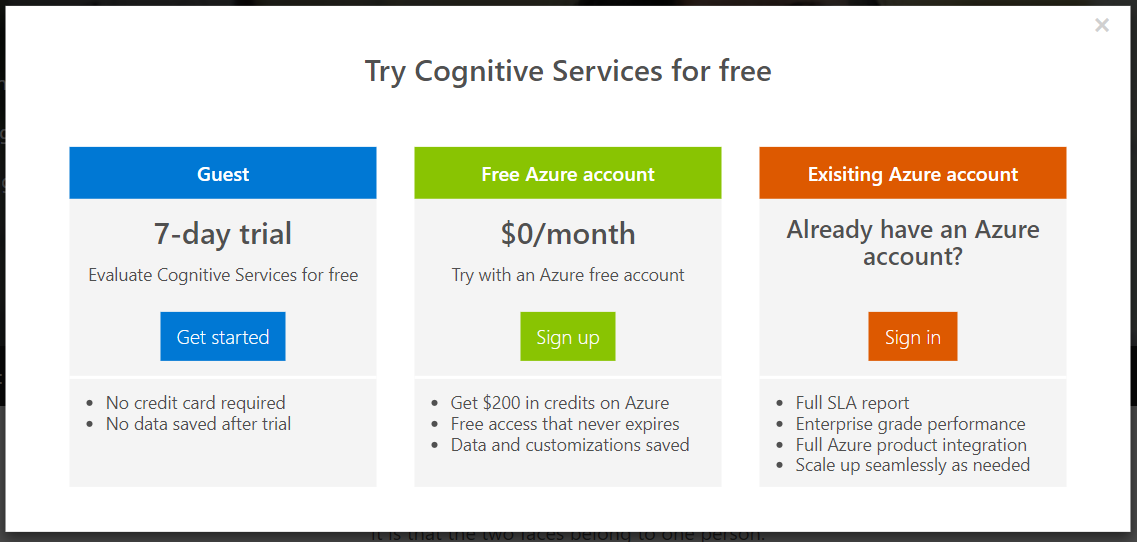
Click to sign in:
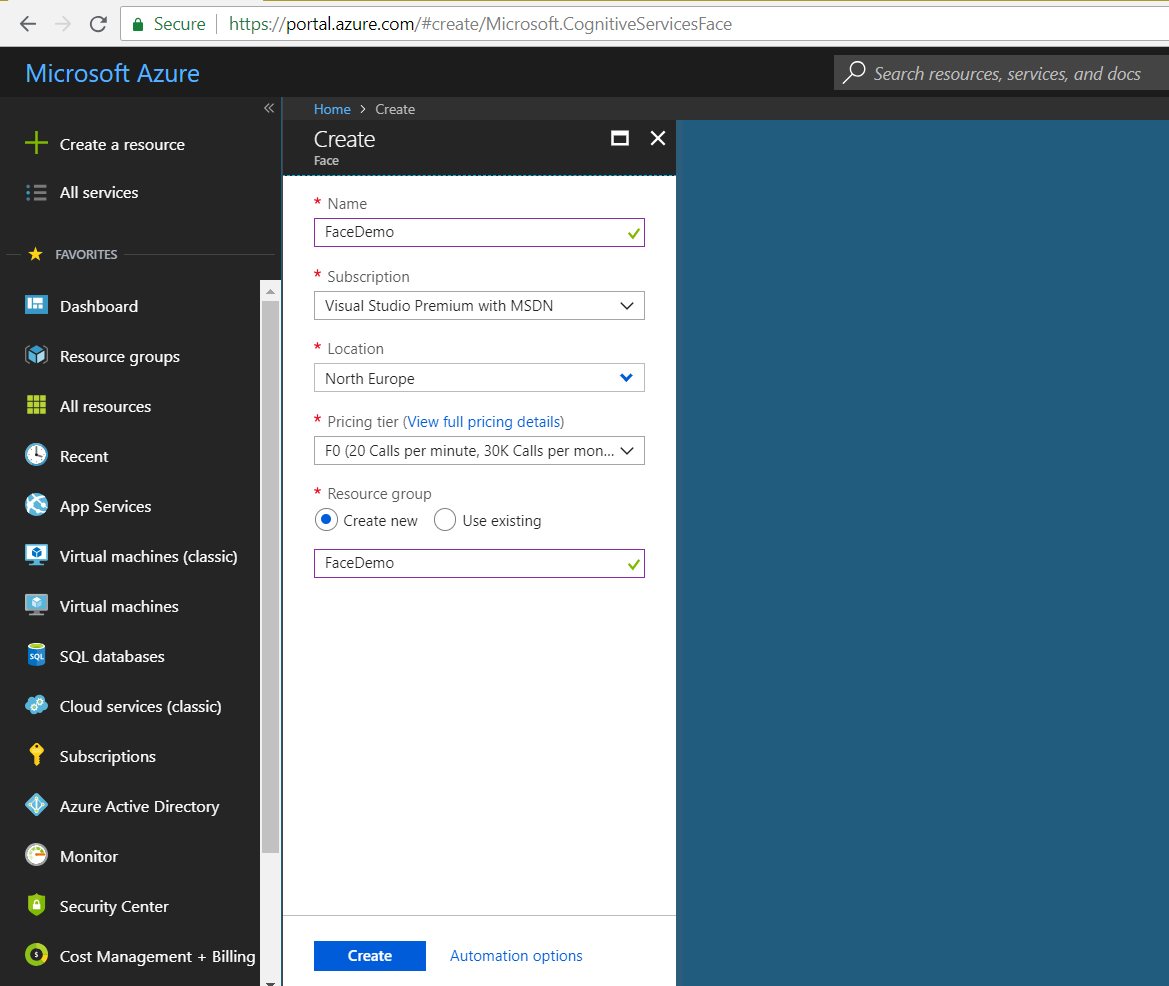
Enter a name and click Create:
Open the resource:
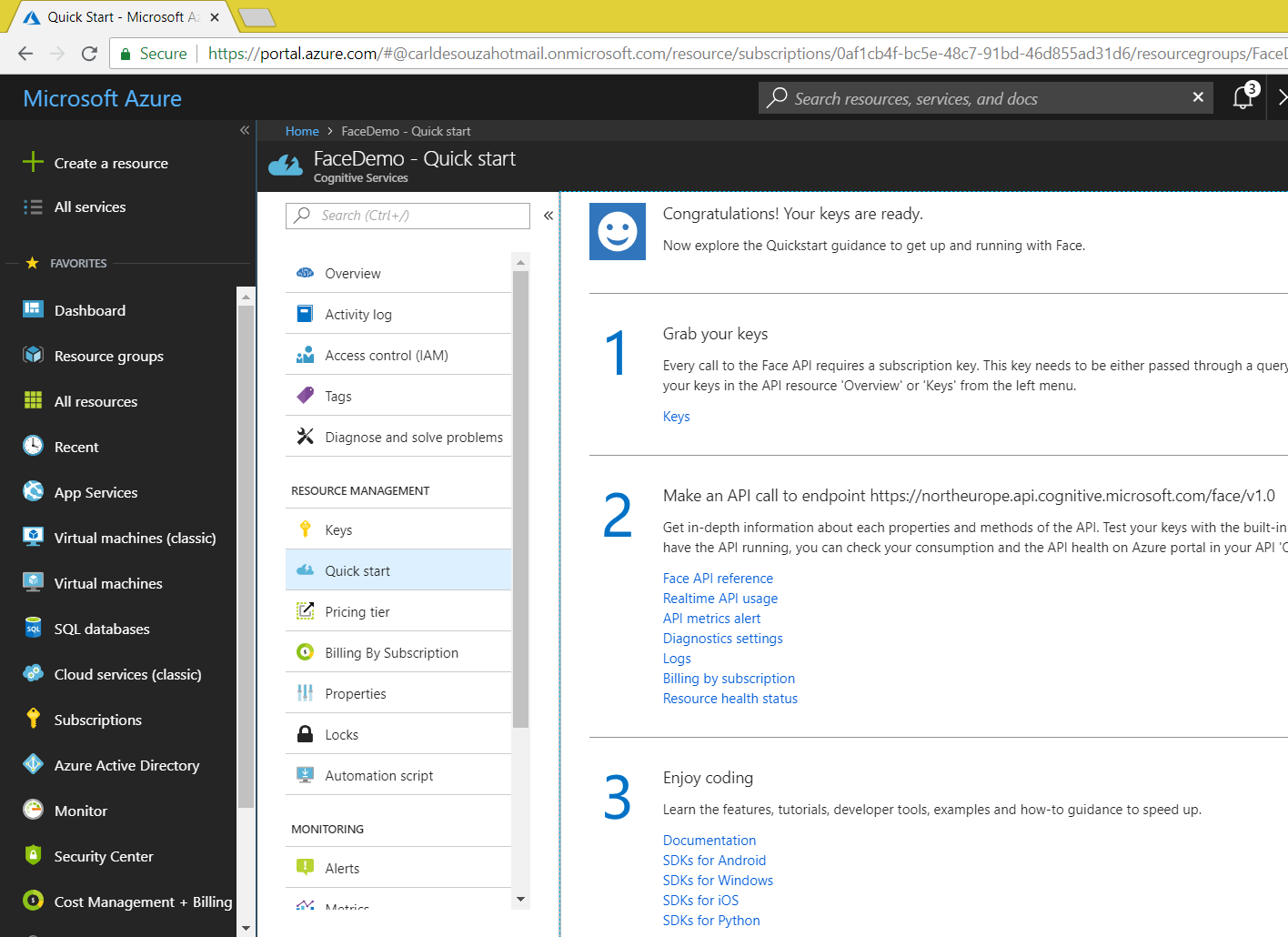
Click Grab your keys and copy your keys for later use:
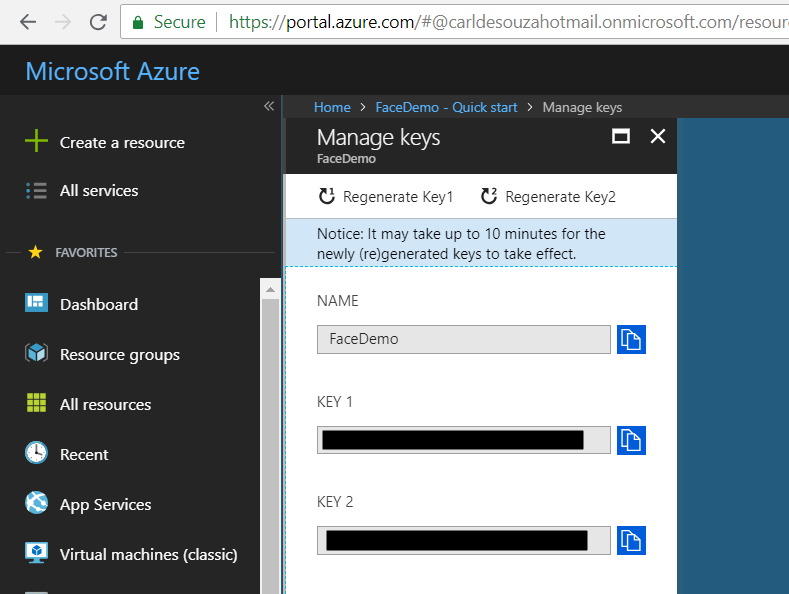
Note the endpoint for the keys. My endpoint is: https://northeurope.api.cognitive.microsoft.com/face/v1.0
You can now start building Azure Cognitive Services applications.

Keep learning. Keep building.
Explore AI, agents & Microsoft technology.
I share practical ideas, tutorials, and videos about AI, AI agents, Microsoft technologies, and the Power Platform.
Subscribe on YouTube →Carl de Souza Enterprise Architect at Microsoft · AI Technology Expert