In this post we will upgrade to USD 3.3.
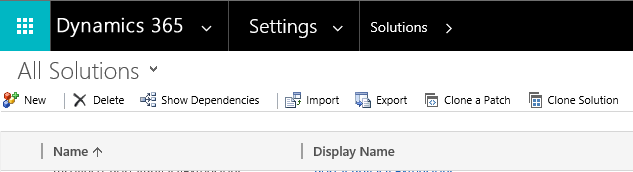
Below, under Settings->Solutions, we can see the versions for the USD solution and the UII solution:


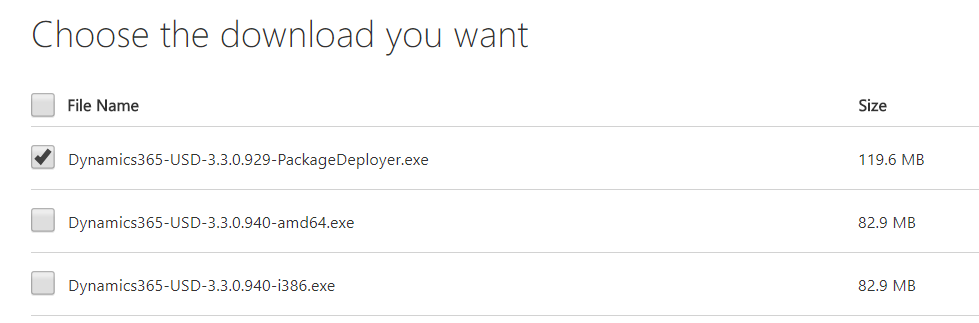
Download the latest USD package 3.3 package. We will first run the Package Deployer:
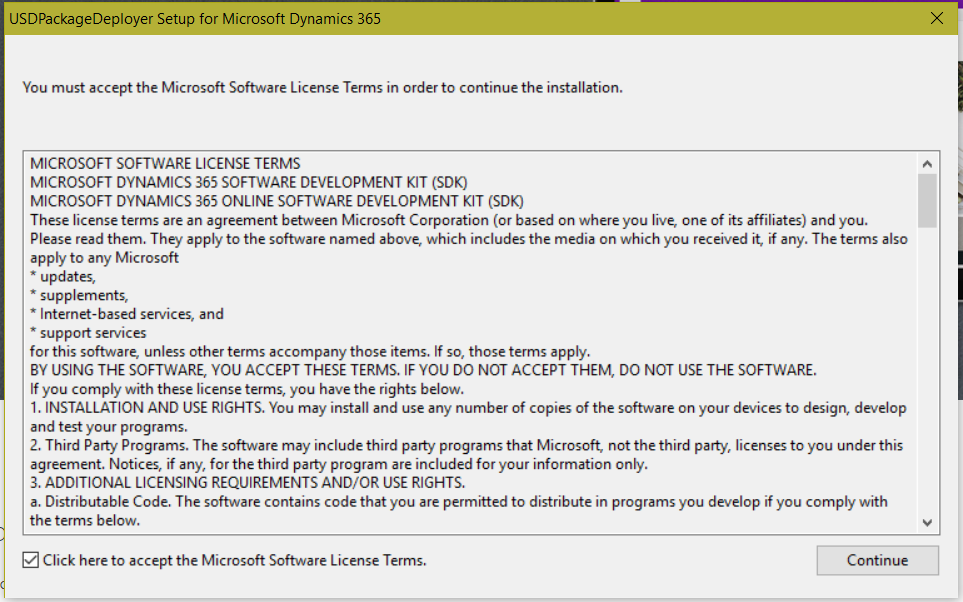
Run the Package Deployer:

Click Continue:
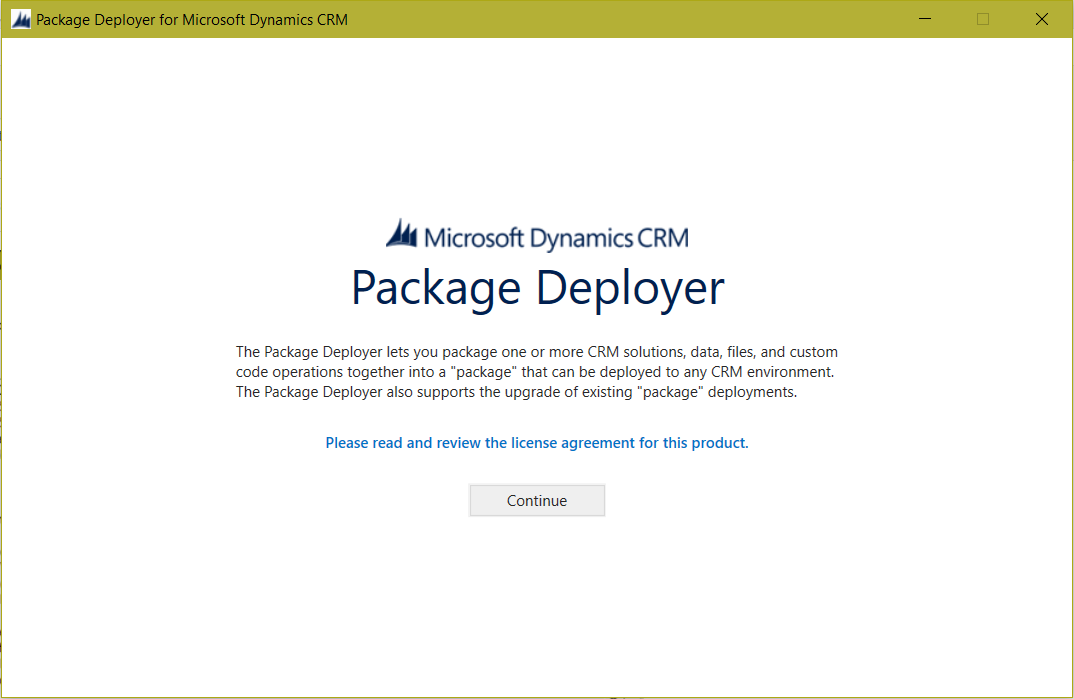
And Continue:
And select Unified Service Desk – Upgrade:
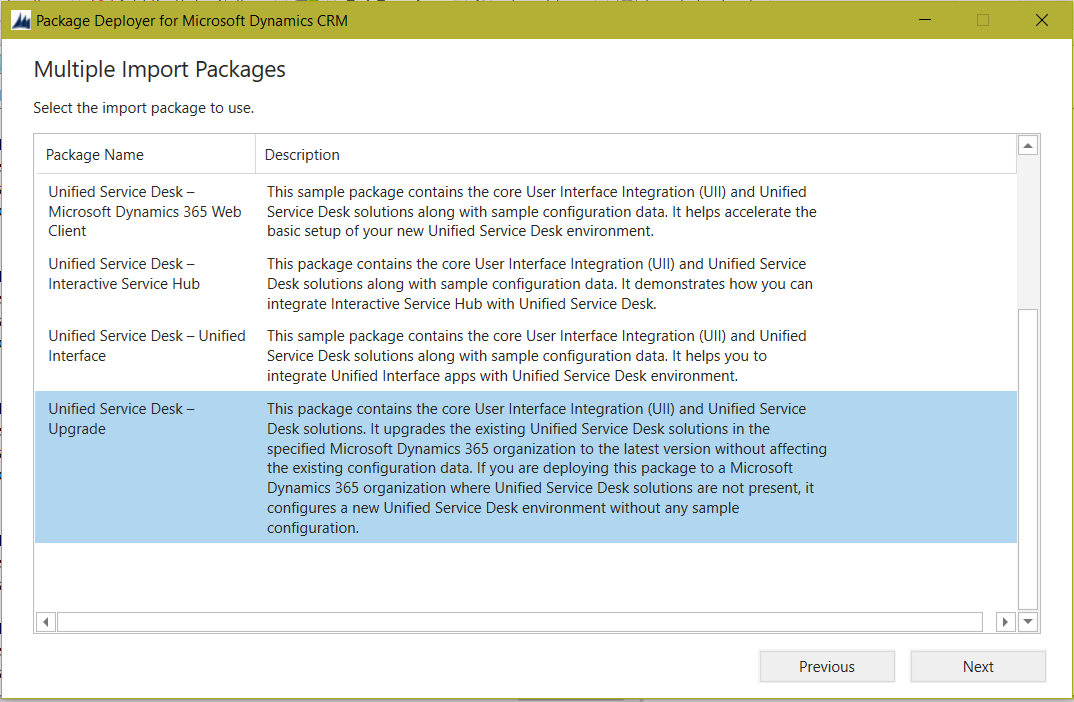
Click Next:
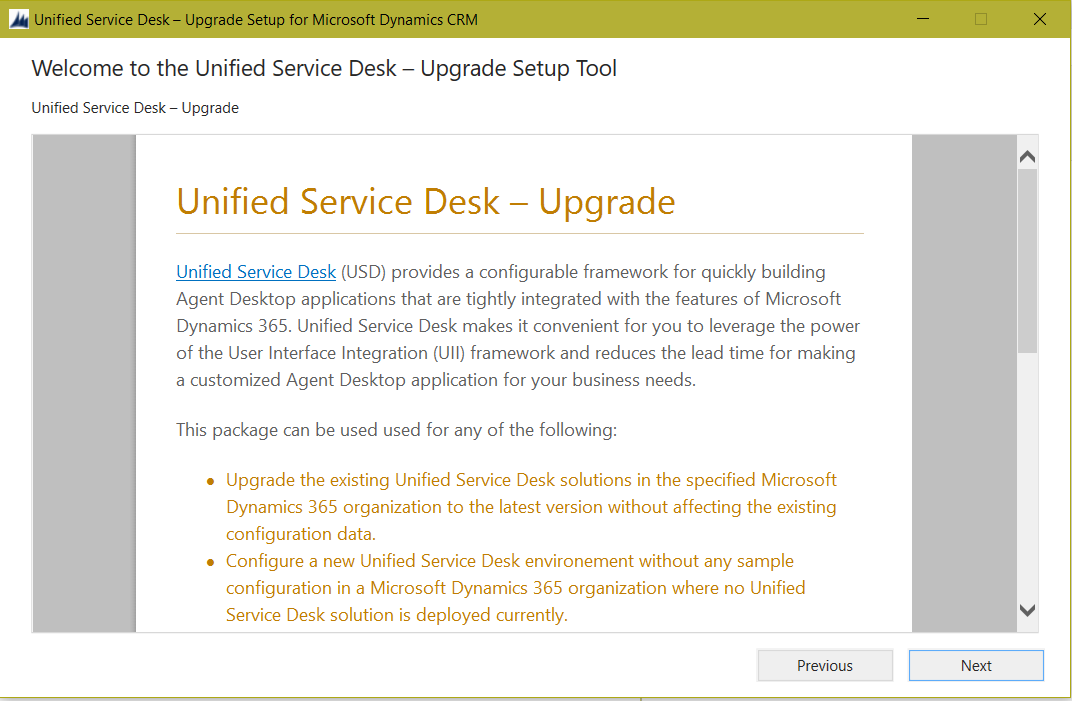
Click Next:
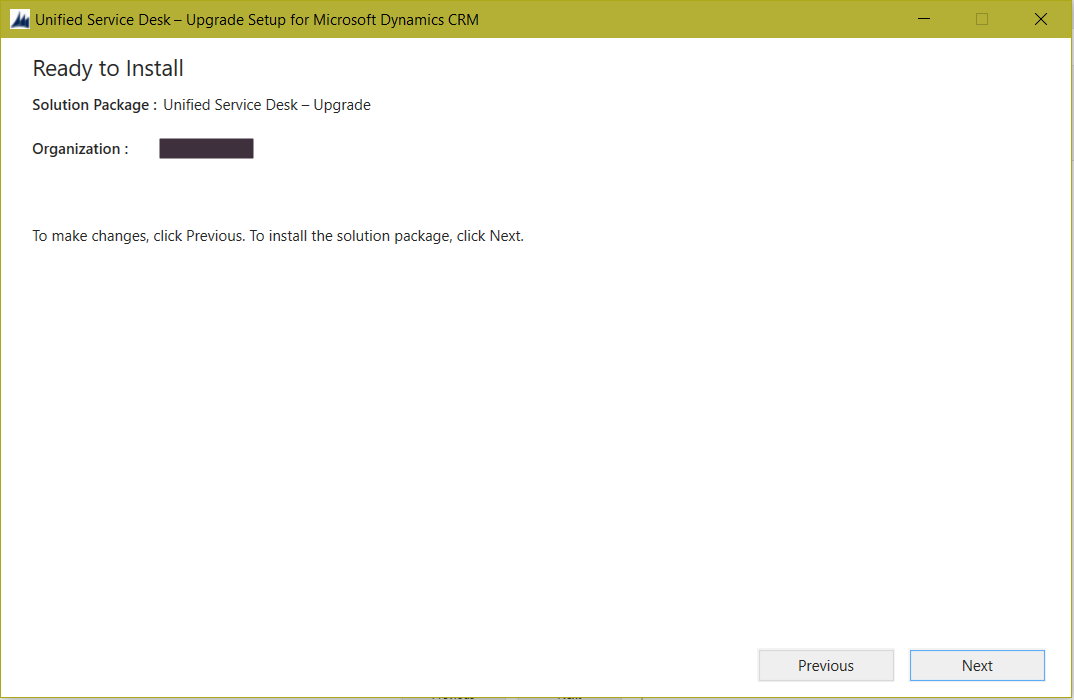
Click Next:
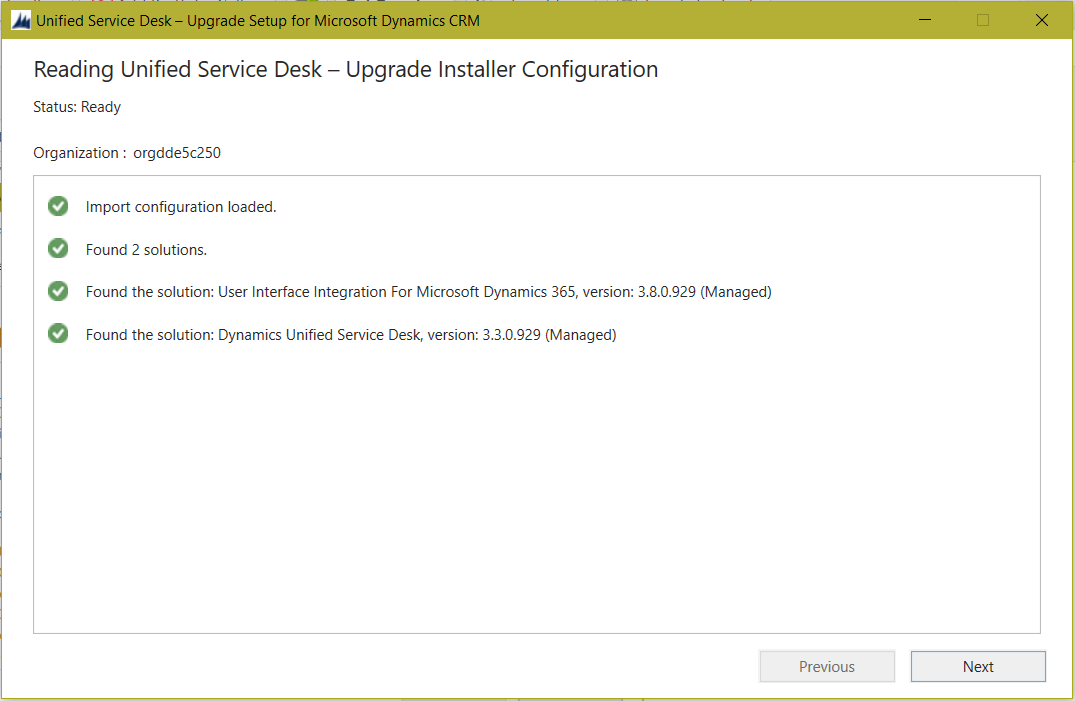
Click Next:
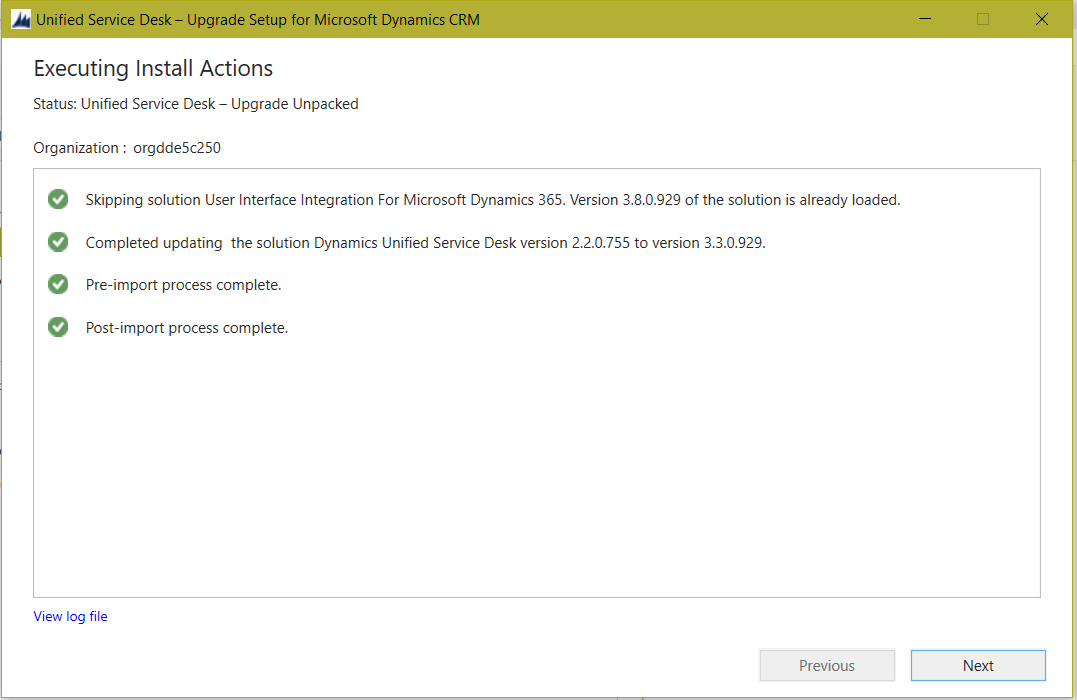
Once complete, we will see the solutions have been upgraded:


We can now download the 3.3 client:
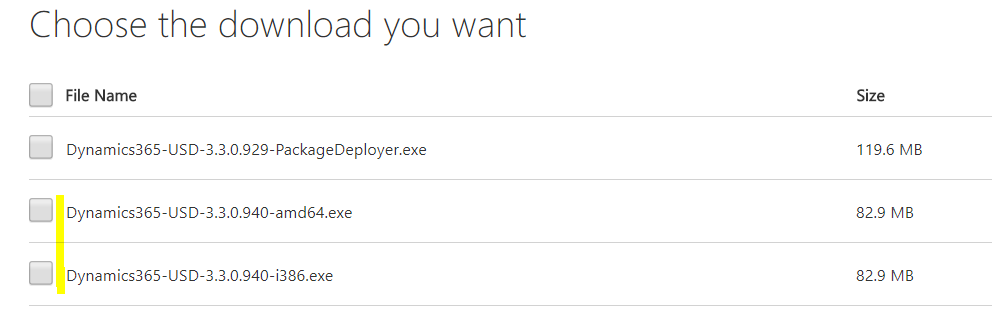
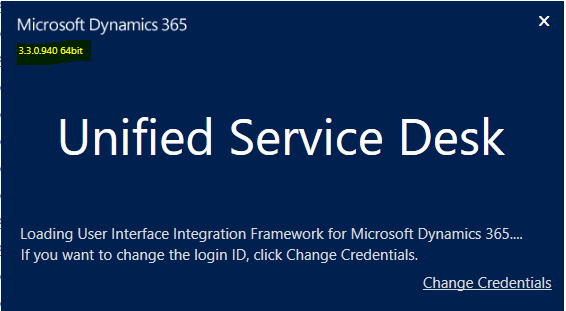
Run the exe to install. Launch USD, you will see the new version:

Keep learning. Keep building.
Explore AI, agents & Microsoft technology.
I share practical ideas, tutorials, and videos about AI, AI agents, Microsoft technologies, and the Power Platform.
Subscribe on YouTube →Carl de Souza Enterprise Architect at Microsoft · AI Technology Expert
