To install a Dynamics CRM 2013 update, you will need to go through the following steps. I will be demonstrating on a Dynamics CRM 2013 On Premise installation.
- Take a snapshot of your CRM environment. You will want to test the installation first on a DEV environment and make sure your customizations are working as expected after the update has been installed.
- Go to the Dynamics CRM 2013 updates page, located here: https://support.microsoft.com/en-us/kb/2917899
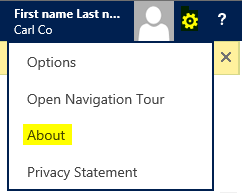
- Find out your CRM version. On the upper right of CRM, go to the settings->About page:
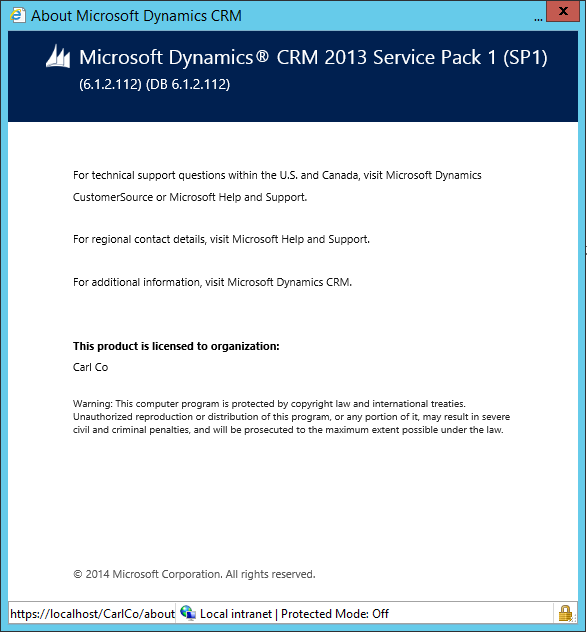
- From the Microsoft update link, you will see the versions of CRM listed. As you can see above, I am running 6.1.2.112, which according to this table is February 2015 release:
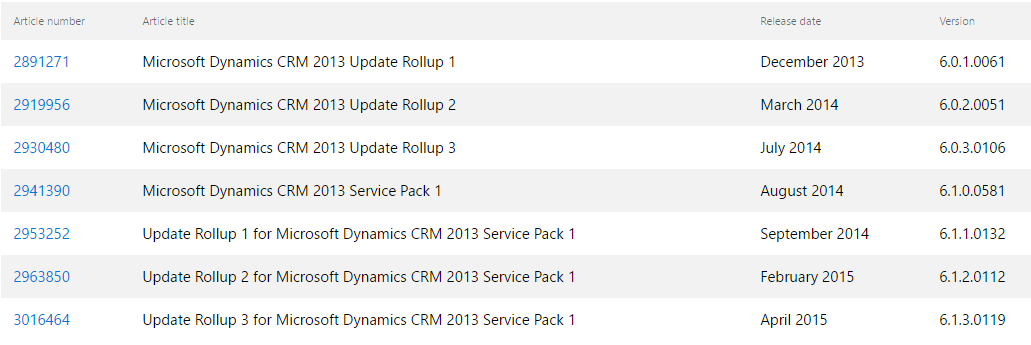
- There is a new release for April 2015, so I will install this release. Click on the link to the Article Number, in this case this link: https://support.microsoft.com/en-us/kb/3016464. Also note, updates are generally cumulative, from the Microsoft TechNet link, so you do not need to install previous rollups: https://technet.microsoft.com/en-us/library/hh699658(v=crm.6).aspx
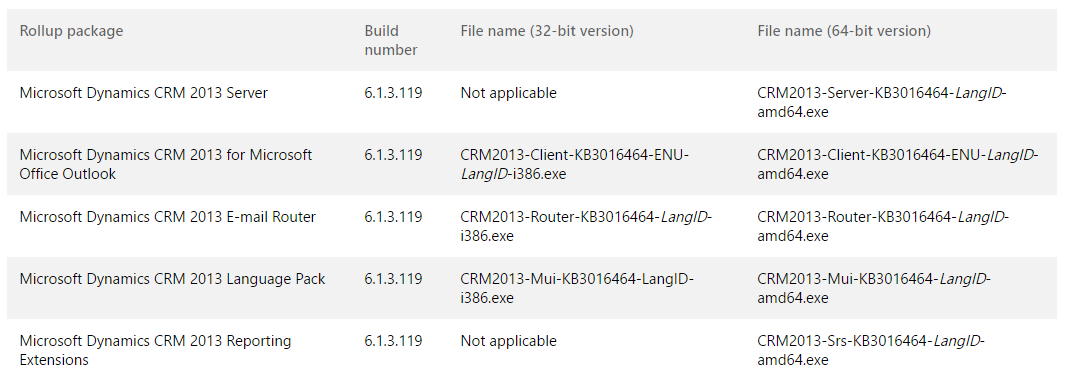
- Note from the link, there are a few components to an update, including Server, Outlook, Email Router, Language Pack and Reporting Extensions:
- Download the file that contains the update:

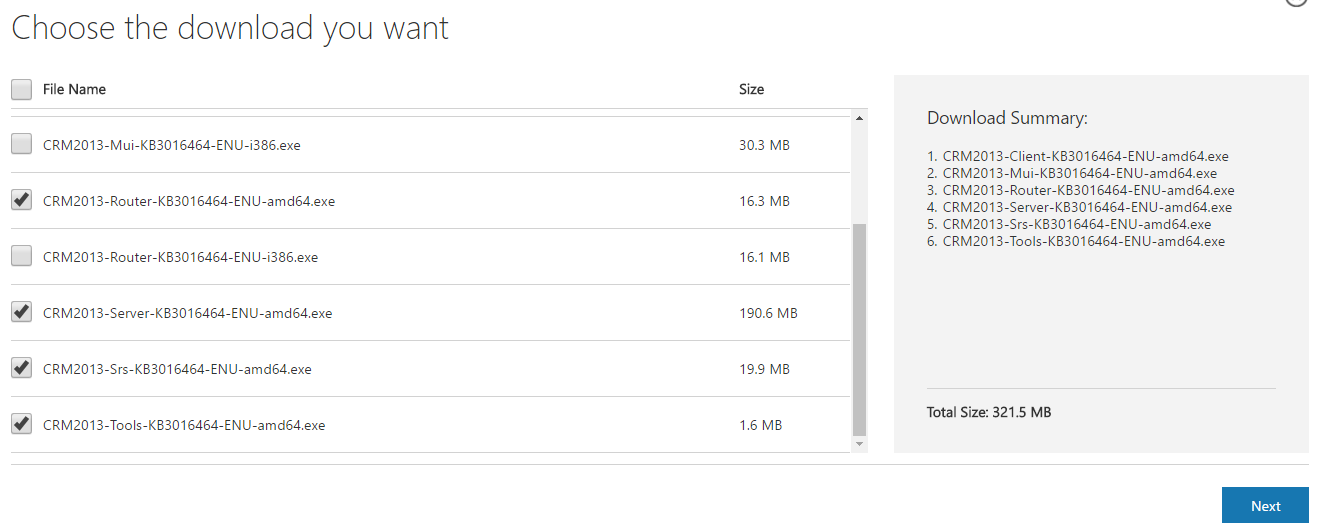
- Download the relevant components from the download list:
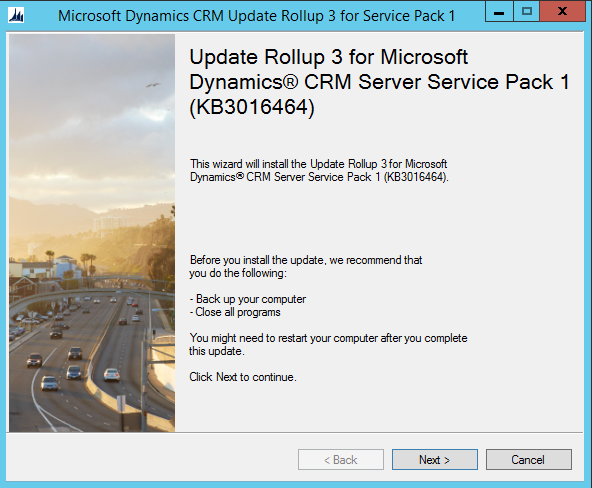
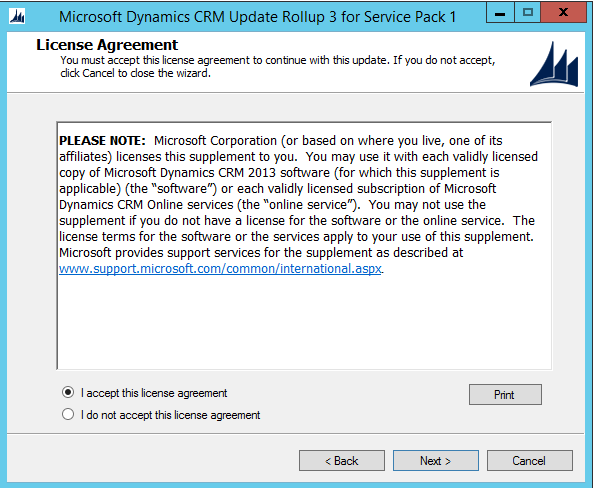
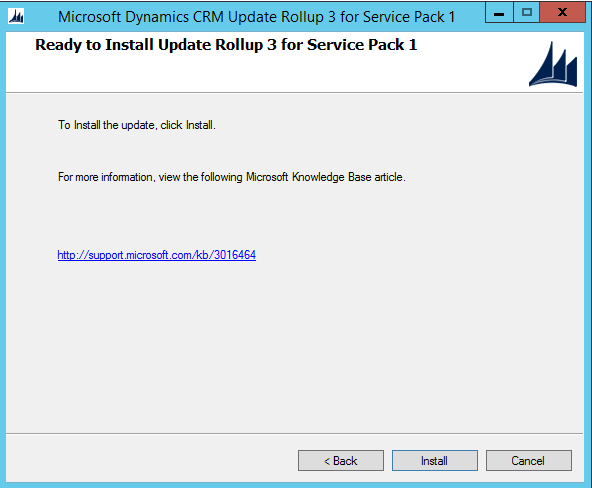
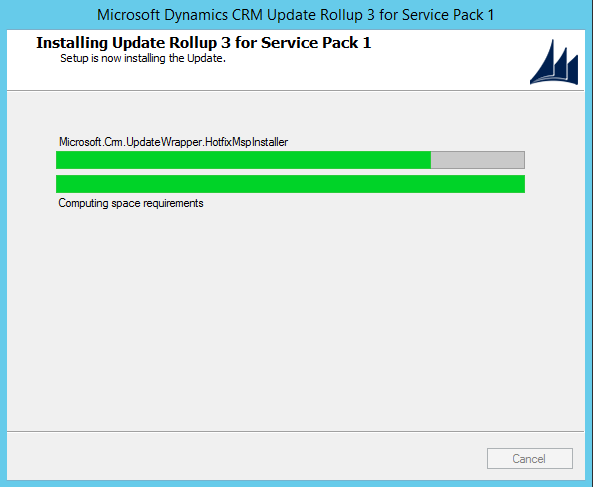
- Run the server update:
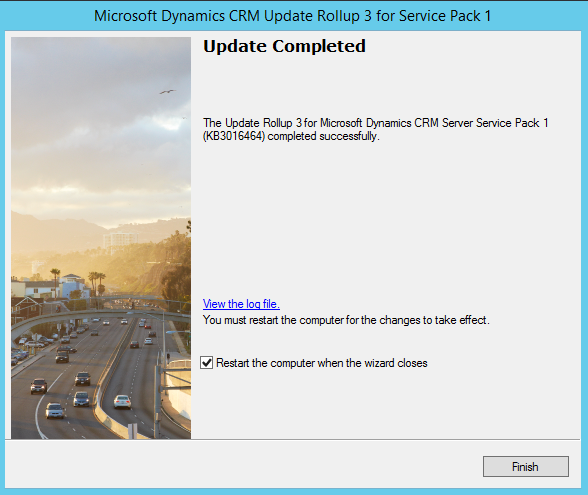
- Update complete:
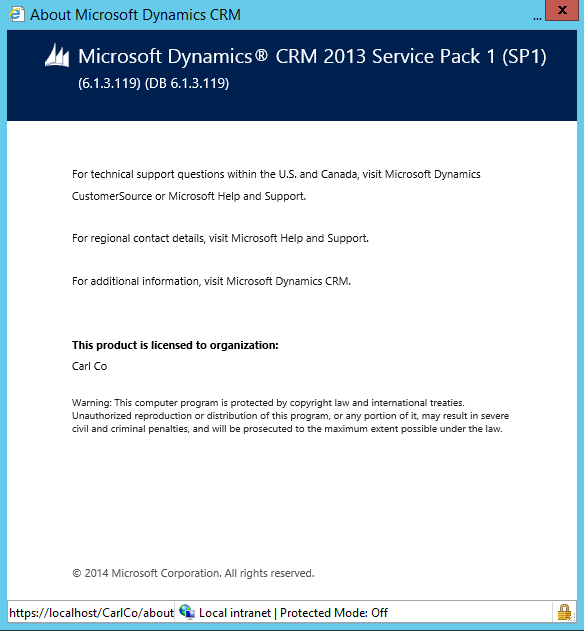
- Once complete and rebooted, the update should be installed. In CRM, check the version number has been updated:
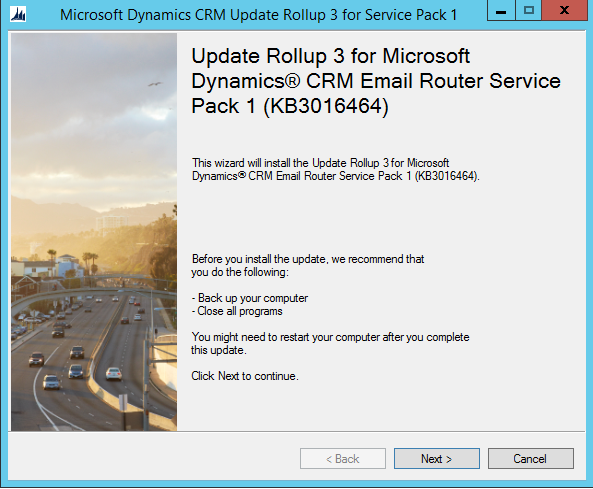
- Install the other updates as required. To install the Email Router update, run the email router update exe:
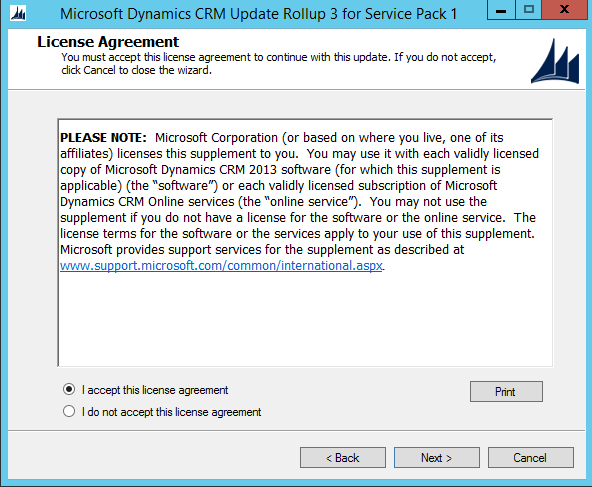
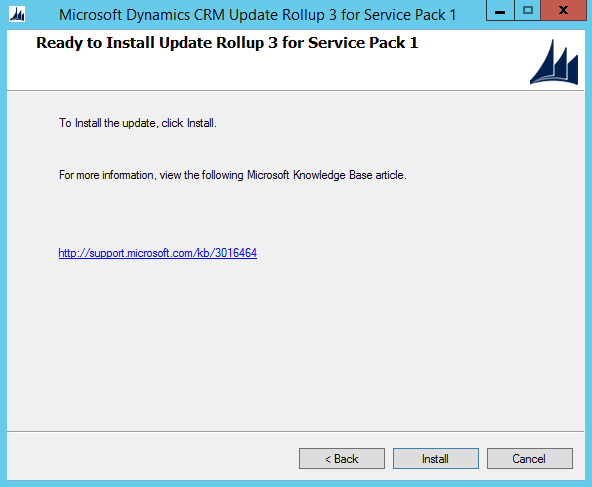
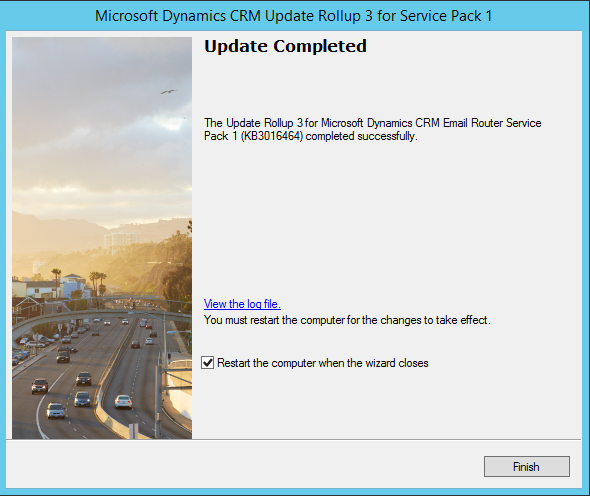
- Install Reporting Extensions:
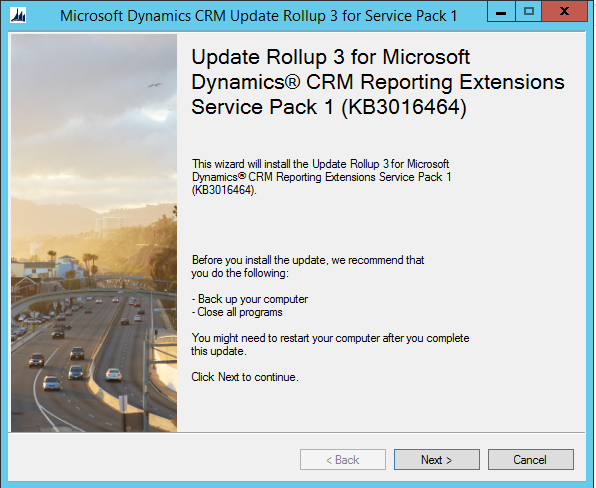
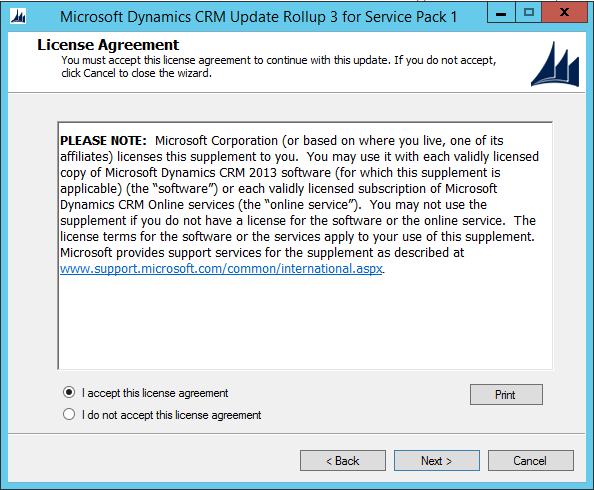
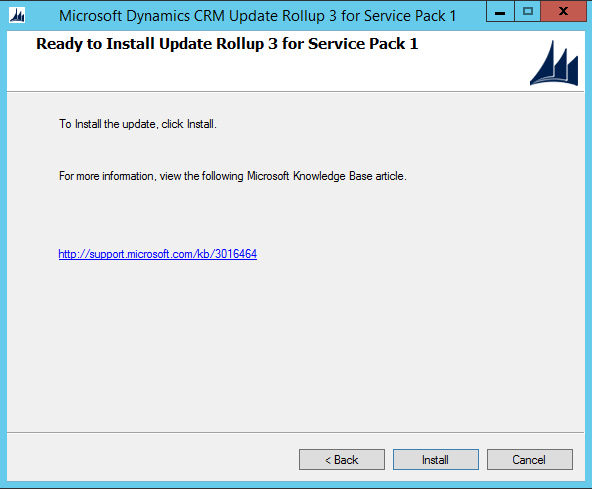
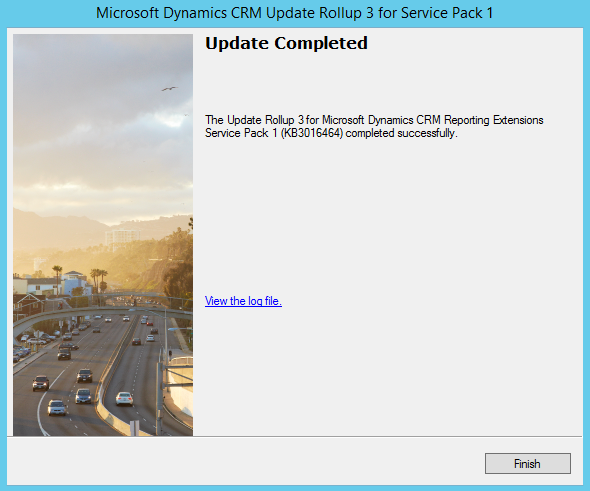
Install other updates if applicable, then test all your functionality to confirm the update is successful.

Keep learning. Keep building.
Explore AI, agents & Microsoft technology.
I share practical ideas, tutorials, and videos about AI, AI agents, Microsoft technologies, and the Power Platform.
Subscribe on YouTube →Carl de Souza Enterprise Architect at Microsoft · AI Technology Expert
