Here we will go through an example of refreshing a Dynamics 365 subgrid using JavaScript.
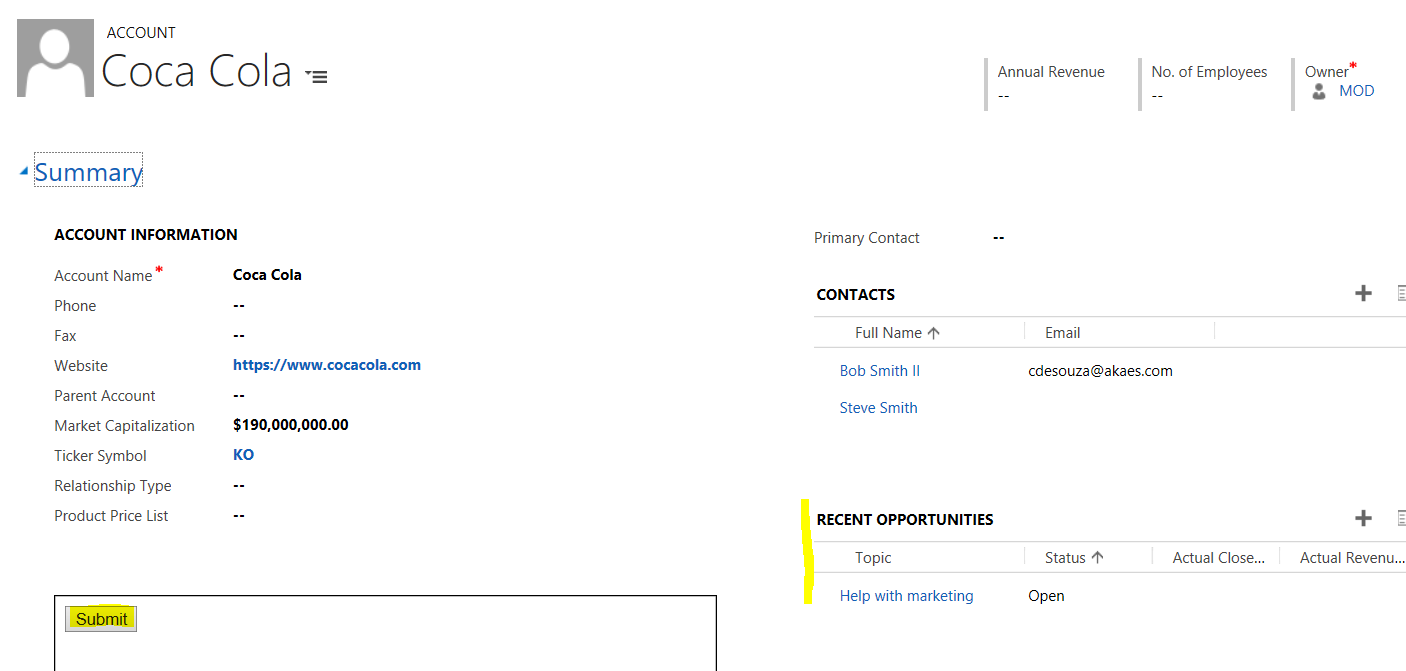
Let’s say we want the Recent Opportunities subgrid of an Account to refresh after a user presses a button. We have a web resource with a button that will run some JavaScript code:
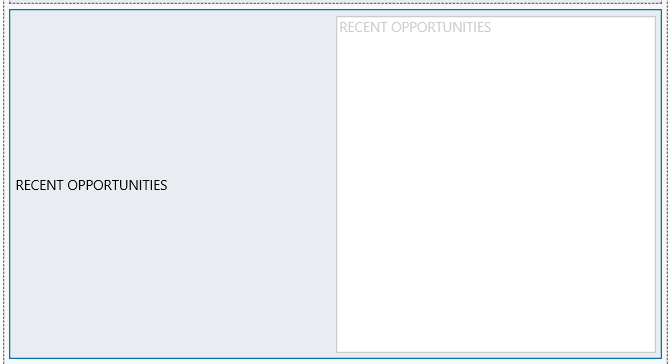
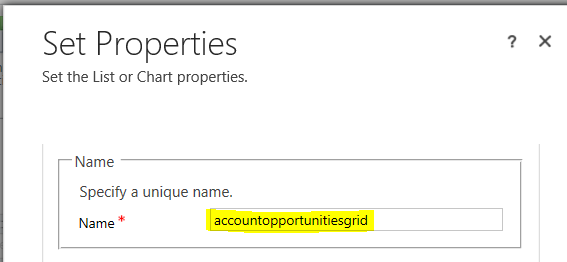
Edit the form to look up the name of the subgrid:
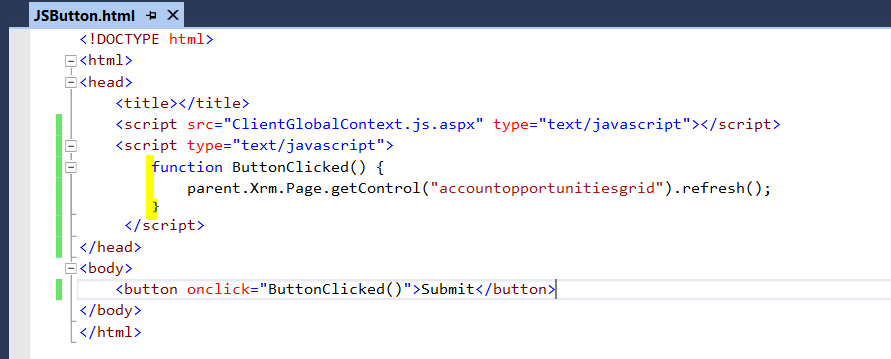
Now add the code to the JavaScript behind the button:
parent.Xrm.Page.getControl("accountopportunitiesgrid").refresh();Note in running this from within Dynamics 365, e.g. a field change, we can use:
Xrm.Page.getControl("accountopportunitiesgrid").refresh();
Now, in a new window, create a new opportunity:
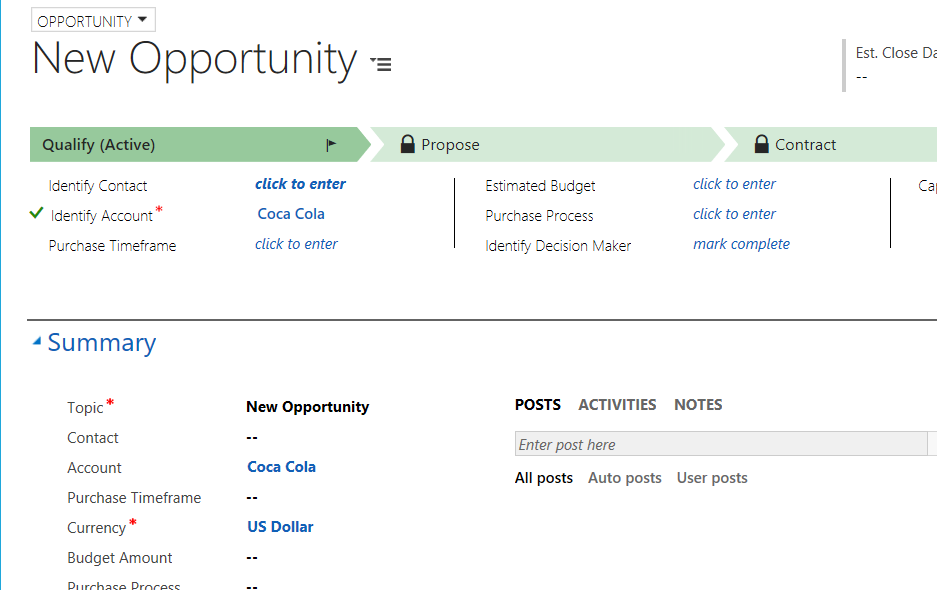
Click the Submit button. The JavaScript will run and refresh the subgrid:


Keep learning. Keep building.
Explore AI, agents & Microsoft technology.
I share practical ideas, tutorials, and videos about AI, AI agents, Microsoft technologies, and the Power Platform.
Subscribe on YouTube →Carl de Souza Enterprise Architect at Microsoft · AI Technology Expert

comment remplir une grille en utilisant js