Microsoft AppSource has a Dynamics 365 app for Organization Insights, that allows you to get insights into how your organization is using Dynamics 365.
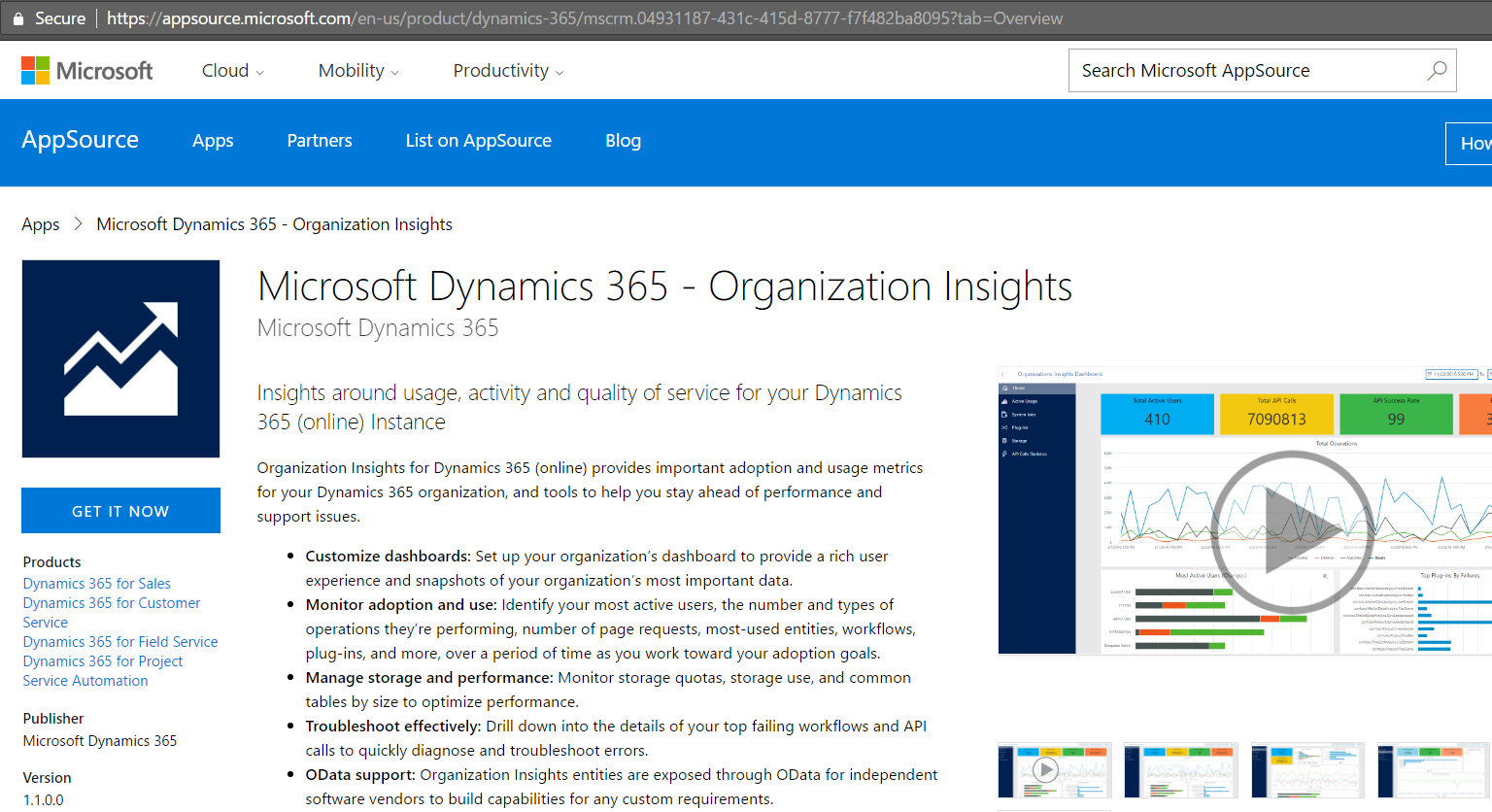
To install it, click “Get It Now” and enter your email address:
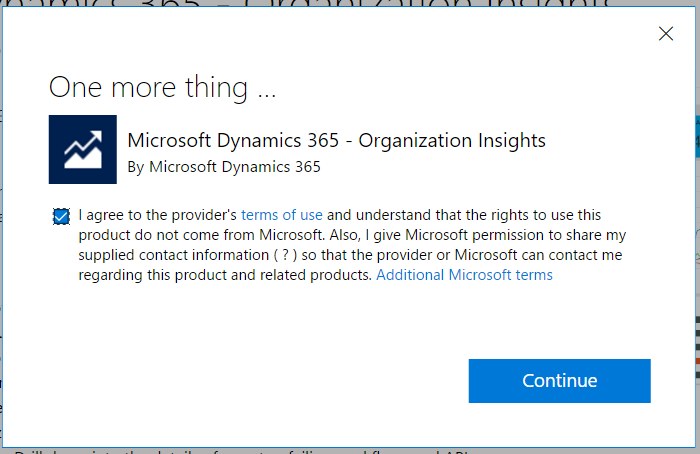
Click Continue below:
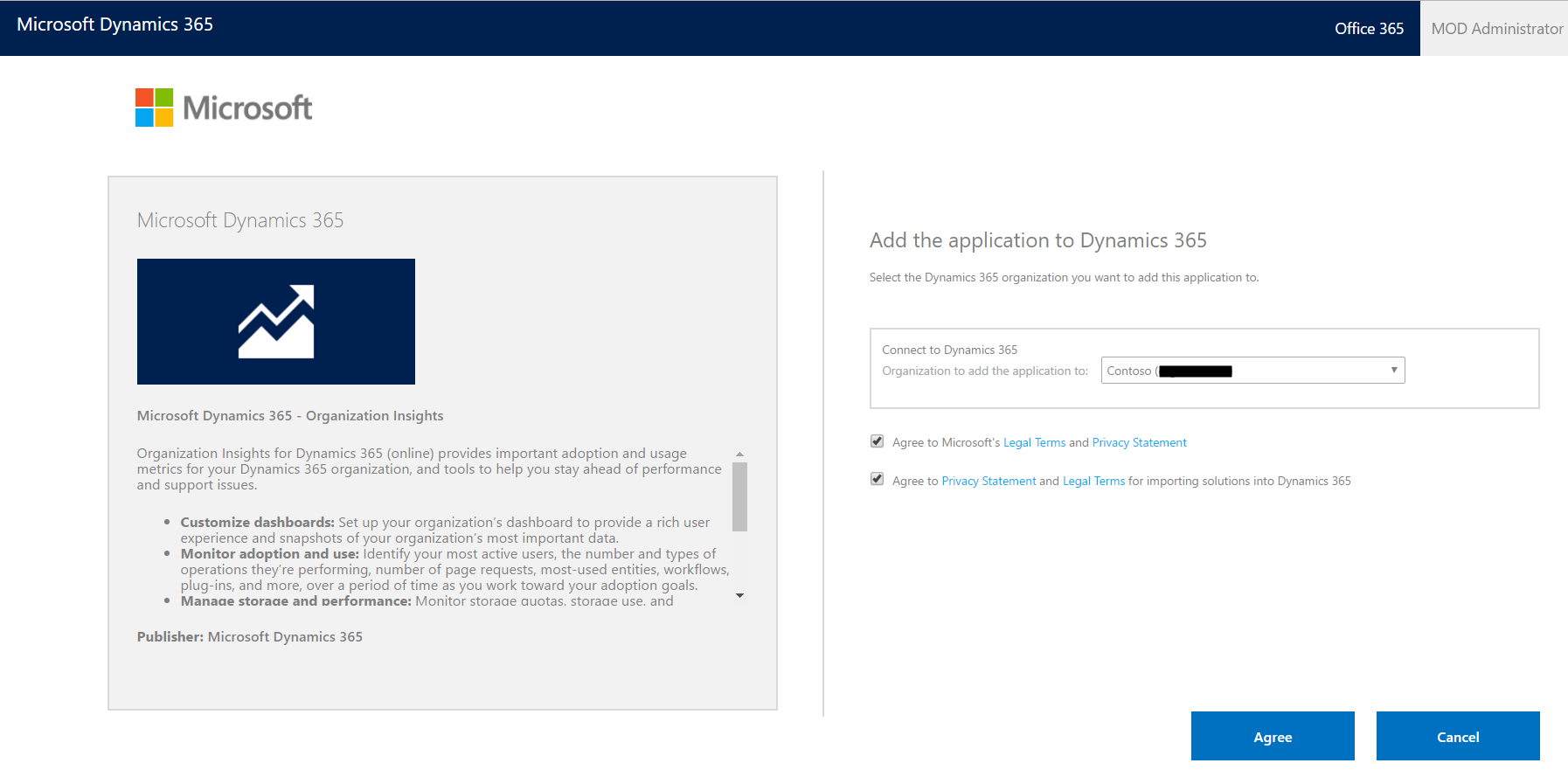
Click Agree:
You will see something like below in the Dynamics 365 Administration Center:

And then once installed:

In Dynamics 365, you will see a new solution installed:

Version 1.1.0.0 or later is the official release.
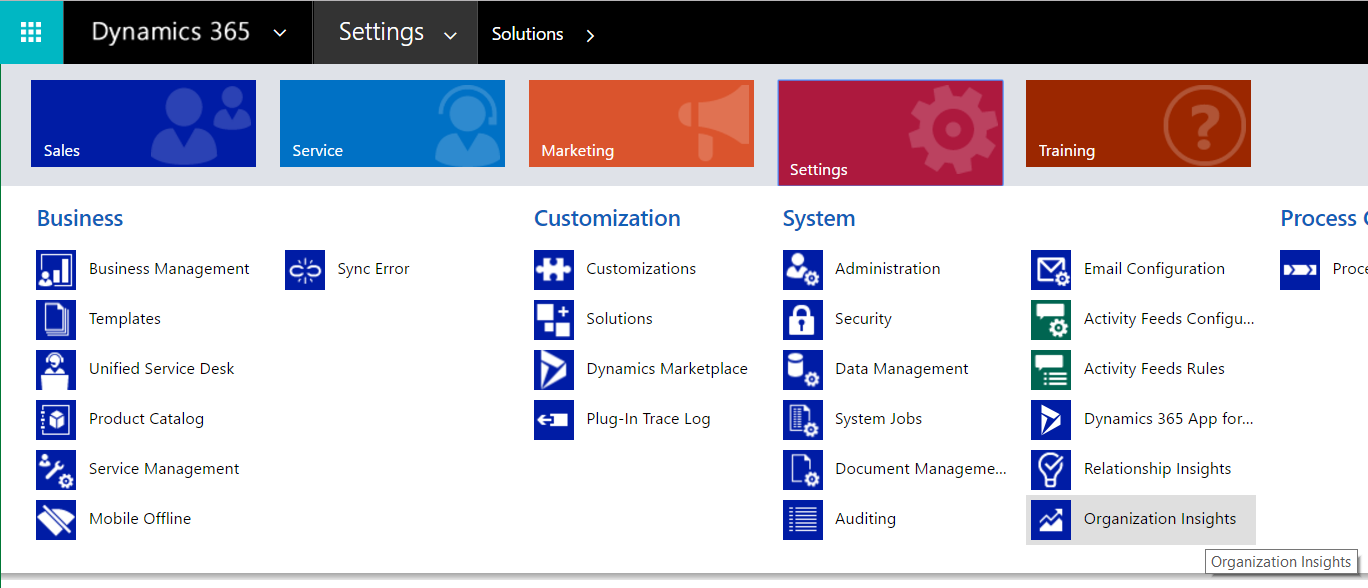
To view, go to Settings->Organization Insights:
The Home screen has several charts:
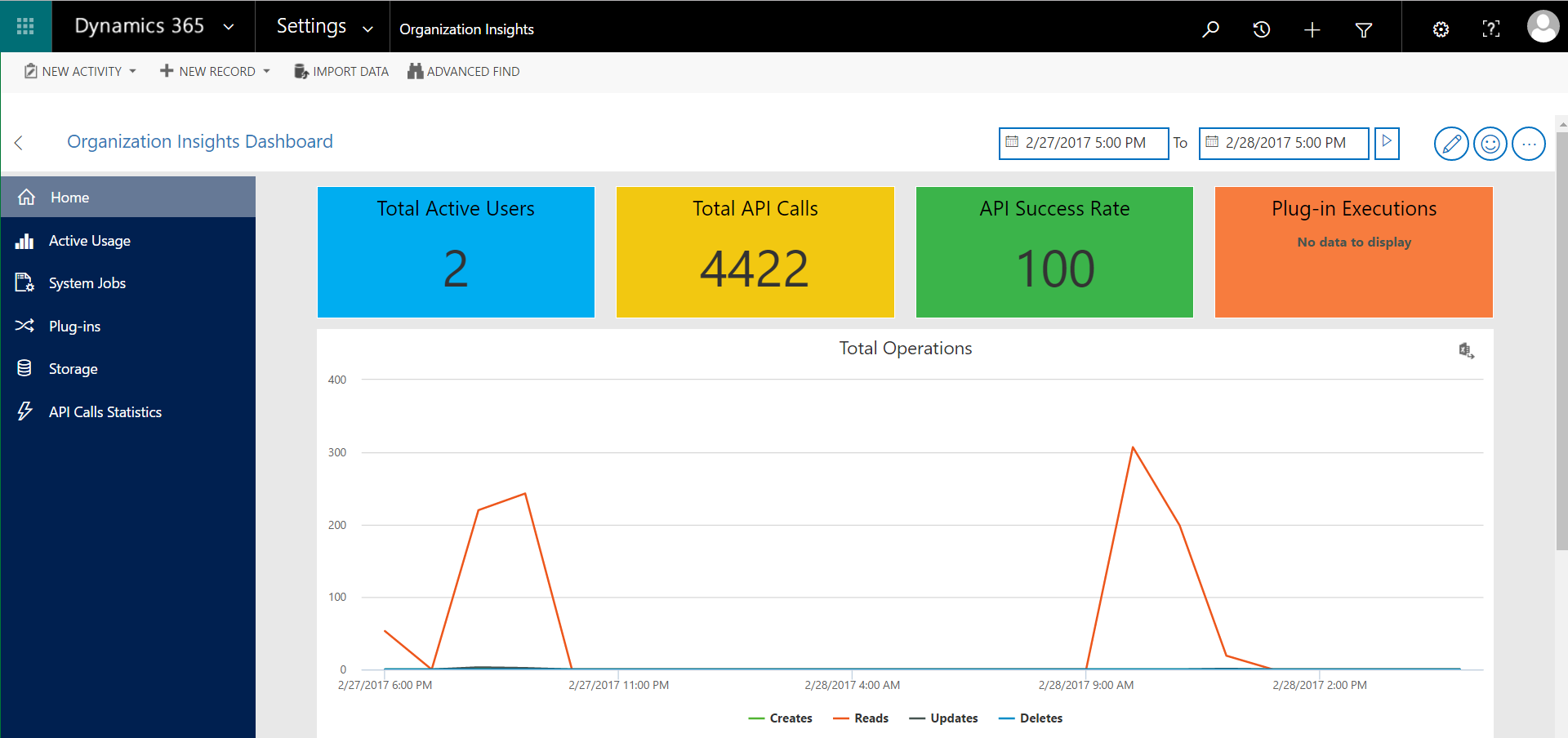
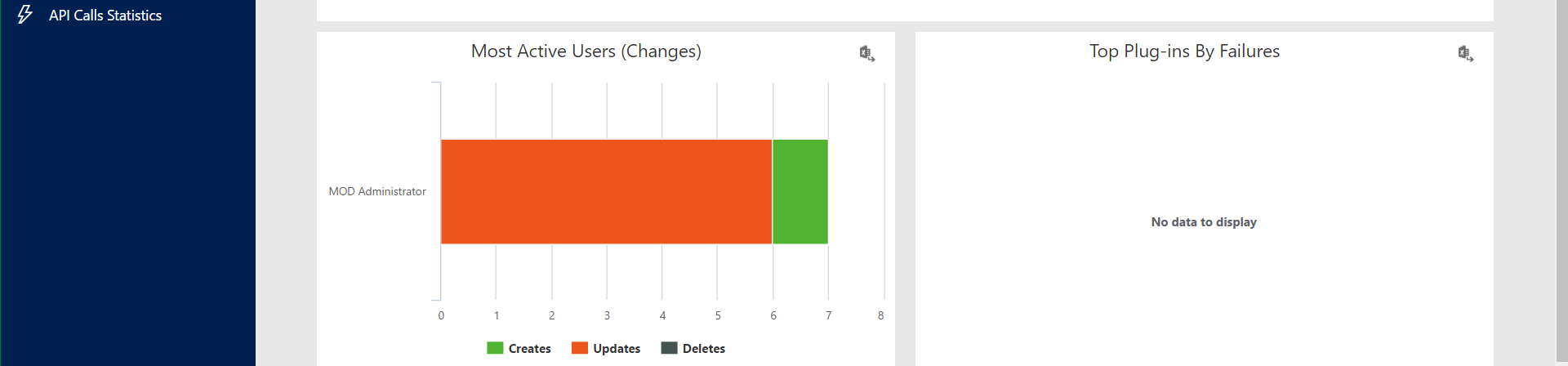
These charts can be moved around:
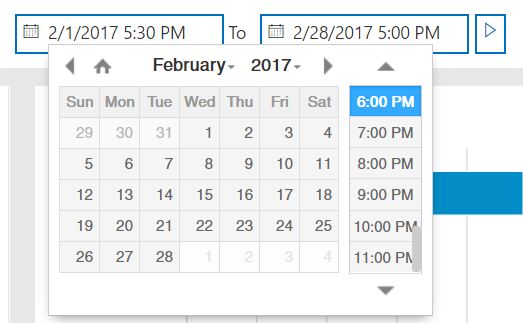
Time period changed:
And new charts added:
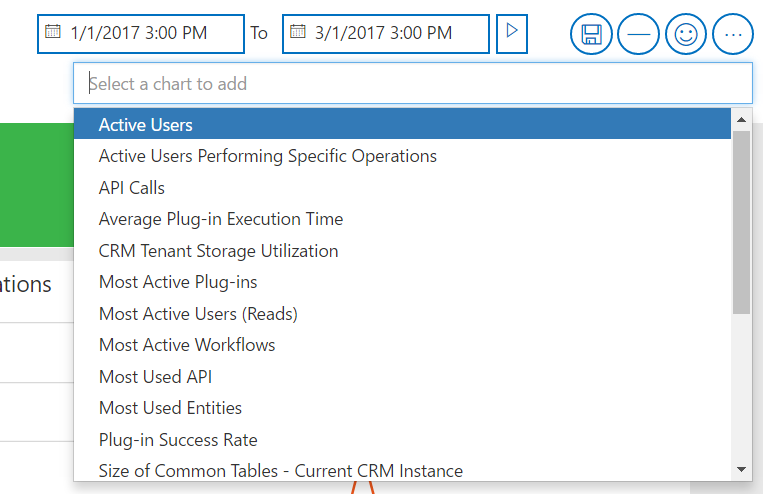
Click Edit to move tiles and resize:
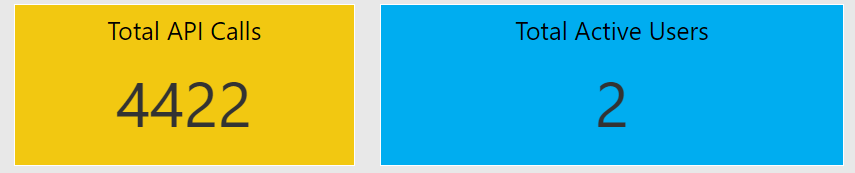
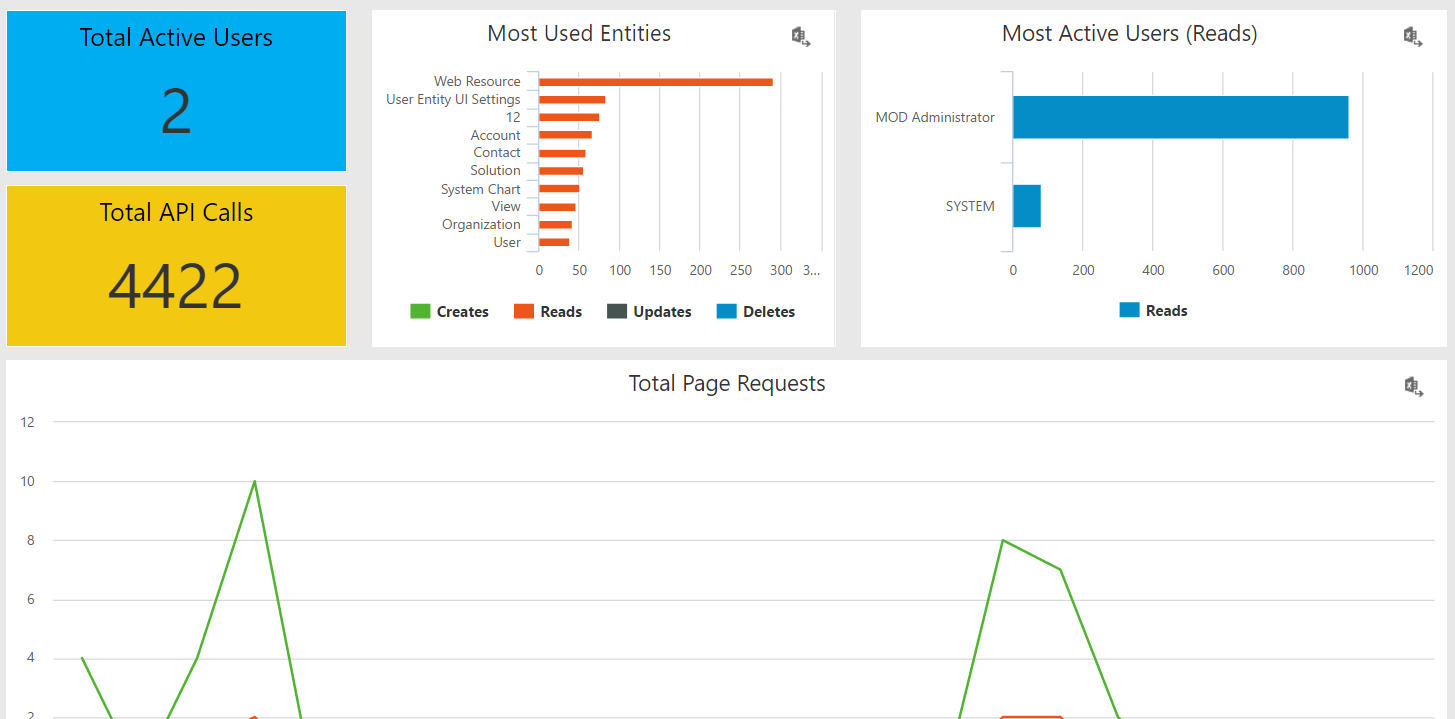
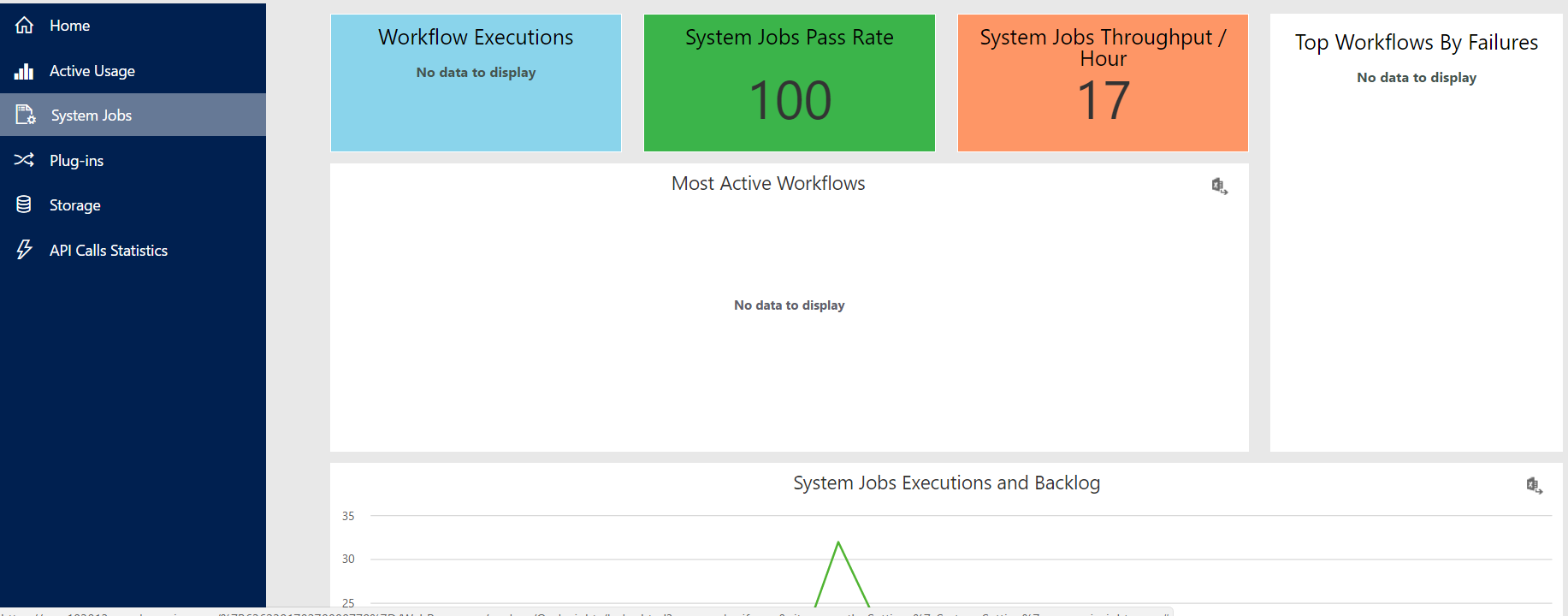
The charts are divided into different areas, such as active usage and system jobs.
Active Usage dashboard:
System Jobs dashboard:
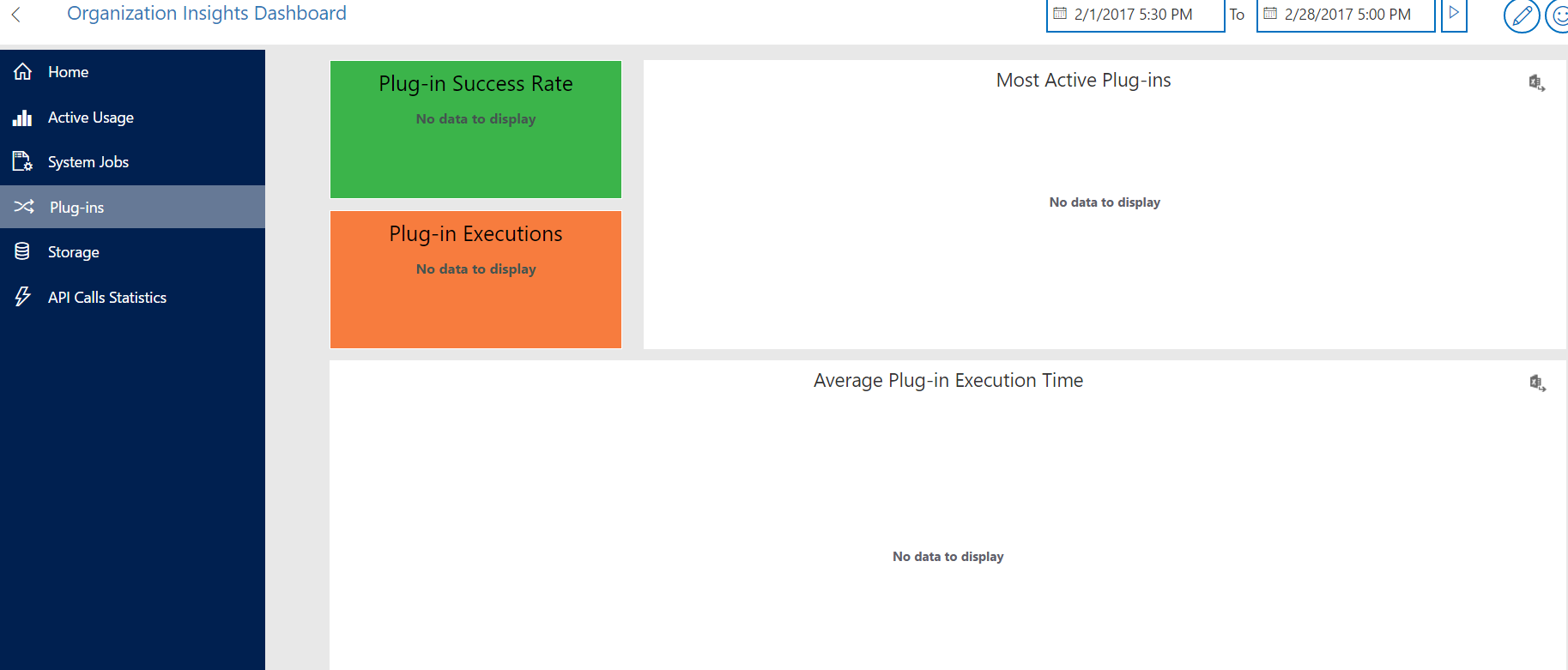
Plugins dashboard:
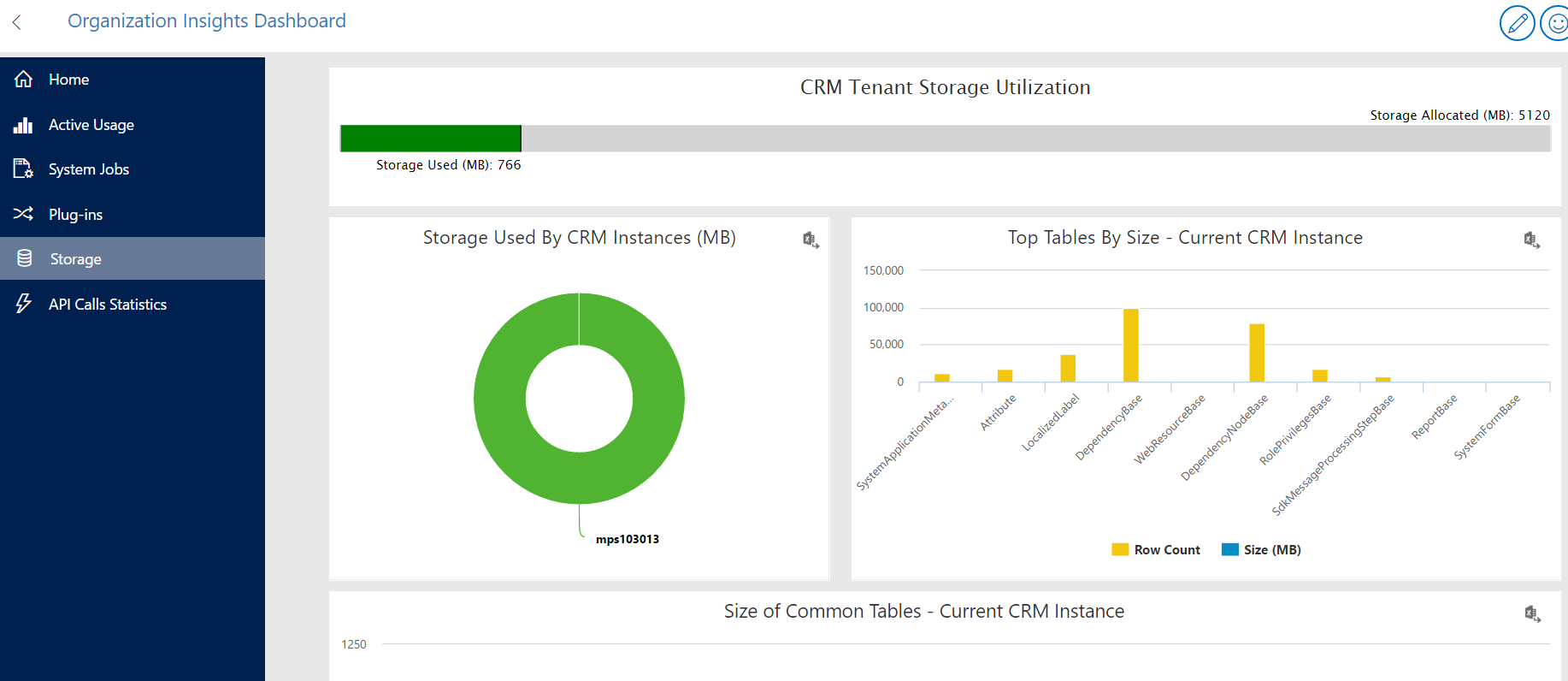
Storage, top tables dashboard:
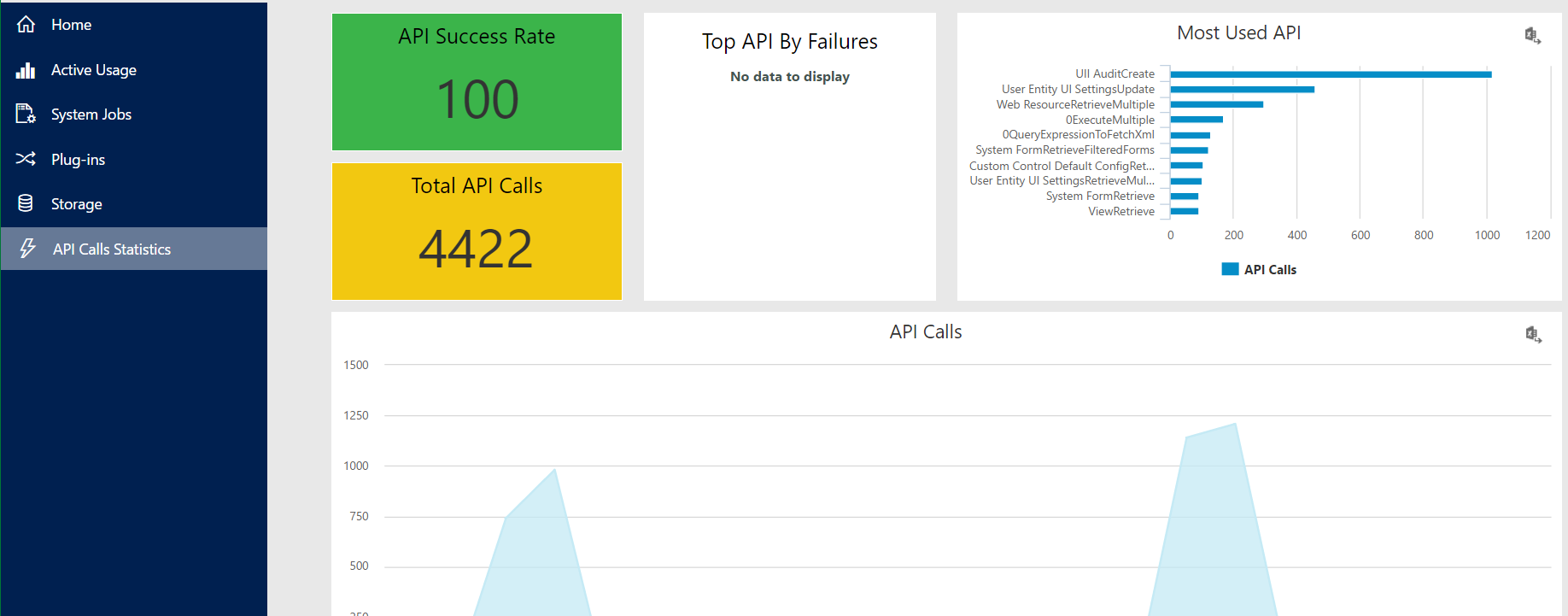
API Call Stats dashboard:

Explore AI, agents & Microsoft technology.
I share practical ideas, tutorials, and videos about AI, AI agents, Microsoft technologies, and the Power Platform.
Subscribe on YouTube →