To add Power BI to Microsoft Teams, first create a team. Let’s call ours Sales Team:

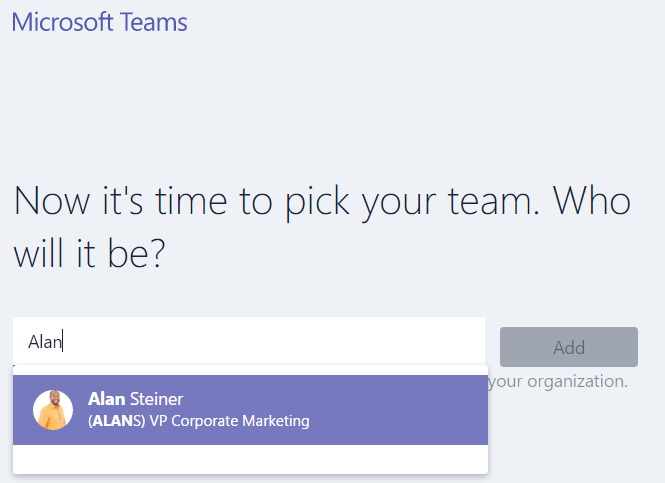
Add Team members:
Click the + sign in the main window:
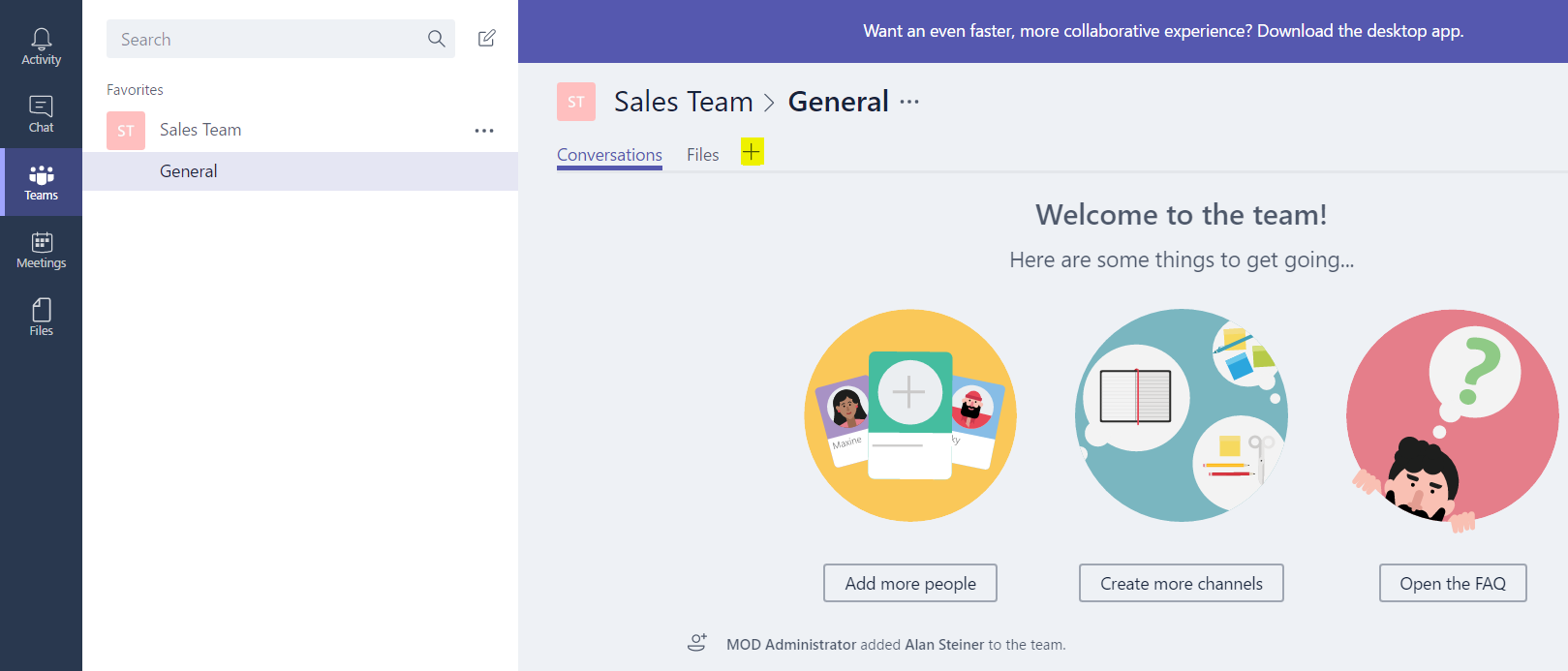
You will see this screen below:
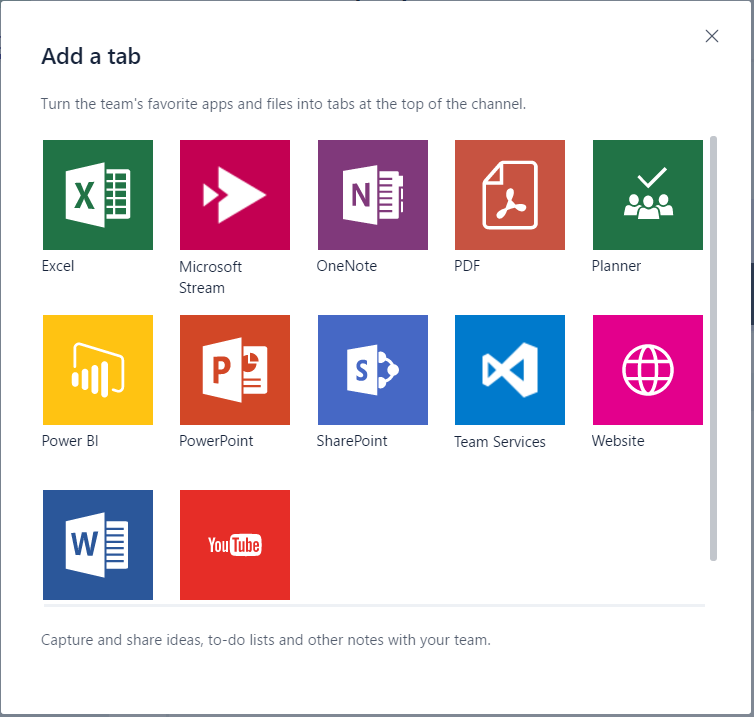
Select Power BI:
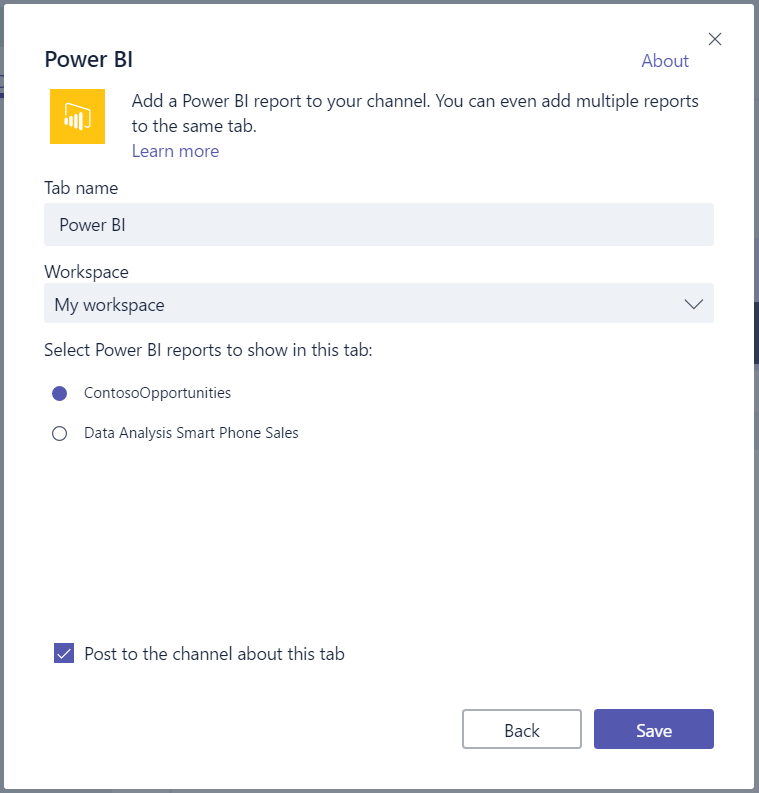
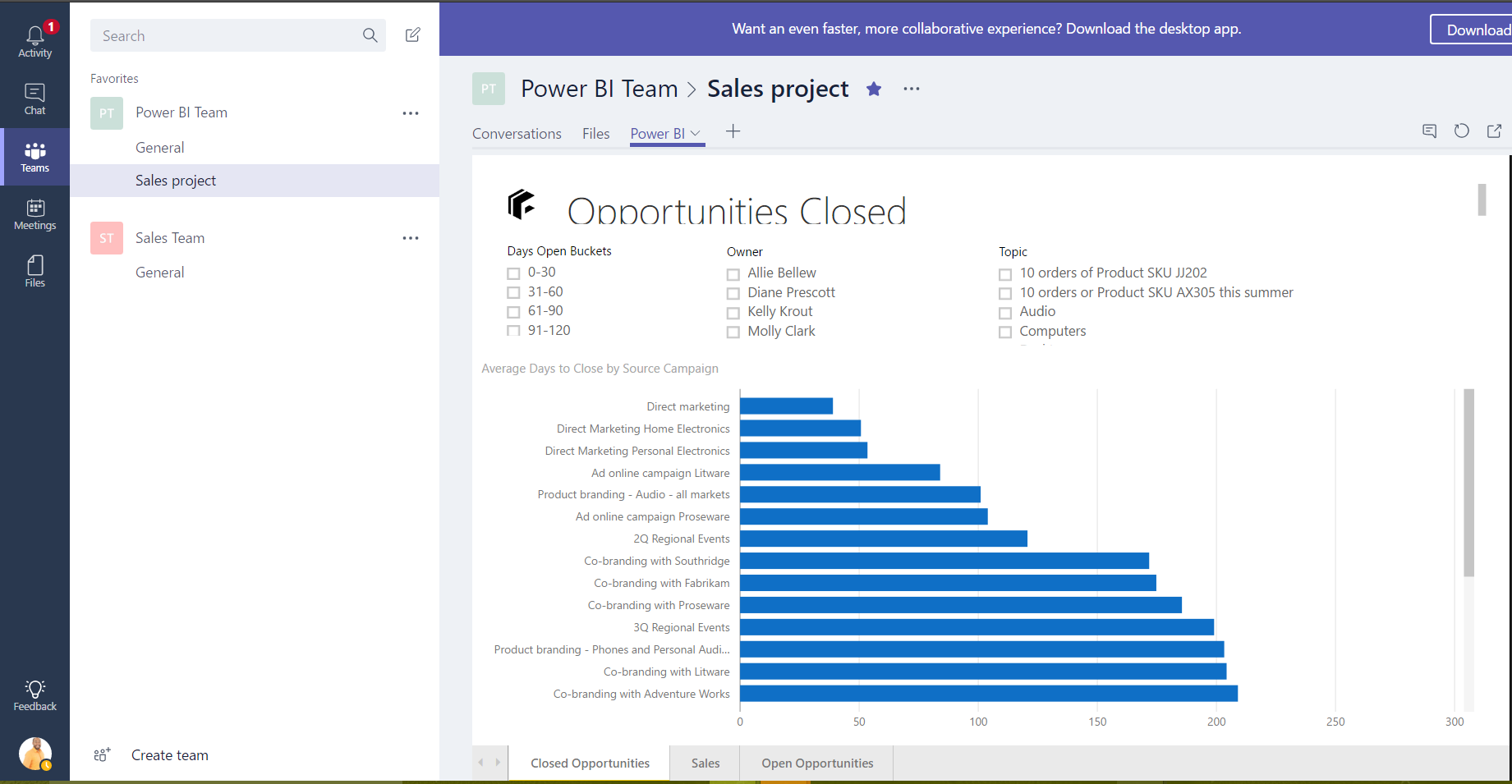
You will see a new Power BI tab with the relevant reports:
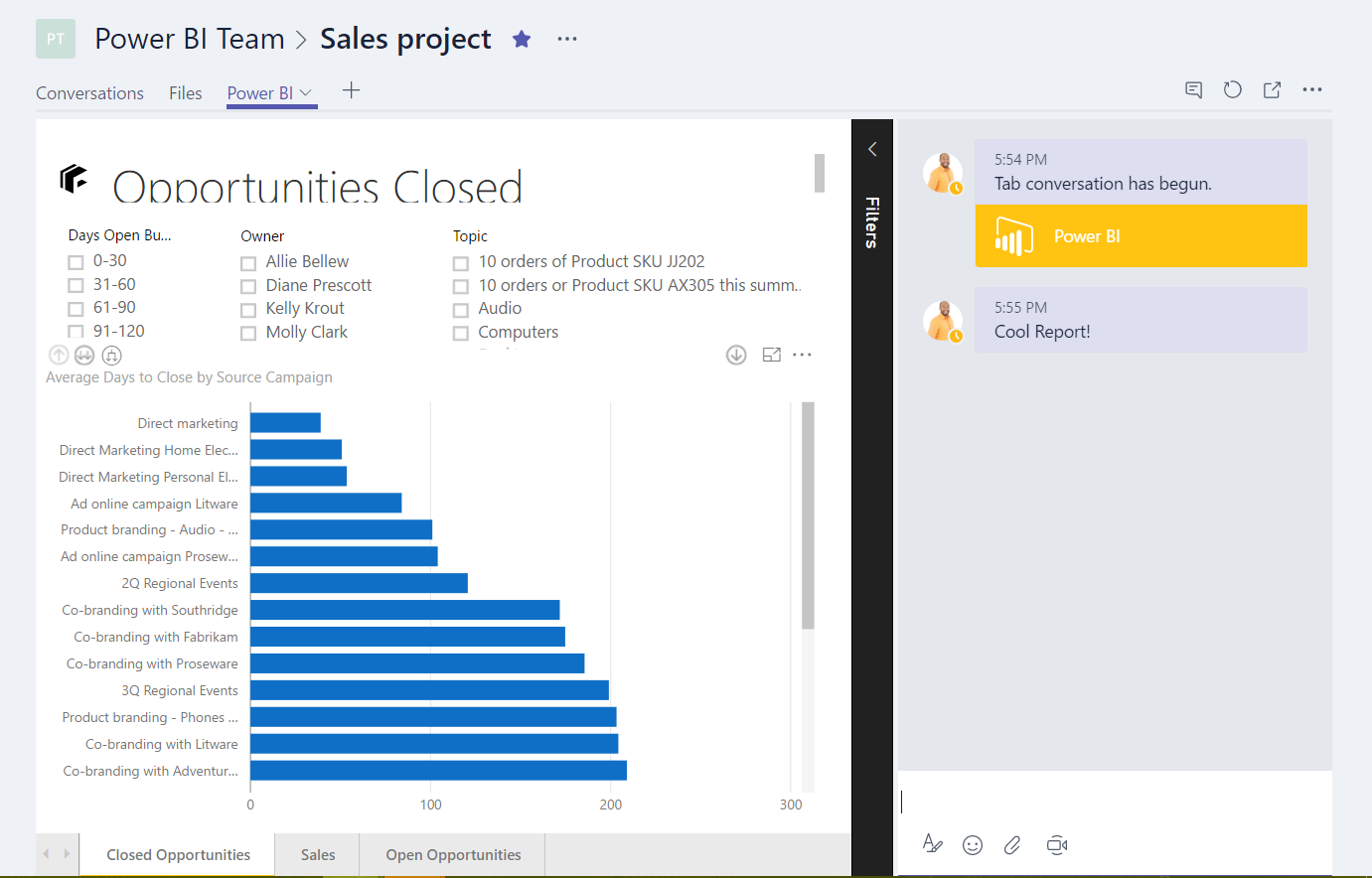
Users can then comment on the report:
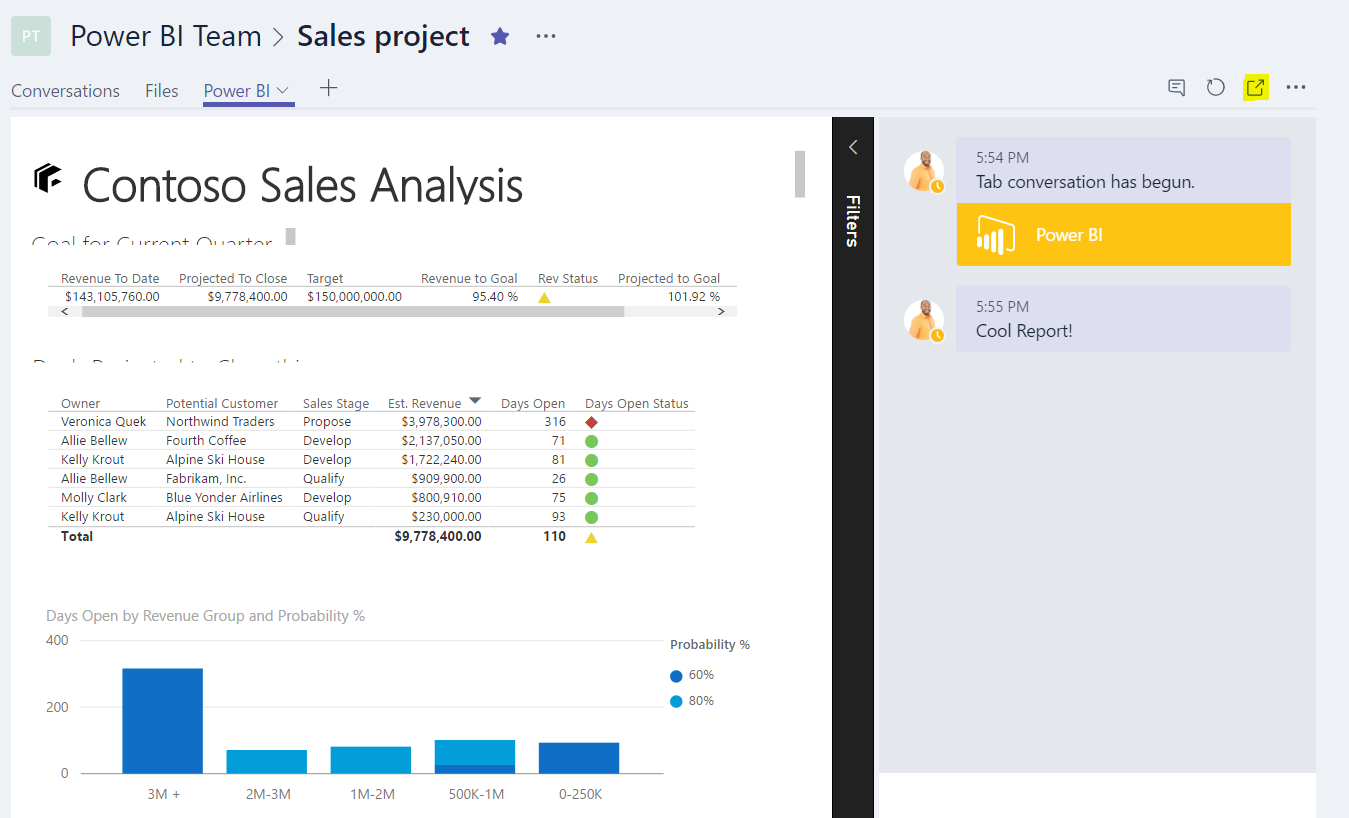
And change tabs of the report, and view in the powerbi.com service:

Keep learning. Keep building.
Explore AI, agents & Microsoft technology.
I share practical ideas, tutorials, and videos about AI, AI agents, Microsoft technologies, and the Power Platform.
Subscribe on YouTube →Carl de Souza Enterprise Architect at Microsoft · AI Technology Expert