In Unified Service Desk, you can set the size of a hosted control using the SetSize action.
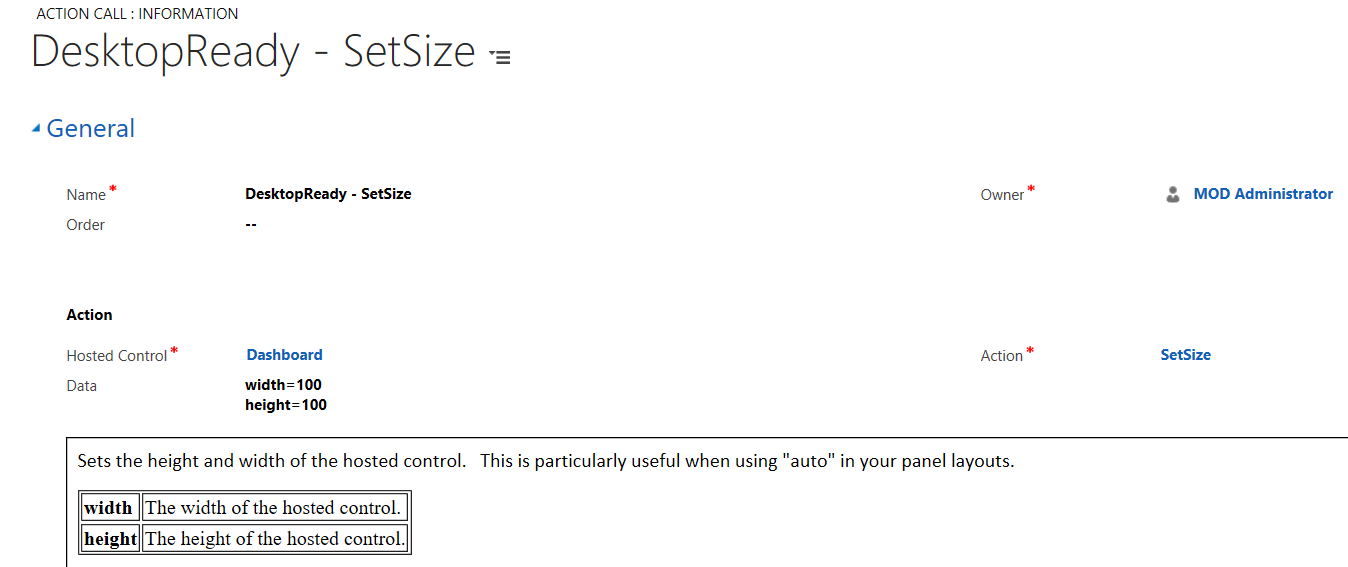
To demonstrate this, we will set the size of a Dashboard hosted control of type CRM Page that loads when USD loads. Create an action call using the SetSize action. You can see we need to provide the width and height. If we set the width and height to something small so we can see the effects:
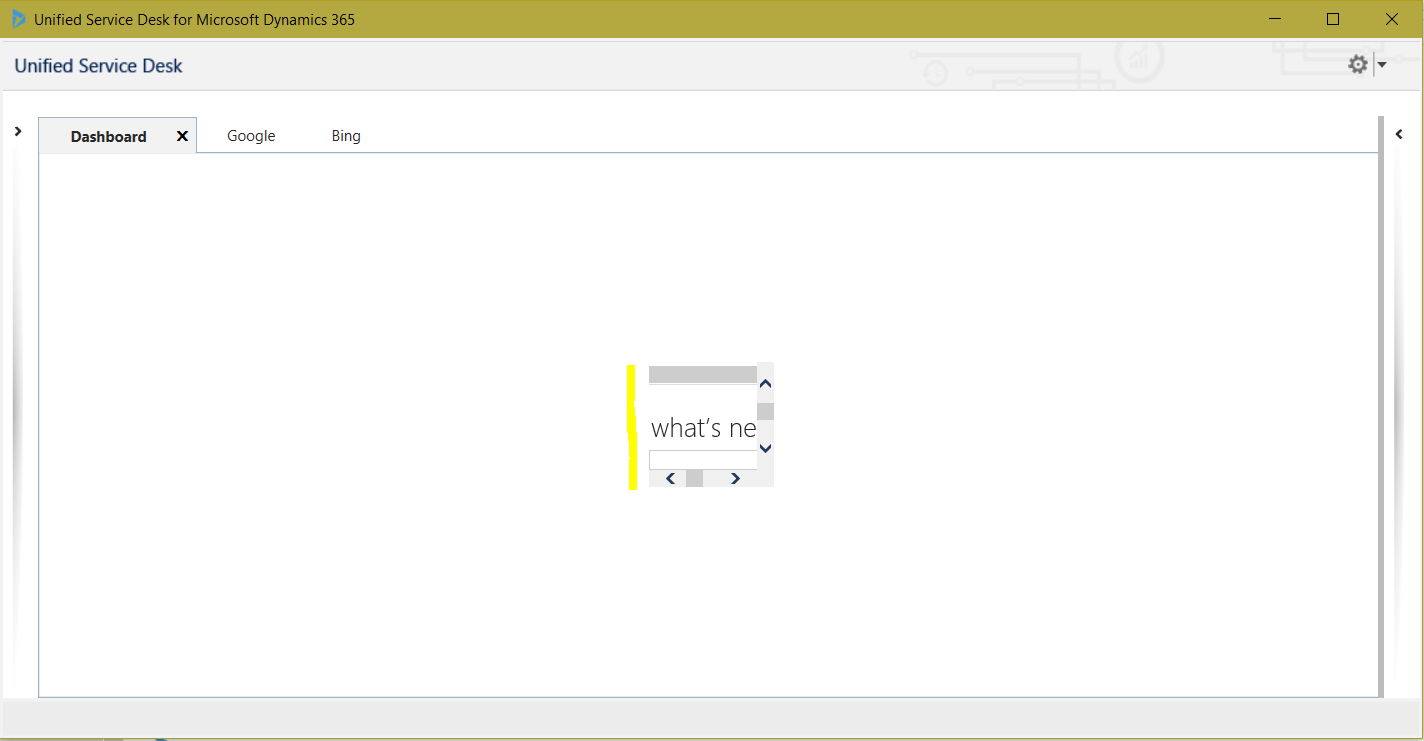
And restart USD, we can see the dashboard is 100×100 instead of taking up the whole control:

Keep learning. Keep building.
Explore AI, agents & Microsoft technology.
I share practical ideas, tutorials, and videos about AI, AI agents, Microsoft technologies, and the Power Platform.
Subscribe on YouTube →Carl de Souza Enterprise Architect at Microsoft · AI Technology Expert
