The Unified Service Desk SetWindowProperty action allows you to set the Window state of a USD application. To use it, we will create an action that runs off DesktopReady, so it will run with USD loads. Go to DesktopReady:
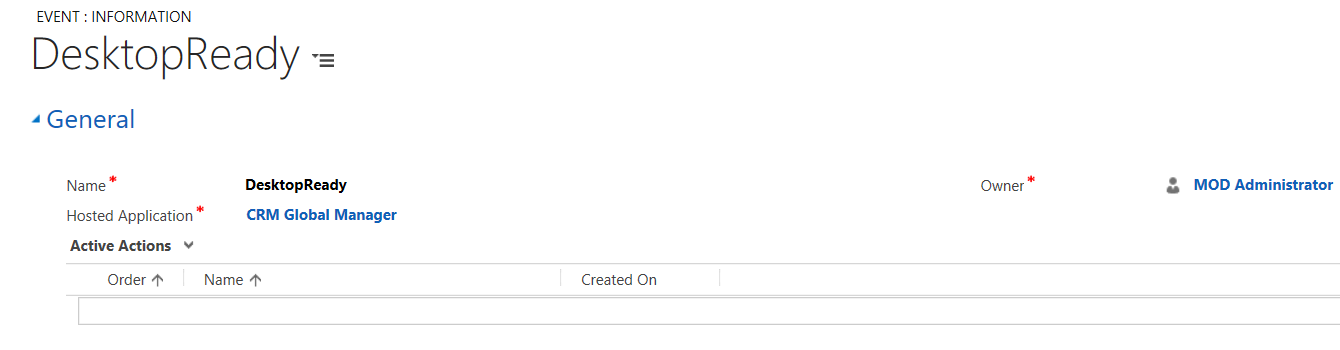
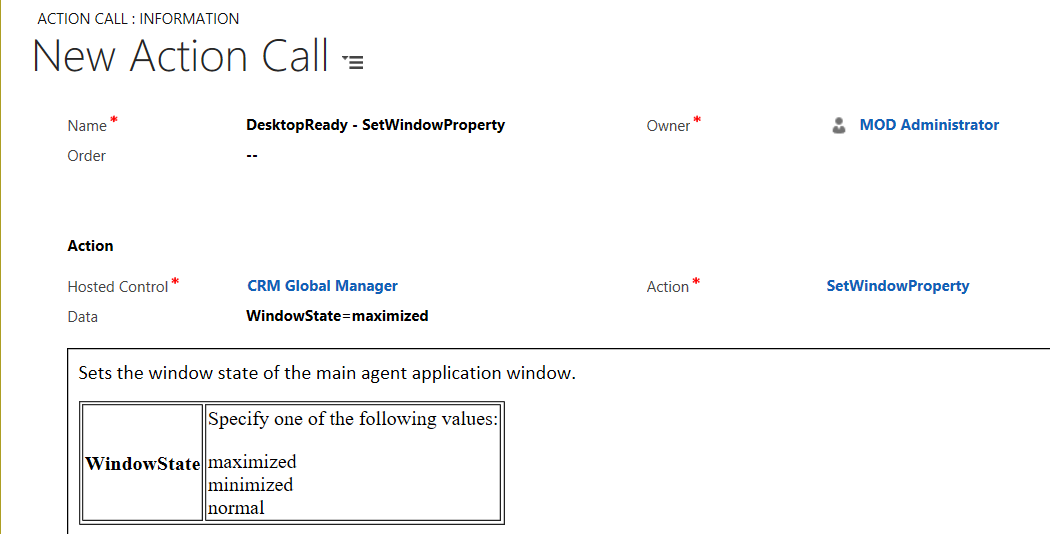
Create a new action call. Note the options for SetWindowProperty are:
- maximized
- minimized
- normal
We will be setting USD to be maximized on load:
Start USD. It will now be loaded maximized:


Keep learning. Keep building.
Explore AI, agents & Microsoft technology.
I share practical ideas, tutorials, and videos about AI, AI agents, Microsoft technologies, and the Power Platform.
Subscribe on YouTube →Carl de Souza Enterprise Architect at Microsoft · AI Technology Expert
