You may come across this error when a server or workstation gets out of sync with the domain controller:
“The trust relationship between this workstation and the primary domain failed”.
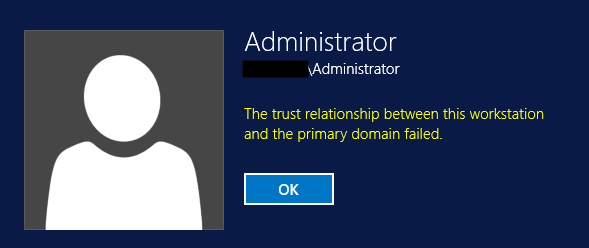
One way to resolve this is to rejoin the machine with the domain. However this can cause other issues.
An easier way toresolve this, is to first log into the machine as a local administrator and then run Windows PowerShell as Administrator:
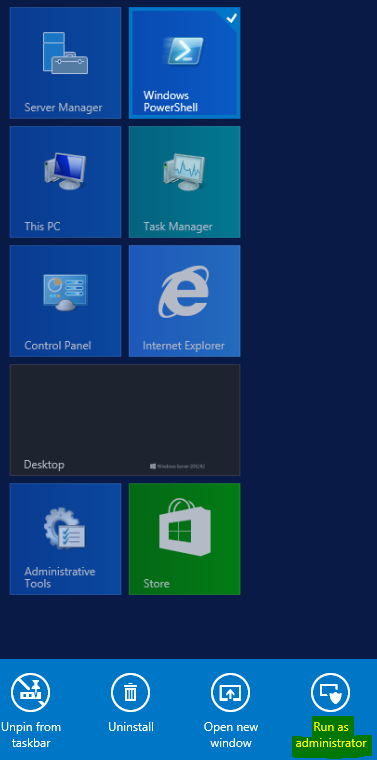
Then run the command:
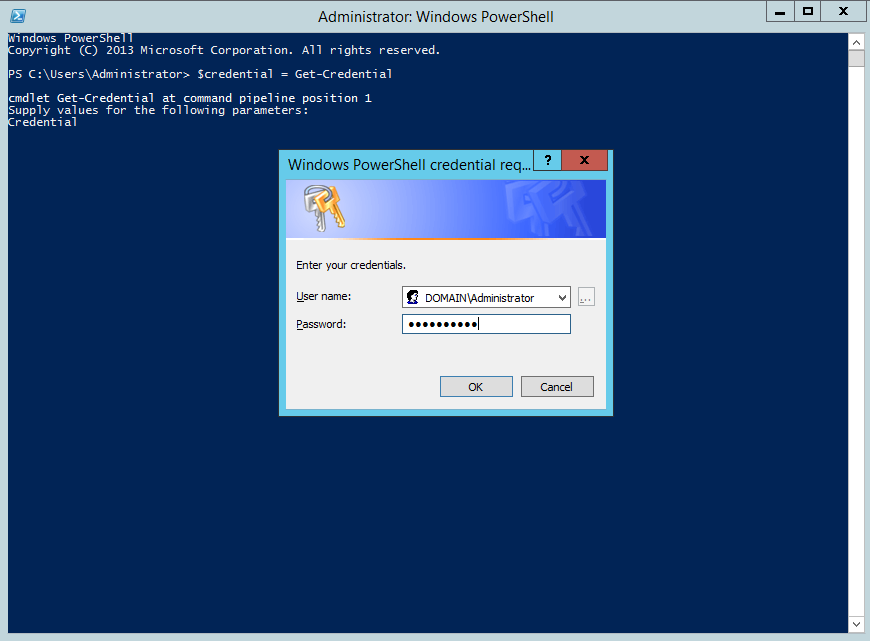
$credential = Get-Credential
You will see the window below. Enter your DOMAIN credentials:
Now type:
Reset-ComputerMachinePassword -Server YourDomainController
For example, if your domain controller was TESTSERVER.COM, you would type:

That’s it. Trust should then be restored. Sign out of the local admin account and log back in using the Domain account.

Explore AI, agents & Microsoft technology.
I share practical ideas, tutorials, and videos about AI, AI agents, Microsoft technologies, and the Power Platform.
Subscribe on YouTube →