Dynamics 365 has built in OneDrive for Business integration. This is useful if you are a Dynamics 365 user such as a salesperson who wants to keep their personal documents attached to an opportunity.
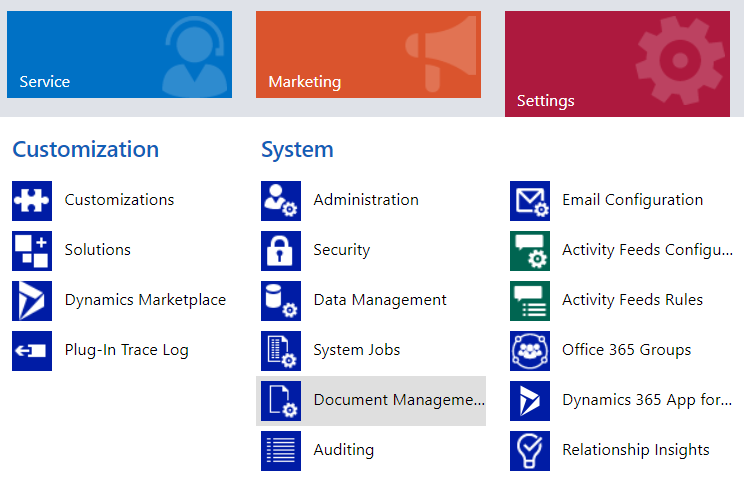
To enable it, go through the following steps. Go to Settings->Document Management:
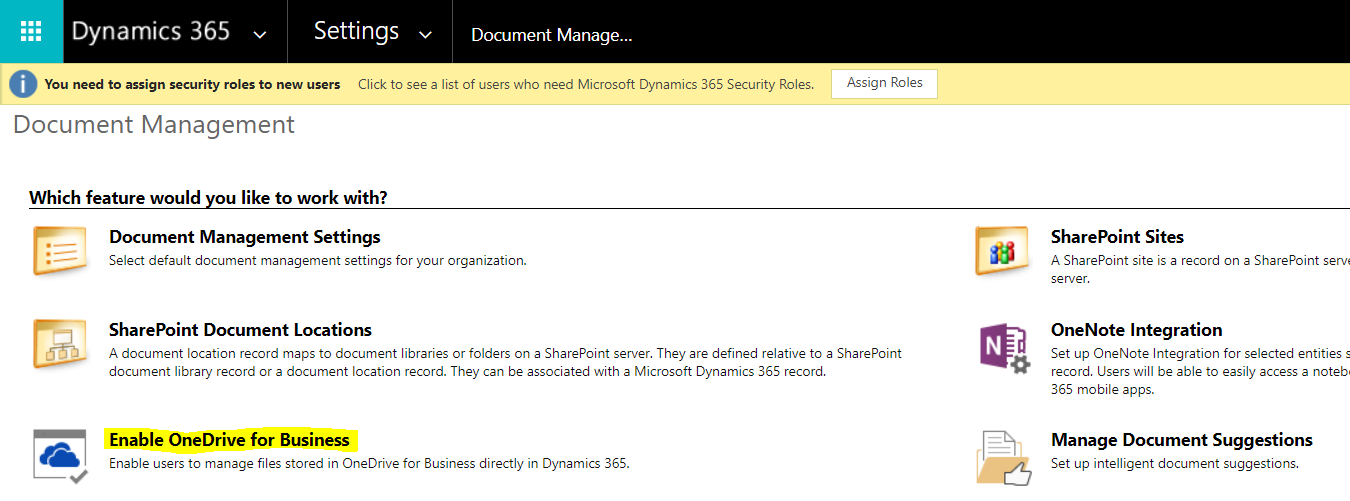
Select Enable OneDrive for Business Integration:
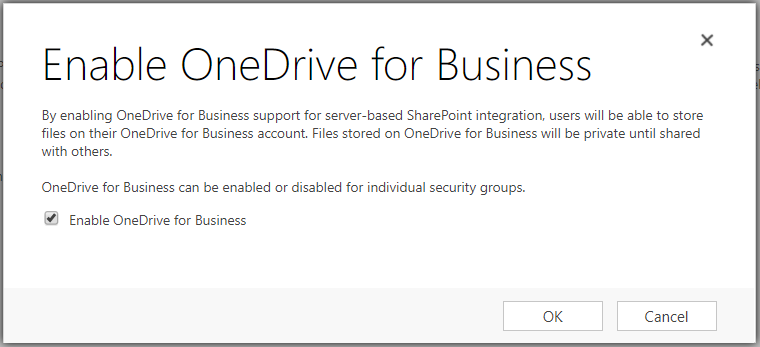
Click OK:
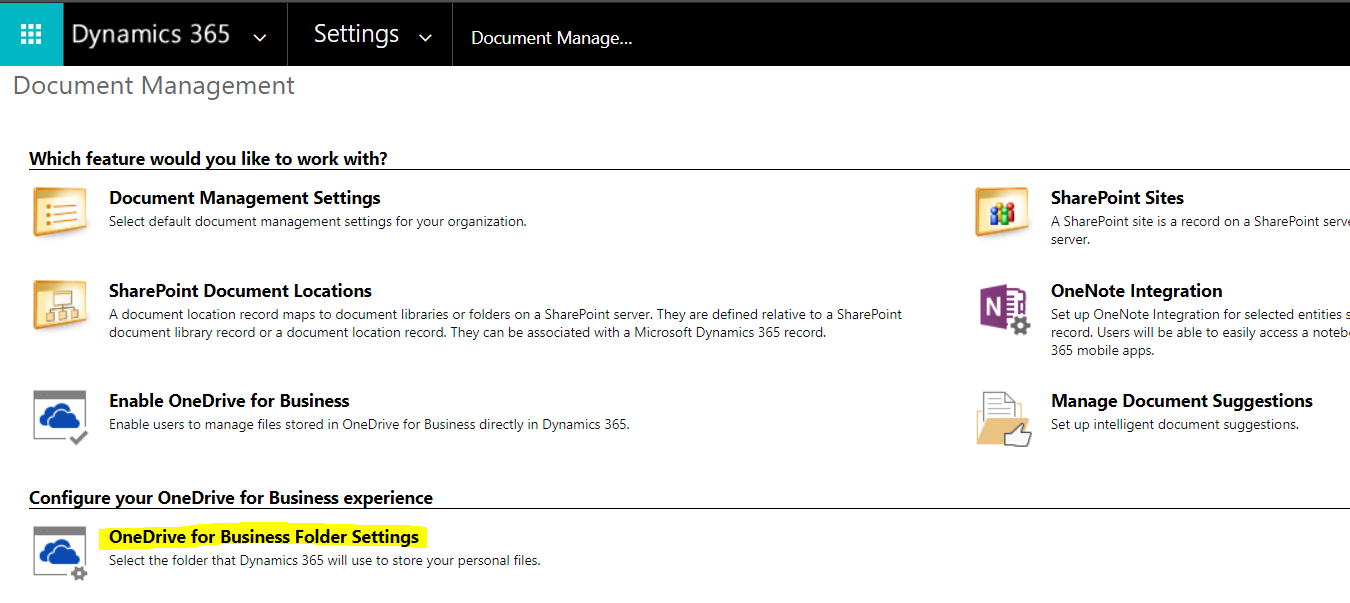
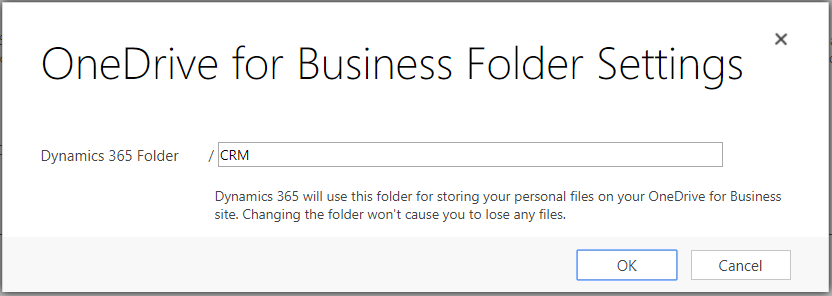
Refresh the page and you will see OneDrive for Business Folder Settings:
Enter a Dynamics 365 Folder:
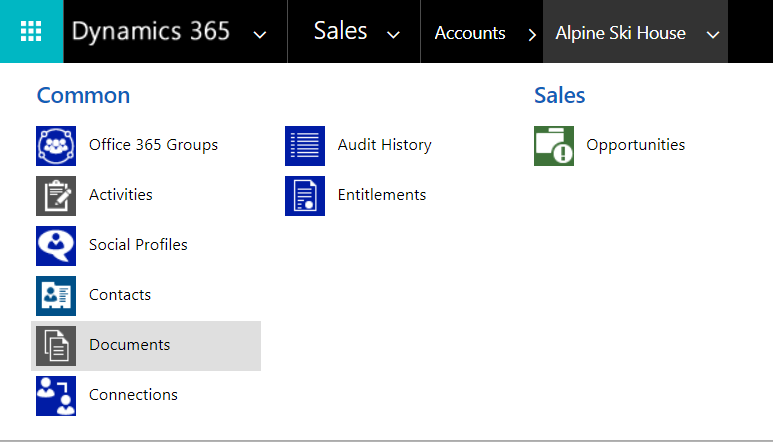
Now, go to a record and select Documents:
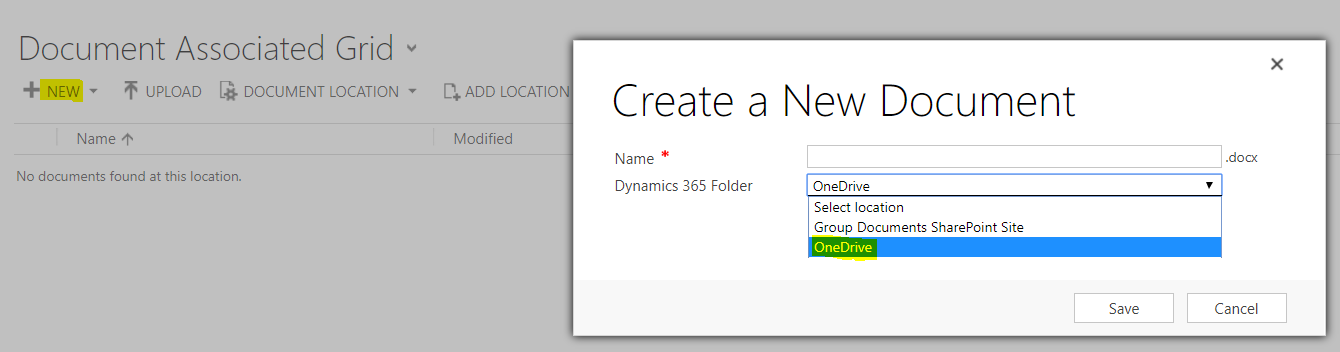
Create a new document and select OneDrive as the location:
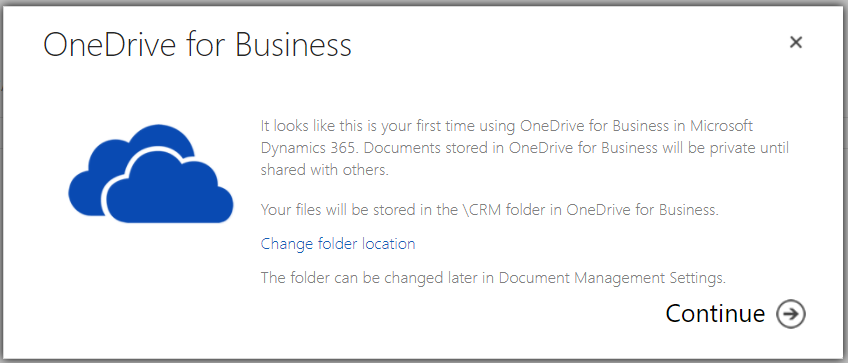
Click Continue:
Create the document:
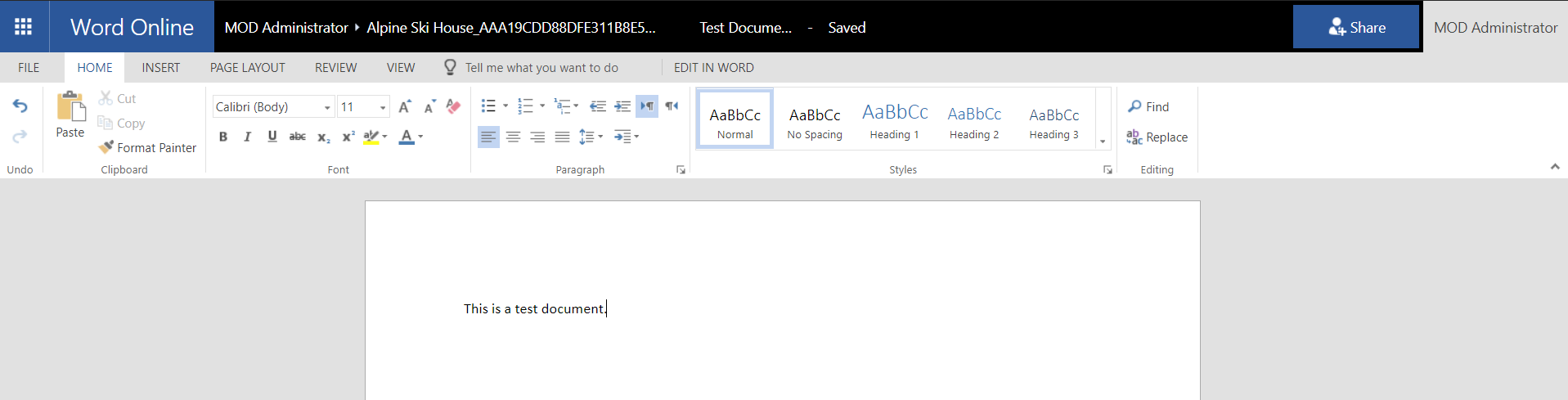
The document will now appear in your documents list:

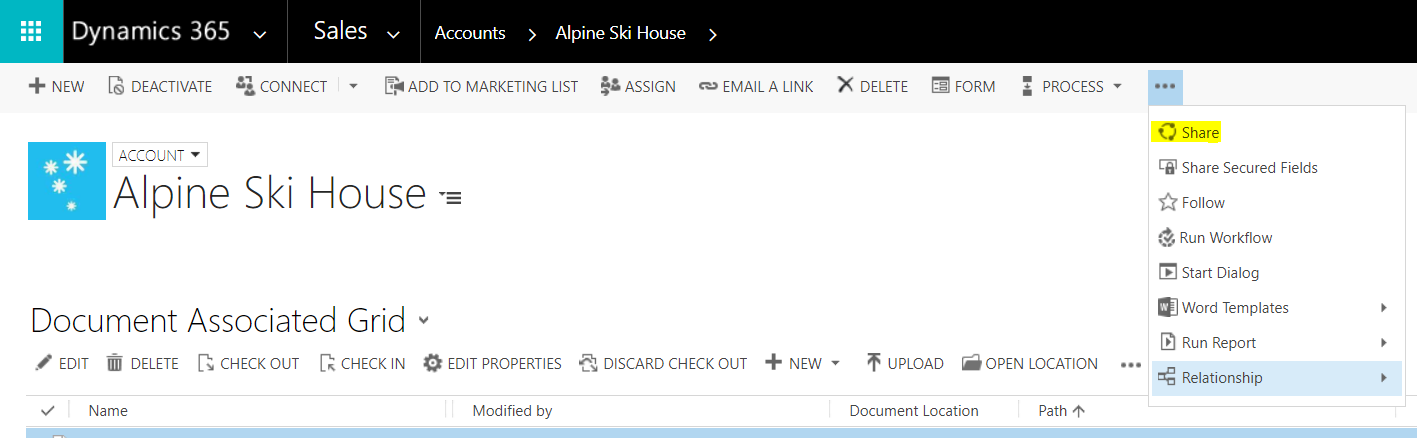
To share the document, select the document and click Share:
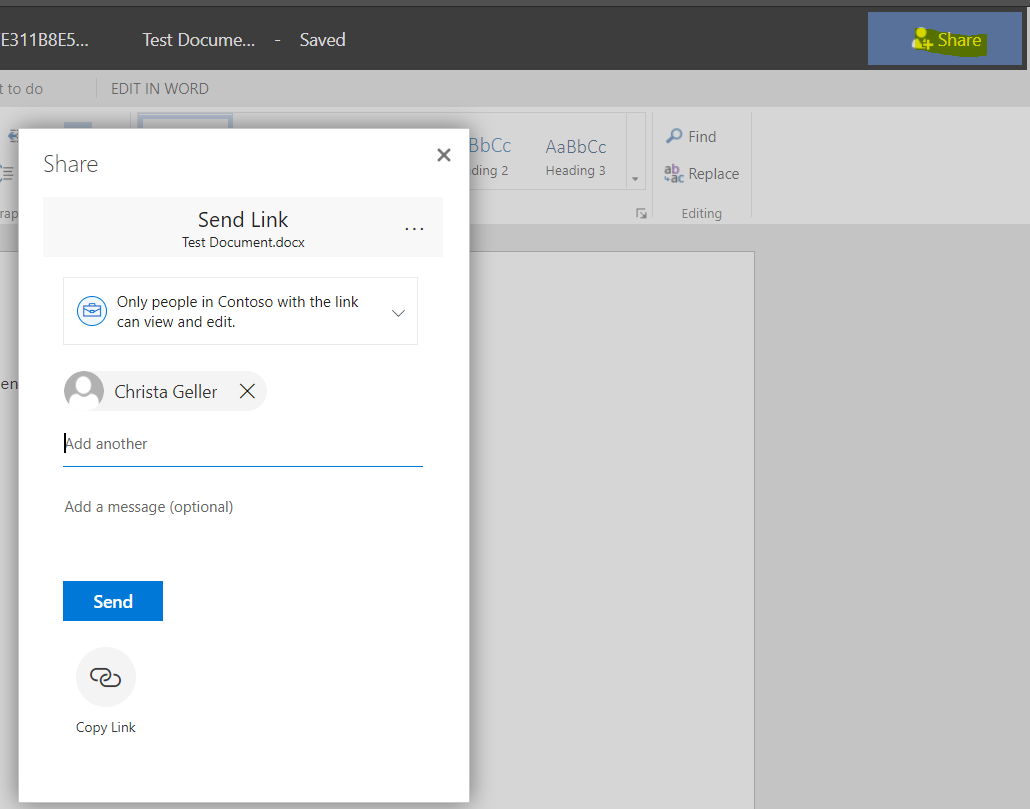
You can now share the document with other team members:

Explore AI, agents & Microsoft technology.
I share practical ideas, tutorials, and videos about AI, AI agents, Microsoft technologies, and the Power Platform.
Subscribe on YouTube →