Teams are a way in Dynamics 365 to group users to provide additional functionality.
To set up teams, go to Settings->Security and select Teams:

Whenever a business unit is created, a default team is also created:
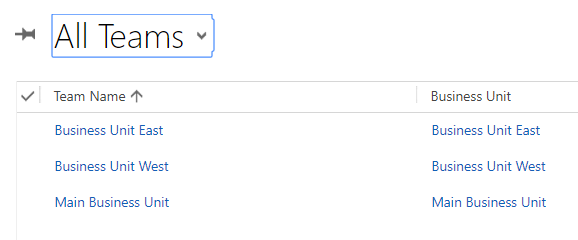
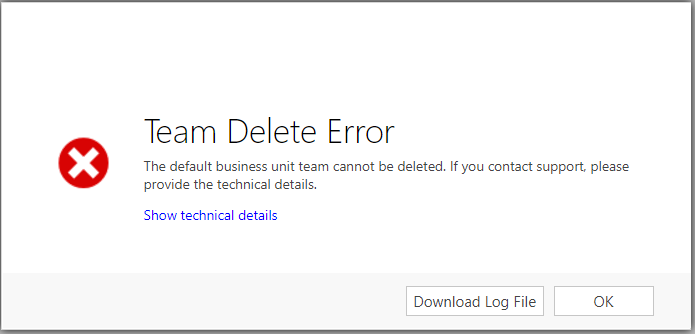
Teams generated from a business unit cannot be deleted. If you try to delete the team you will get the message:
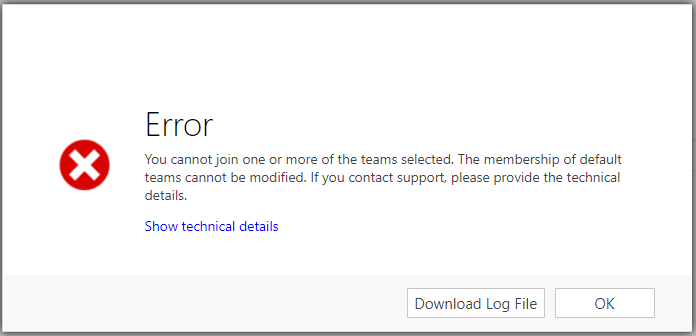
You also cannot add or remove team membership for these teams, or you will get the error below:
To create a new team, select New:
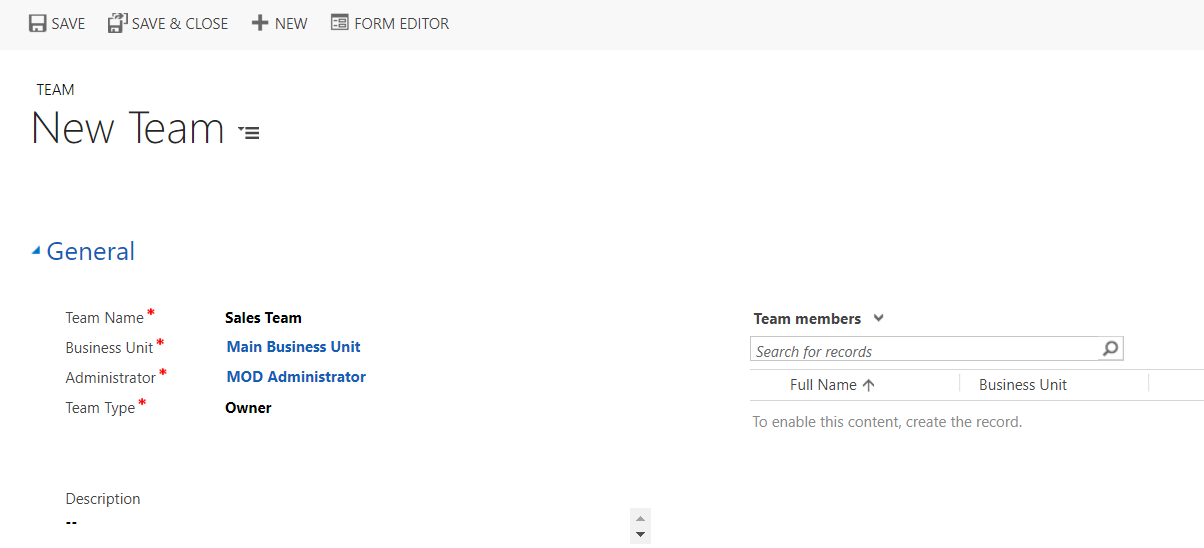
Note the team type – Owner and Access:

Owner teams have full rights on a record and can be assigned the record. Access teams don’t own records, and can access records through being shared a record with Read, Write or Append access.
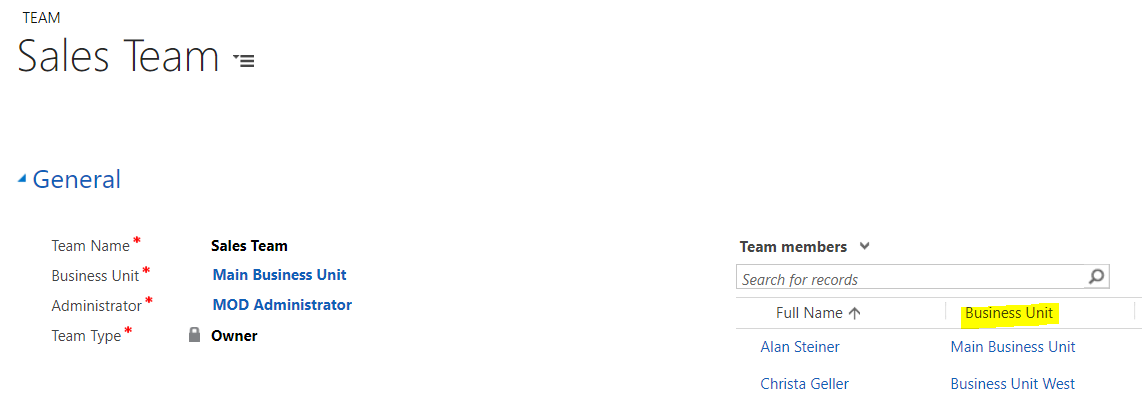
Save the team to add new team members. Note you can add team members from different business units:
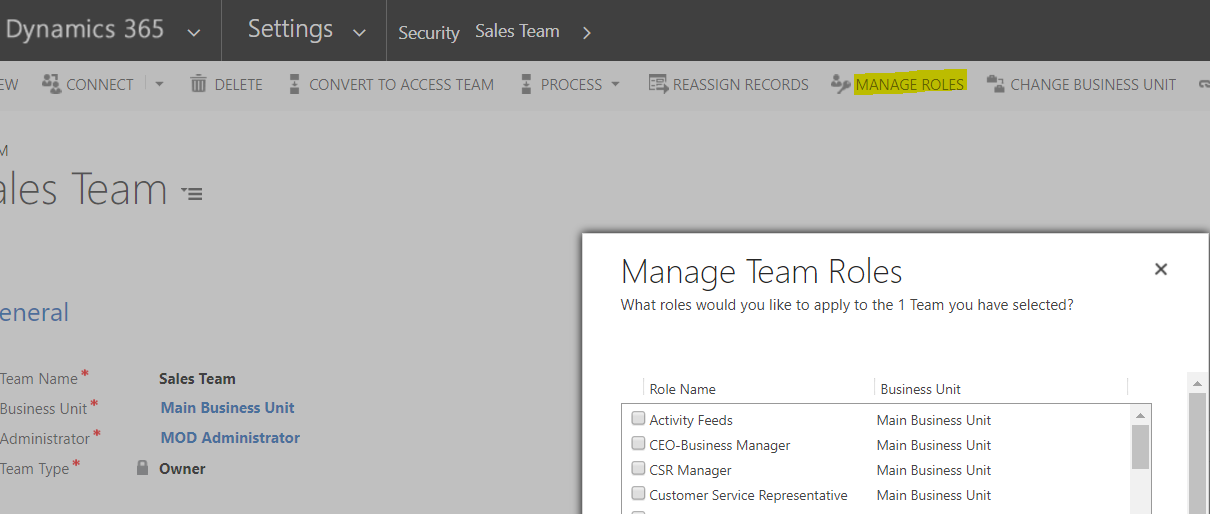
You can also manage the roles you want your team to have, and from there Dynamics 365 the security model will be applied:
You can assign records to teams themselves. For example, you can change the ownership of an opportunity to the Sales Team created above:


Explore AI, agents & Microsoft technology.
I share practical ideas, tutorials, and videos about AI, AI agents, Microsoft technologies, and the Power Platform.
Subscribe on YouTube →