eConnect is located in disk 2 of the Dynamics GP installation. Run Setup.exe and select Install eConnect:
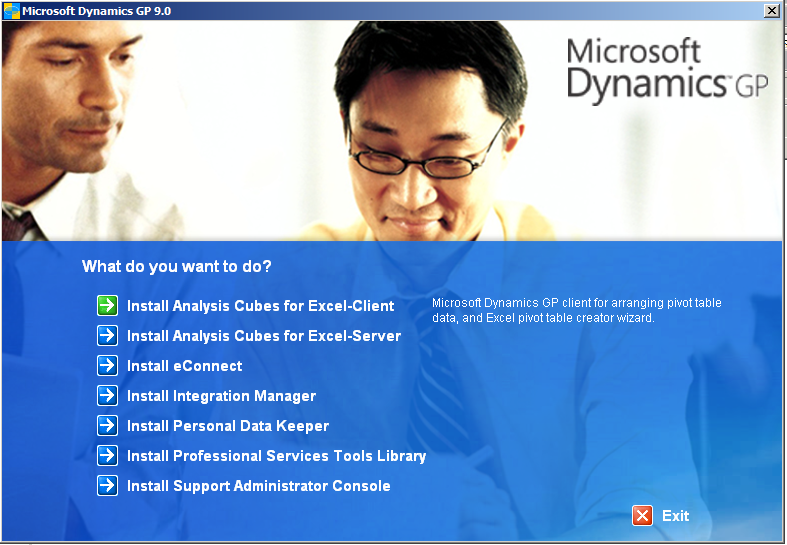
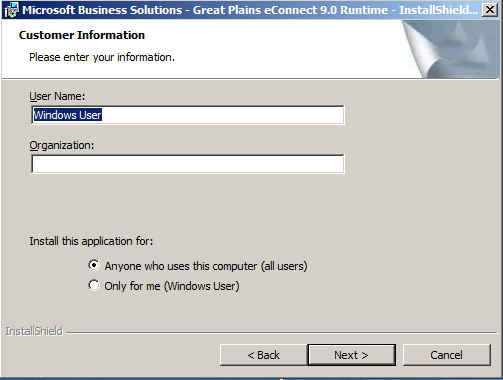
Click Next:
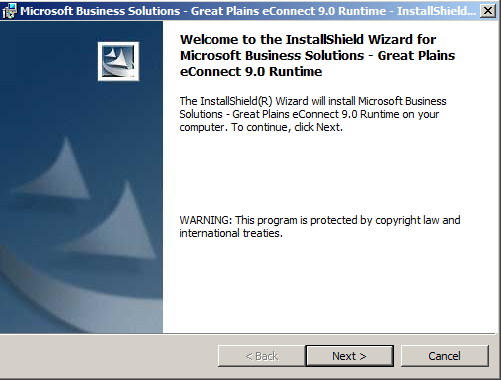
Click Next:
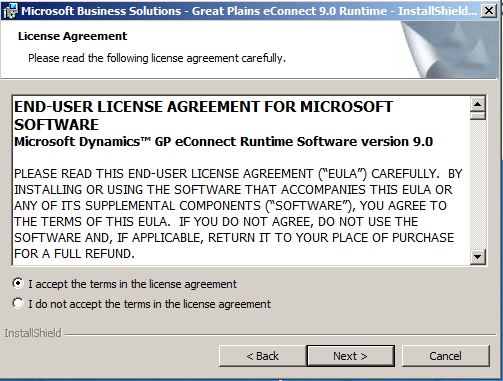
Click Next:
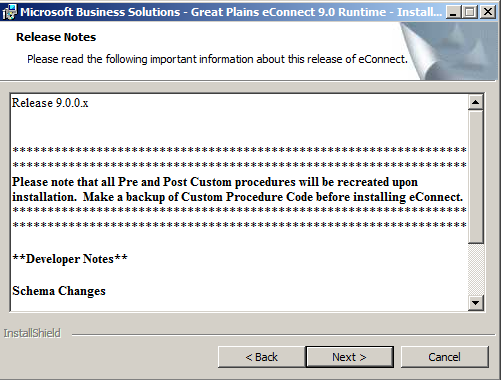
Click Next:
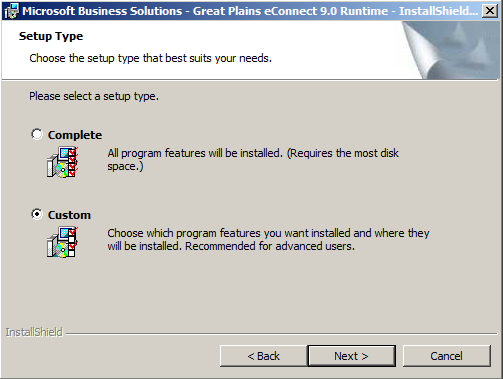
Select Custom, so we can see the options, and click Next:
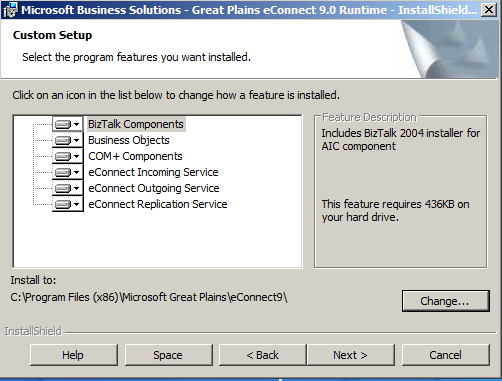
Note the options available. Click Next:
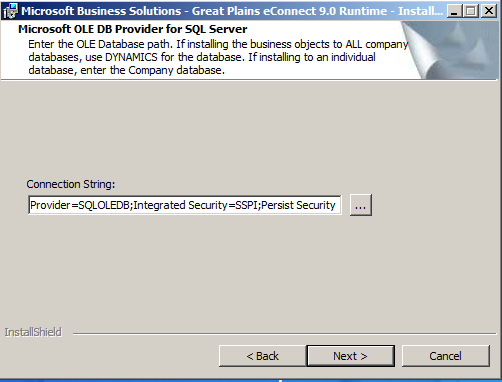
Select the lookup for the connection string:
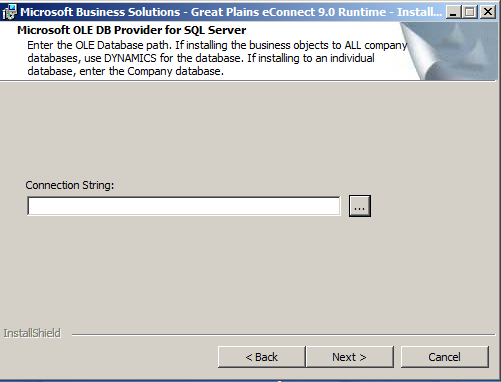
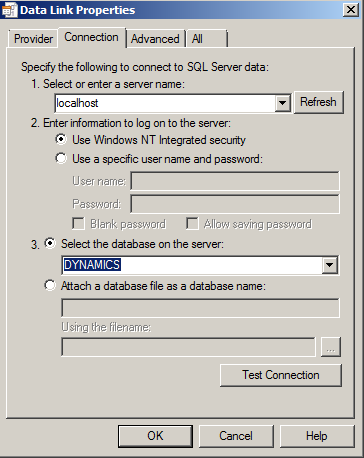
Select your server and the DYNAMICS database:
Click Next:
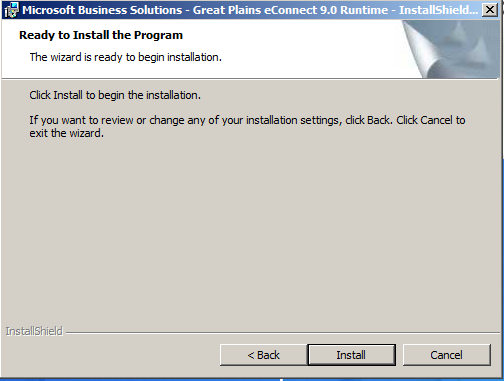
Click Install:
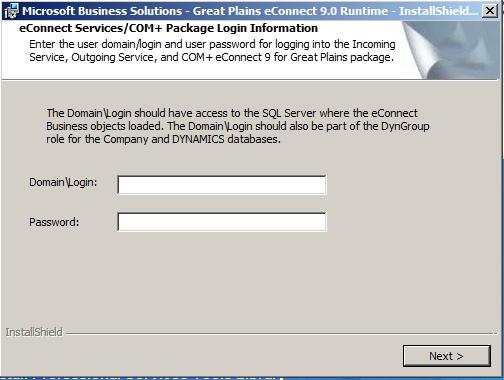
Enter your login information:
Click Finish:
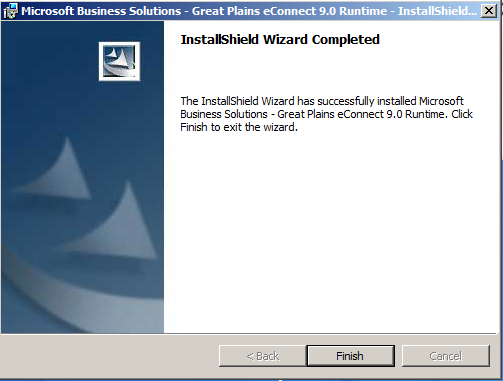
eConnect will now be installed.

Keep learning. Keep building.
Explore AI, agents & Microsoft technology.
I share practical ideas, tutorials, and videos about AI, AI agents, Microsoft technologies, and the Power Platform.
Subscribe on YouTube →Carl de Souza Enterprise Architect at Microsoft · AI Technology Expert
