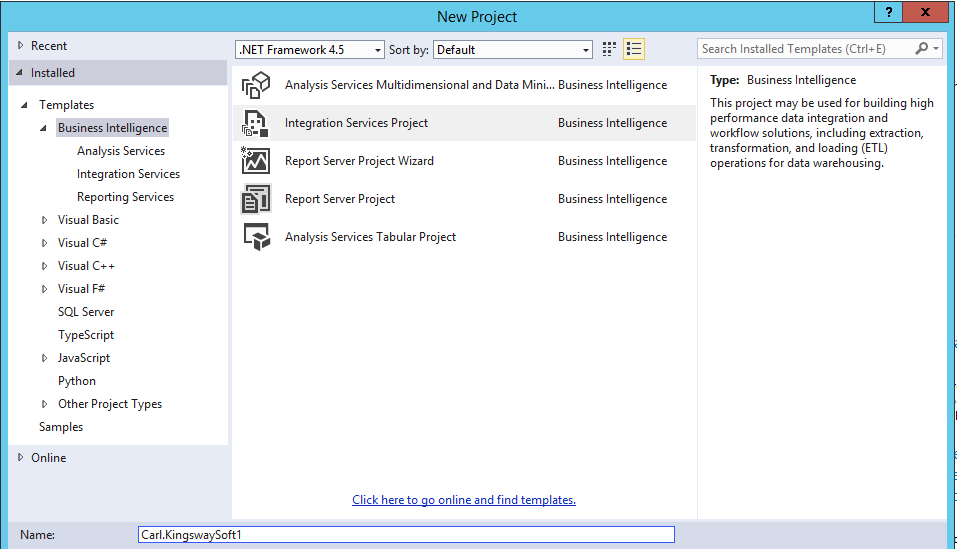
To create a KingswaySoft integration, go through the steps. In SSDT, select new Integration Services Project:
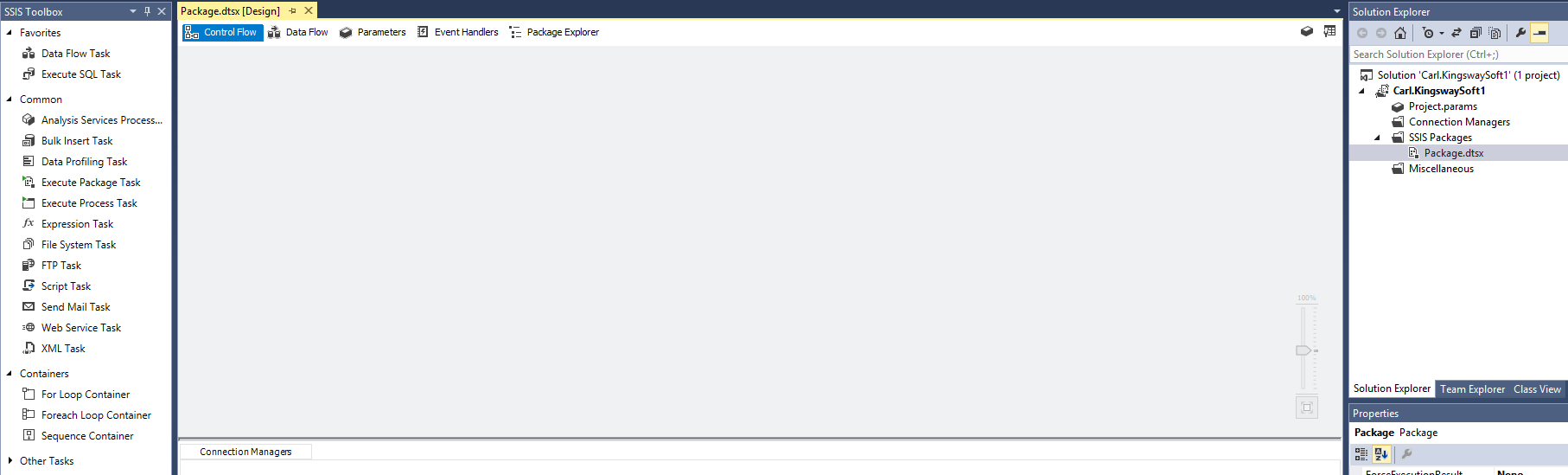
A new project is created:
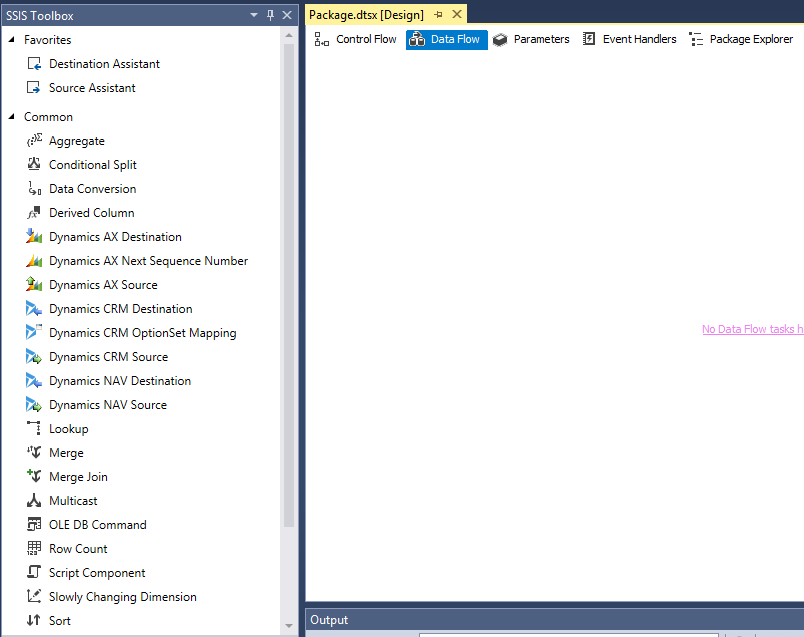
Under Data Flow you will see new KinsgwaySoft options:
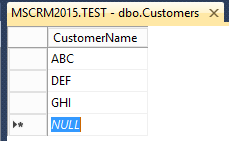
In SQL, create a Customers table in a TEST database, with sample data:
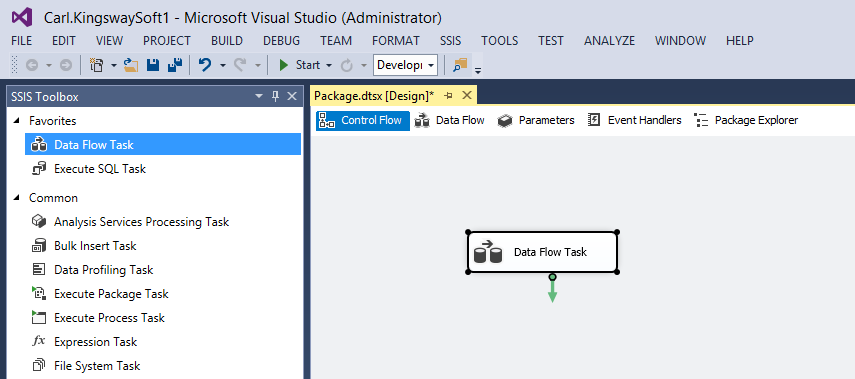
Add a Data Flow task:
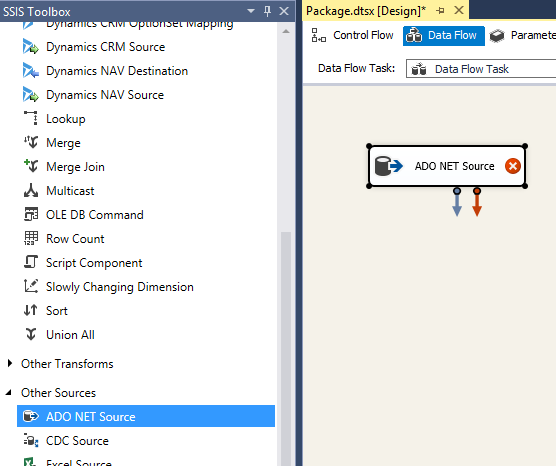
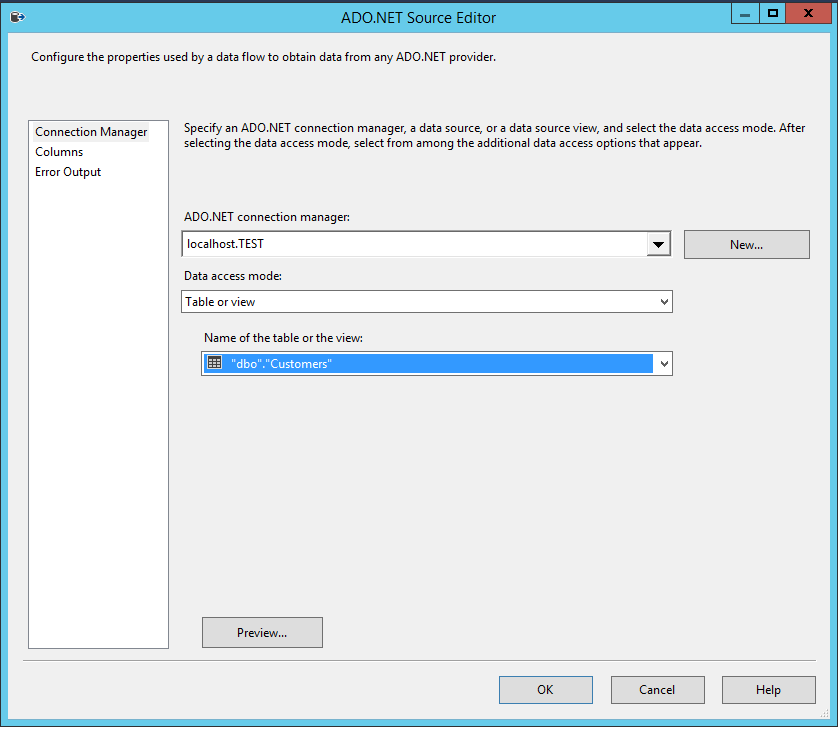
Double click on the data flow task, add an ADO.NET data source:
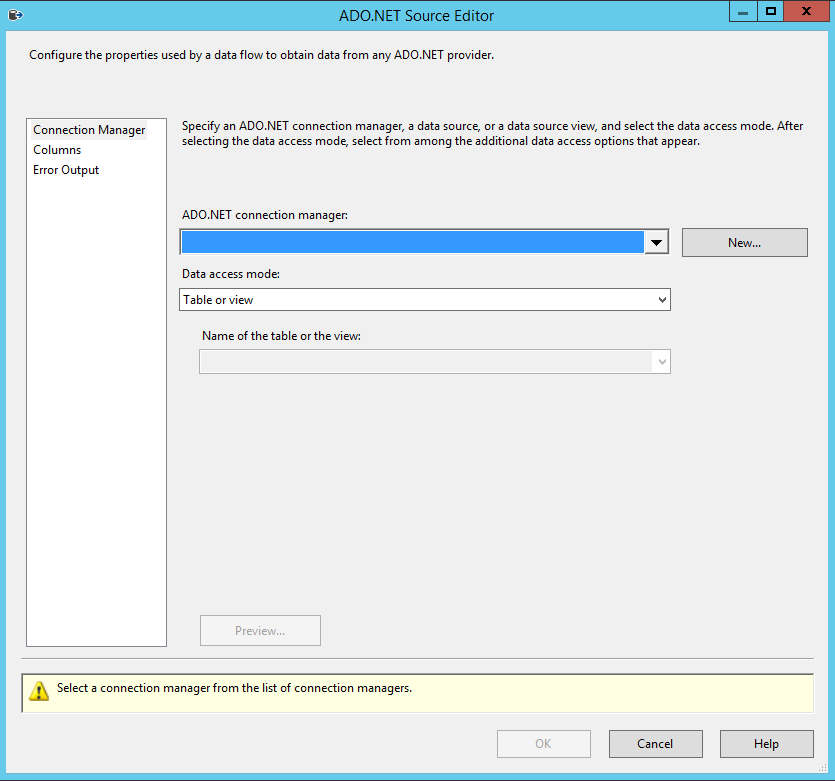
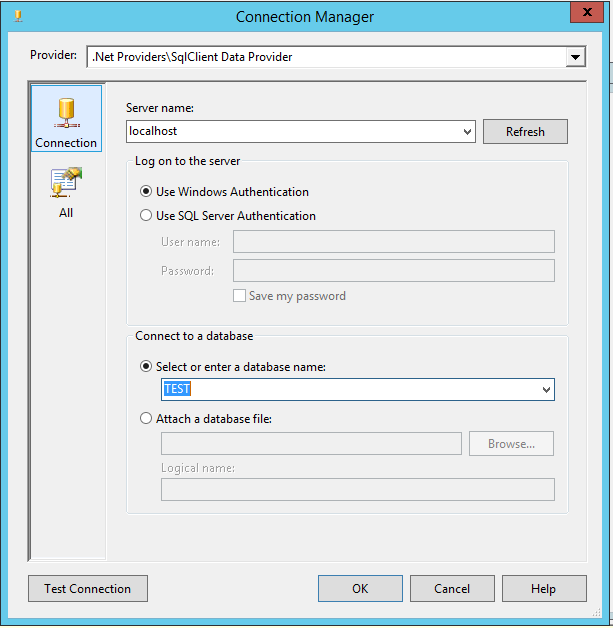
Create a new connection to the database:
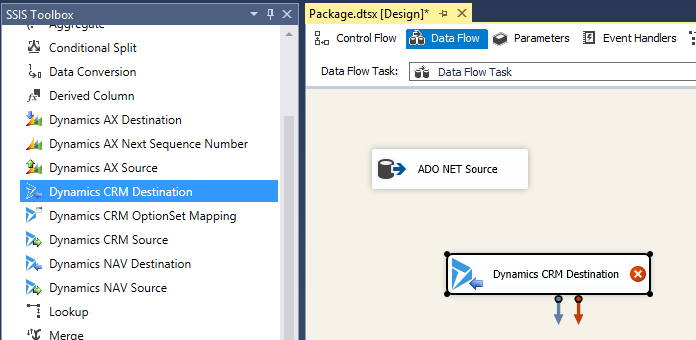
Add a CRM Destination:
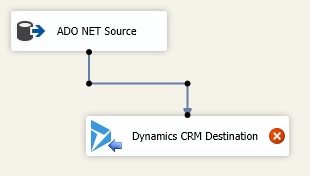
Connect the two together:
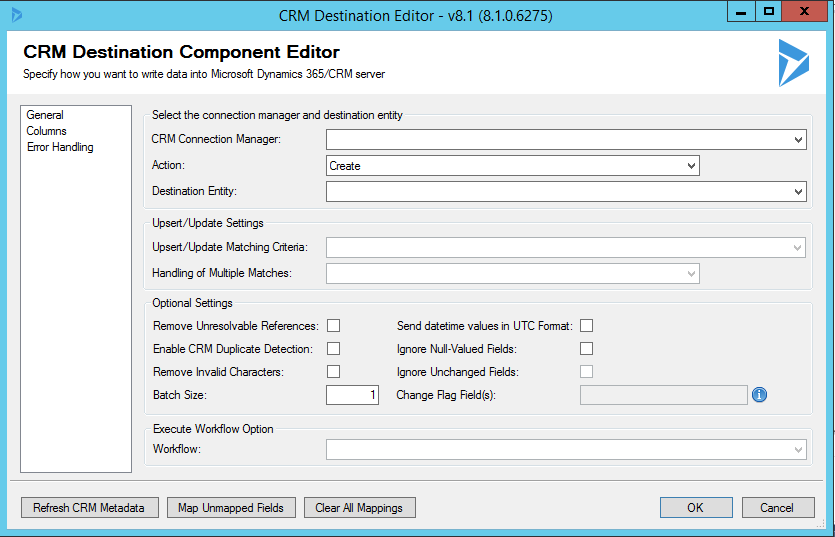
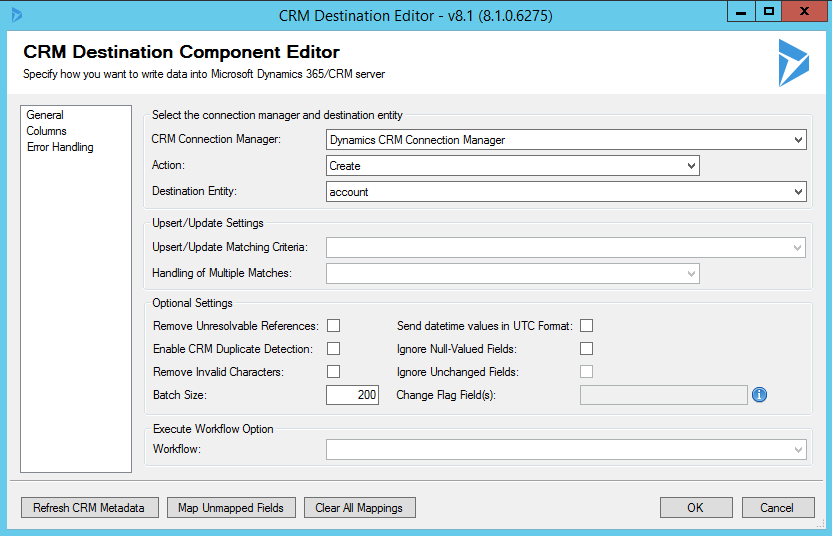
KingswaySoft configuration will open:
Create a new connection to CRM:
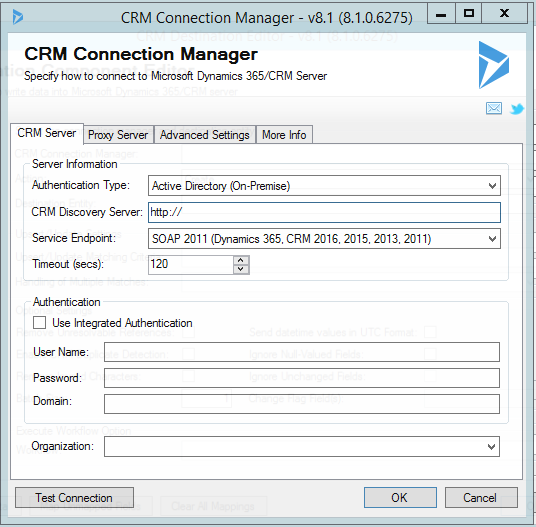
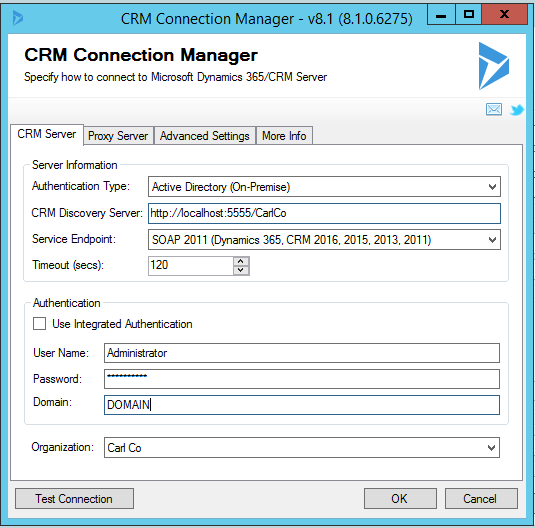
Complete:
Select the destination entity:
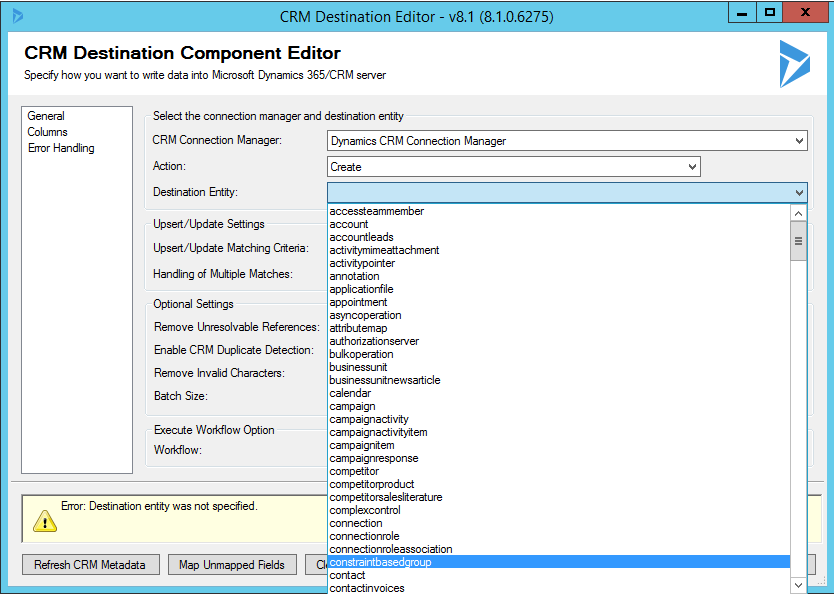
Note the destination options, with custom entities:
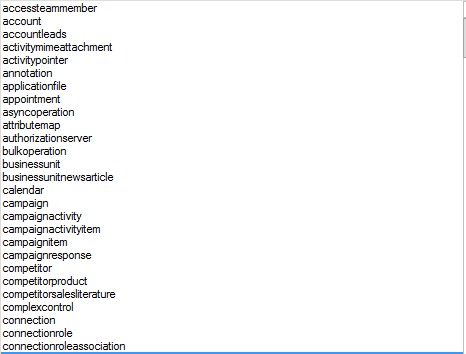
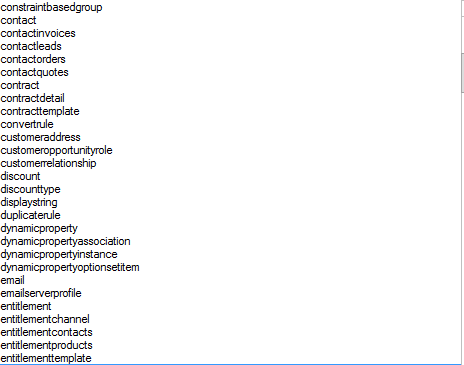
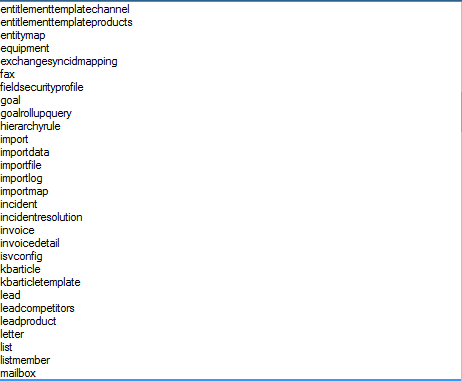
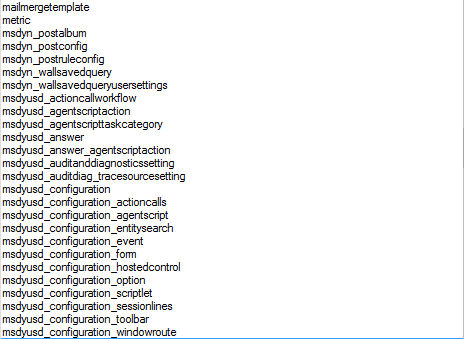
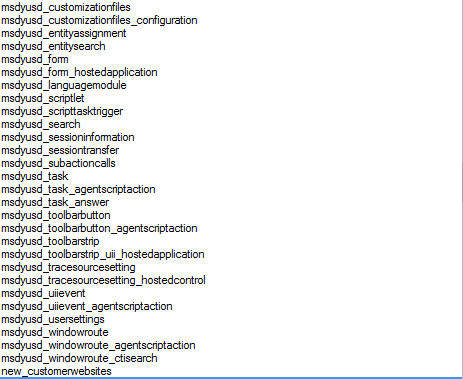
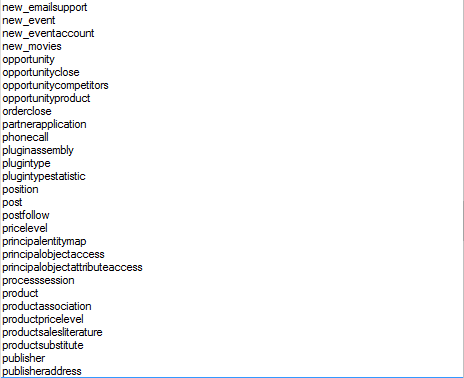
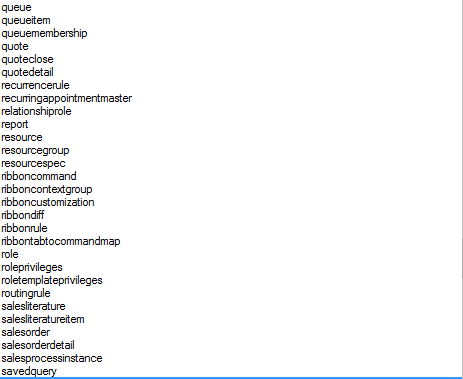
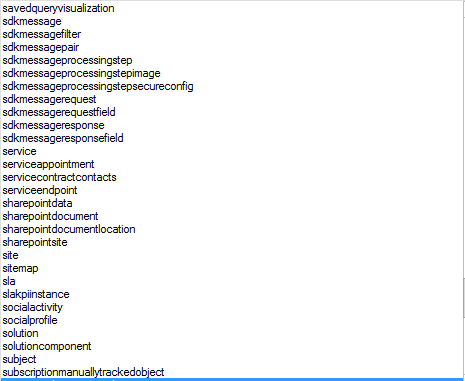
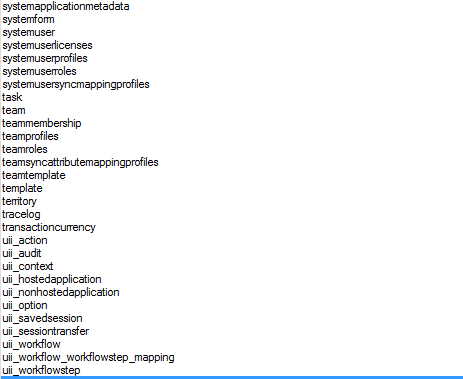
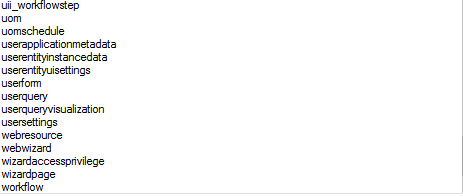
We will select the Account entity.
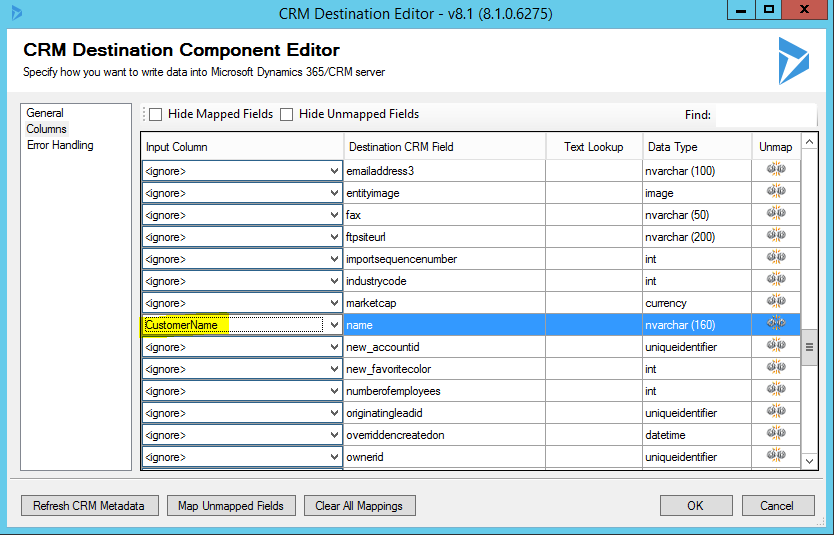
Select Columns and map the CustomerName from our source to the name field of the account:
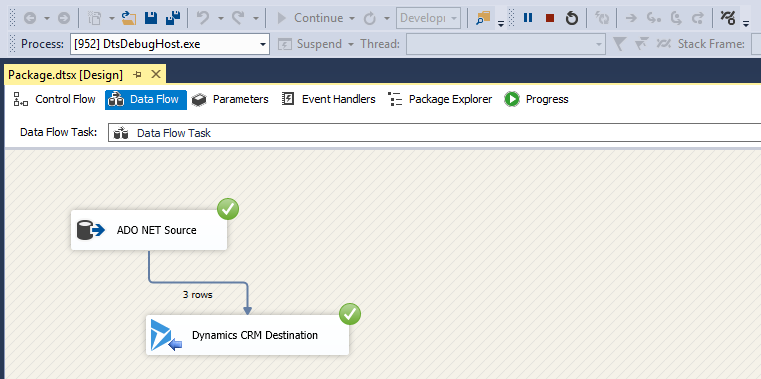
The integration is now ready to be run. Press start to run the integration.

The integration will show green checkboxes if successful:
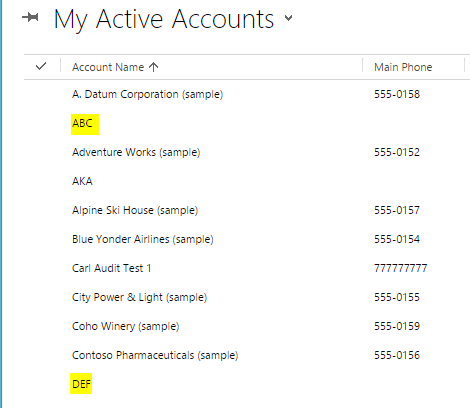
In Dynamics CRM, view the accounts. You will see the new accounts have been integration right into Dynamics CRM.

Explore AI, agents & Microsoft technology.
I share practical ideas, tutorials, and videos about AI, AI agents, Microsoft technologies, and the Power Platform.
Subscribe on YouTube →