The AdventureWorks sample databases that had been used for a long time for SQL Server have been replaced with the SQL Server 2016 version. This new database contains many new features.
To install the database, go to:
https://github.com/Microsoft/sql-server-samples/releases/tag/wide-world-importers-v1.0
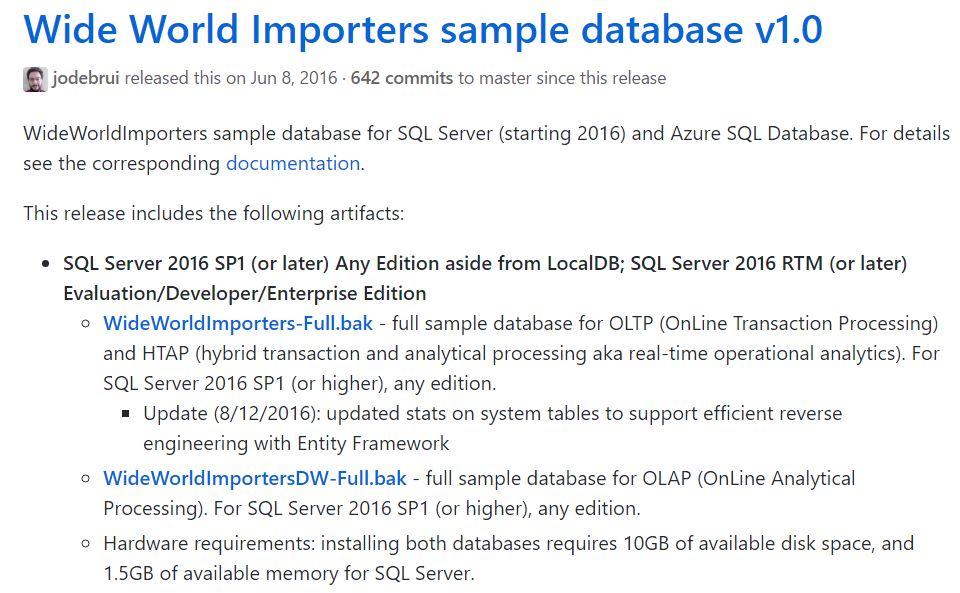
We will restore a local database and local data warehouse.
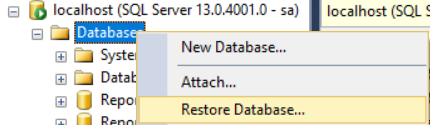
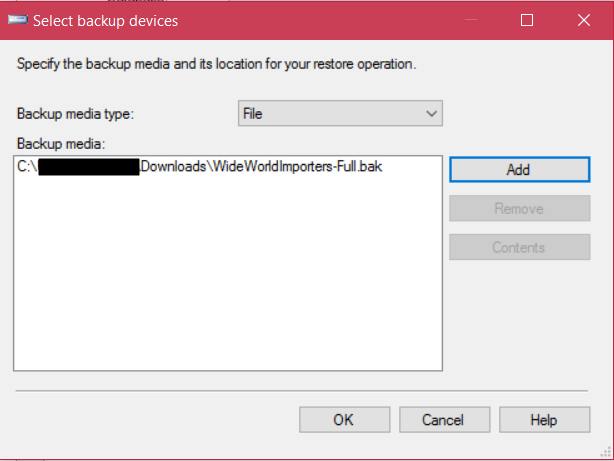
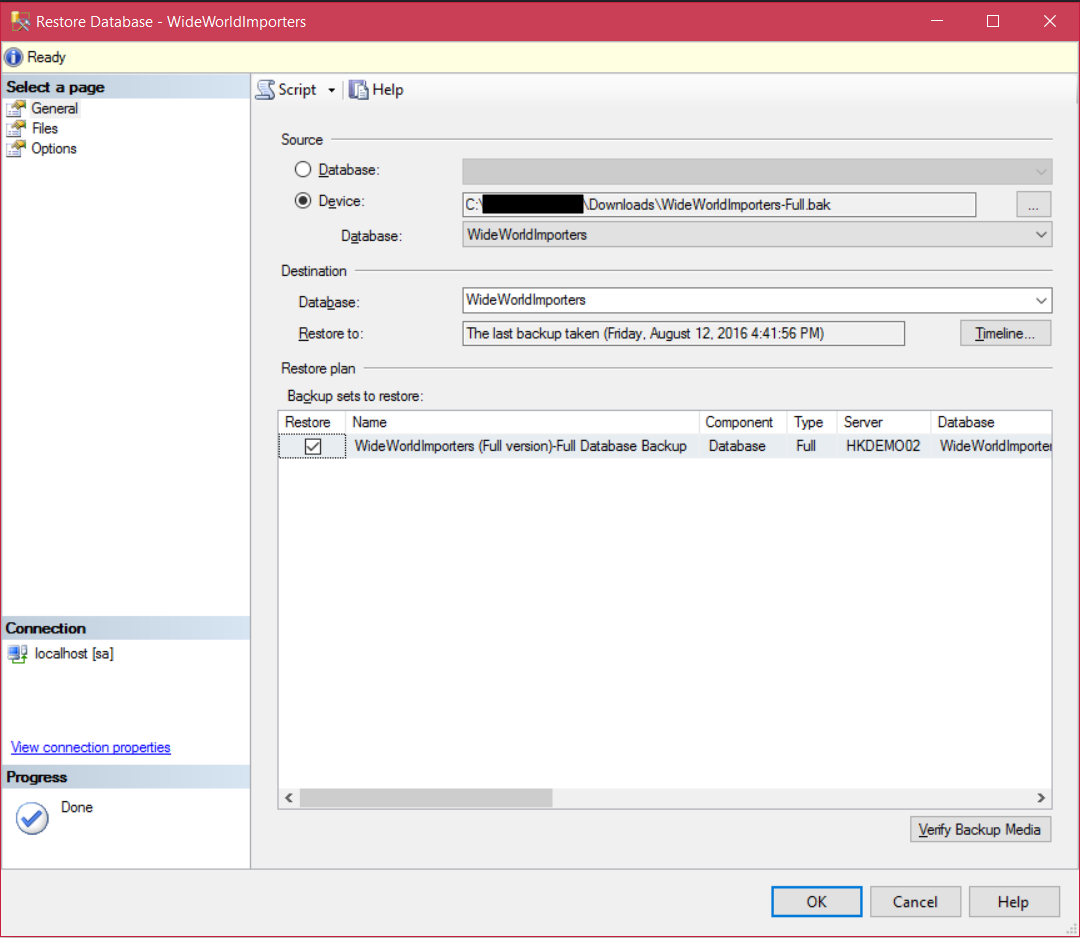
Database is installed:
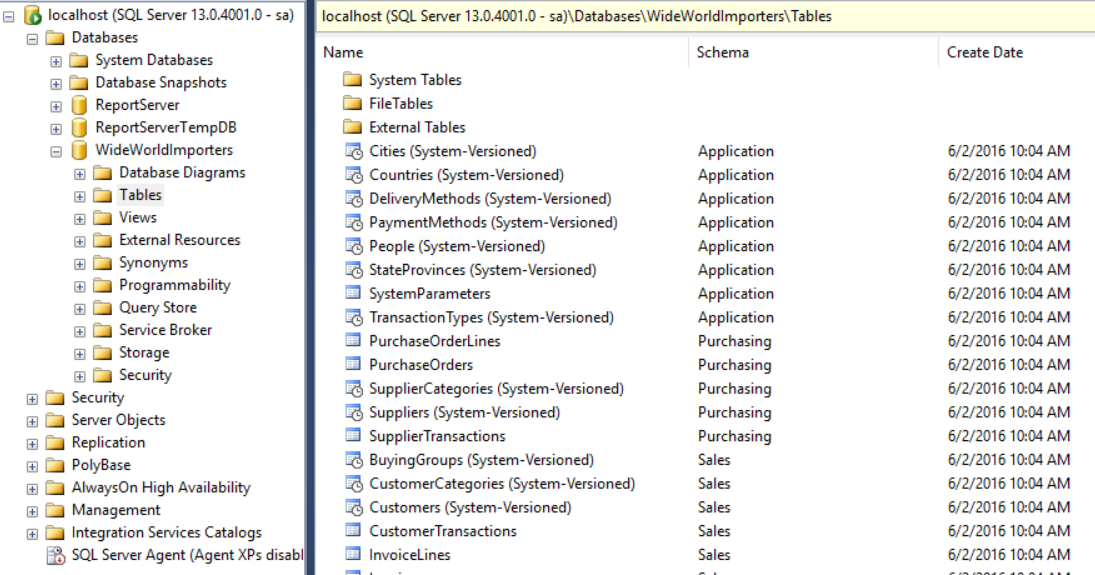
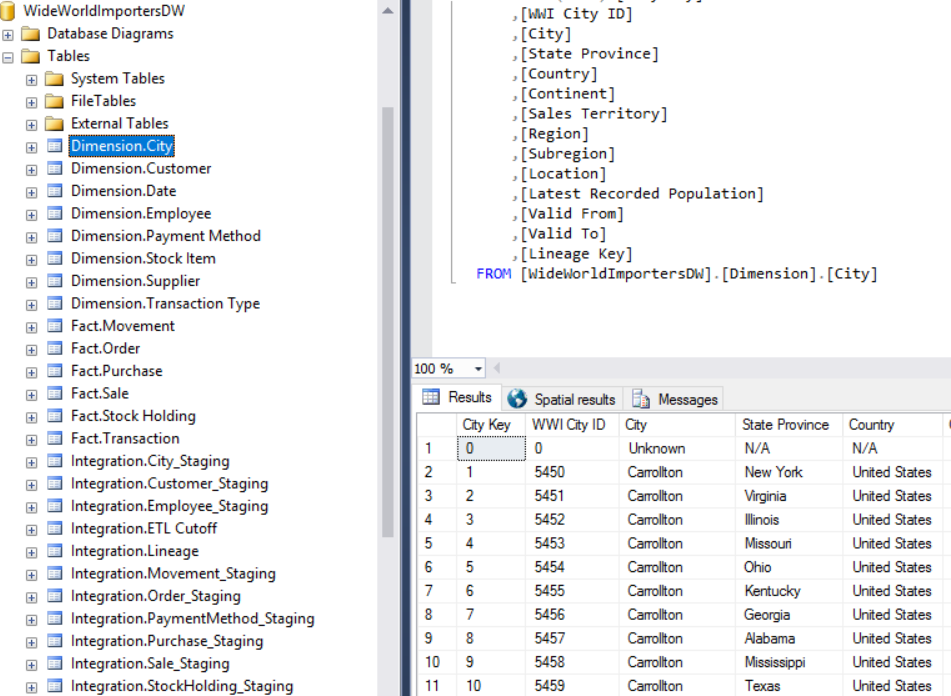
Restore the data warehouse, place the file in a directory run the command replacing the source directory below:
RESTORE FILELISTONLY
FROM DISK = 'C:\Program Files\Microsoft SQL Server\MSAS13.MSSQLSERVER\OLAP\Data\WideWorldImportersDW-Full.BAK'
RESTORE Database WideWorldImportersDW
FROM DISK = 'C:\Program Files\Microsoft SQL Server\MSAS13.MSSQLSERVER\OLAP\Data\WideWorldImportersDW-Full.BAK'
WITH
MOVE 'WWI_Primary' TO 'C:\Program Files\Microsoft SQL Server\MSAS13.MSSQLSERVER\OLAP\Data\WideWorldImportersDW.mdf',
MOVE 'WWI_UserData' TO 'C:\Program Files\Microsoft SQL Server\MSAS13.MSSQLSERVER\OLAP\Data\WideWorldImportersDW_UserData.ndf',
MOVE 'WWI_Log' TO 'C:\Program Files\Microsoft SQL Server\MSAS13.MSSQLSERVER\OLAP\Data\WideWorldImportersDW.ldf',
MOVE 'WWIDW_InMemory_Data_1' TO 'C:\Program Files\Microsoft SQL Server\MSAS13.MSSQLSERVER\OLAP\Data\WideWorldImportersDW_InMemory_Data_1',
RECOVERY, STATS =10


Keep learning. Keep building.
Explore AI, agents & Microsoft technology.
I share practical ideas, tutorials, and videos about AI, AI agents, Microsoft technologies, and the Power Platform.
Subscribe on YouTube →Carl de Souza Enterprise Architect at Microsoft · AI Technology Expert
