To install the UII NuGet Packages, open a Visual Studio project and open the Package Manager Console.
Enter the command:
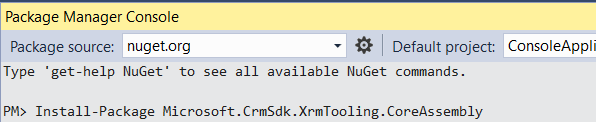
Install-Package Microsoft.CrmSdk.XrmTooling.CoreAssembly
This will install the following assemblies:
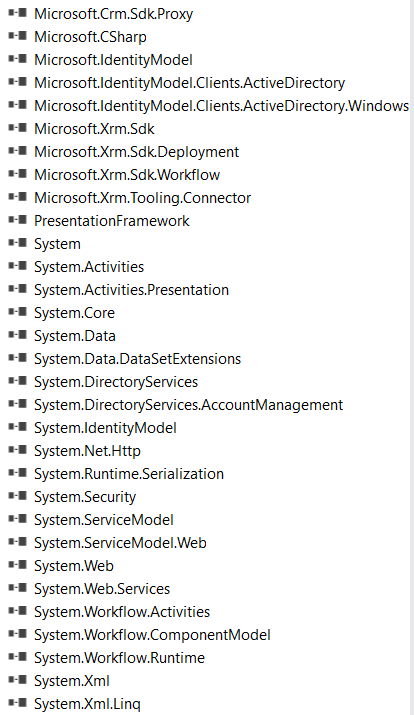
Then, install the UII Common package:
Install-Package Microsoft.CrmSdk.UII.CommonAssemblies

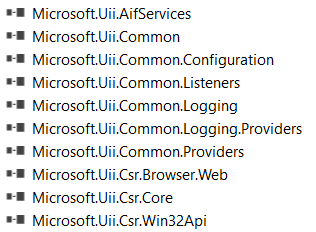
More information:
- https://www.nuget.org/packages/Microsoft.CrmSdk.XrmTooling.CoreAssembly/
- https://www.nuget.org/packages/Microsoft.CrmSdk.UII.CommonAssemblies/

Keep learning. Keep building.
Explore AI, agents & Microsoft technology.
I share practical ideas, tutorials, and videos about AI, AI agents, Microsoft technologies, and the Power Platform.
Subscribe on YouTube →Carl de Souza Enterprise Architect at Microsoft · AI Technology Expert
