In USD, there is an action call that creates an entity in CRM. Let’s go through an example of how to use it. In this example we will show how to clone an account record.
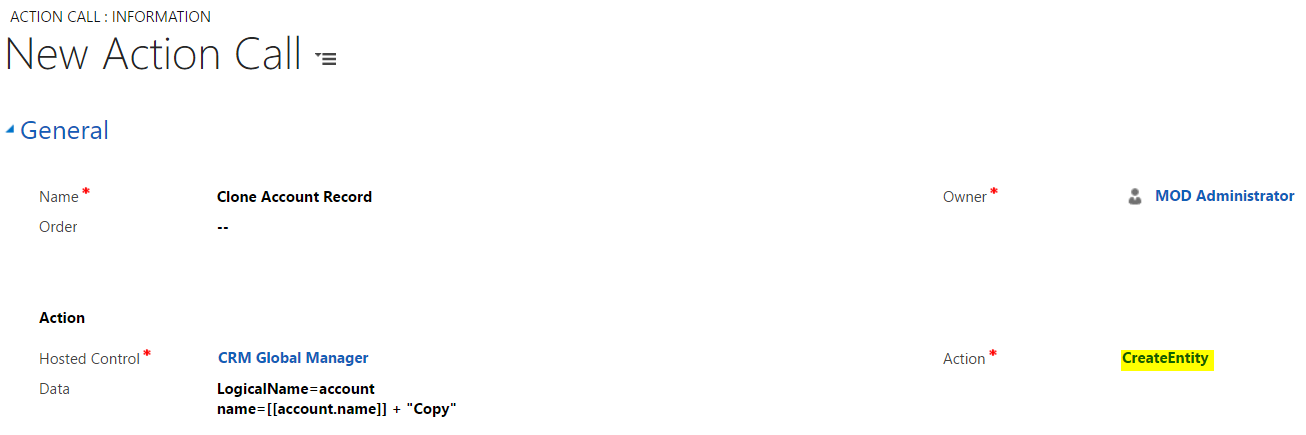
Create a new Action Call. Set the hosted control to CRM Global Manager and the Action to CreateEntity. Note we are setting in the data field what entity to create (account) and passing name value pairs for the account name:
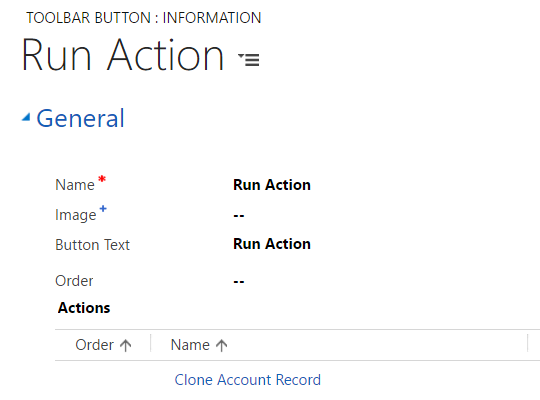
Now create a new toolbar in USD to call our action. We will simply call it “Run Action”.
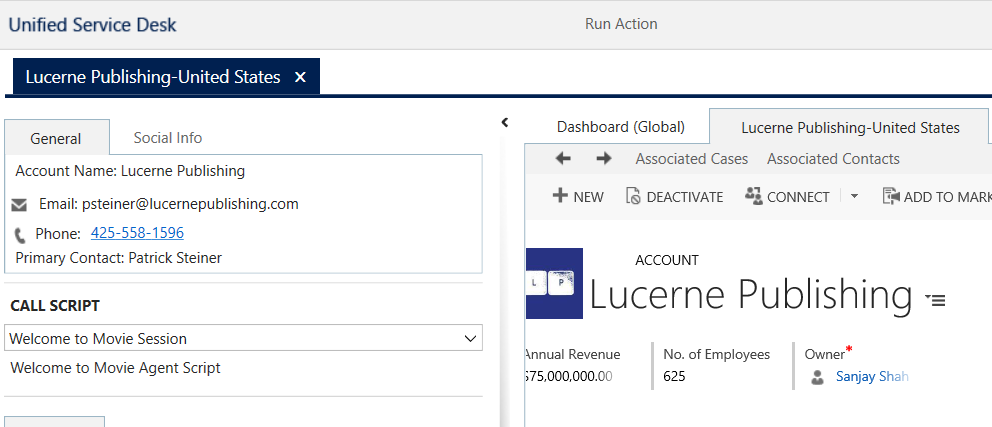
Run USD. Select an existing account and press Run Action:
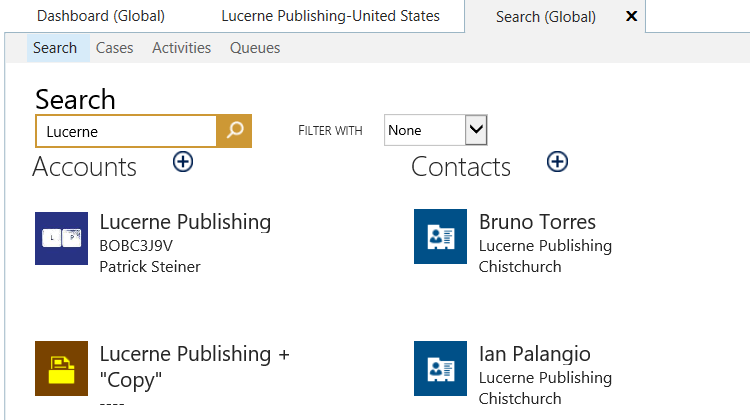
Now using our Search function we can see the new account has been created:
If you want to fully clone the record, you can add additional fields.

Explore AI, agents & Microsoft technology.
I share practical ideas, tutorials, and videos about AI, AI agents, Microsoft technologies, and the Power Platform.
Subscribe on YouTube →