In this post, we will look at how to upgrade Omnichannel to the latest version.
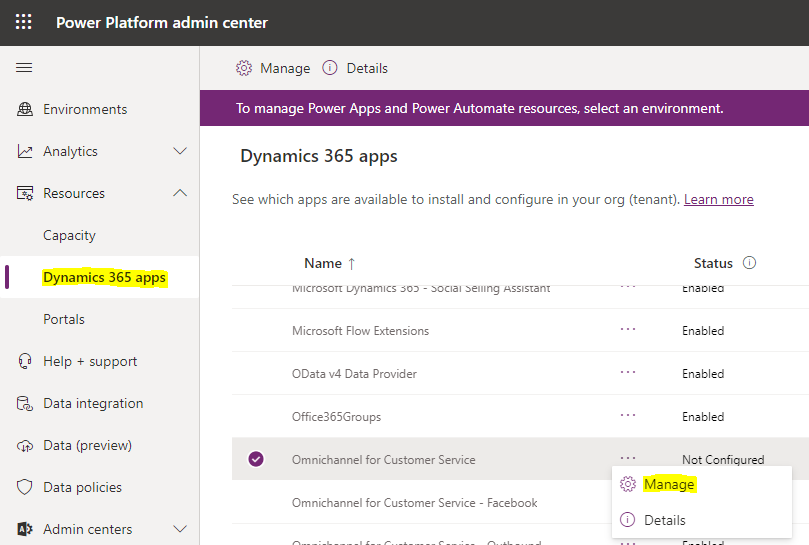
First, go to the Power Platform admin center at https://admin.powerplatform.microsoft.com/ and click on Dynamics 365 Apps, then Omnichannel for Customer Service, then Manage:
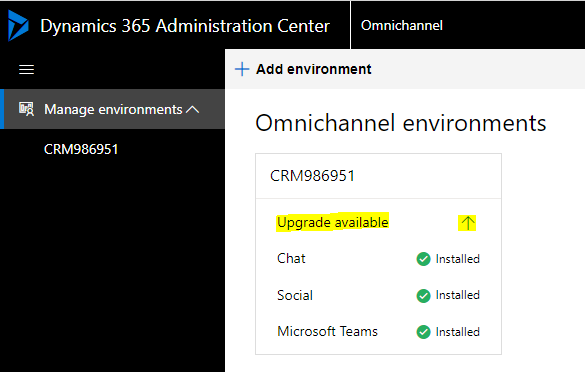
This will take you over to the Dynamics 365 Administration Center with the Omnichannel environments. If an upgrade is available you will see it, then click on the arrow:
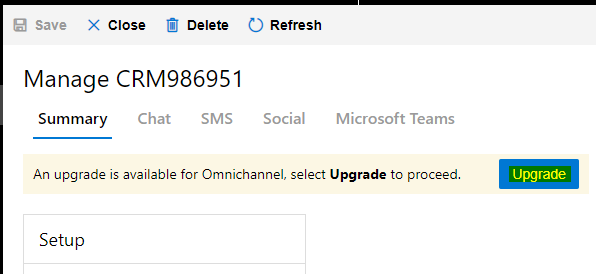
Click on the Upgrade button:
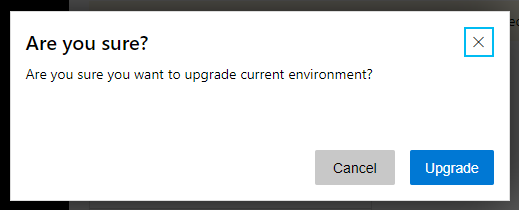
And Upgrade:
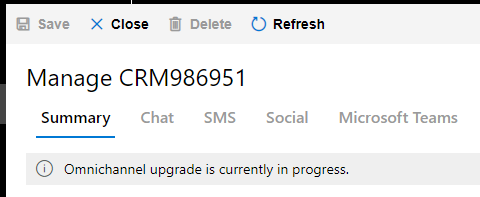
You will see the message “Omnichannel upgrade is currently in progress”:
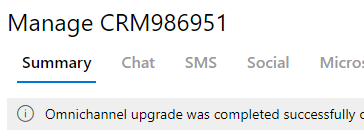
Once complete, you will see:

Keep learning. Keep building.
Explore AI, agents & Microsoft technology.
I share practical ideas, tutorials, and videos about AI, AI agents, Microsoft technologies, and the Power Platform.
Subscribe on YouTube →Carl de Souza Enterprise Architect at Microsoft · AI Technology Expert
