Nuget is a package manager for the Microsoft platform. It runs within Visual Studio.
To use it, open Visual Studio and go to Tools->NuGet Package Manager:
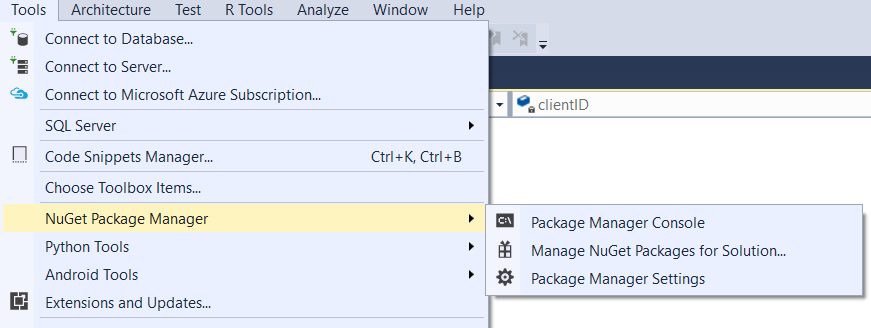
Select Manage NuGet Packages for Solution and you will be able to see what is already installed and if there are any updates available. You can also install new packages.
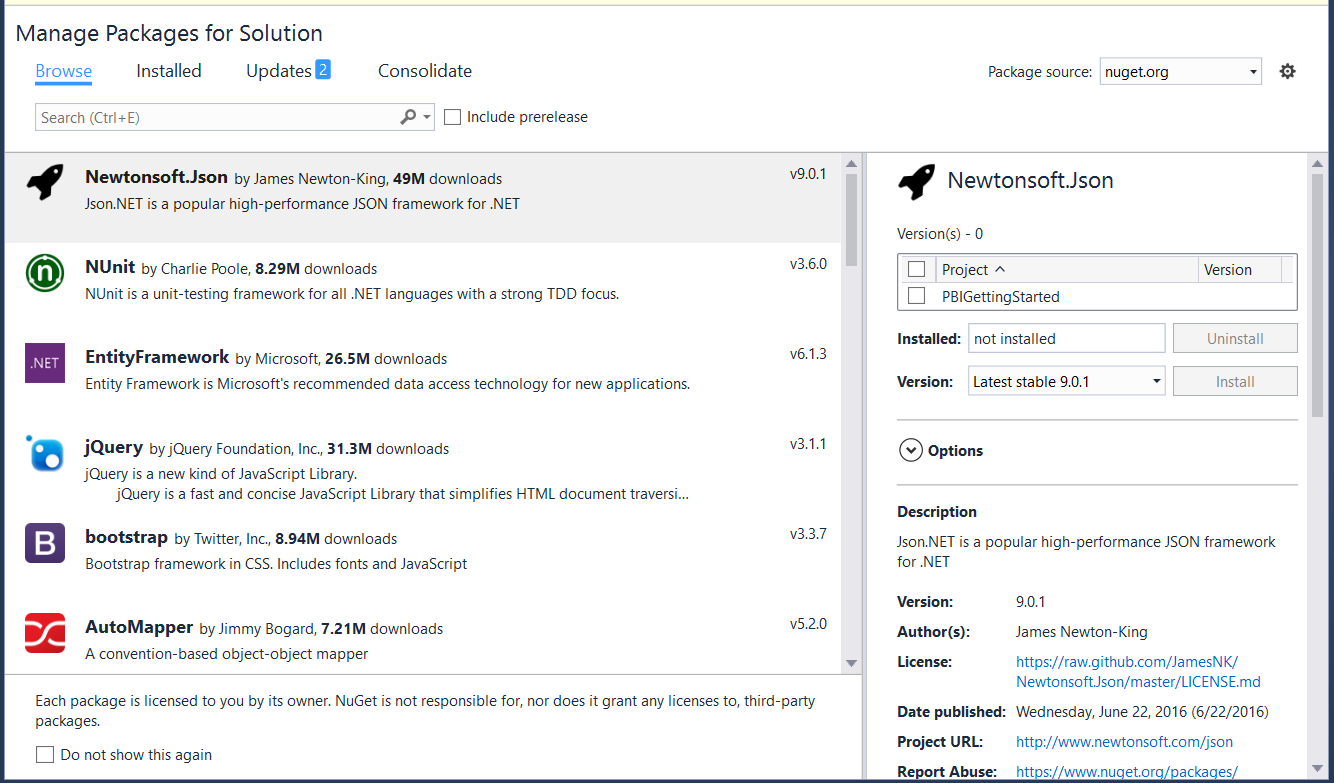
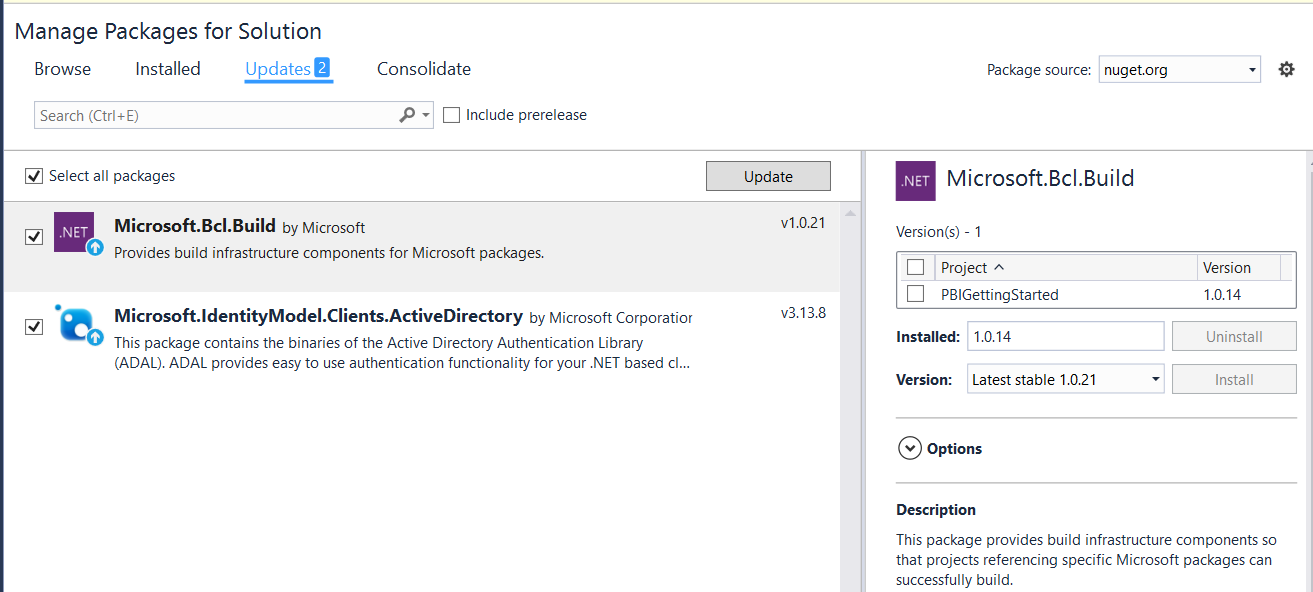
To update, select Updates, select the package to update and click Update:
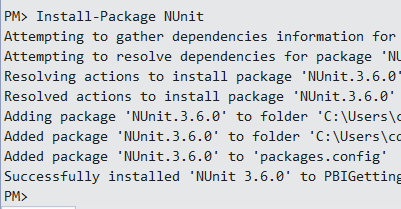
You can also use the Package Manager Console to run NuGet commands:

For example, to install a NuGet package, the command would be:
Install-Package <packagename>
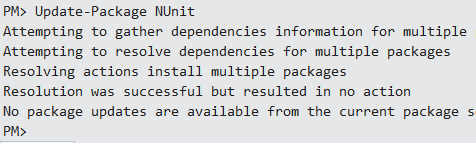
To update:
Update-Package <packagename>
To downgrade a package, you need to uninstall it and reinstall.
To uninstall:
Uninstall-Package <packagename>

Install a particular version of a package:
Install-Package <packagename> -Version <versionnumber>


Explore AI, agents & Microsoft technology.
I share practical ideas, tutorials, and videos about AI, AI agents, Microsoft technologies, and the Power Platform.
Subscribe on YouTube →