Creating a console application in C# is really easy. Let’s go through a Hello World example.
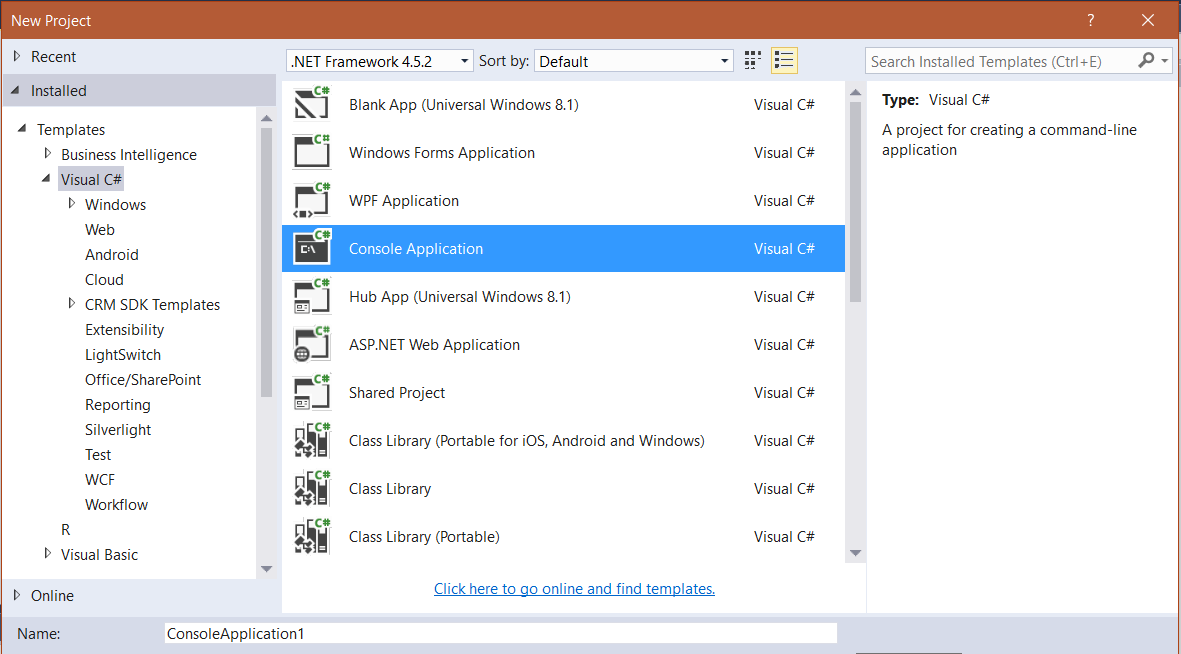
First, create a new project in Visual Studio. Give the project a name:
The project contains a Program.cs file, which contains a static Main method:
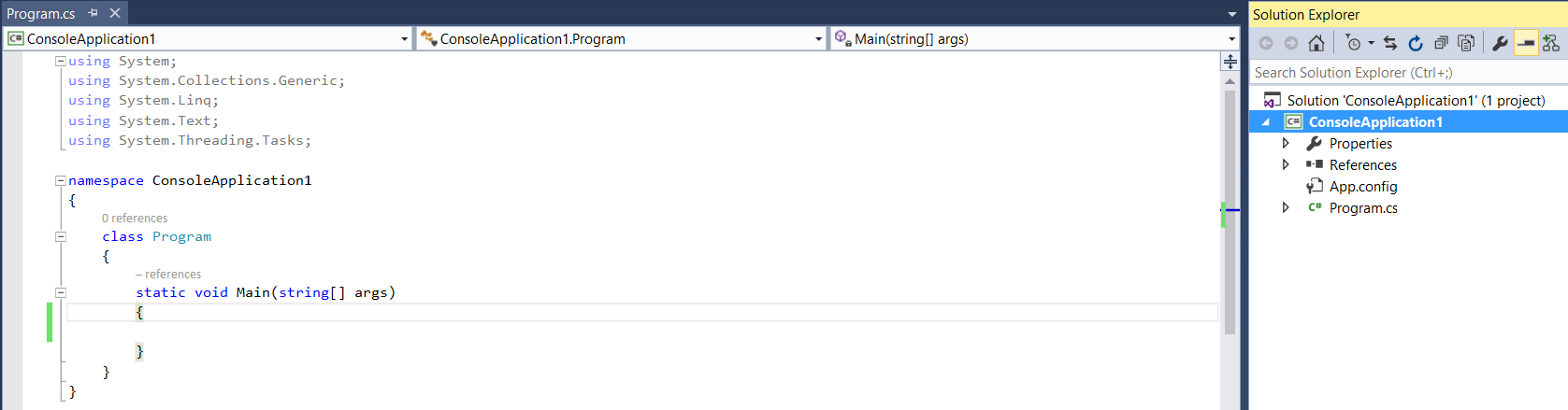
This method will be called first when the application is run – it is the entry point of the application. It is static and declared as a class or struct.
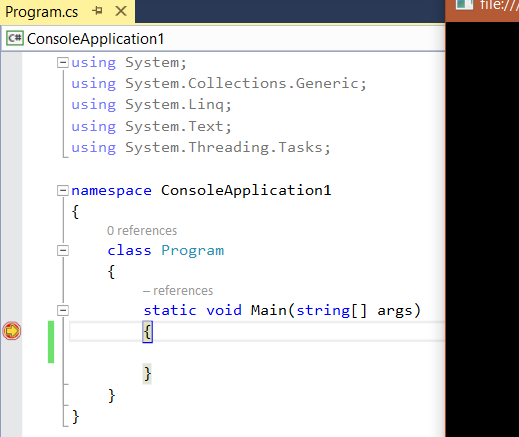
If we put a breakpoint on the main method, and debug, we can see the debugger is called:
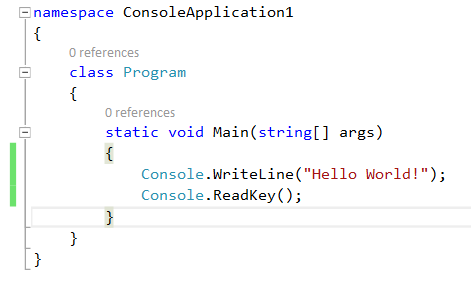
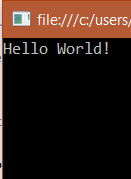
Let’s add some code to the main method. We will simply write out Hello World to the console.
Hit F5 to run the application.

Keep learning. Keep building.
Explore AI, agents & Microsoft technology.
I share practical ideas, tutorials, and videos about AI, AI agents, Microsoft technologies, and the Power Platform.
Subscribe on YouTube →Carl de Souza Enterprise Architect at Microsoft · AI Technology Expert
