To add a database to an existing PowerApps environment, do the following.
Log into https://admin.powerapps.com/ and go to Environments, then select the environment. You will see a Create my Database button. Click it:
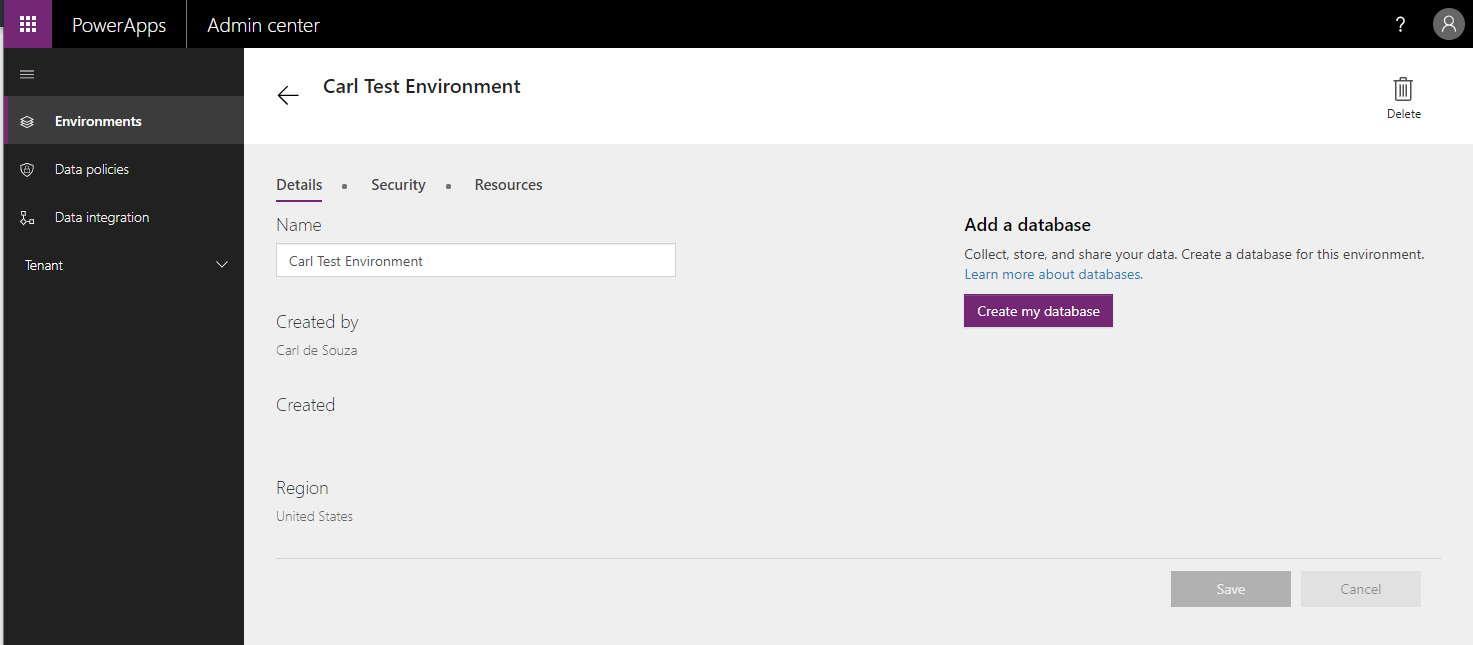
You will see below:
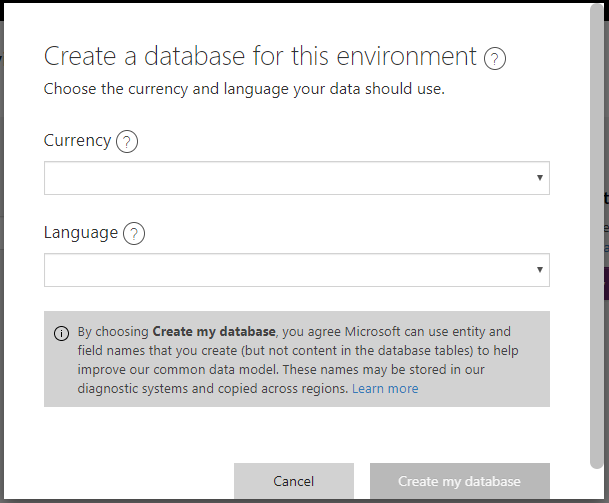
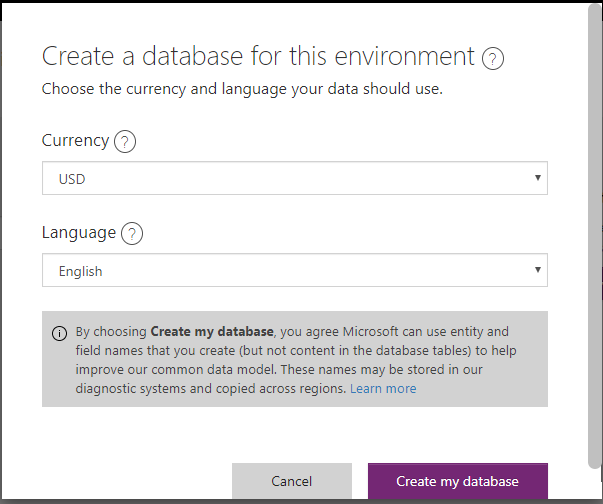
Select a Currency and Language, then click Create my Database:
You will see “provisioning database”:
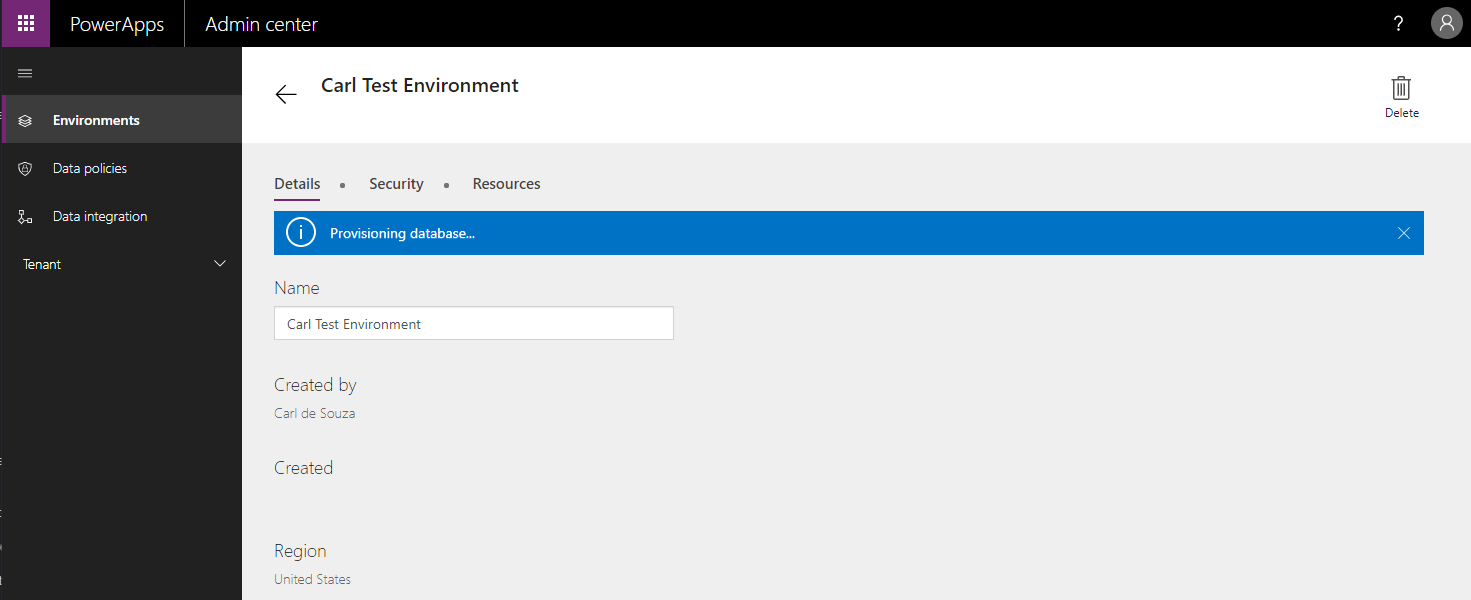
Once complete, it will look like below:

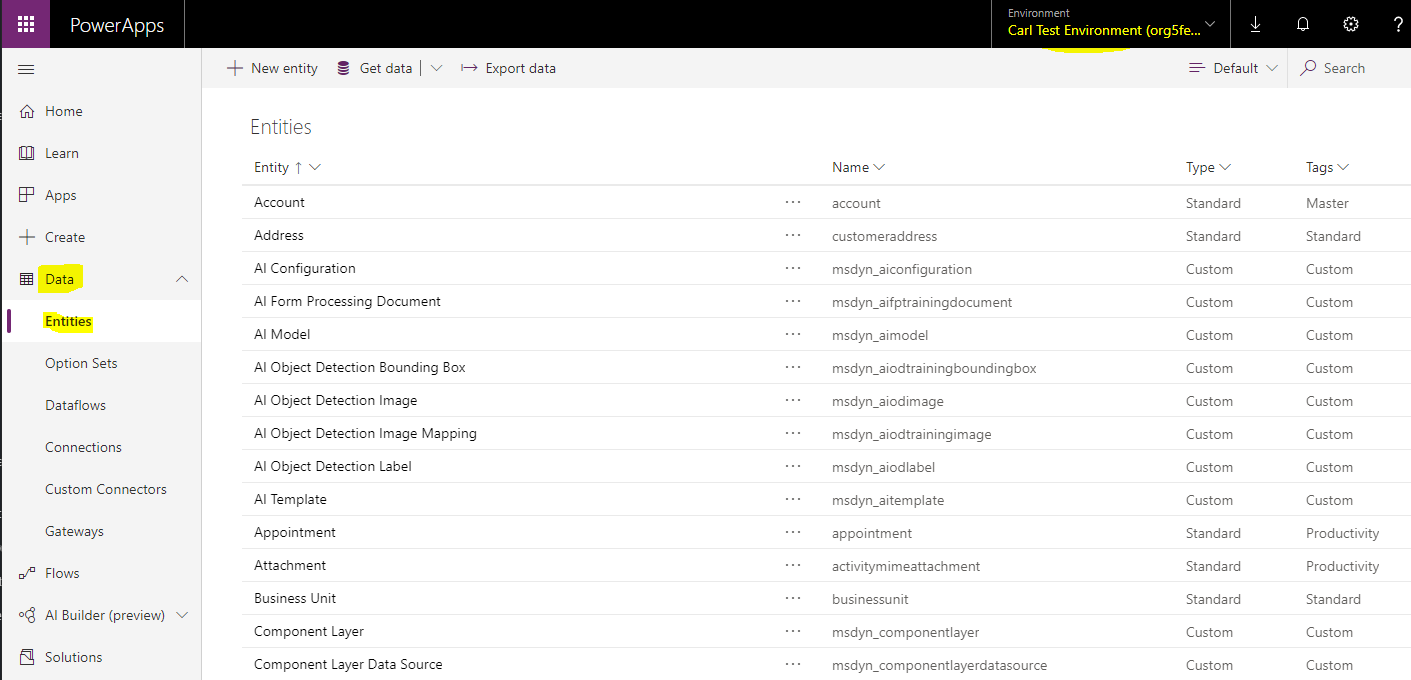
Go to https://make.powerapps.com/. Select the environment, and you will see the entities installed:

Keep learning. Keep building.
Explore AI, agents & Microsoft technology.
I share practical ideas, tutorials, and videos about AI, AI agents, Microsoft technologies, and the Power Platform.
Subscribe on YouTube →Carl de Souza Enterprise Architect at Microsoft · AI Technology Expert
