In this post, we will create a new Bing Custom Search Instance that we can use to access the Bing Custom Search API. This will enable us to access the Bing Search API from apps we build, thereby opening our apps to the power of Bing Search.
First, go to https://www.customsearch.ai/ and sign in:

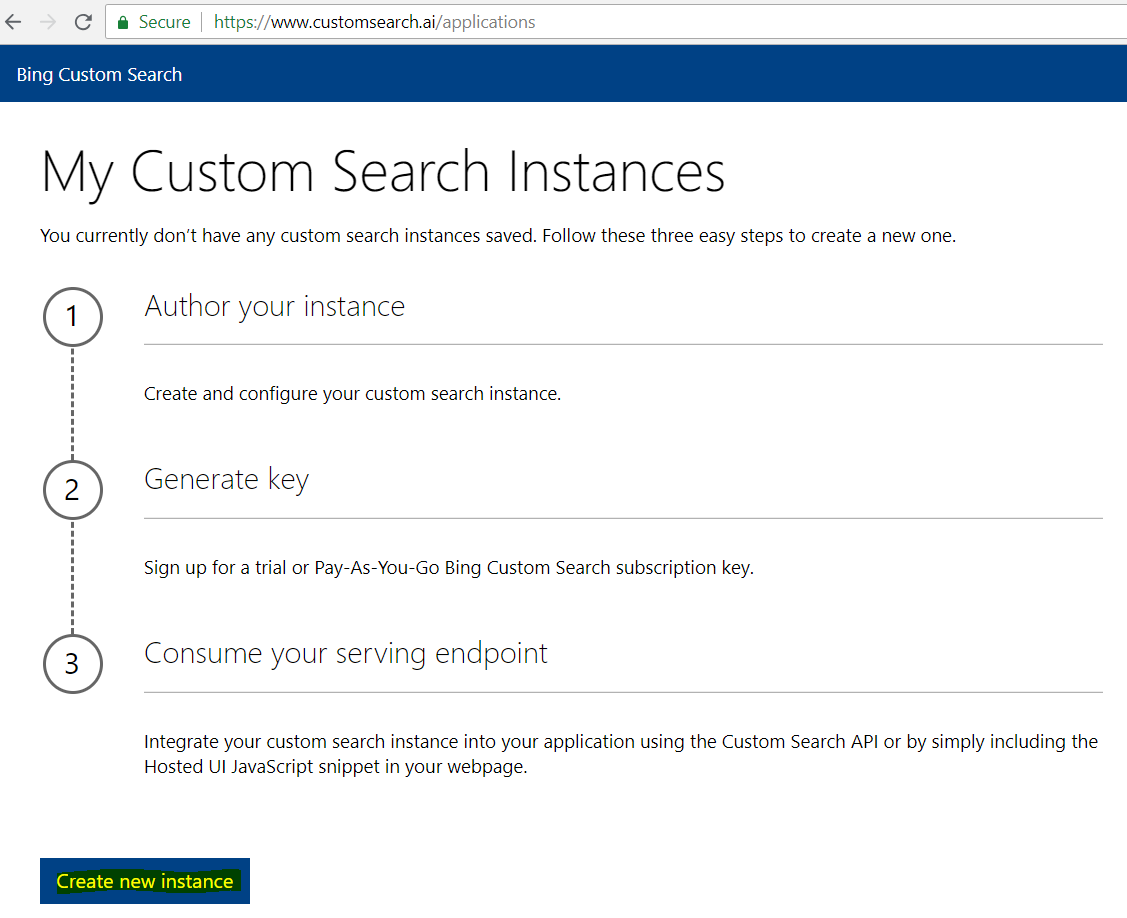
You will see the steps below. Click Create new instance:
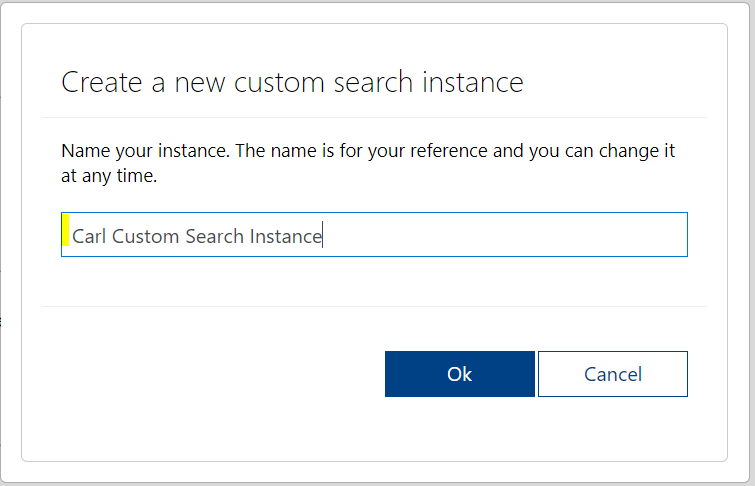
Name the instance and click OK:
You will see below:
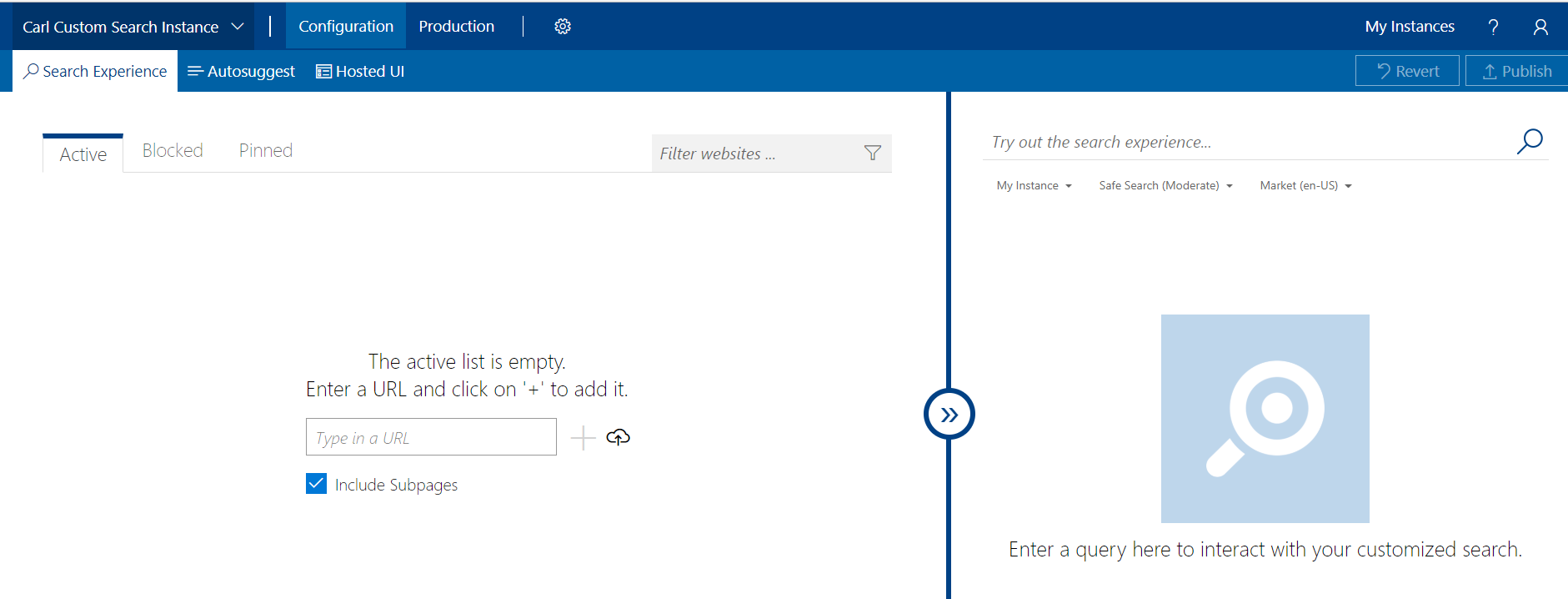
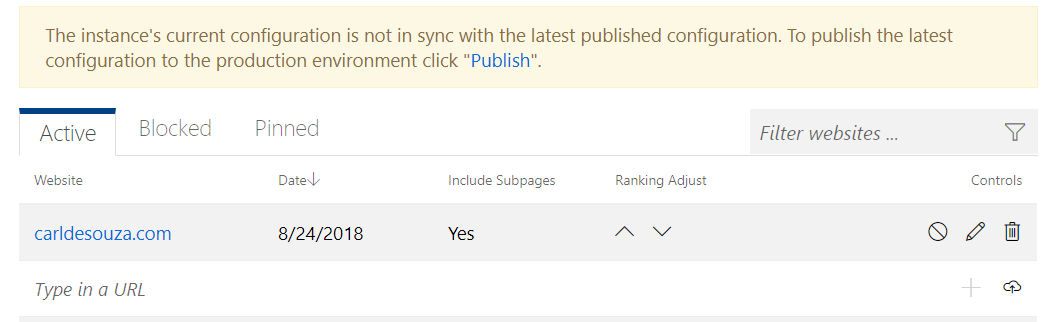
Enter a site. I will use this site, carldesouza.com, that this search instance will return results from:
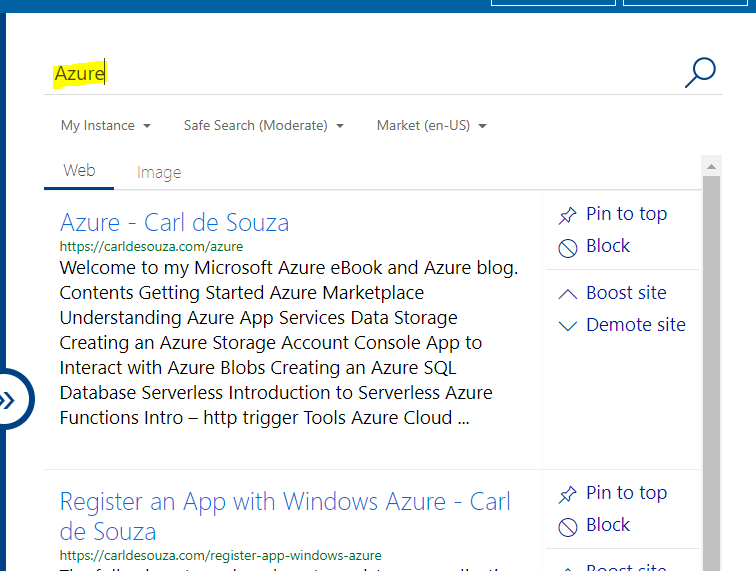
To test the app, enter a search term in the right pane. I will search my site for the word “Azure”:
On the top right, click Publish:

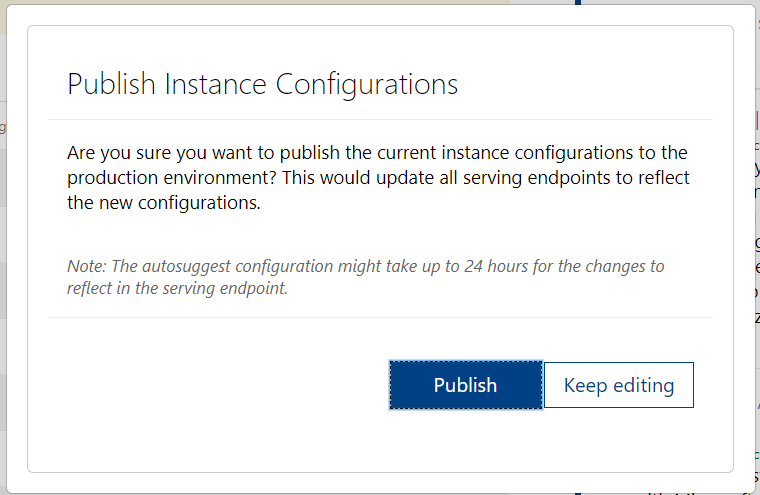
And Publish:
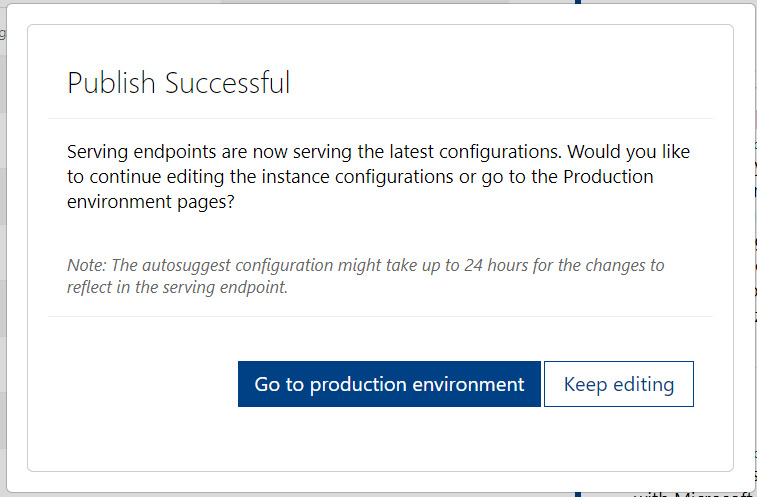
Click Go to Production environment:
You will see the Custom Configuration ID
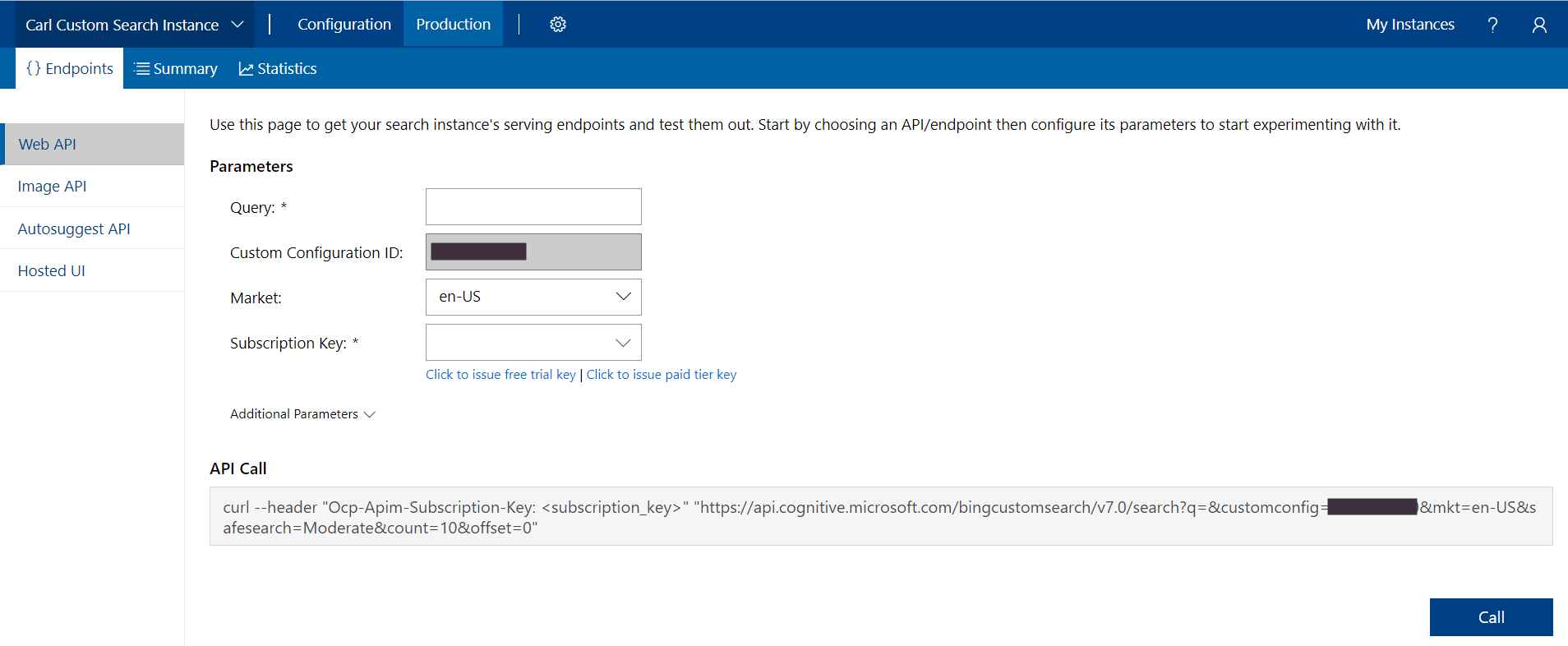
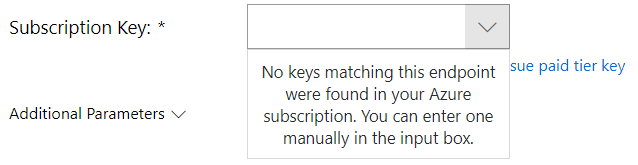
Select a Subscription Key. If you see the message “No keys matching this endpoint were found in your Azure subscription. You can enter one manually in the input box” then you may need to generate a key if you have not already done so. Click on Issue a key:
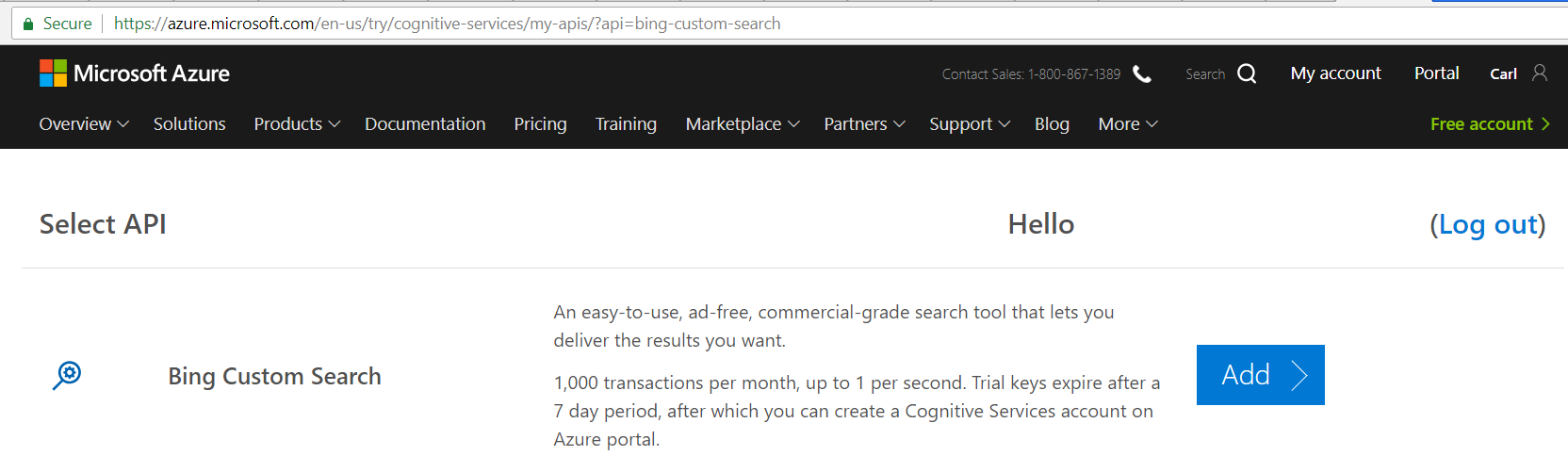
This will take you to https://azure.microsoft.com/en-us/try/cognitive-services/my-apis/?api=bing-custom-search to create a key. Click Add:
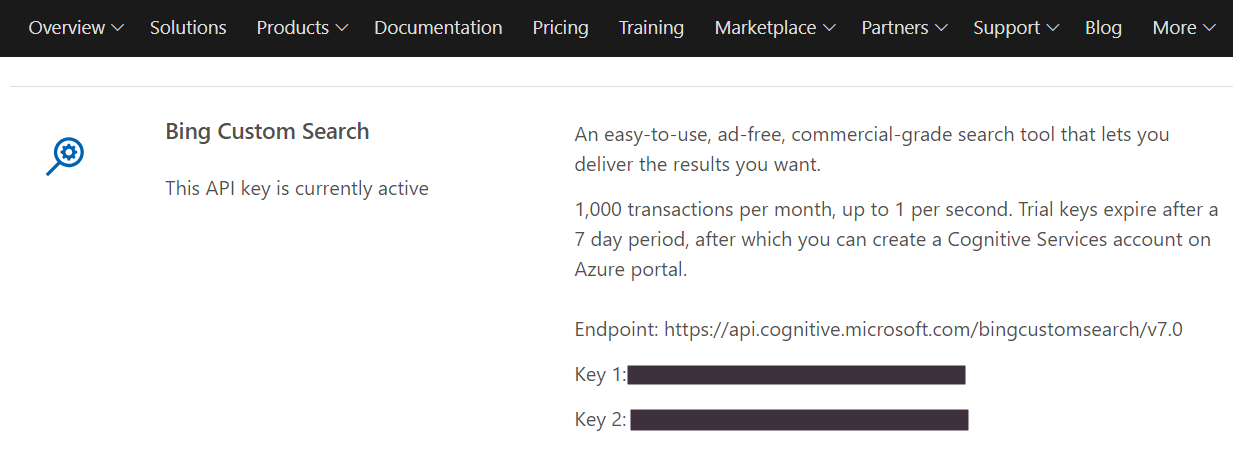
You will then see the endpoint (e.g. https://api.cognitive.microsoft.com/bingcustomsearch/v7.0) and your keys:
Note you can also generate the keys through the Azure portal.
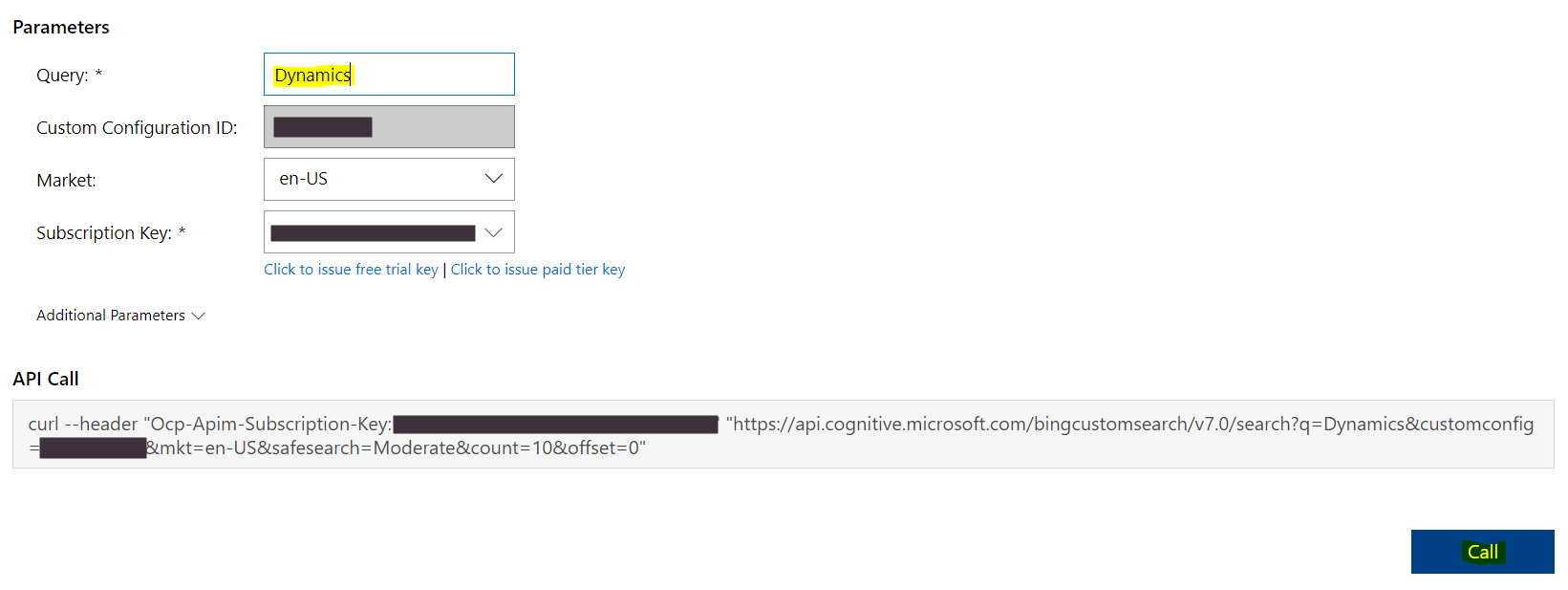
Now enter the key in your custom search instance:
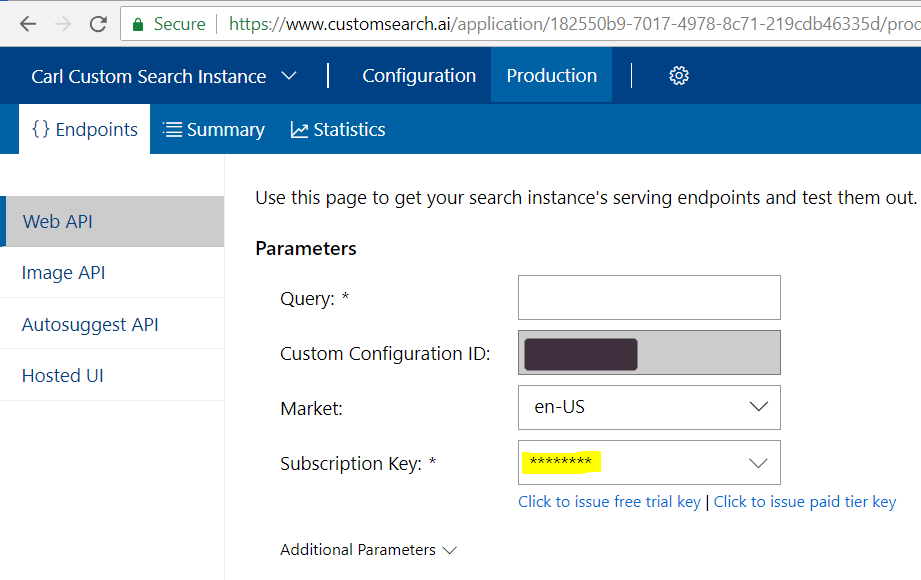
Enter a search term, and click Call:
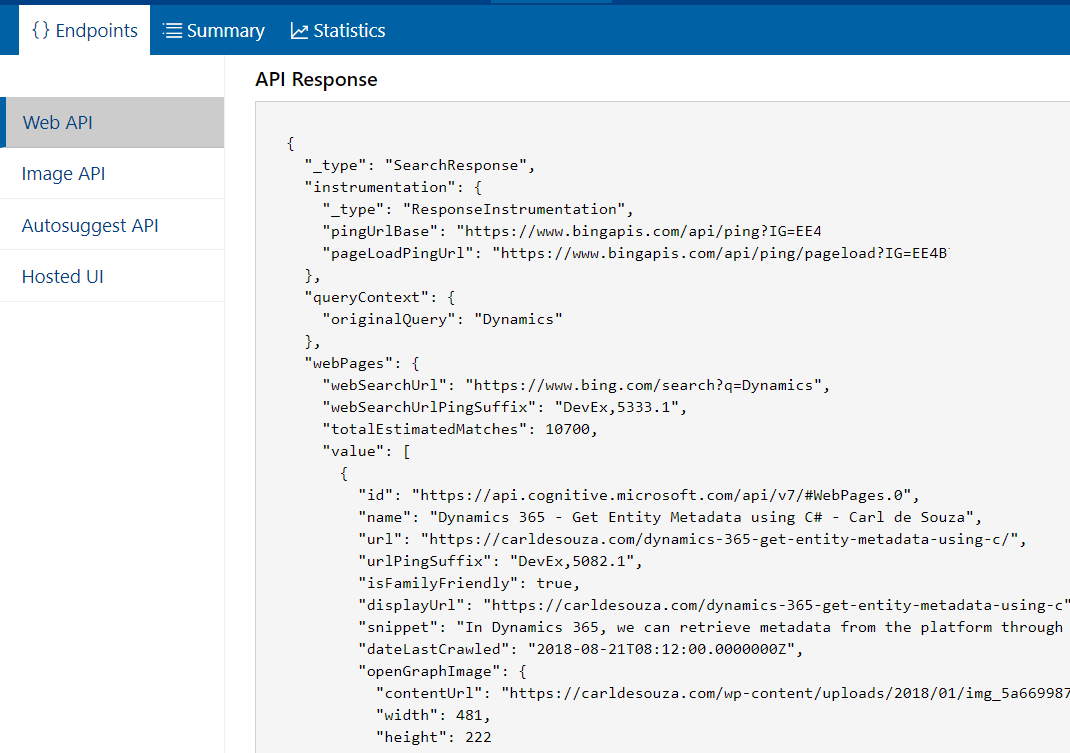
You will see the response come back from the API, here you can see my site has returned some results when searching for Dynamics:
You can now use the Bing Search API in your apps, for example, this Hello World in a C# console app.

Explore AI, agents & Microsoft technology.
I share practical ideas, tutorials, and videos about AI, AI agents, Microsoft technologies, and the Power Platform.
Subscribe on YouTube →