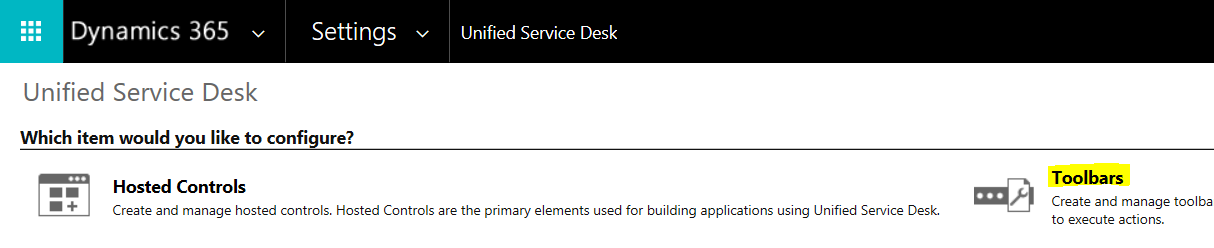
In this post, we will look at how to create a new USD session from a button in the toolbar. In USD in Dynamics 365, go to Toolbars:
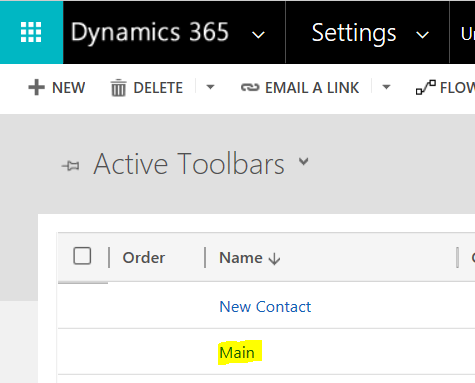
We will select the Main toolbar:
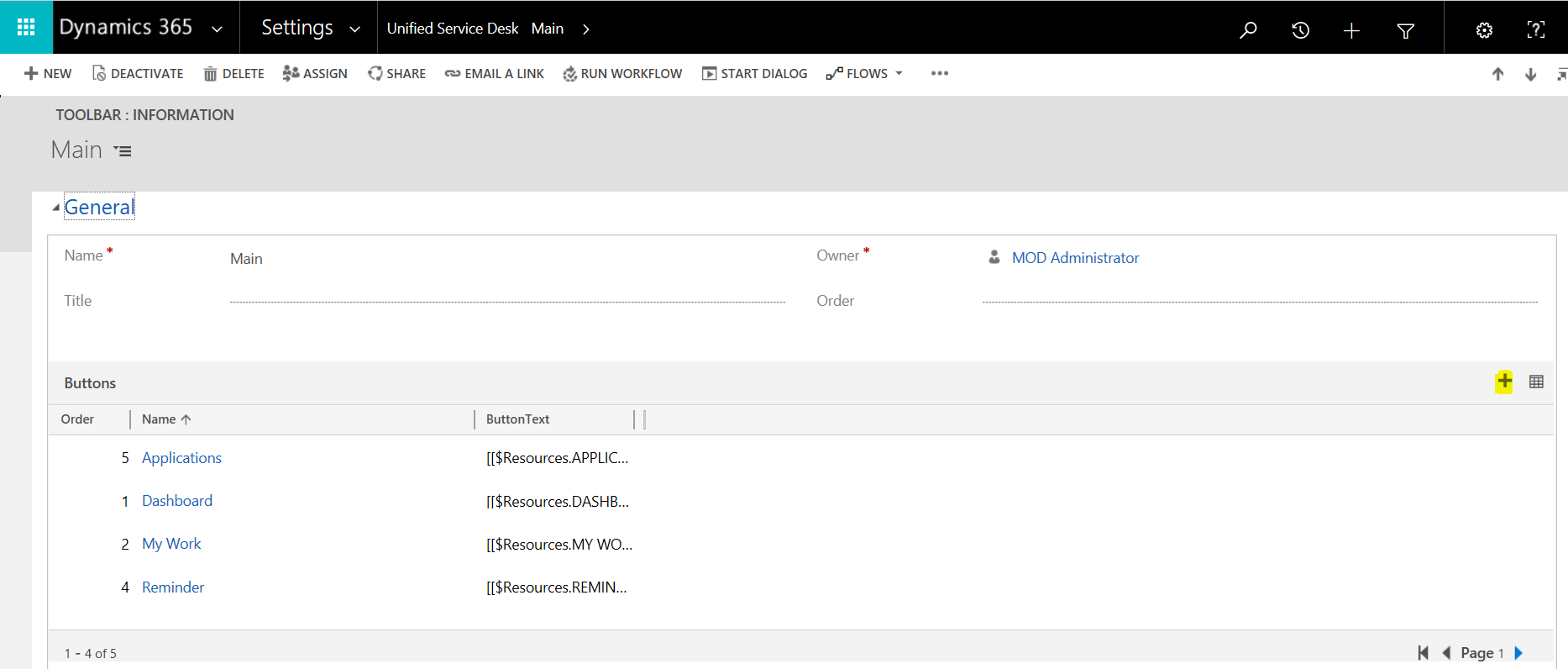
We can see our existing toolbar buttons. Click to add a new button:
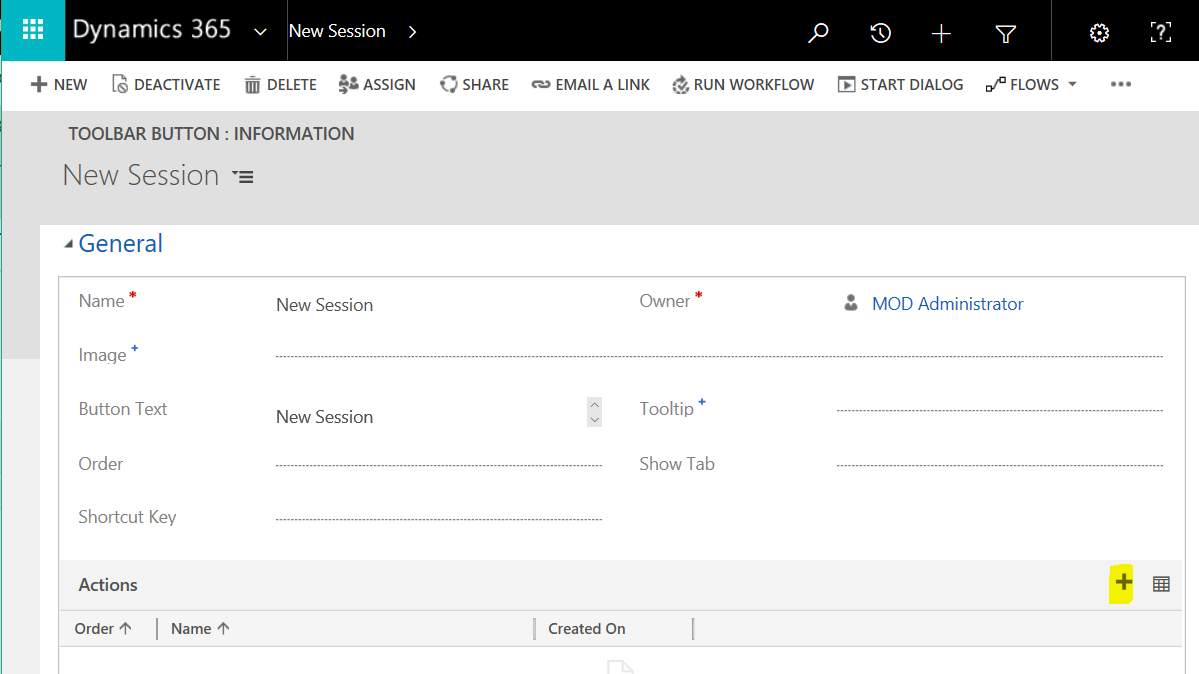
We will create a new session action using CreateSession:
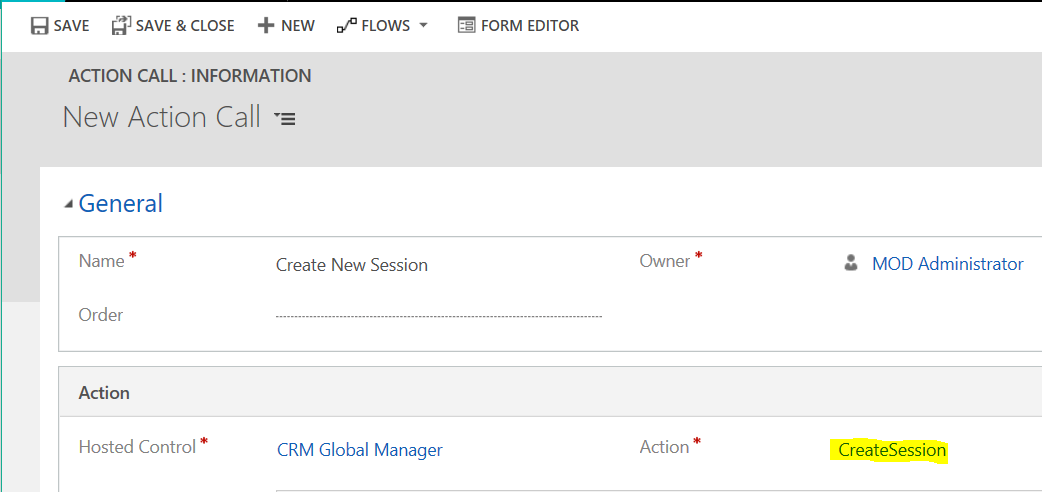
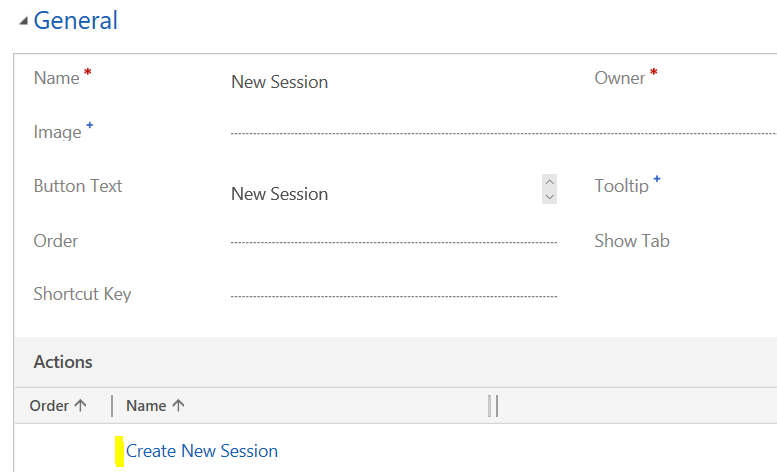
Save the action and add it to the button’s actions:
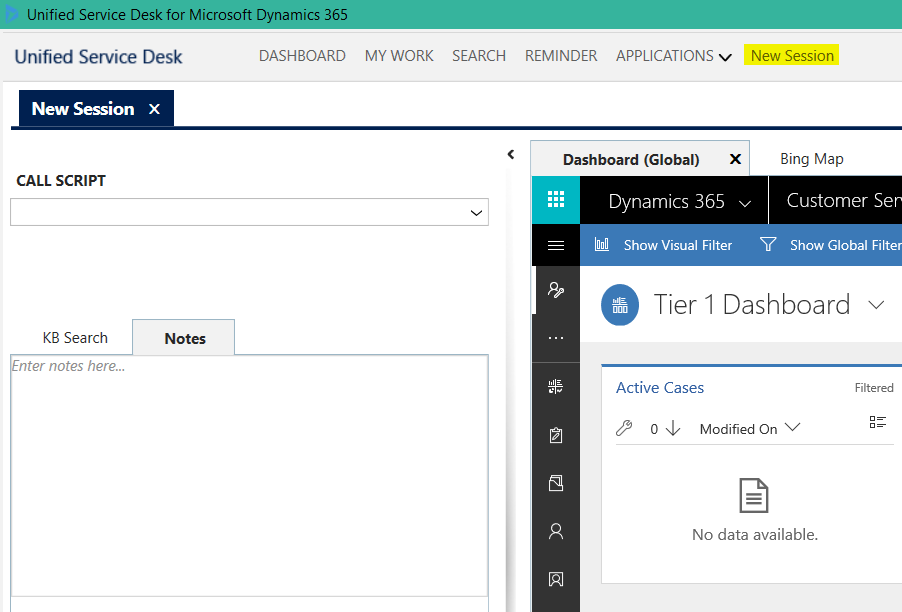
Start USD. You will see your new button. Click on it, you will launch a new session:

Keep learning. Keep building.
Explore AI, agents & Microsoft technology.
I share practical ideas, tutorials, and videos about AI, AI agents, Microsoft technologies, and the Power Platform.
Subscribe on YouTube →Carl de Souza Enterprise Architect at Microsoft · AI Technology Expert

Hello Carl, In this Session. If i open a contact record. how can i change the session line and show session overview??