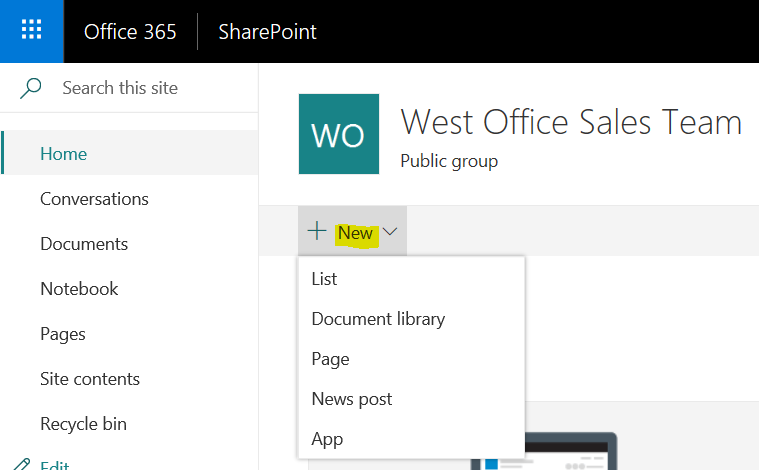
To create a new list in SharePoint, go to your team site and select New->List:
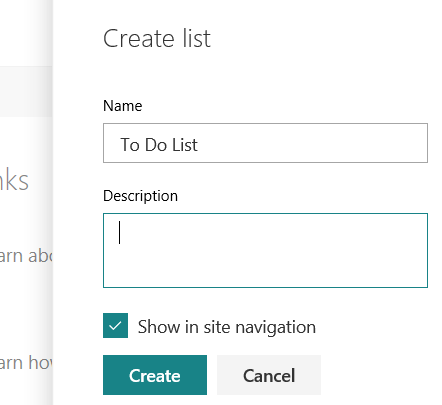
Enter a name and description for the list:
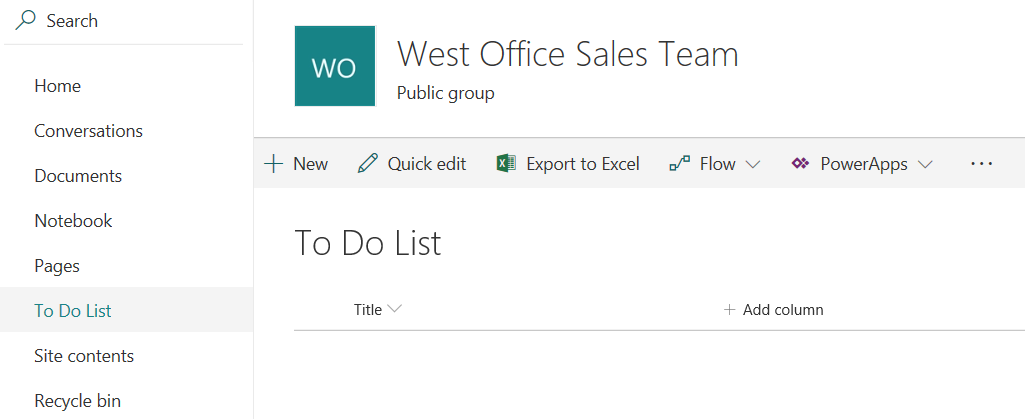
You can now access your list:
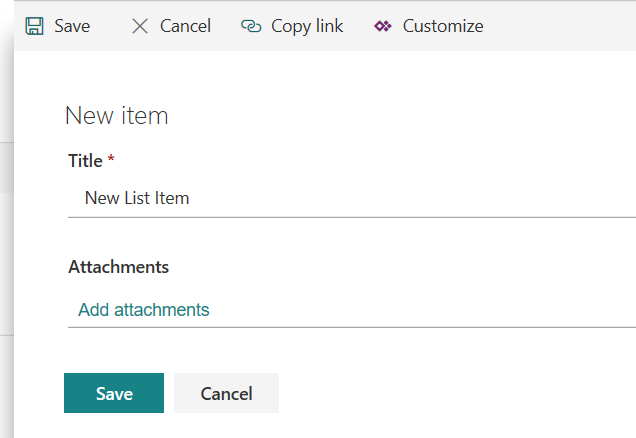
Click New to add a new item, and save the item:
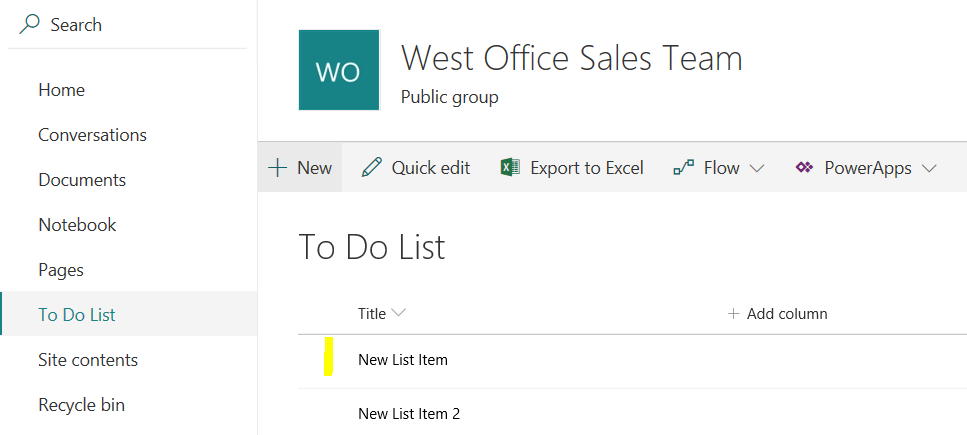
The item will then appear in your list:

Keep learning. Keep building.
Explore AI, agents & Microsoft technology.
I share practical ideas, tutorials, and videos about AI, AI agents, Microsoft technologies, and the Power Platform.
Subscribe on YouTube →Carl de Souza Enterprise Architect at Microsoft · AI Technology Expert