In Dynamics 365, there are Legacy Forms and Turbo Forms. Turbo forms are a new form rendering option that was built to provide better performance. The only difference to end users is that forms will load faster. However, developers will need to ensure their original legacy forms load properly as turbo forms.
You can read more about the changes here on the Microsoft Dynamics 365 CE blog.
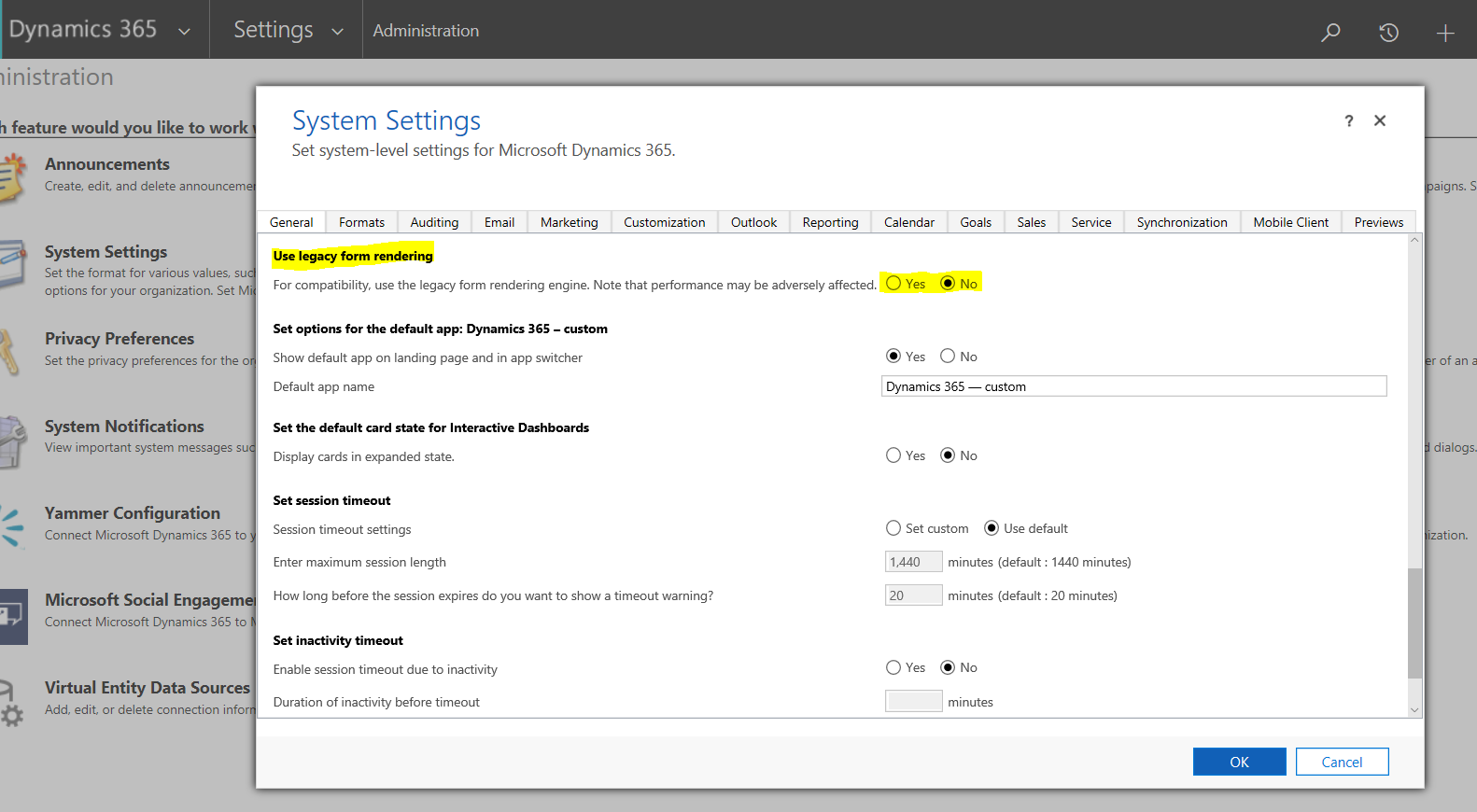
The option to use turbo forms (turned on by default) can be configured in System Settings. However Microsoft has stated The Use legacy form rendering option will be removed in the next major release. Legacy form rendering (sometimes called “refresh forms”) is deprecated and will no longer be available.
You can configure which one of these to use by going into System Settings and selecting “Use legacy form rendering”:

Explore AI, agents & Microsoft technology.
I share practical ideas, tutorials, and videos about AI, AI agents, Microsoft technologies, and the Power Platform.
Subscribe on YouTube →