Console apps can return exit codes to provide a way to show the app has successfully run. Here we will go through an example of creating an exe that returns an exit code.
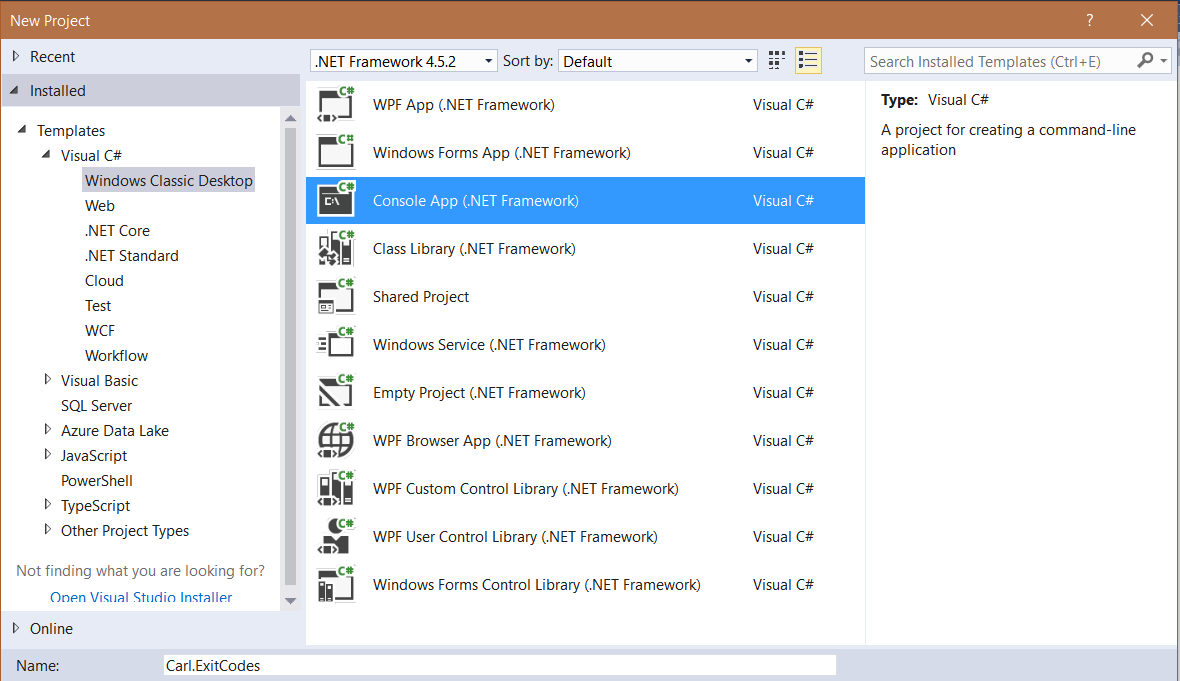
First, create a new C# console app:
Now, to the main method, we will add:
 static void Main(string[] args)
 {
    Environment.ExitCode = 5;
 }
The Environment.ExitCode will set the exit code value.
To get the output, we will create a new bat file like below:
@echo off
start /wait Carl.ExitCodes.exe
echo %ERRORLEVEL%
Note the %ERRORLEVEL% will read the returned exit code.
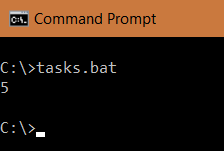
Run the app. You will see the exit code of 5 returned:
There is another way to set the exit code. You can set the main method to return an integer and set that integer value:
 static int Main(string[] args)
 {
    return 6;
 }
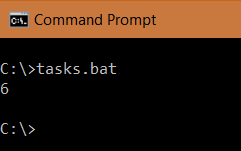
Output:
Finally, make use of Enum to hold and return the error:
        enum ExitCode : int
        {
            Success = 0,
            Error = 1
        }

        static int Main(string[] args)
        {
            return (int)ExitCode.Success;
        }

Explore AI, agents & Microsoft technology.
I share practical ideas, tutorials, and videos about AI, AI agents, Microsoft technologies, and the Power Platform.
Subscribe on YouTube →
Why is it the the ExitCode is always 0 in below code?
static void Main(string[] args)
{
if (args.Length == 1)
{
Environment.ExitCode = 1;
}
else if (args.Length == 2)
{
Environment.ExitCode = 2;
}
if (args.Length == 0)
{
Environment.ExitCode = 0;
}
}