Microsoft’s Entity Framework is an Object Relational Mapping (ORM) framework for ADO.NET. Let’s go through an example of how to use Entity Framework.
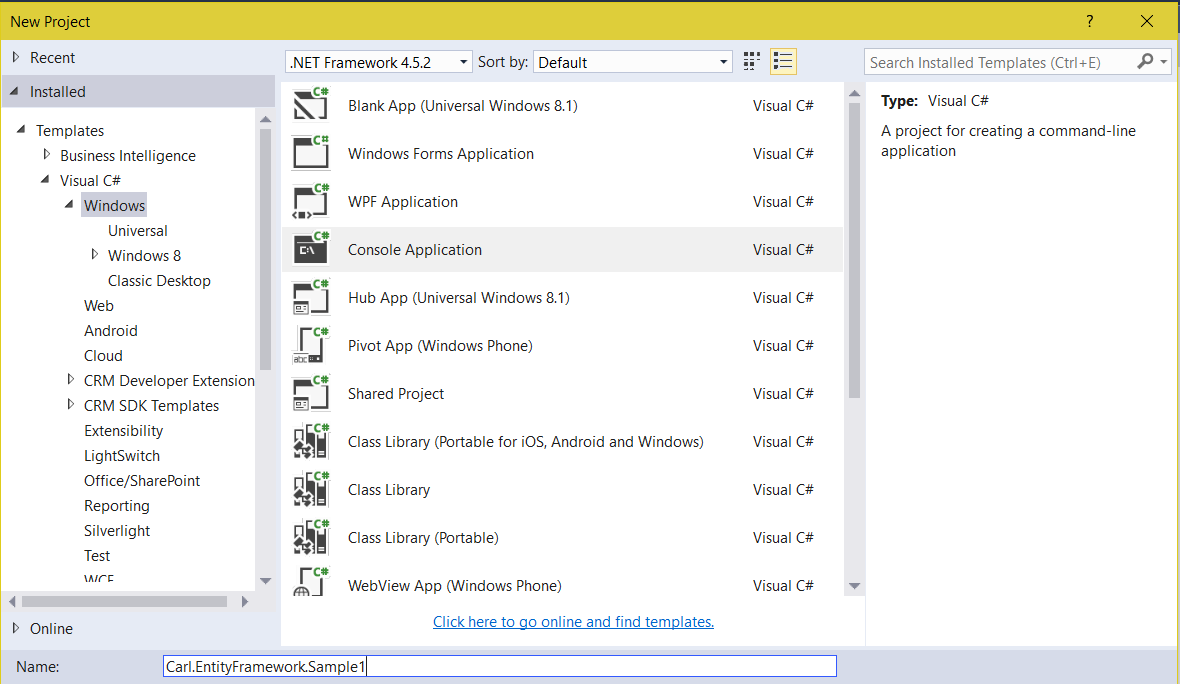
First, we will create a new Console application project:
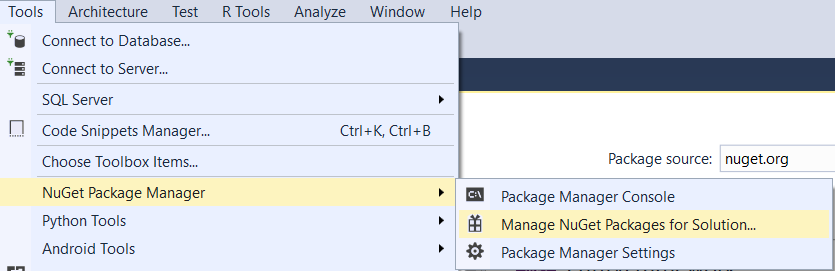
Go to Manage NuGet Packages for Solution:
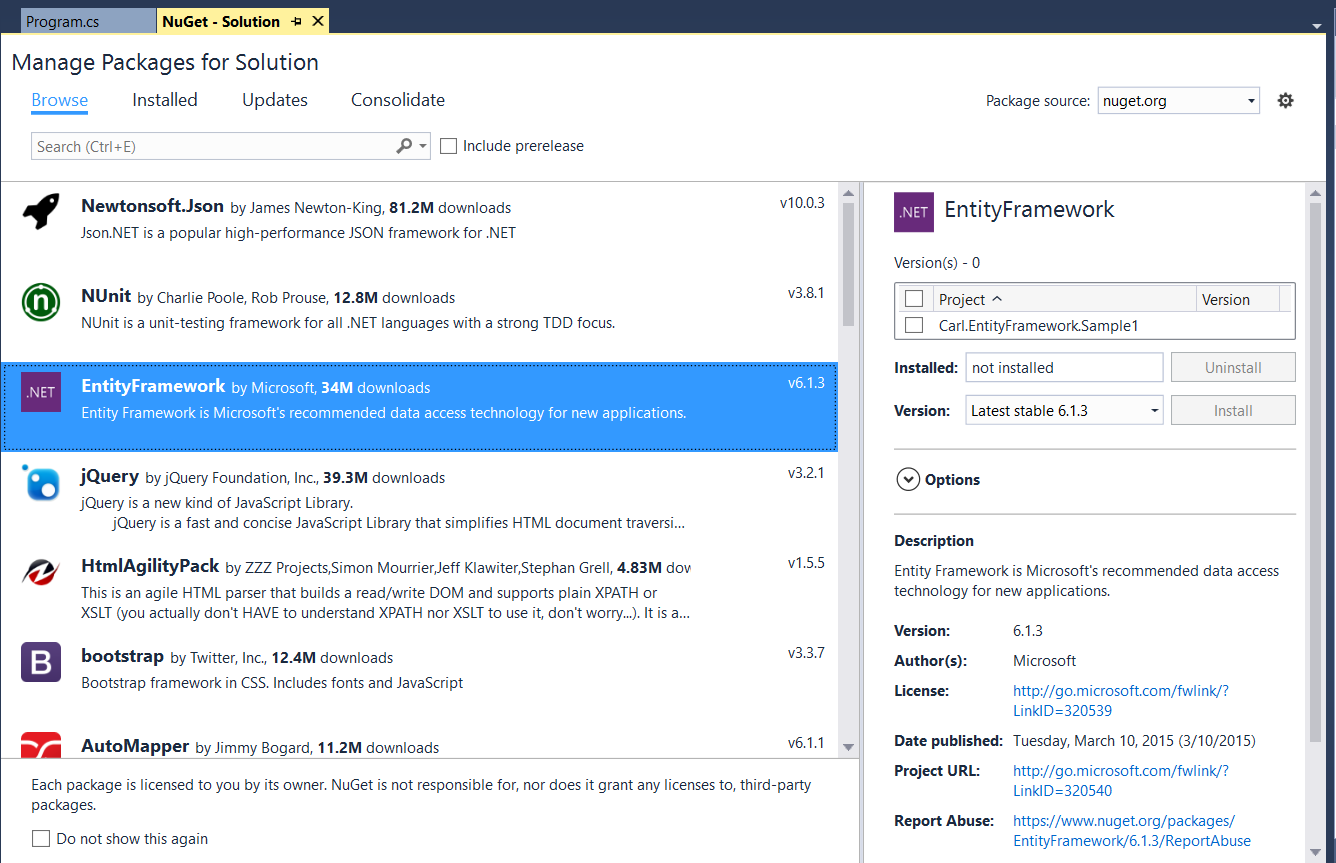
And select EntityFramework:
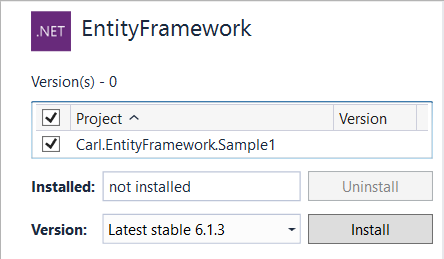
Select the project and Install:
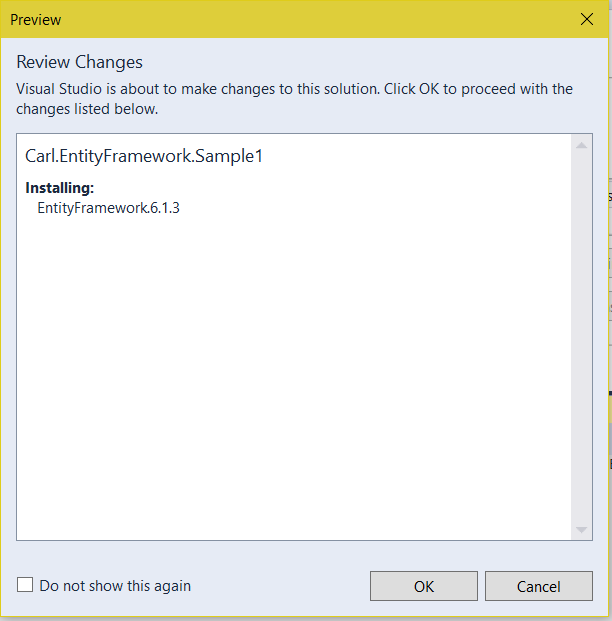
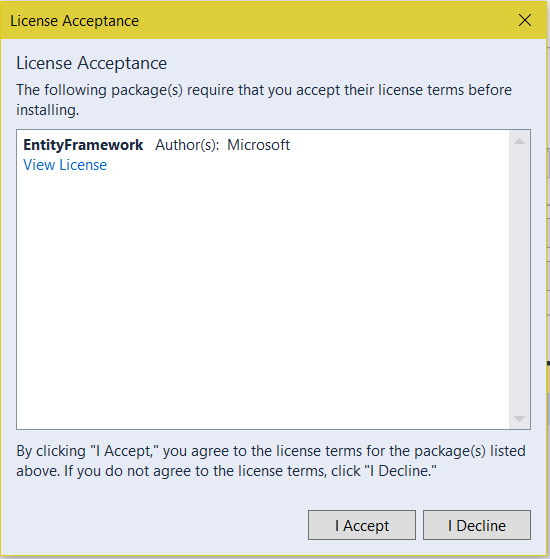
Click OK and Accept:
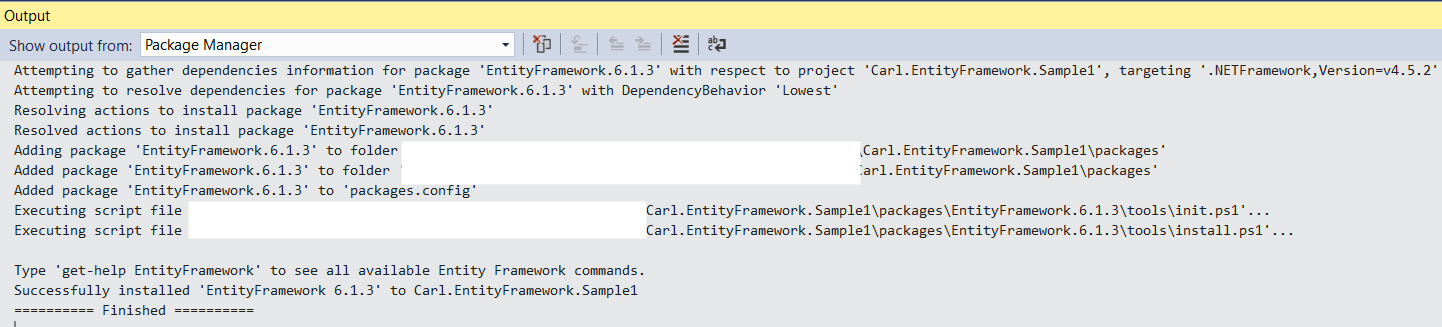
You will see the following messages:
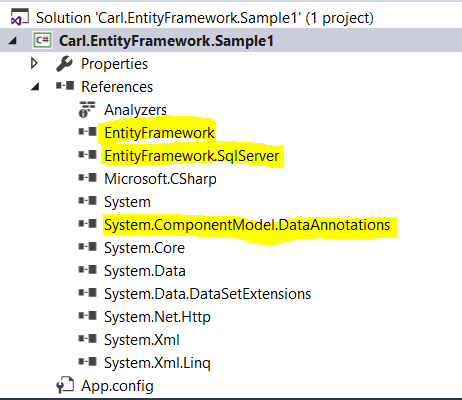
Once complete, you will see these new references in your project:
We can now connect this to our database and write some code. We have a database WideWorldImporters that we can connect to.
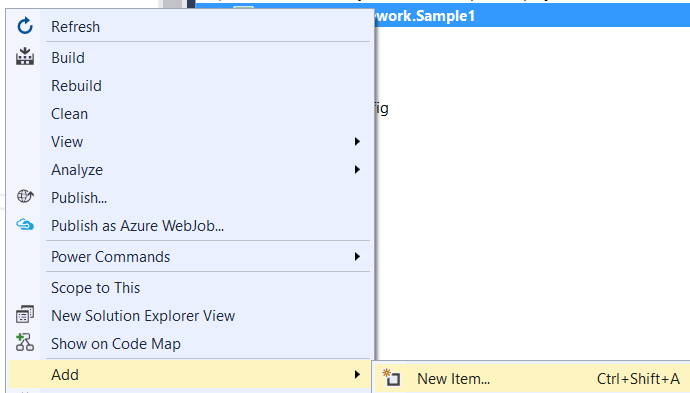
Select Add New Item:
Select Data and then ADO.NET Entity Data Model. We will call our model WideWorldEF: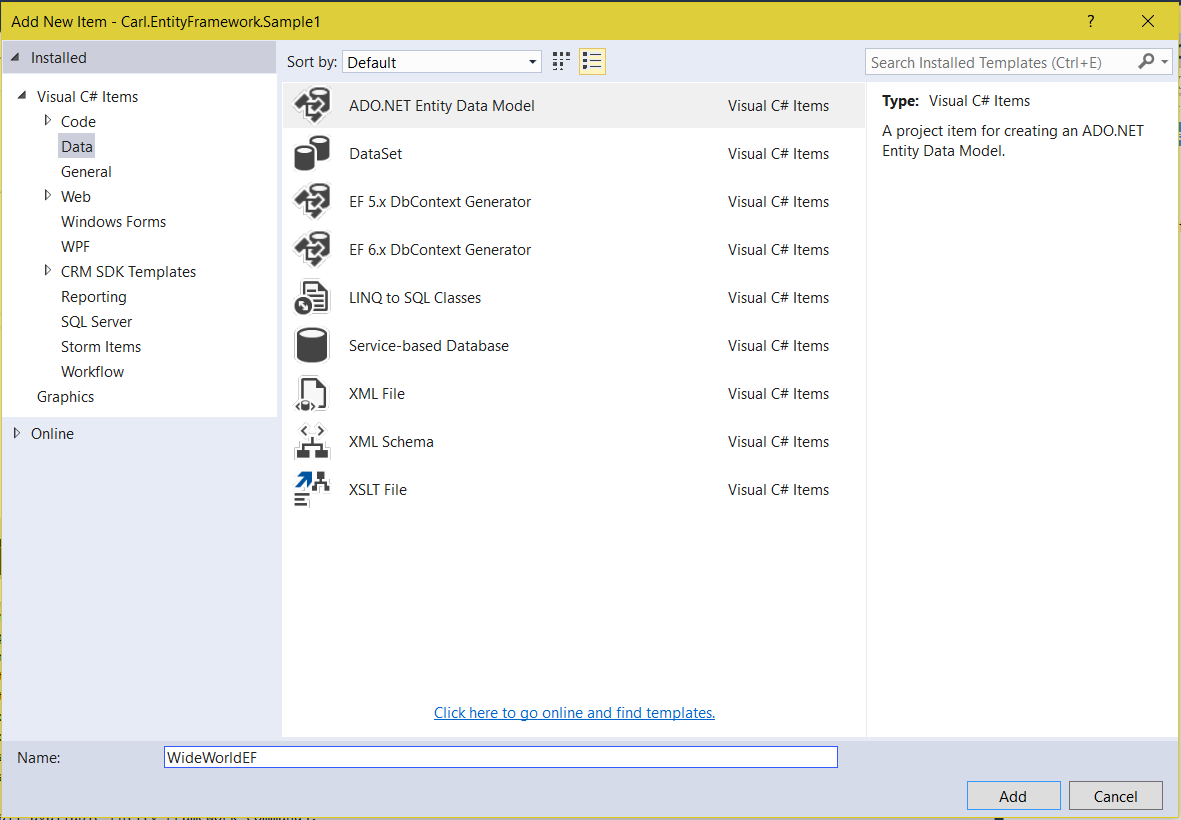
Here we have different options for our model contents:
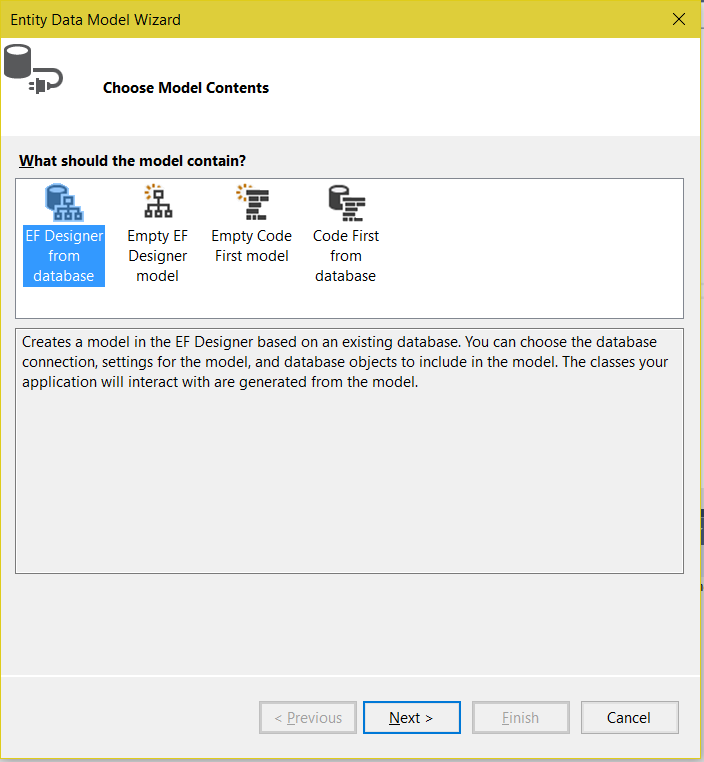
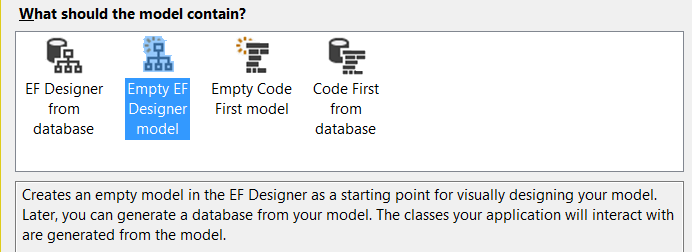
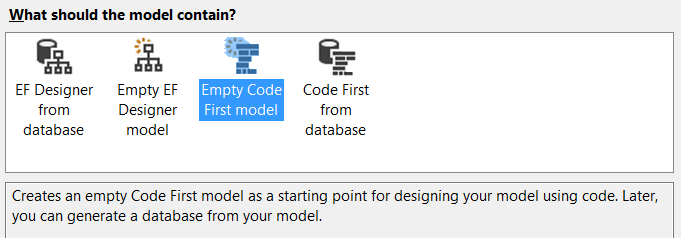
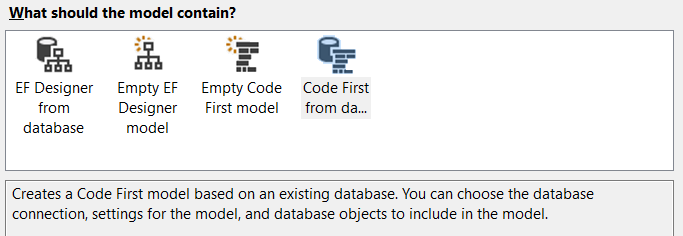
Select the first option and click Next.
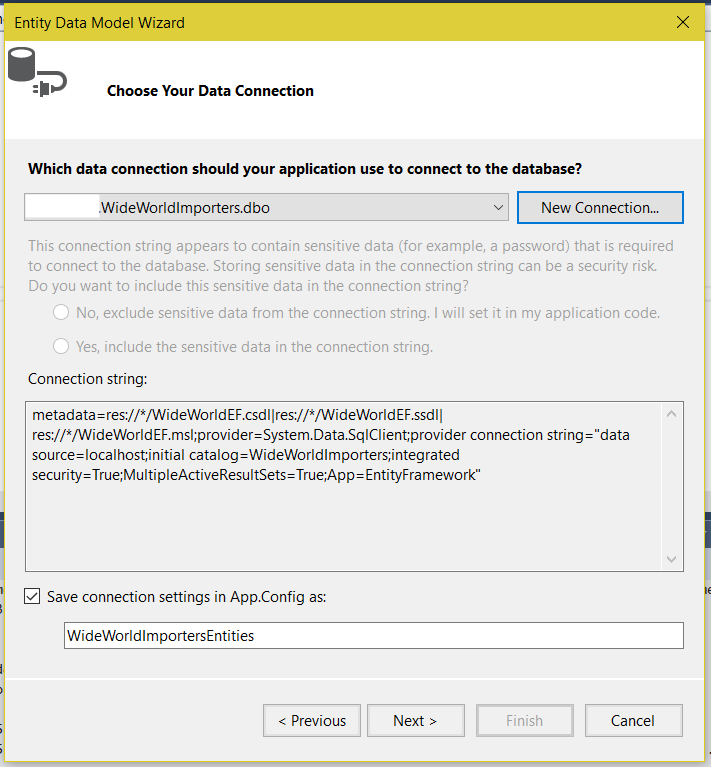
Now we select the data connection:
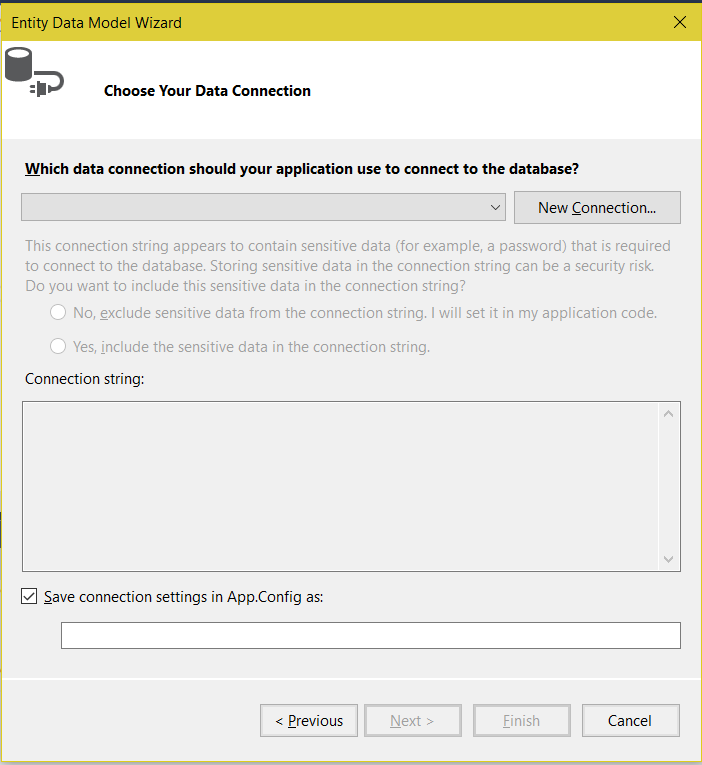
Click Next:
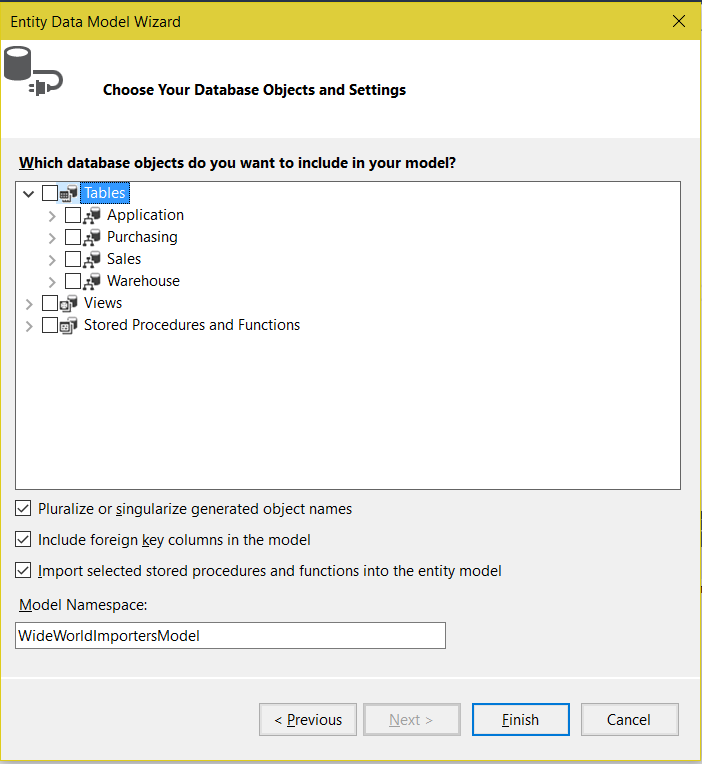
Now we can select our Database Objects and Settings. You can see how this matches to our database:
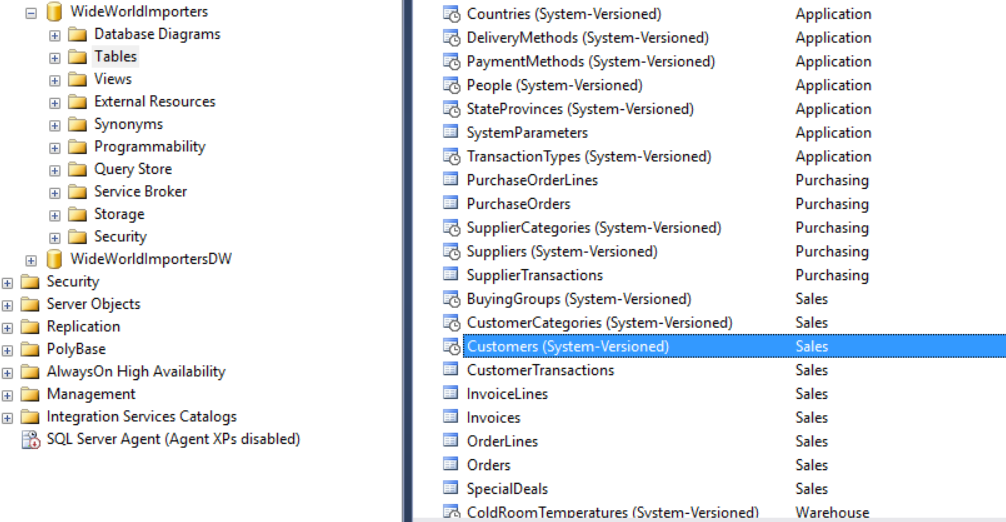
We will select the Customers table:
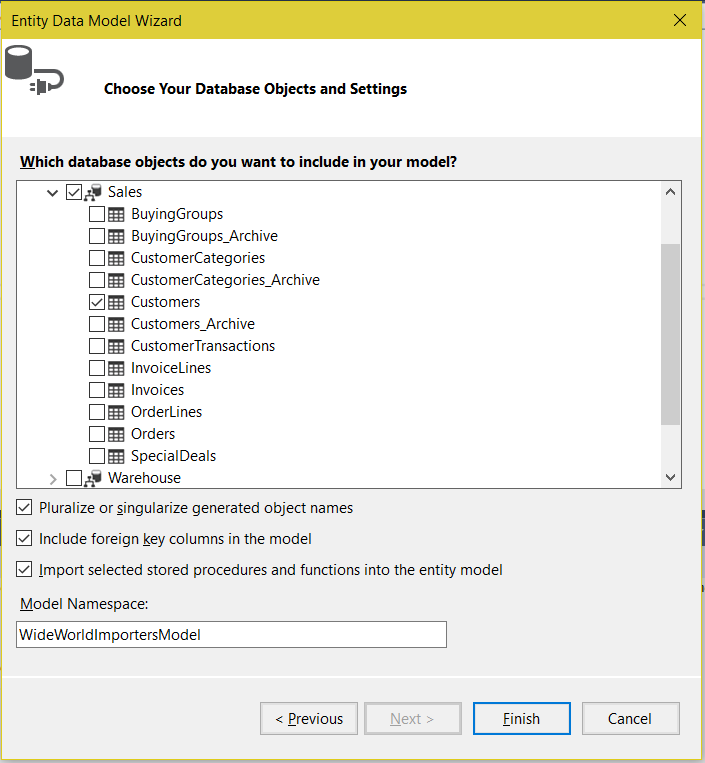
Click Finish. You will now see the model loaded into your environment.
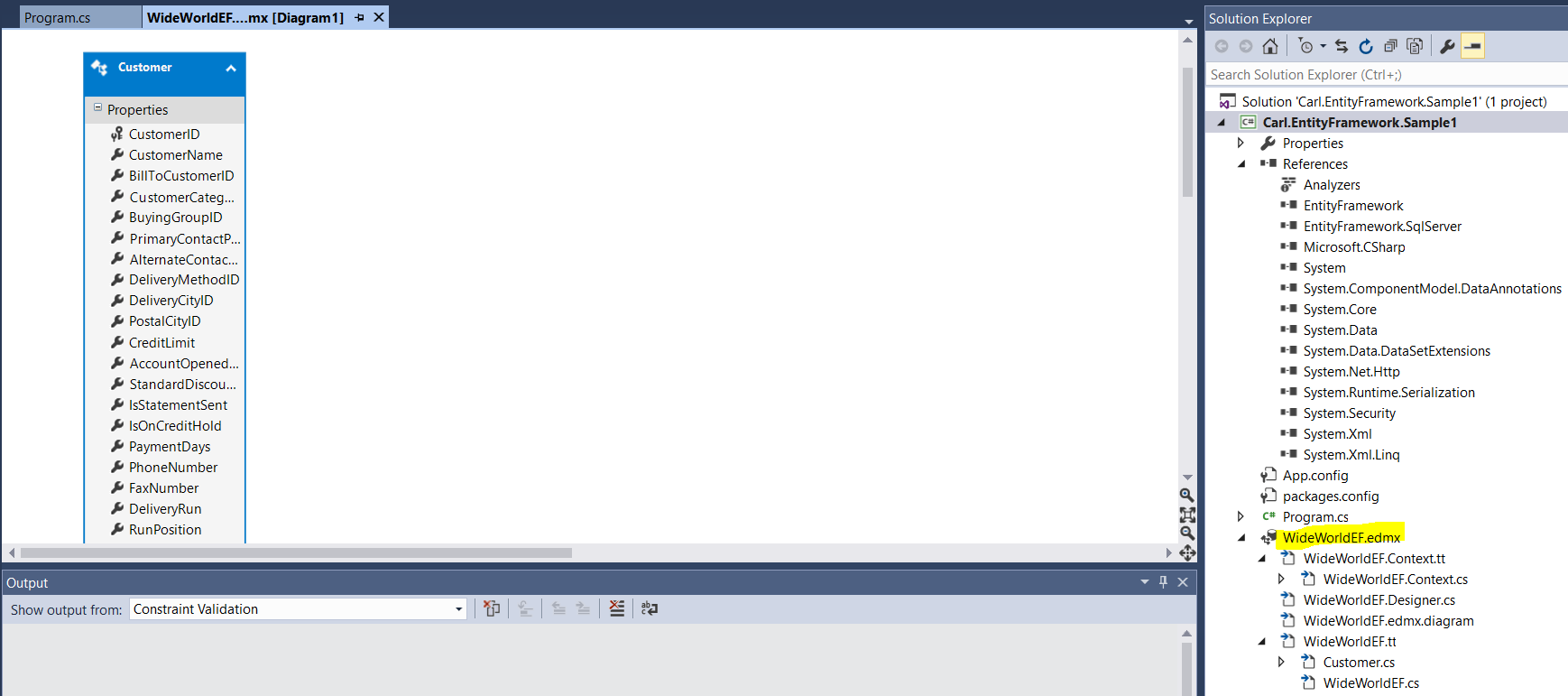
You can now use the code below to print each customer to the console app:
using System;
using System.Collections.Generic;
using System.Linq;
using System.Text;
using System.Threading.Tasks;

namespace Carl.EntityFramework.Sample1
{
    class Program
    {
        static void Main(string[] args)
        {
            WideWorldImportersEntities db = new WideWorldImportersEntities();
            var query = from cust in db.Customers
                        select cust;
            List<Customer> custList = query.ToList();
            foreach (Customer c in custList)
            {
                Console.WriteLine(c.CustomerName);
            }
            Console.ReadLine();
        }
    }
}

You can see how simplified it is to connect to the database and perform a read operation. You can also easily perform CRUD operations.

Explore AI, agents & Microsoft technology.
I share practical ideas, tutorials, and videos about AI, AI agents, Microsoft technologies, and the Power Platform.
Subscribe on YouTube →