You can publish from within Excel 2016 to Power BI.
To do this, go through the following steps.
In Excel 2016, create a new spreadsheet with data.
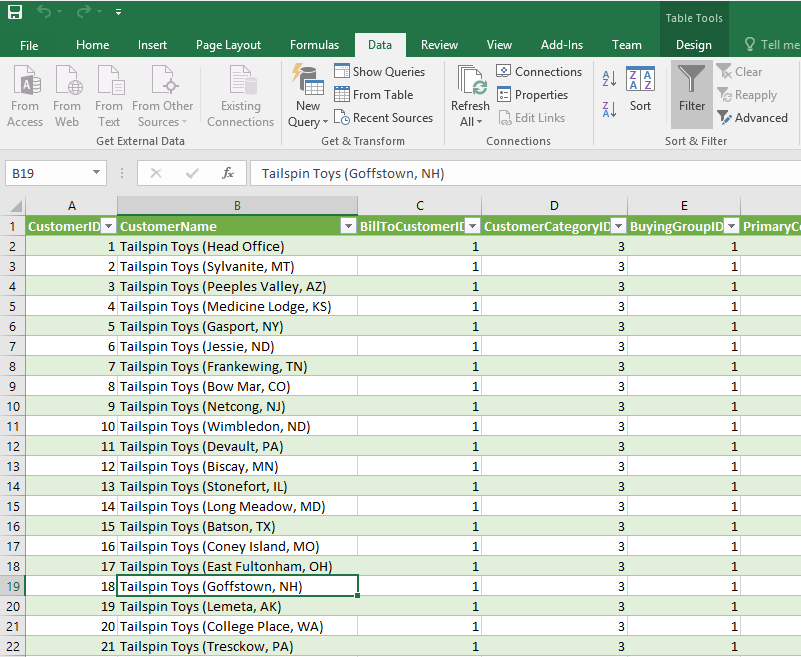
Then, go to File->Publish:
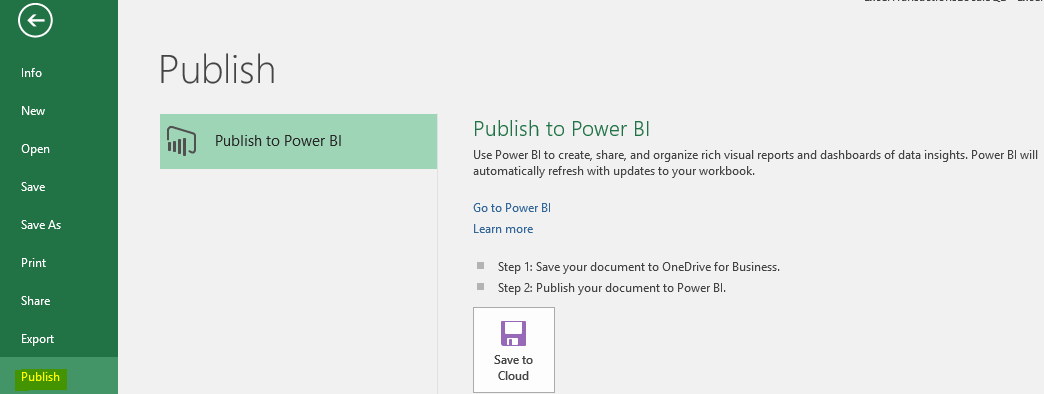
Select Save to Cloud, to save to One Drive for Business:
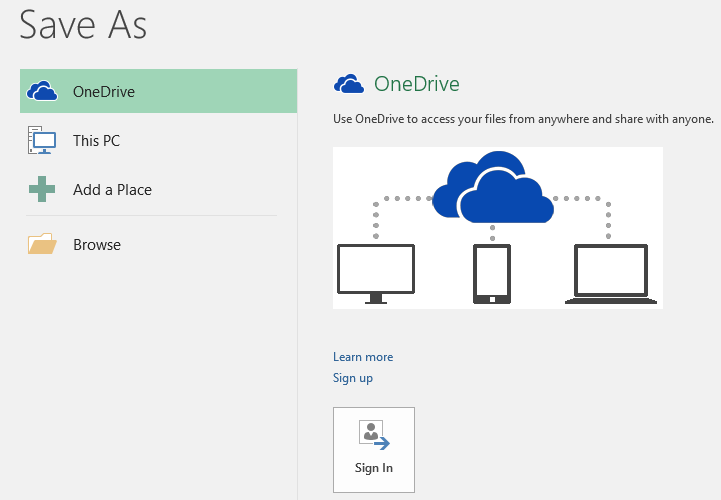
Save the file. Next, Publish to Power BI:
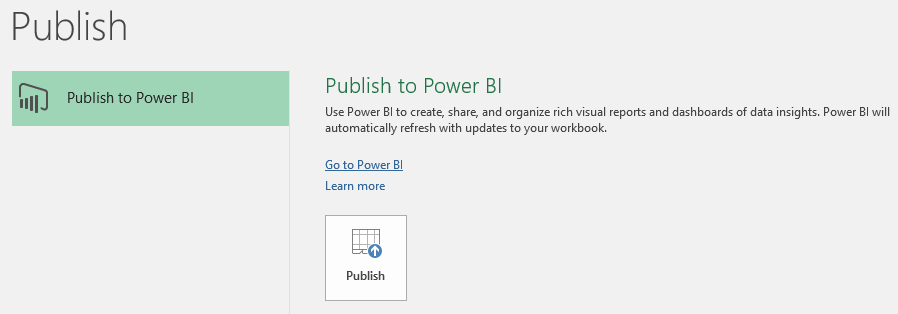
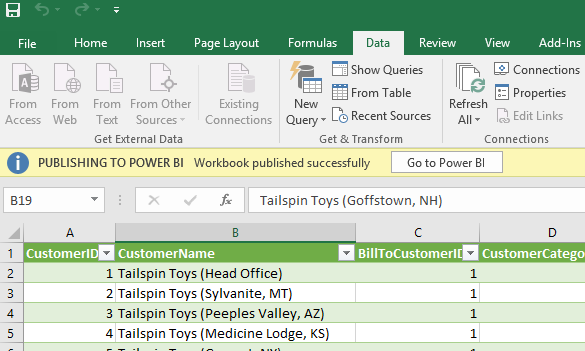
You should see a success message:
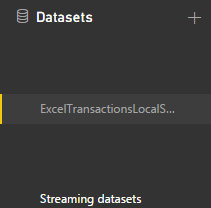
A new dataset will be created (no report or dashboard):
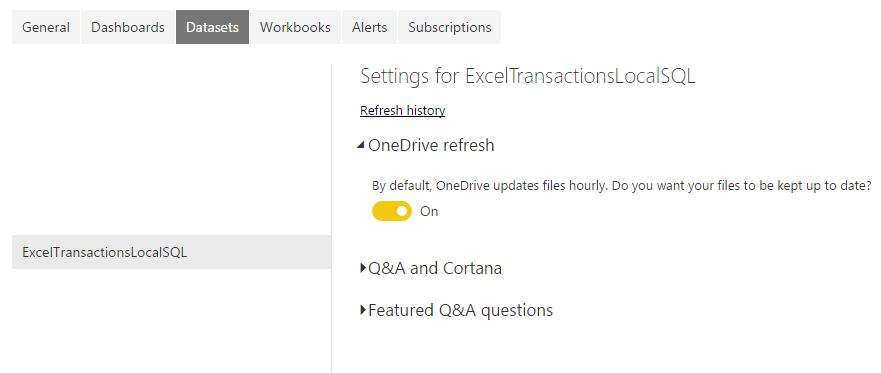
Go to Schedule Refresh. You will see the new dataset with a OneDrive refresh option:

Keep learning. Keep building.
Explore AI, agents & Microsoft technology.
I share practical ideas, tutorials, and videos about AI, AI agents, Microsoft technologies, and the Power Platform.
Subscribe on YouTube →Carl de Souza Enterprise Architect at Microsoft · AI Technology Expert