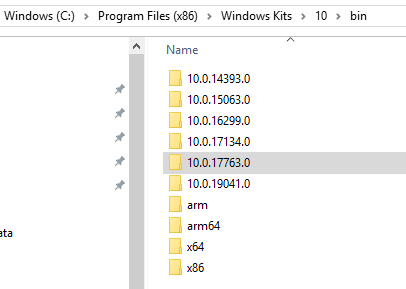
To install Inspect.exe, do the following. First, let’s check if Inspect.exe already exists on your system. Go to C:\Program Files (x86)\Windows Kits\10\bin to see the Windows 10 SDKs:
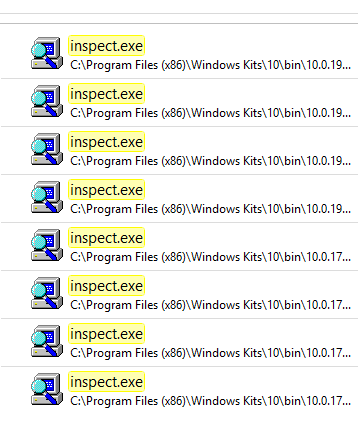
If we search for inspect.exe from this folder, we see there are several folders which contain this file:
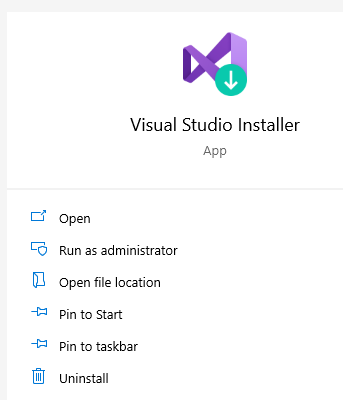
If you don’t have it, open the Visual Studio Installer:
For any VS version, click on Modify:
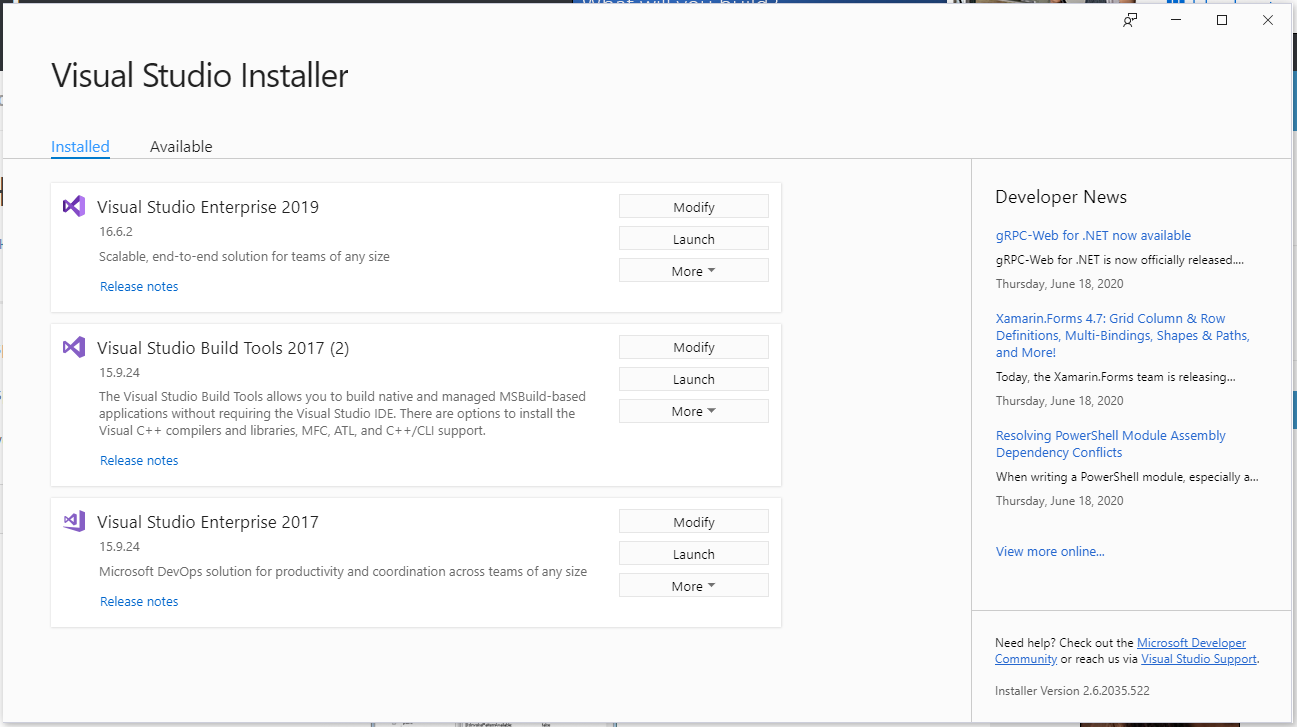
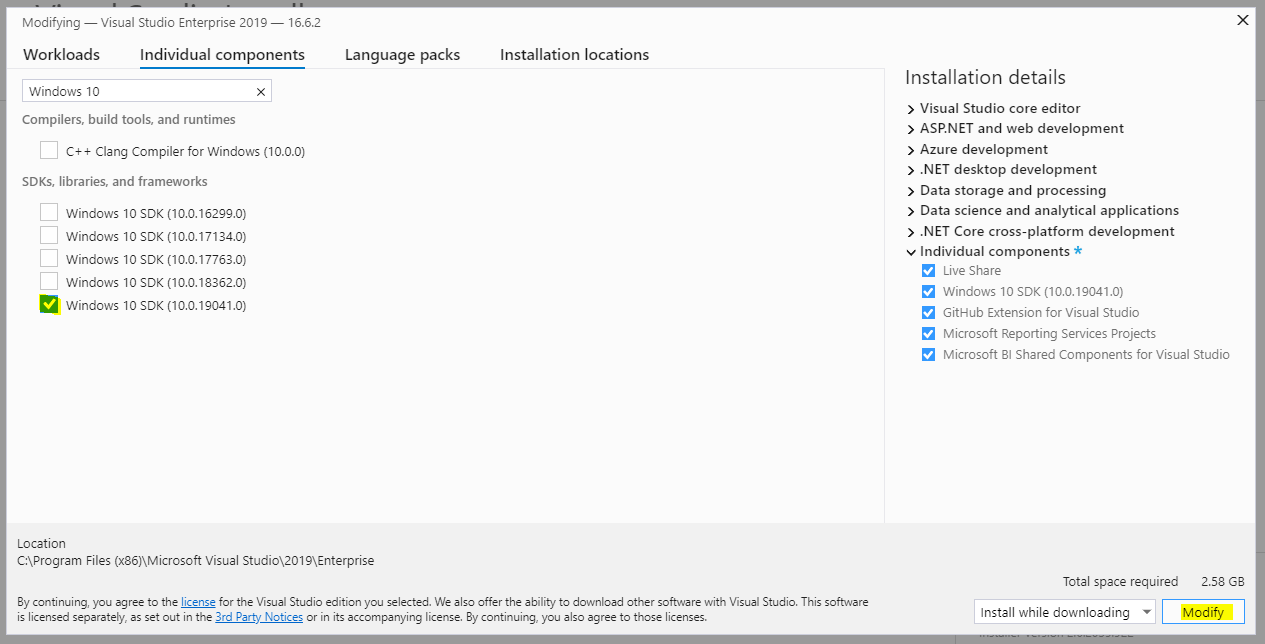
Select a Windows 10 SDK version, then modify:
You should now see inspect.exe.

Keep learning. Keep building.
Explore AI, agents & Microsoft technology.
I share practical ideas, tutorials, and videos about AI, AI agents, Microsoft technologies, and the Power Platform.
Subscribe on YouTube →Carl de Souza Enterprise Architect at Microsoft · AI Technology Expert
