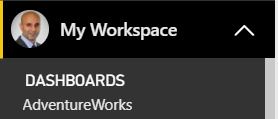
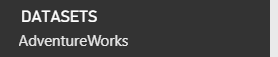
In previous versions of Power BI, on installing a Content Pack, dashboard, reports and datasets would be installed in the My Workspace area of the Power BI service:

With Power BI Apps, the evolution of Content Packs, these assets are now bundled within the App.
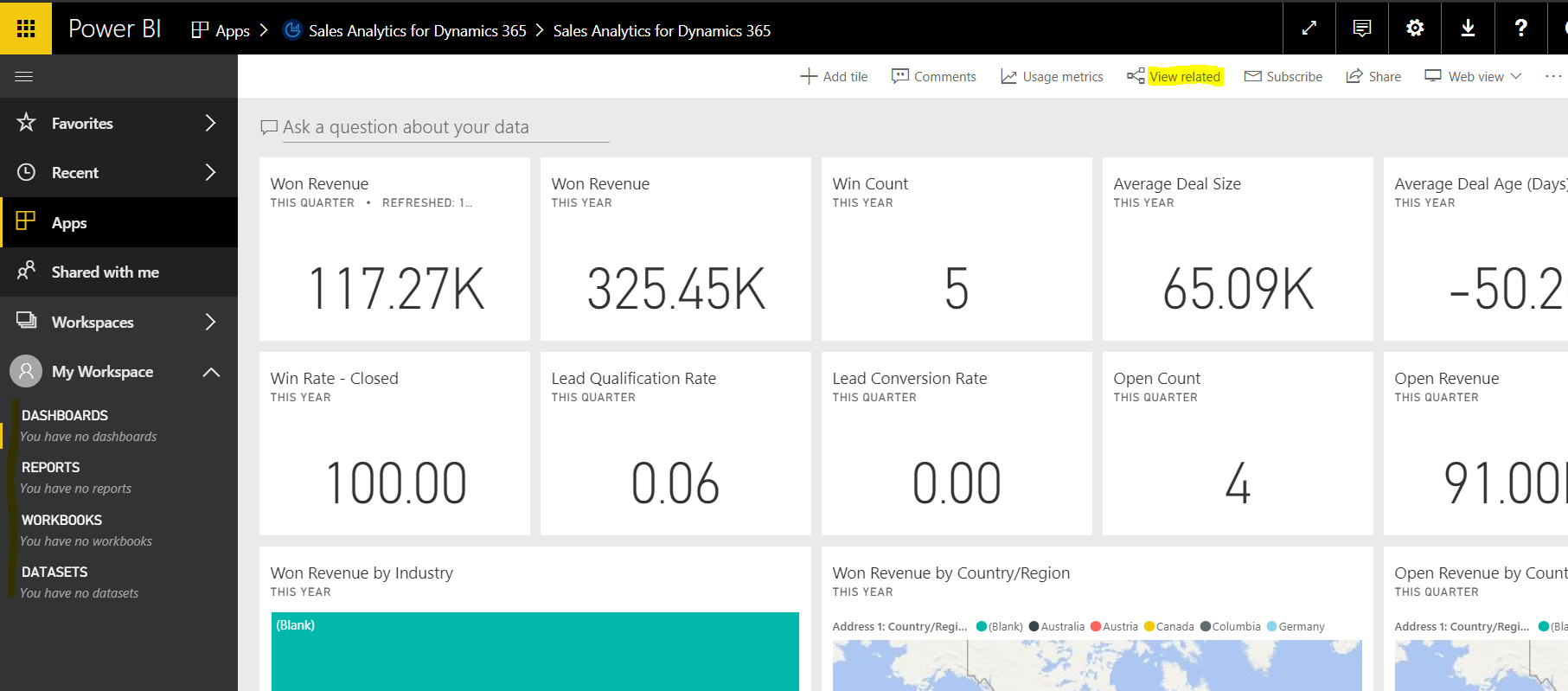
Below is an example of an App installed – you can see the user has no Dashboard, Reports and Datasets under My Workspace when the app is selected. The user can click on View Related:
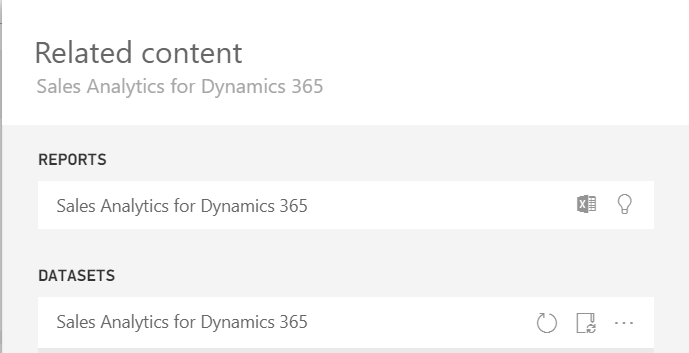
To show the related Reports and Datasets:

Keep learning. Keep building.
Explore AI, agents & Microsoft technology.
I share practical ideas, tutorials, and videos about AI, AI agents, Microsoft technologies, and the Power Platform.
Subscribe on YouTube →Carl de Souza Enterprise Architect at Microsoft · AI Technology Expert
