In this post we will look at how to share an App with a user in Power BI.
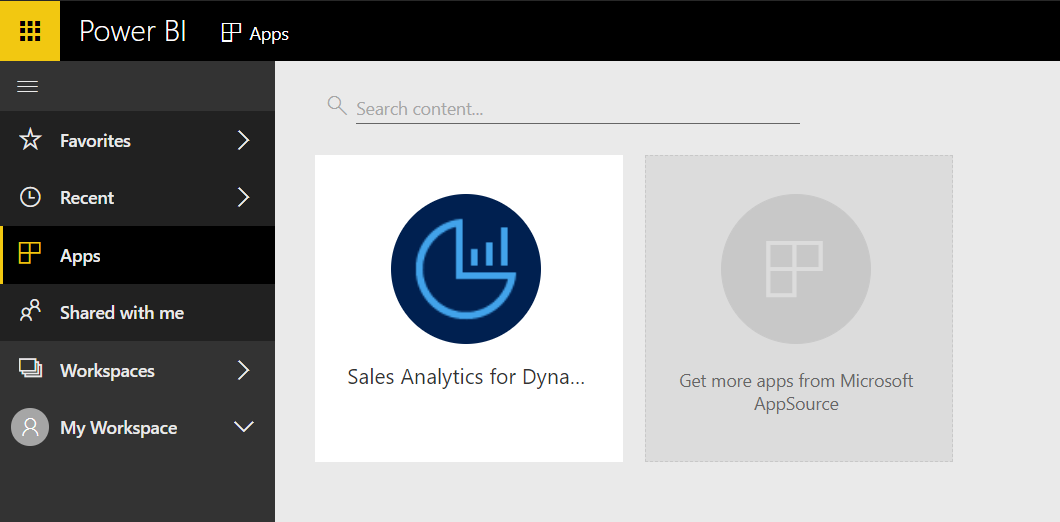
Our admin user, MOD Administrator, has installed an app, Sales Analytics for Dynamics 365:
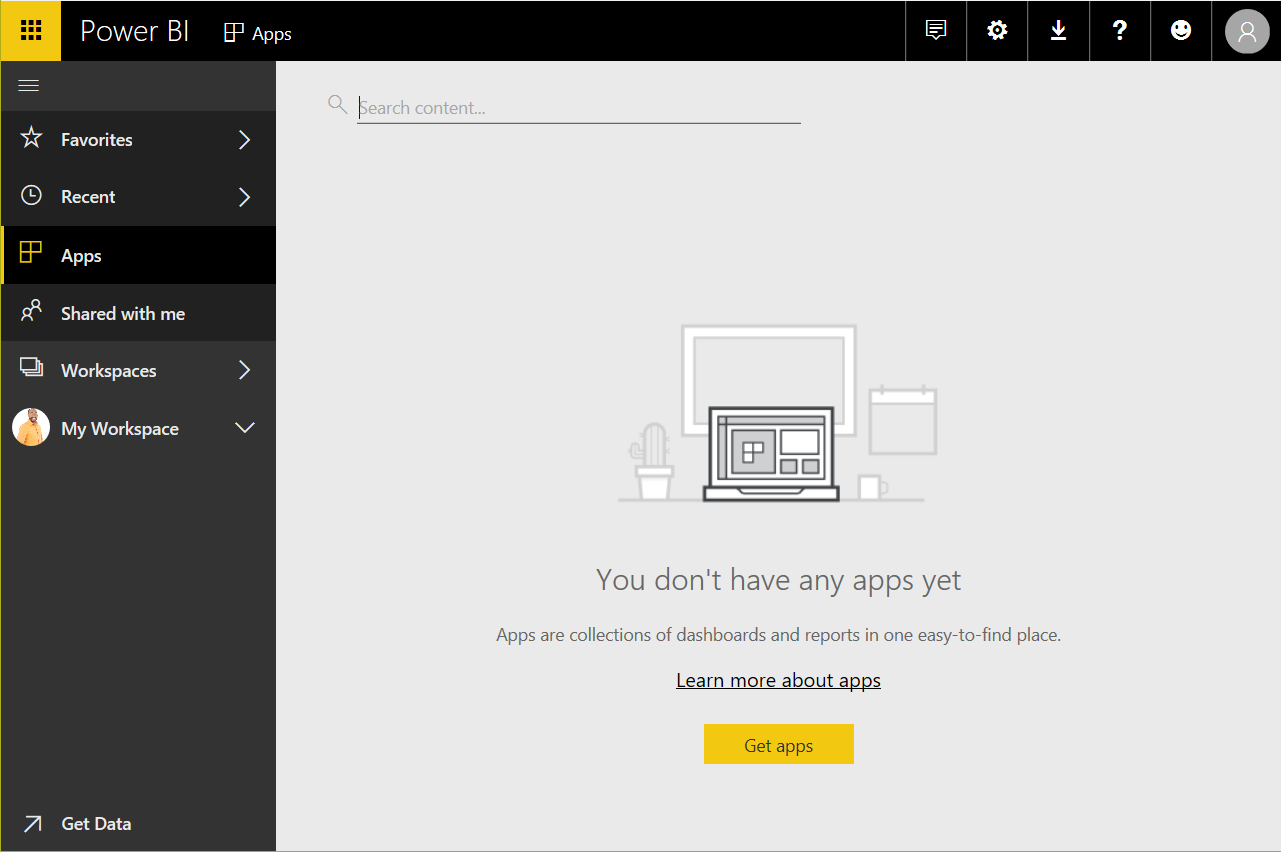
We now need to share this with our user, Alan Steiner. When Alan logs in, he sees no apps:
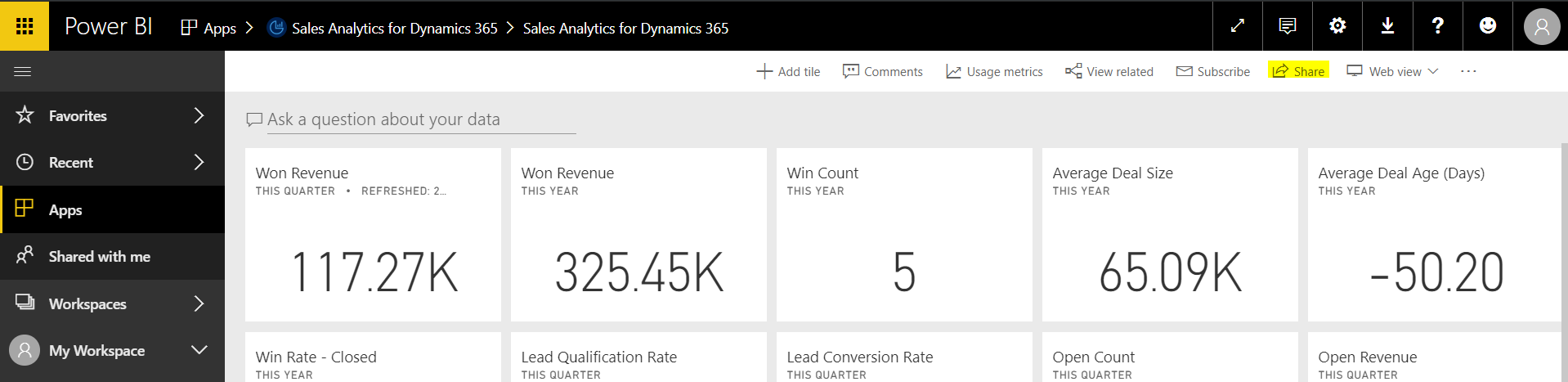
Back as Administrator, select the App and click Share:
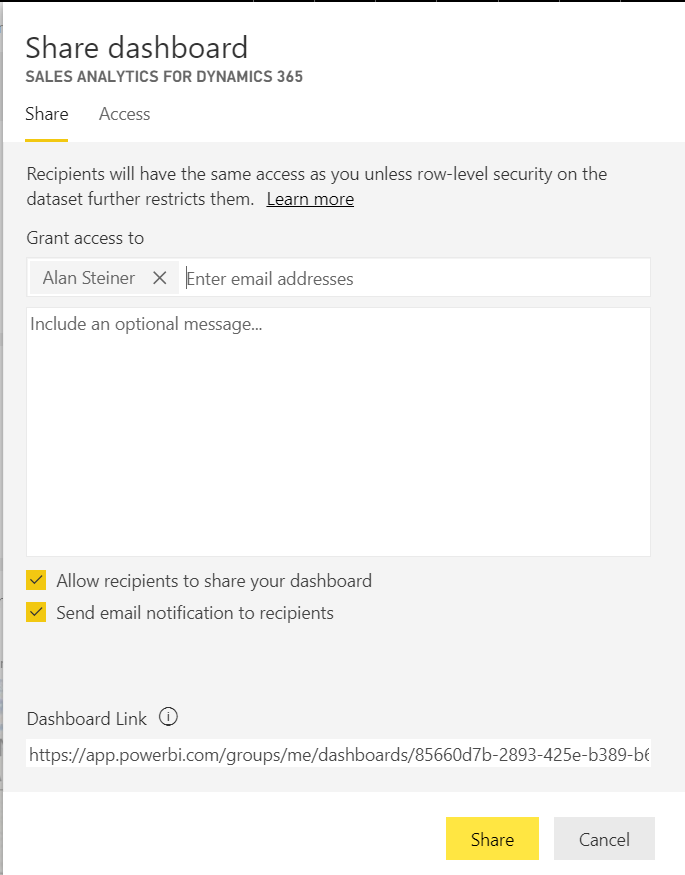
You will see the Share dashboard page. Enter the user to share with, and provide options for:
- Allow recipients to share your dashboard
- Send email notification to recipients
Click Share:
Alan will then receive this email:
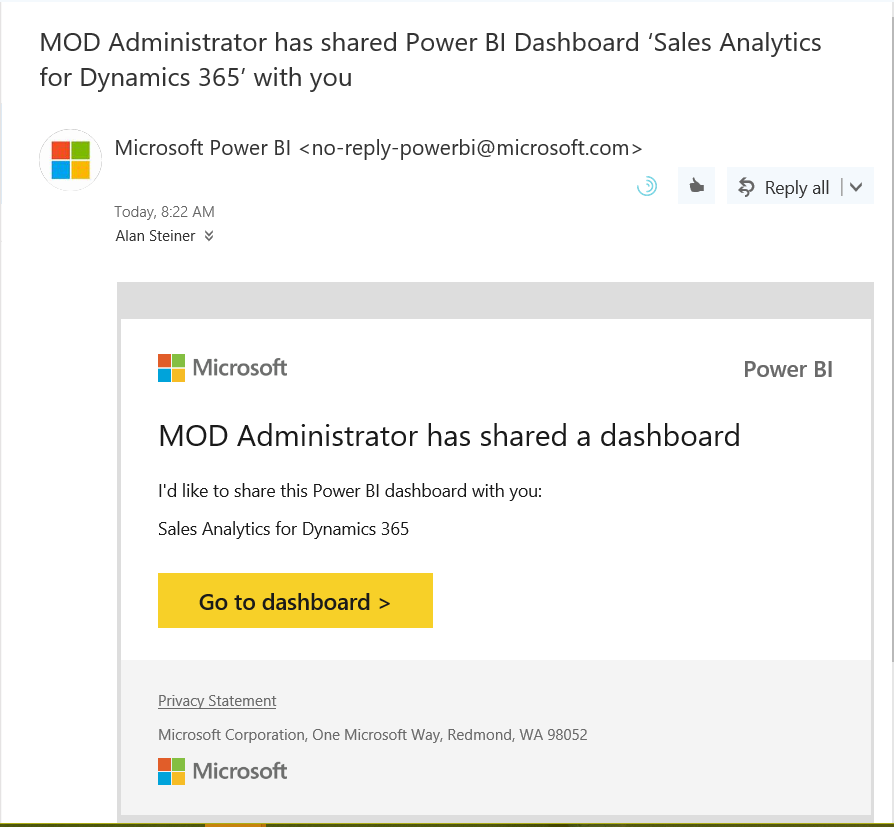
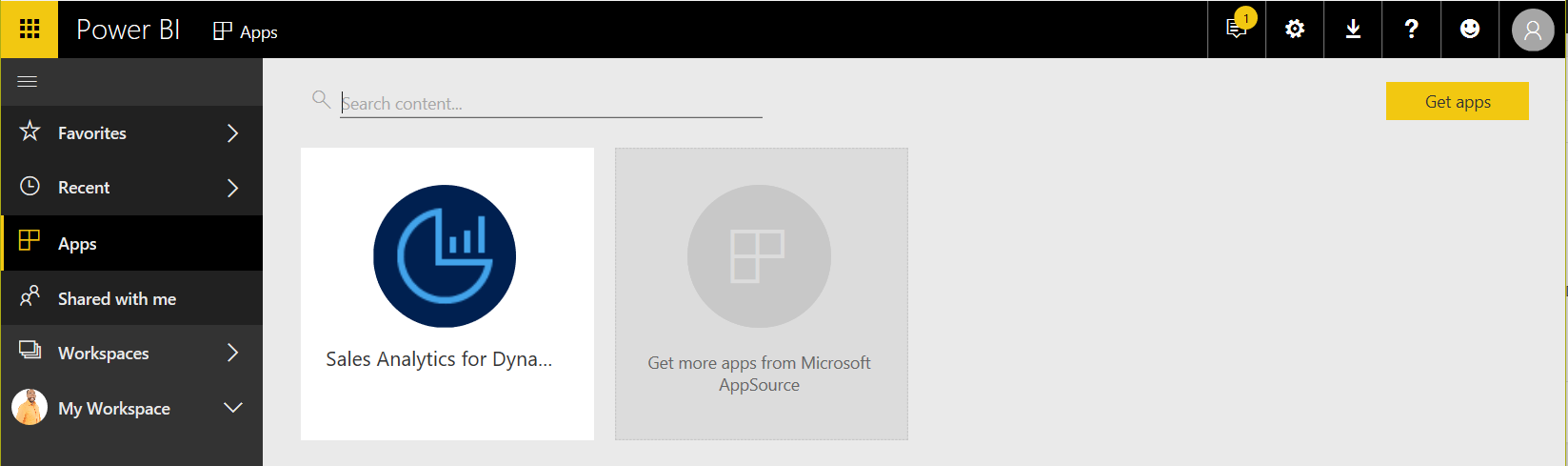
When Alan clicks on the link or logs into Power BI, he will see the next App:
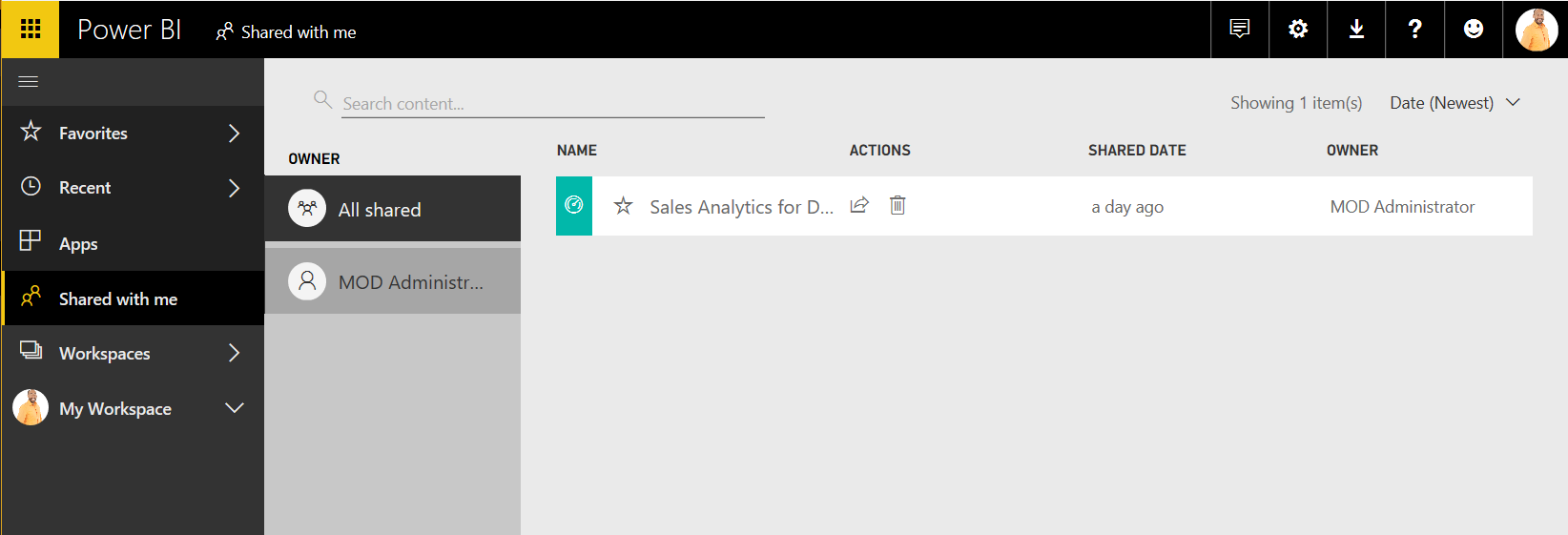
Alan can also access the app by clicking on Shared with me:
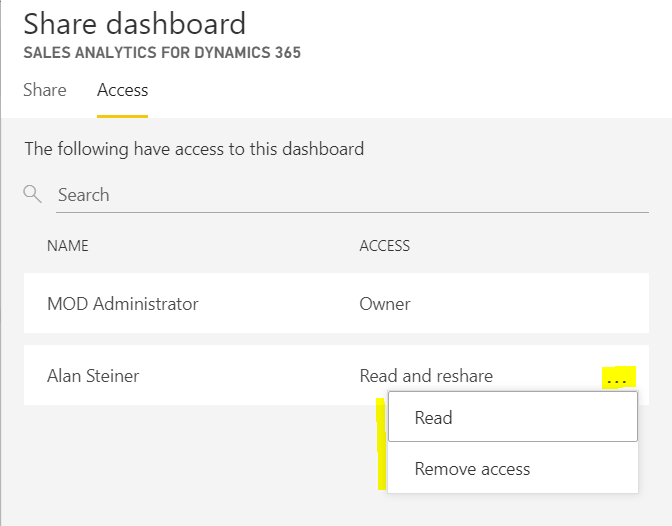
Back as Administrator, if we click on the same Share link we can view who has access and the ability to change permissions:

Explore AI, agents & Microsoft technology.
I share practical ideas, tutorials, and videos about AI, AI agents, Microsoft technologies, and the Power Platform.
Subscribe on YouTube →