To use direct query mode, select your supported data source and then DirectQuery:
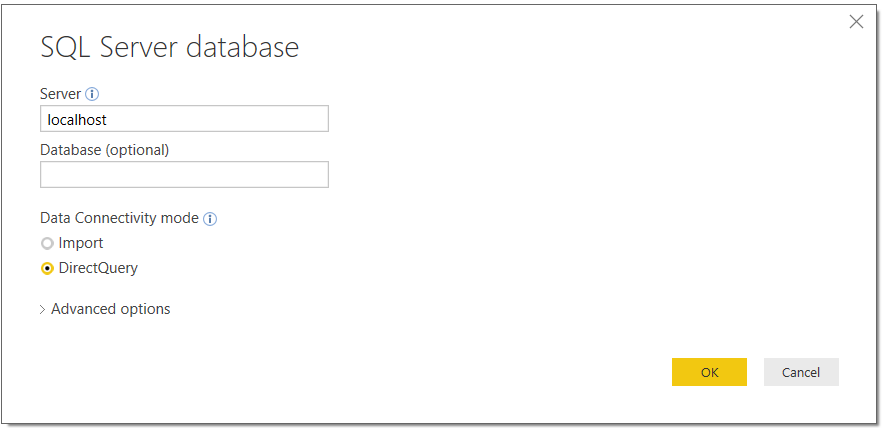
Click OK and you will then be able to select your tables:
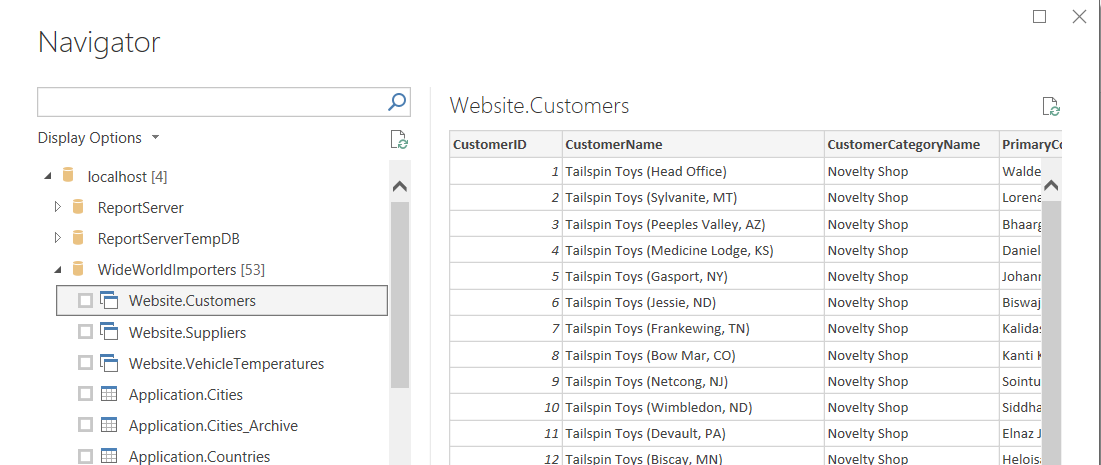
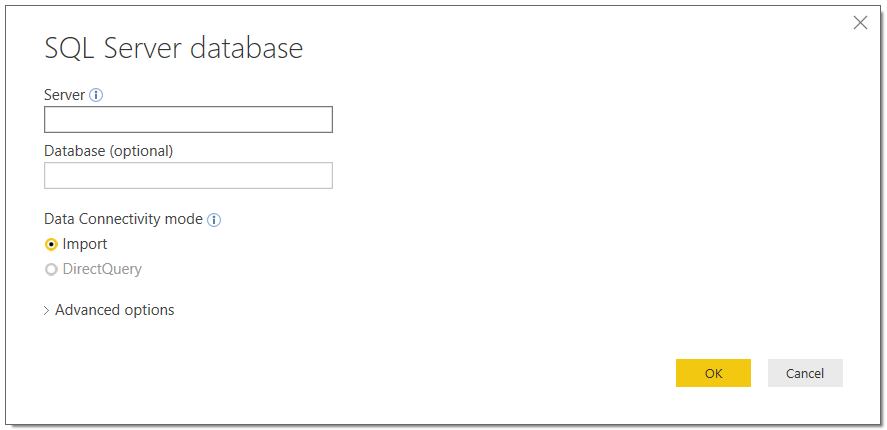
From here, you can work with the data source by adding new custom columns, measures and calcuated columns and define new relationships from the connected data and also other data sources. You will have a limitation on additional Direct Query data sources. If you add a new datasource, you will see DirectQuery is disabled:

Keep learning. Keep building.
Explore AI, agents & Microsoft technology.
I share practical ideas, tutorials, and videos about AI, AI agents, Microsoft technologies, and the Power Platform.
Subscribe on YouTube →Carl de Souza Enterprise Architect at Microsoft · AI Technology Expert
