In this post, we will look at how to turn off the Power Apps Portal open enrollment.
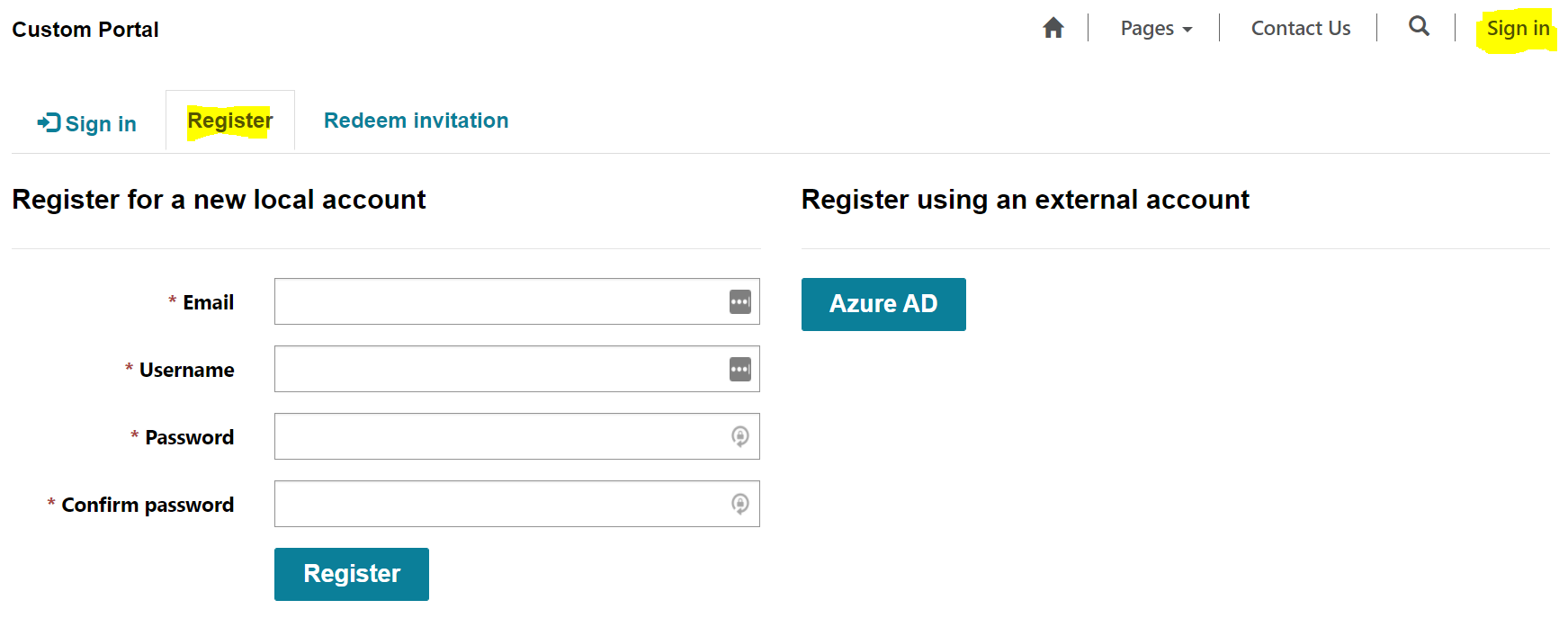
Without turning off the setting, Portals will allow anyone to register by clicking on the Sign In, then Register link:
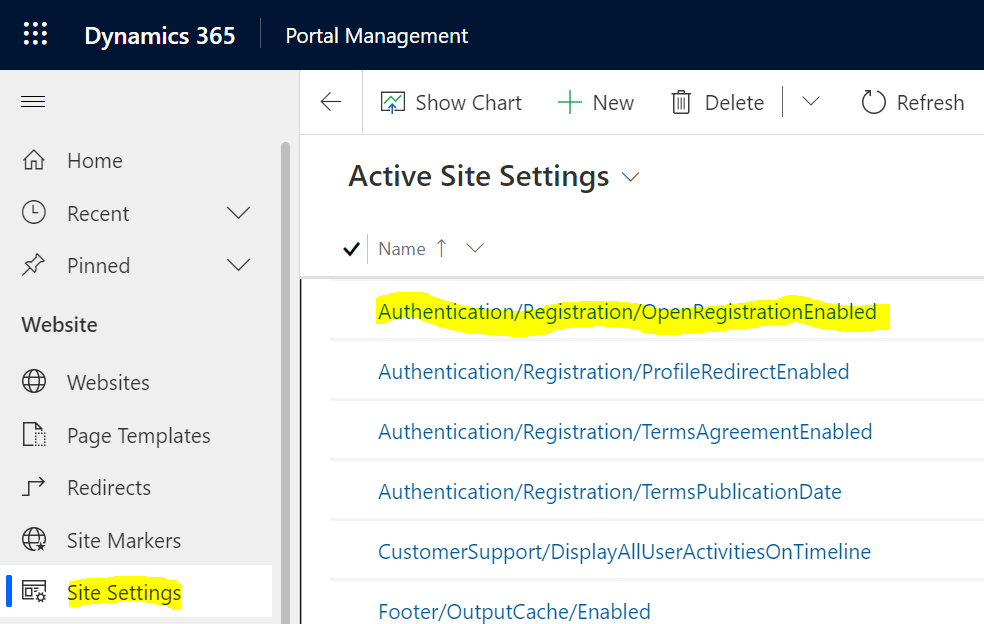
To turn this off, in the Portal Management app, go to Site Settings, then Authentication/Registration/OpenRegistrationEnabled:
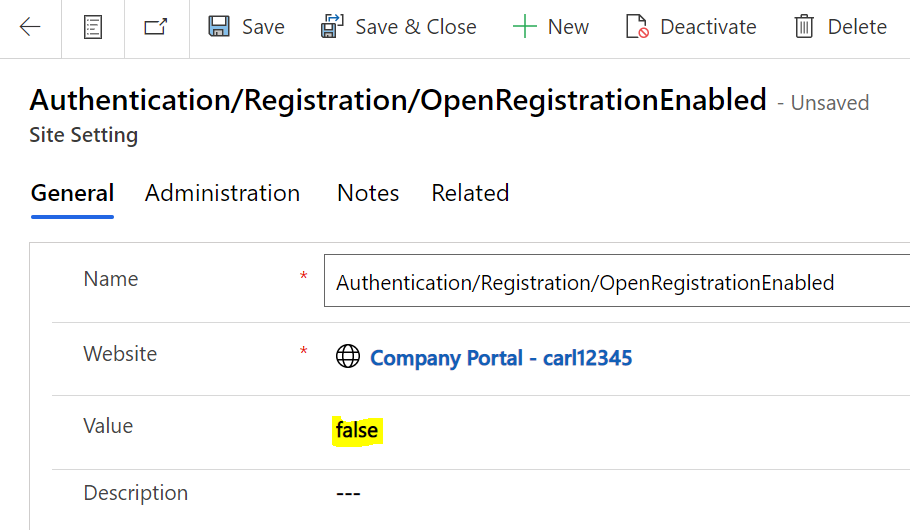
Change the value to false and save the record:
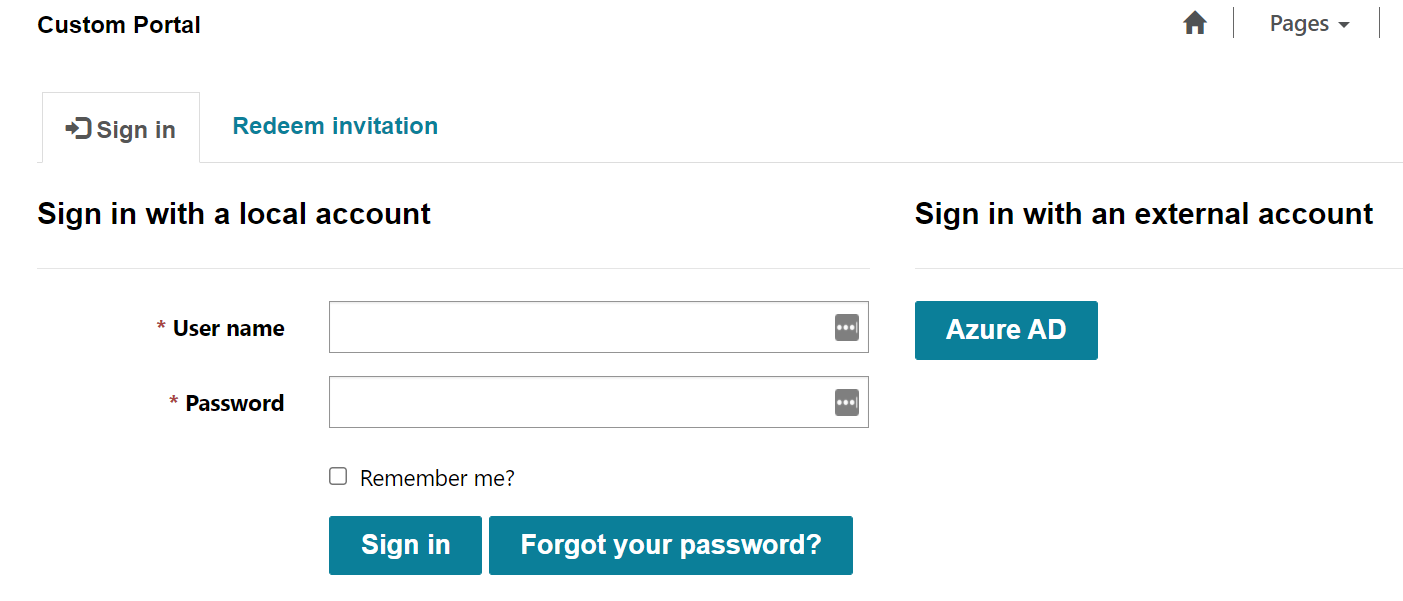
Now, when you go to the Portal, you won’t see the Registration link:
For other authentication options, check out the Microsoft Documentation here.

Keep learning. Keep building.
Explore AI, agents & Microsoft technology.
I share practical ideas, tutorials, and videos about AI, AI agents, Microsoft technologies, and the Power Platform.
Subscribe on YouTube →Carl de Souza Enterprise Architect at Microsoft · AI Technology Expert
