The Metadata Document Generator is a 3rd party XrmToolBox plugin from MsCrmTools that is useful for exporting metadata from Dynamics 365. To use it, open the XrmToolbox and select Matadata Document Generator:
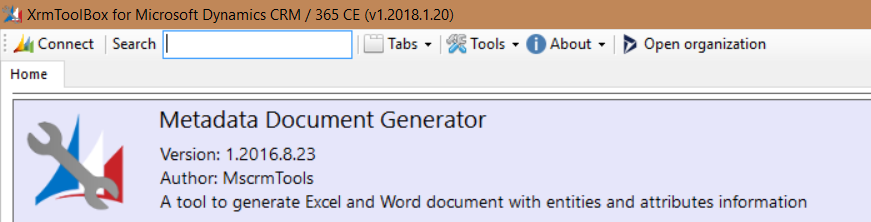
You will see:
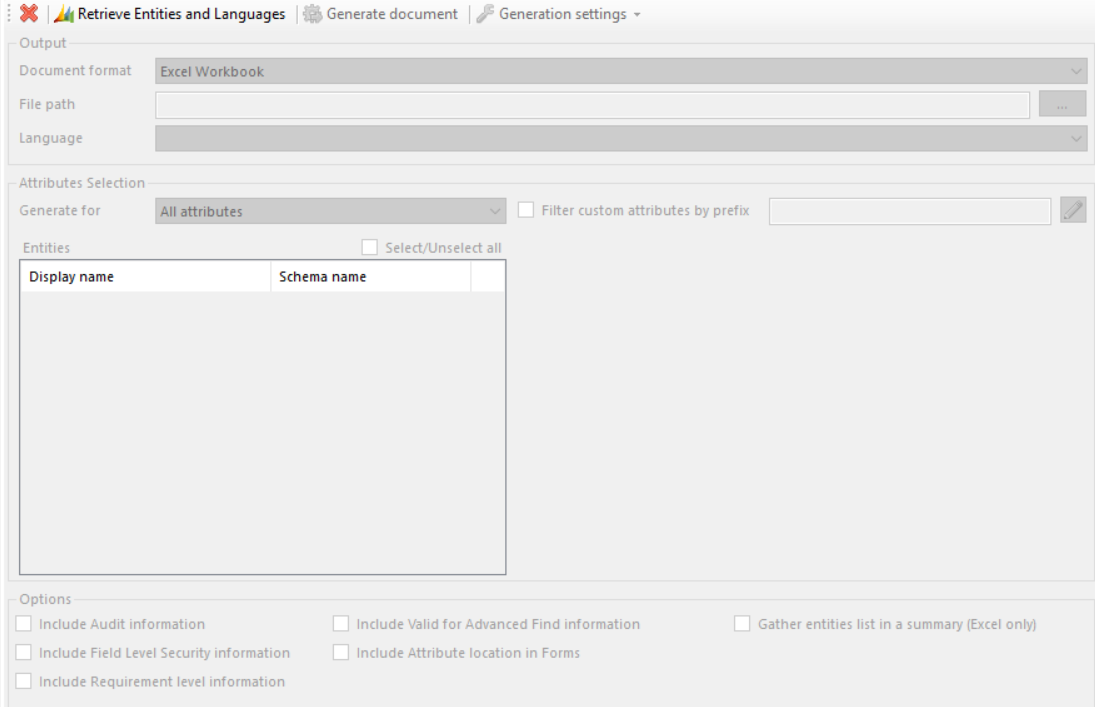
Click Retrieve Entities and Languages:
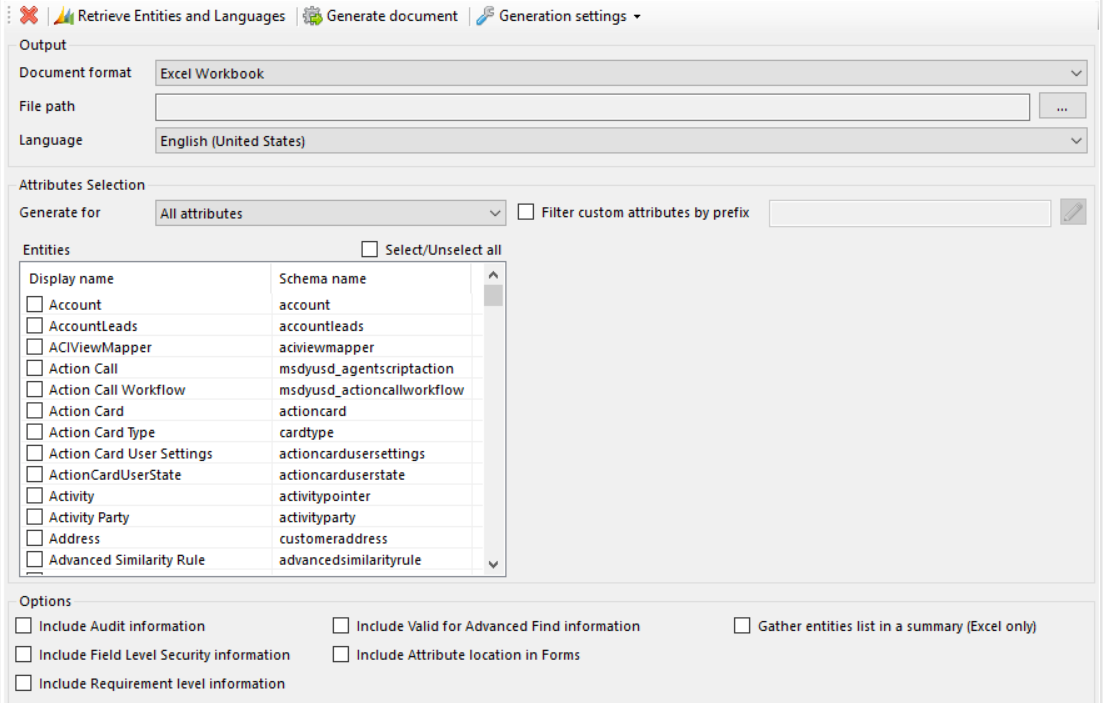
Note the document export options:
- Excel Workbook
- Word Document

Note if you select Word Document you will see:
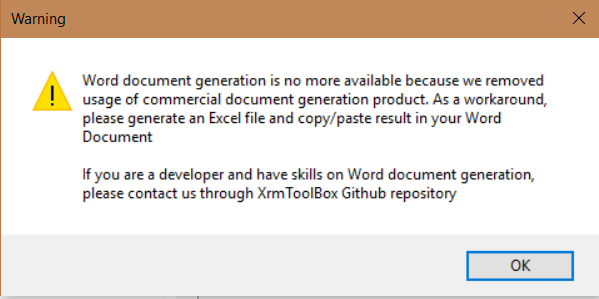
Select an entity and click Generate document.
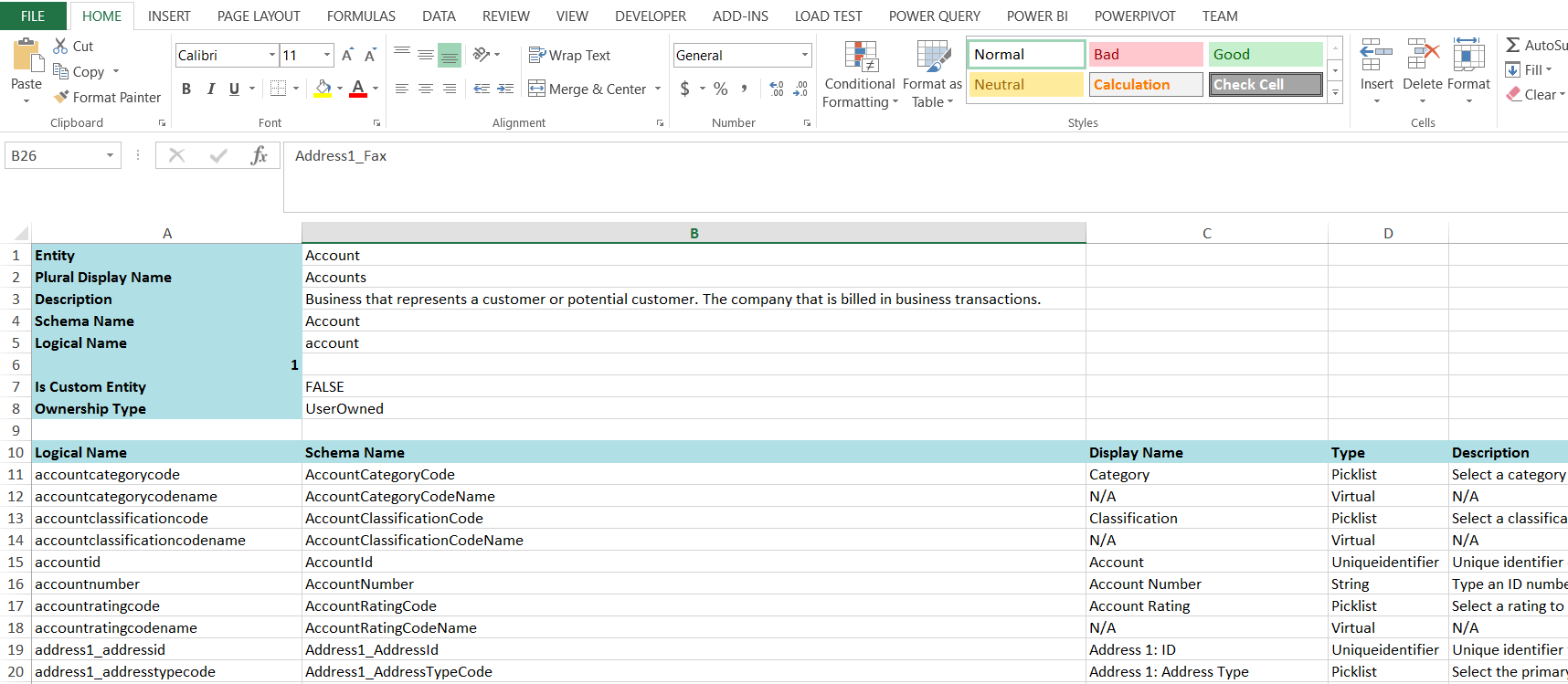
Your document will be generated:

Keep learning. Keep building.
Explore AI, agents & Microsoft technology.
I share practical ideas, tutorials, and videos about AI, AI agents, Microsoft technologies, and the Power Platform.
Subscribe on YouTube →Carl de Souza Enterprise Architect at Microsoft · AI Technology Expert
Carl, thank you for your post.
Metadata Generator is very useful to get all the metadata details of the entities. Otherwise, what tool do you use to import and update the information of the data values for a Boolean Field or a Picklist Field?
Thanks in advance,
Claudia