In this post, we will look at how to read and update the Dynamics 365 System Settings using C#. If you are updating, be sure to test your code properly.
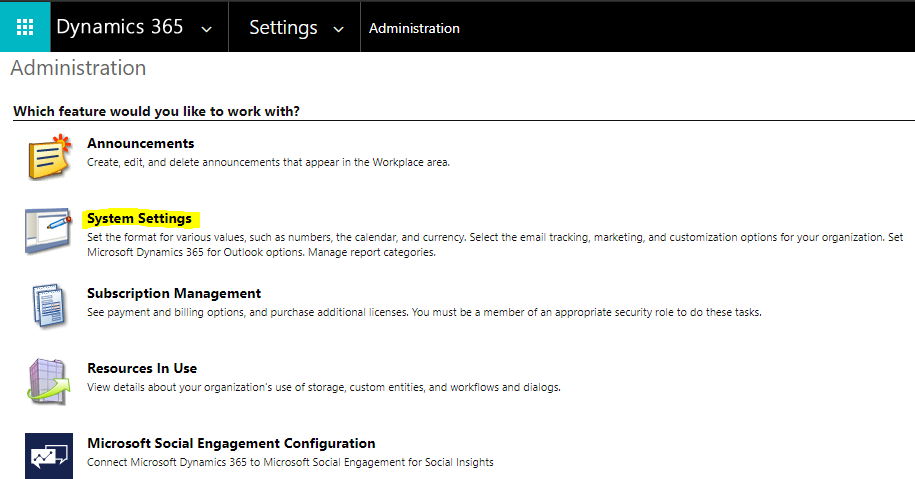
System Settings is accessed in Dynamics 365 through Settings->Administration:
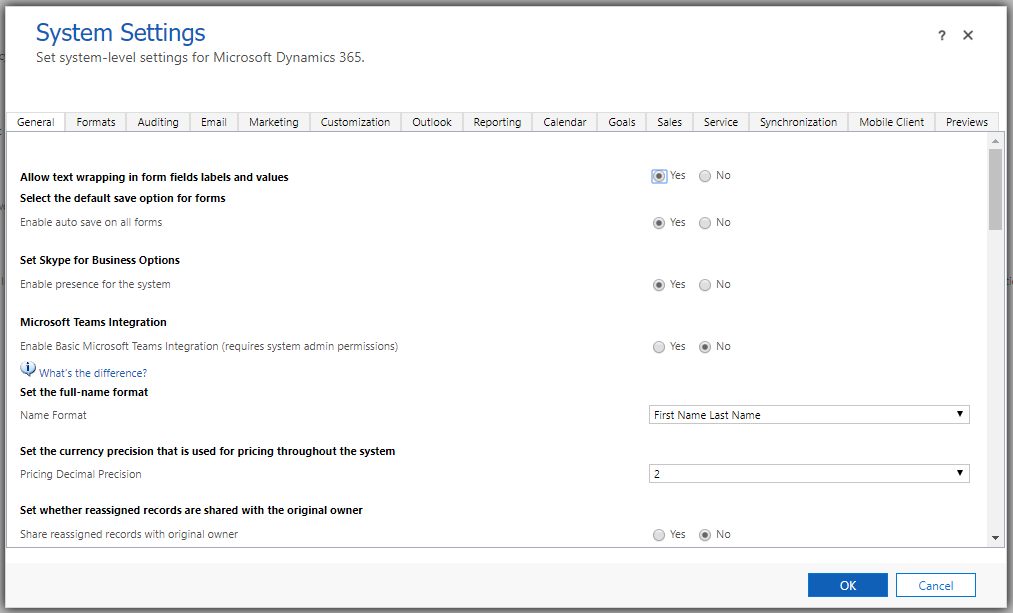
System Settings:
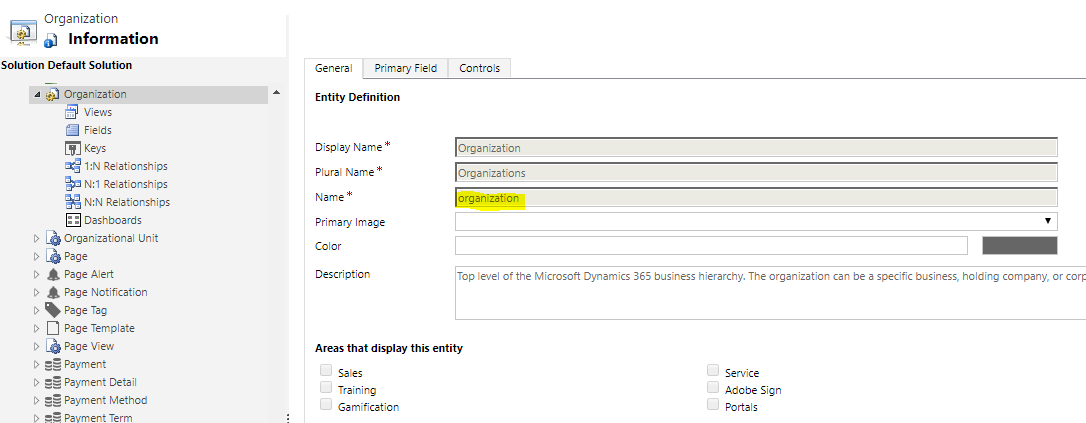
This information is stored in the entity called Organization, which we can see in the Entity Customizations:
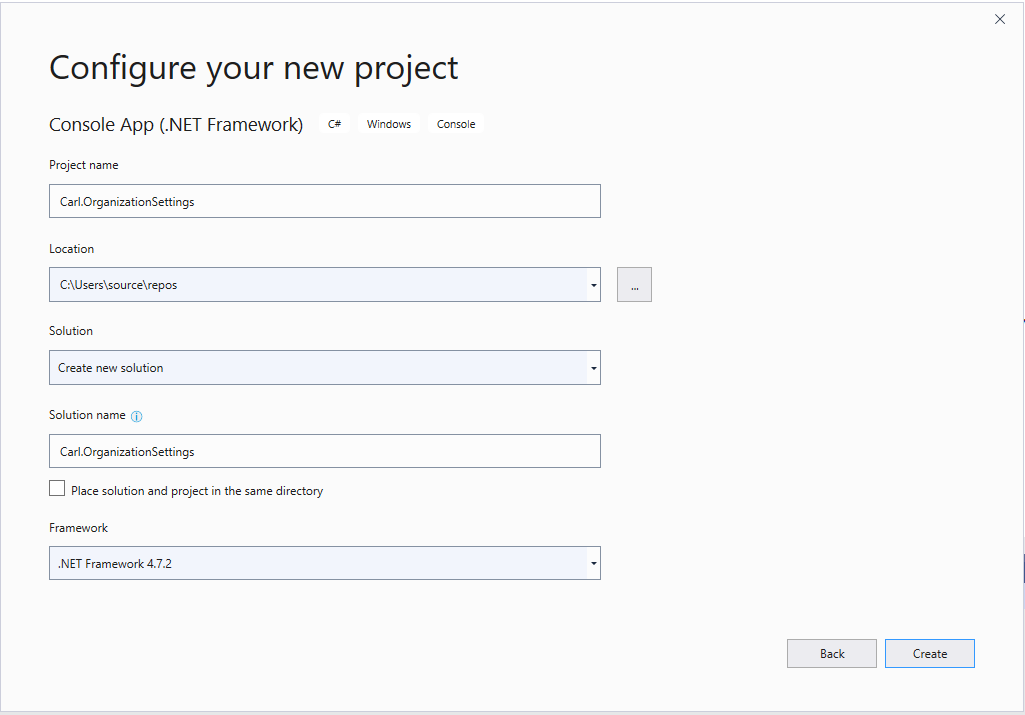
Let’s create a new console app to read this entity. Create a new console app in Visual Studio:
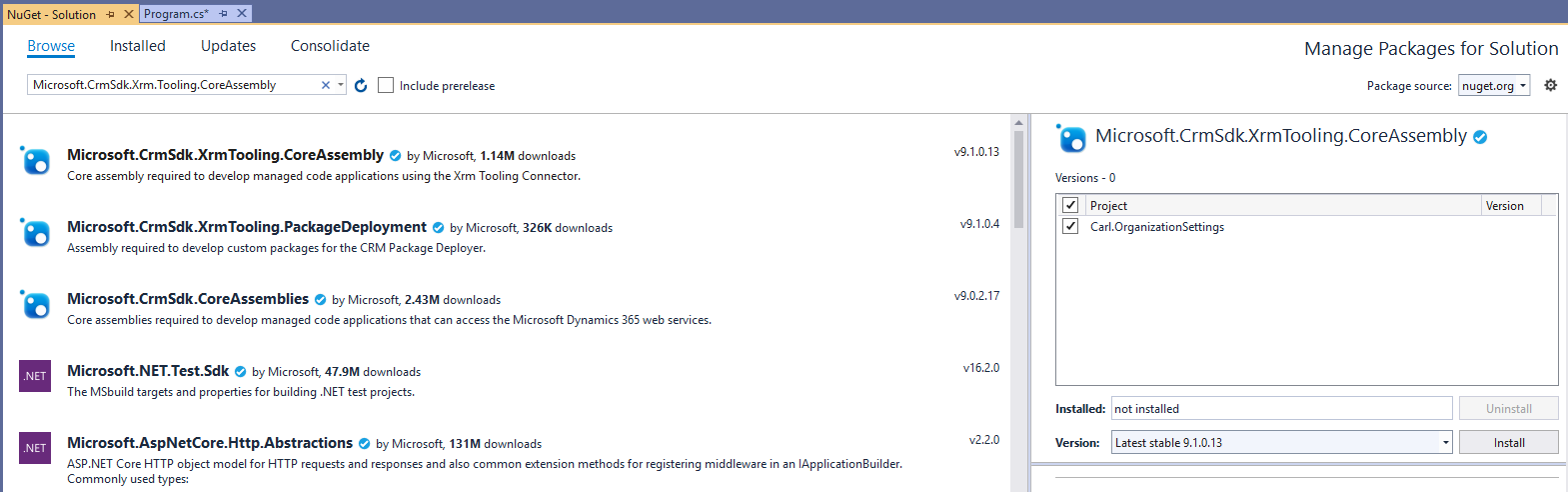
Add the NuGet package for Microsoft.CrmSdk.XrmTooling.CoreAssembly:
Now the code to read the setting:
[sourcecode language=”CSharp”] using Microsoft.Xrm.Sdk;using Microsoft.Xrm.Sdk.Query;
using Microsoft.Xrm.Tooling.Connector;
using System;
namespace Carl.OrganizationSettings
{
class Program
{
static void Main(string[] args)
{
try
{
var connectionString = @"AuthType = Office365; Url = https://yourorg.crm.dynamics.com/;Username=yourusername;Password=yourpwd";
CrmServiceClient conn = new CrmServiceClient(connectionString);
IOrganizationService service;
service = (IOrganizationService)conn.OrganizationWebProxyClient != null ? (IOrganizationService)conn.OrganizationWebProxyClient : (IOrganizationService)conn.OrganizationServiceProxy;
QueryExpression queryExpression = new QueryExpression("organization")
{
ColumnSet = new ColumnSet(true)
};
var settings = service.RetrieveMultiple(queryExpression);
Console.ReadLine();
}
catch (Exception ex)
{
// Implement error handling
}
}
}
}
Running this, we see a lot of fields coming back:
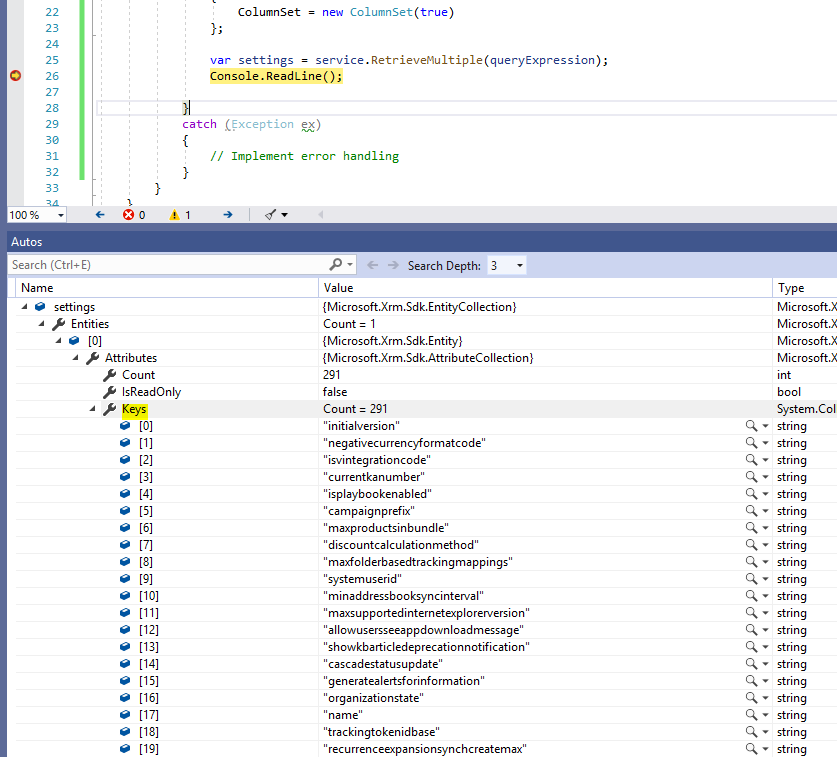
With values:

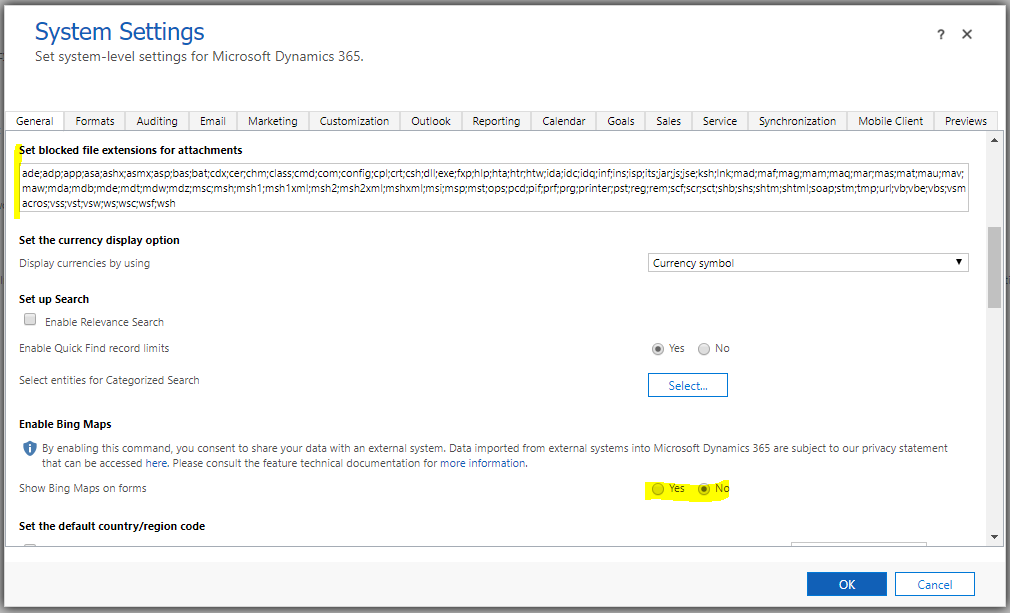
Let’s add code to update a couple of fields, “enablebingmapsintegration” (we will set to Yes) and “blockedattachments” (we will change the attachments to only be “html”):
Run the following code to update:
[sourcecode language=”CSharp”] using Microsoft.Xrm.Sdk;using Microsoft.Xrm.Sdk.Query;
using Microsoft.Xrm.Tooling.Connector;
using System;
namespace Carl.OrganizationSettings
{
class Program
{
static void Main(string[] args)
{
try
{
var connectionString = @"AuthType = Office365; Url = https://yourorg.crm.dynamics.com/;Username=yourusername;Password=yourpassword";
CrmServiceClient conn = new CrmServiceClient(connectionString);
IOrganizationService service;
service = (IOrganizationService)conn.OrganizationWebProxyClient != null ? (IOrganizationService)conn.OrganizationWebProxyClient : (IOrganizationService)conn.OrganizationServiceProxy;
QueryExpression queryExpression = new QueryExpression("organization")
{
ColumnSet = new ColumnSet(true)
};
var settings = service.RetrieveMultiple(queryExpression);
if (settings != null & settings.Entities.Count > 0)
{
Entity orgEntity = new Entity("organization");
orgEntity["organizationid"] = settings.Entities[0].Id;
orgEntity["enablebingmapsintegration"] = true;
orgEntity["blockedattachments"] = "html";
service.Update(orgEntity);
}
Console.ReadLine();
}
catch (Exception ex)
{
// Implement error handling
}
}
}
}
[/sourcecode]
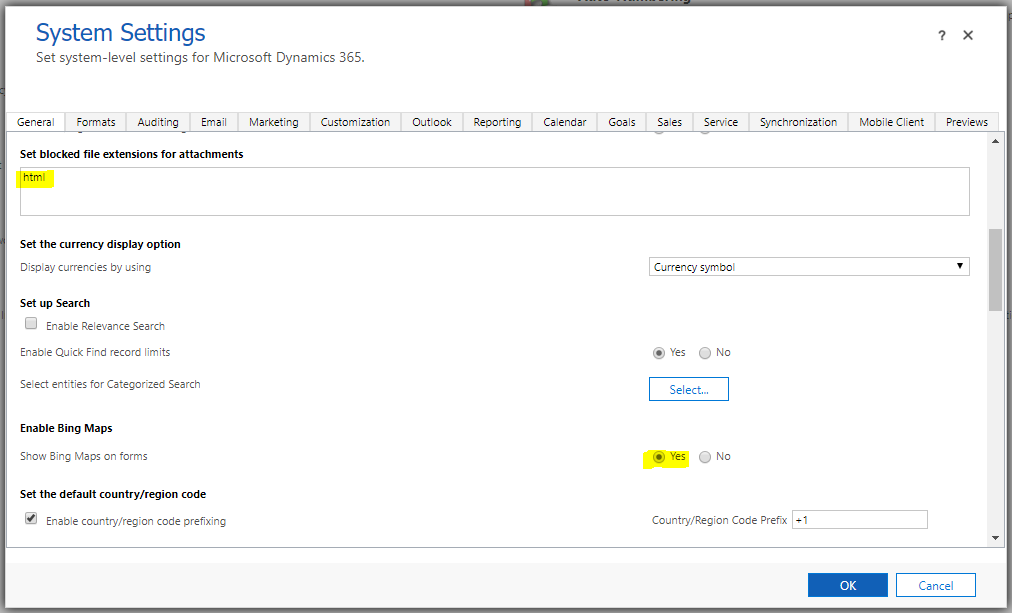
The organization settings is now updated:
I AM SPENDING MORE TIME THESE DAYS CREATING YOUTUBE VIDEOS TO HELP PEOPLE LEARN THE MICROSOFT POWER PLATFORM.
IF YOU WOULD LIKE TO SEE HOW I BUILD APPS, OR FIND SOMETHING USEFUL READING MY BLOG, I WOULD REALLY APPRECIATE YOU SUBSCRIBING TO MY YOUTUBE CHANNEL.
THANK YOU, AND LET'S KEEP LEARNING TOGETHER.
CARL
