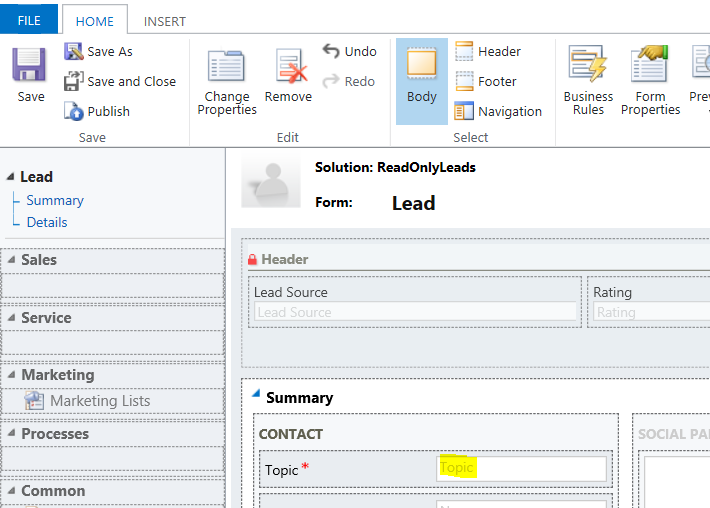
To get and set a Dynamics 365 field, first find out the field name. Open the form and find the field, for example on the leads form, the topic:
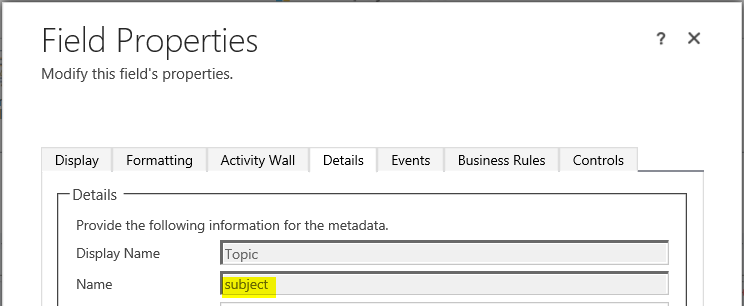
Double click the field and see what the Name is, in this case “subject”:
function UpdateField() {

var s = Xrm.Page.getAttribute("subject").getValue();
alert(s);

Xrm.Page.getAttribute("subject").setValue("Hello World");

var s = Xrm.Page.getAttribute("subject").getValue();
alert(s);

}
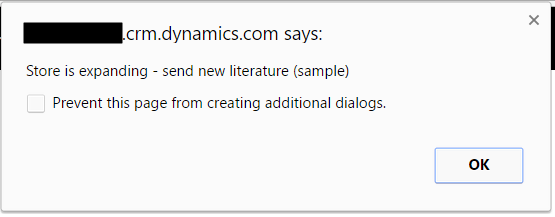
When this runs we see first the original topic:
Then the new topic:
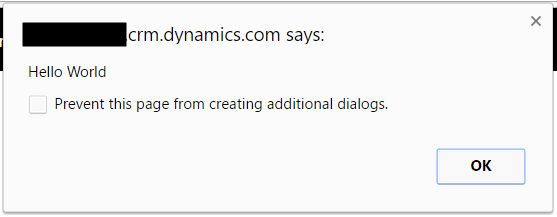
Field is updated:

This can also be used to check if the field is empty.

Keep learning. Keep building.
Explore AI, agents & Microsoft technology.
I share practical ideas, tutorials, and videos about AI, AI agents, Microsoft technologies, and the Power Platform.
Subscribe on YouTube →Carl de Souza Enterprise Architect at Microsoft · AI Technology Expert