Relationship Insights is one of the built in intelligence capabilities in Dynamics 365. It delivers prescriptive recommendations. It looks at data you have both in Dynamics 365 and also emails in your Office 365 to calculate how healthy the relationship is.
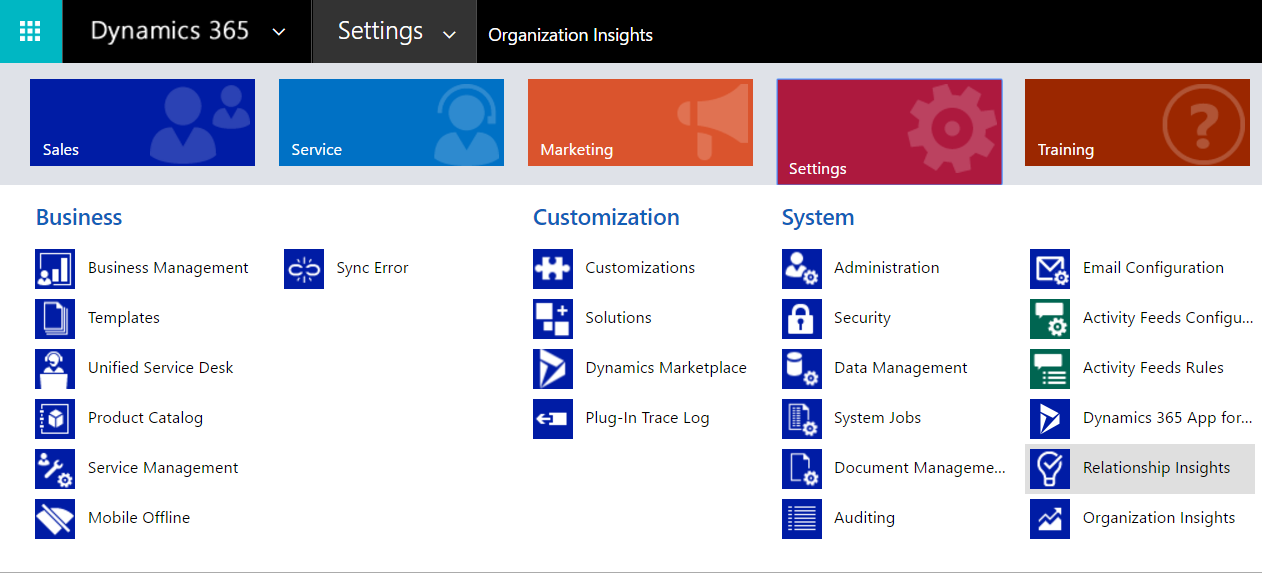
To use Relationship Insights, go to Settings->Relationship Insights:
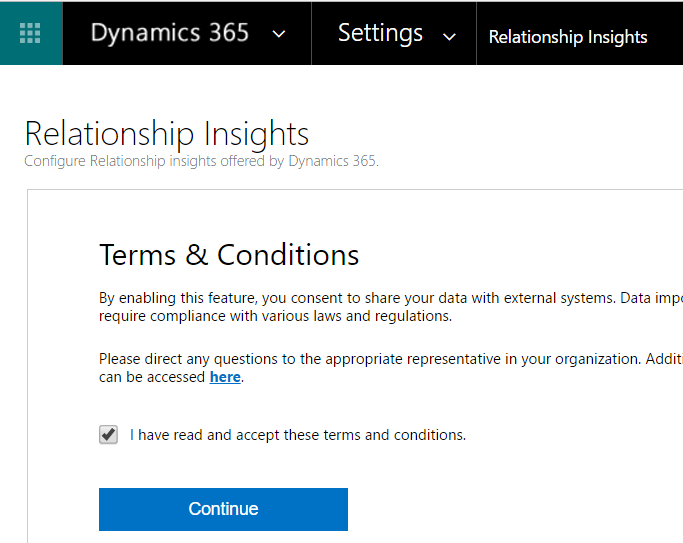
Accept the Terms:
You may get the message below:
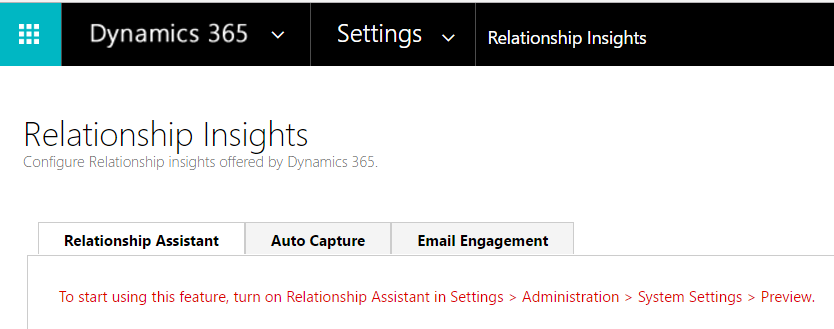
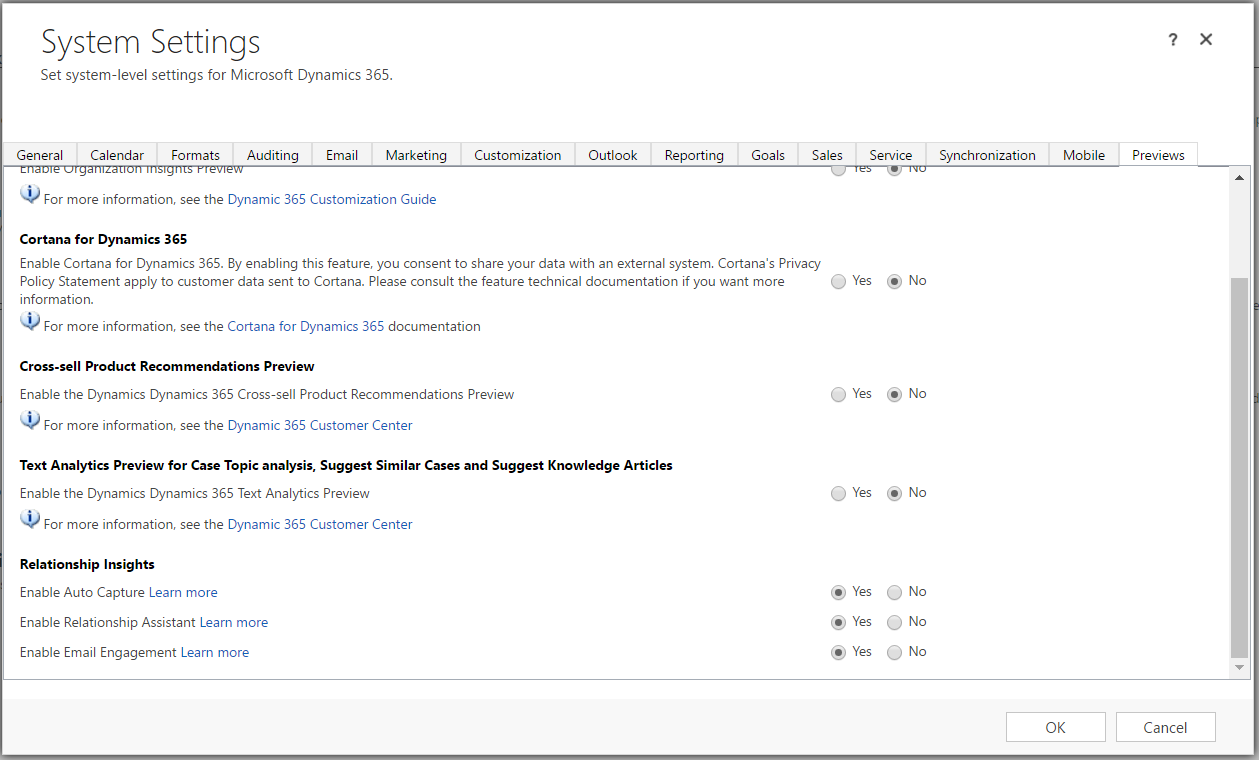
Turn on Relationship Insights:
You will now see this screen:
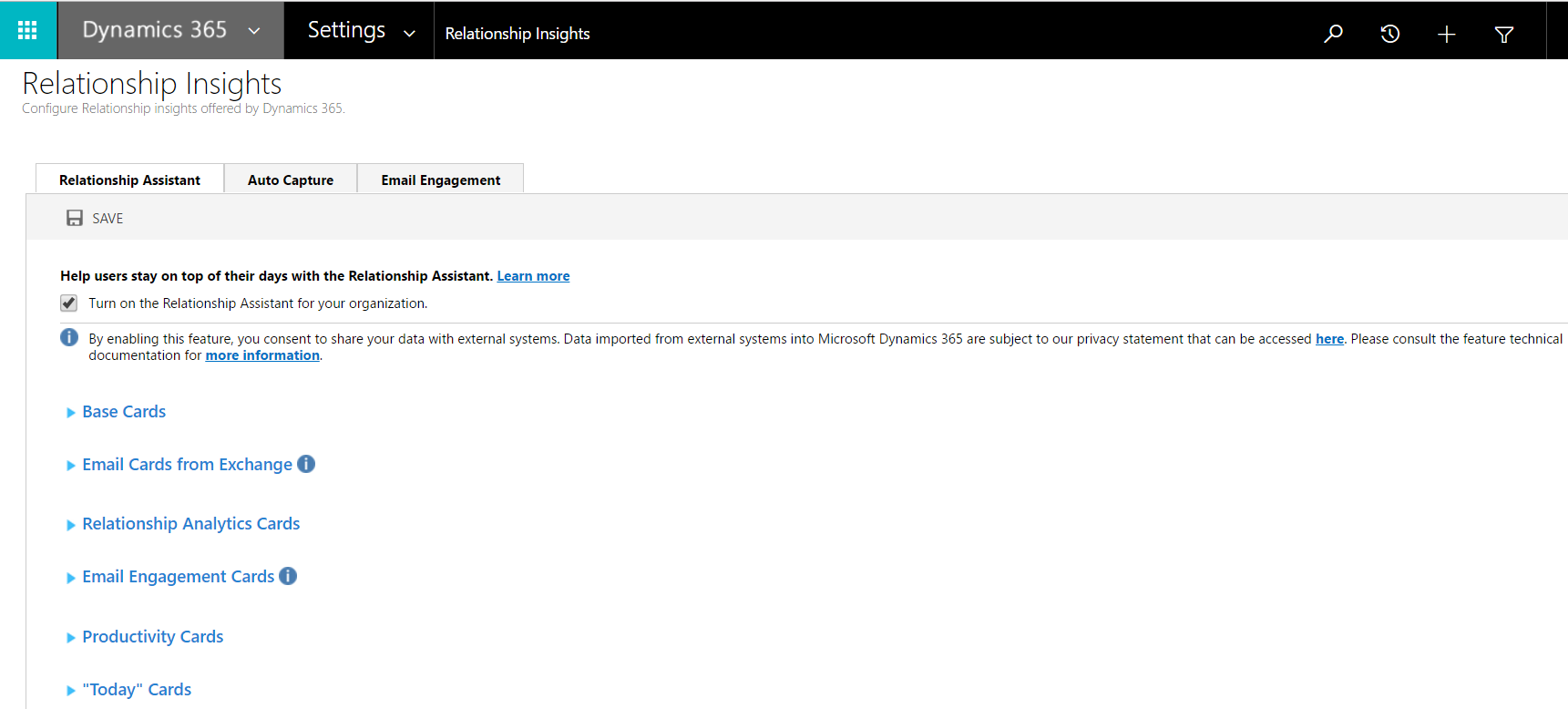
You can expand to get more details:
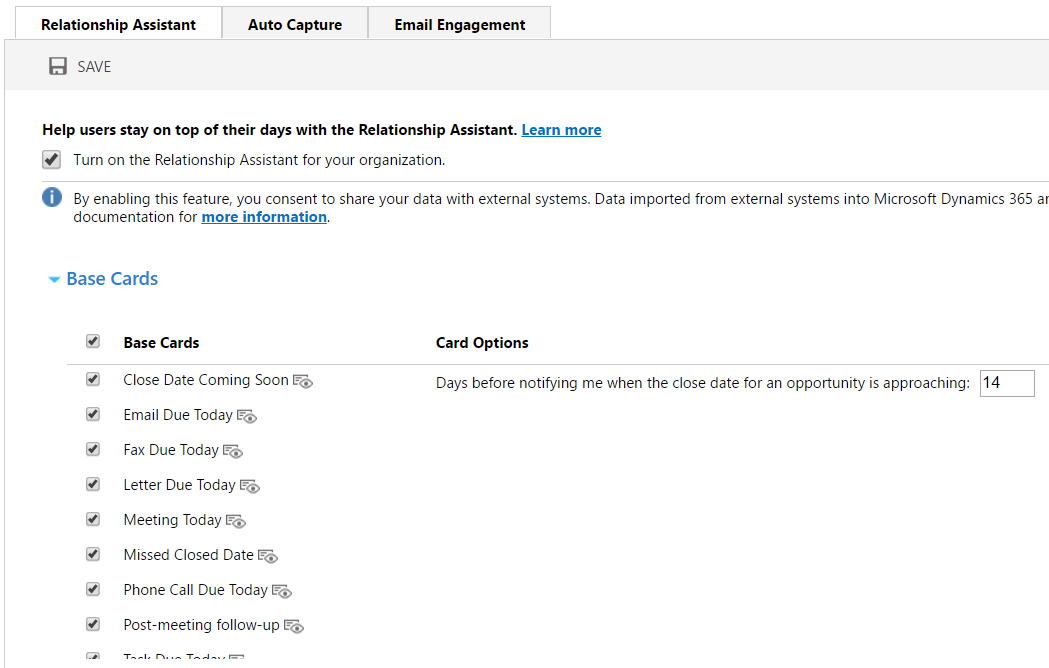
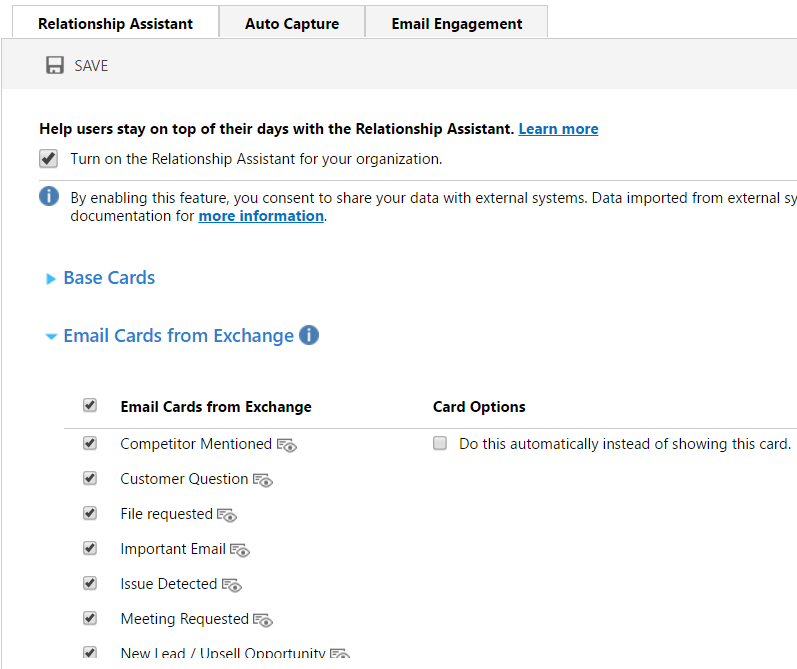
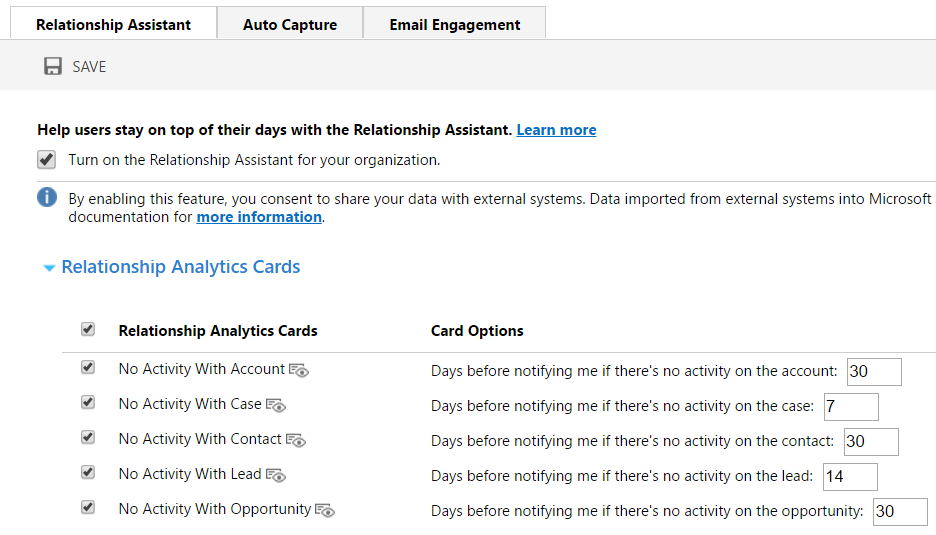
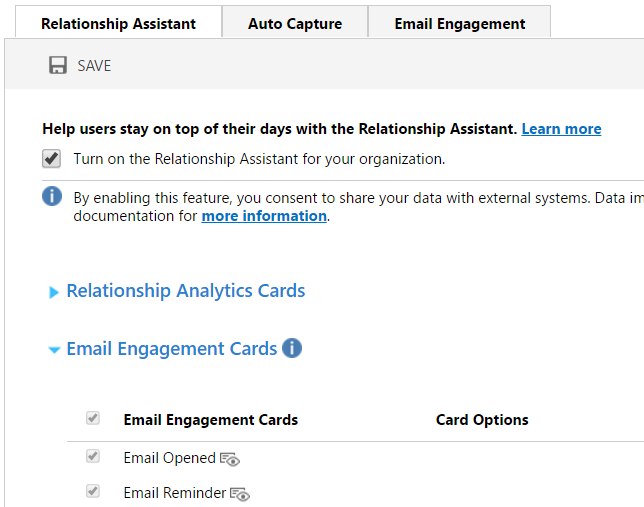
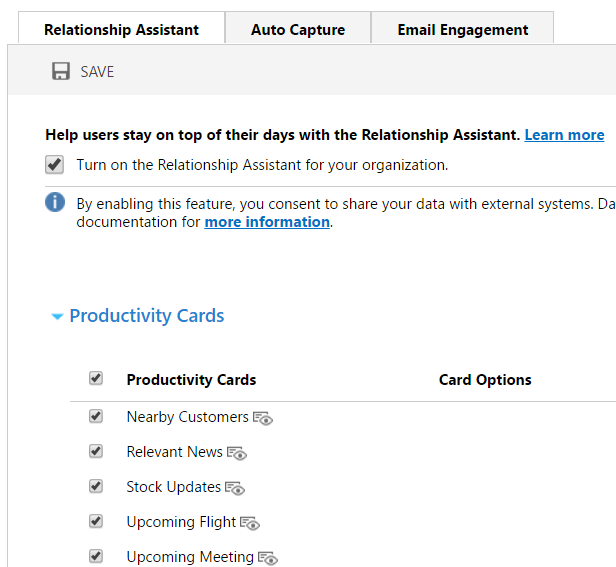
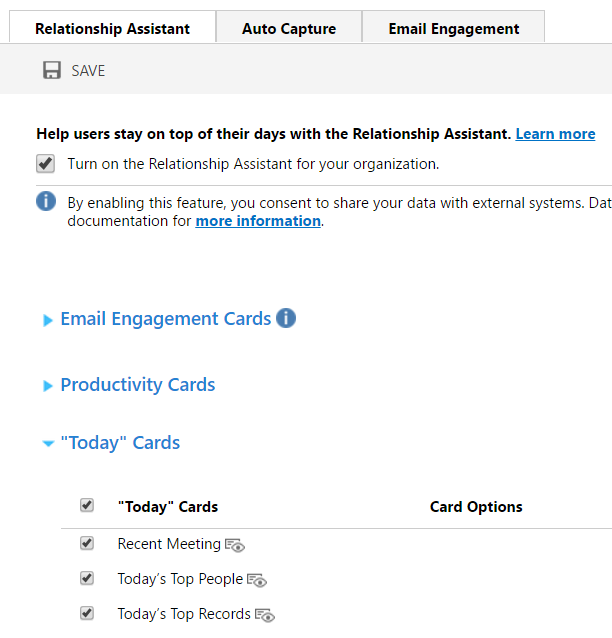
Selecting an opportunity, you will now see Relationship Assistant:
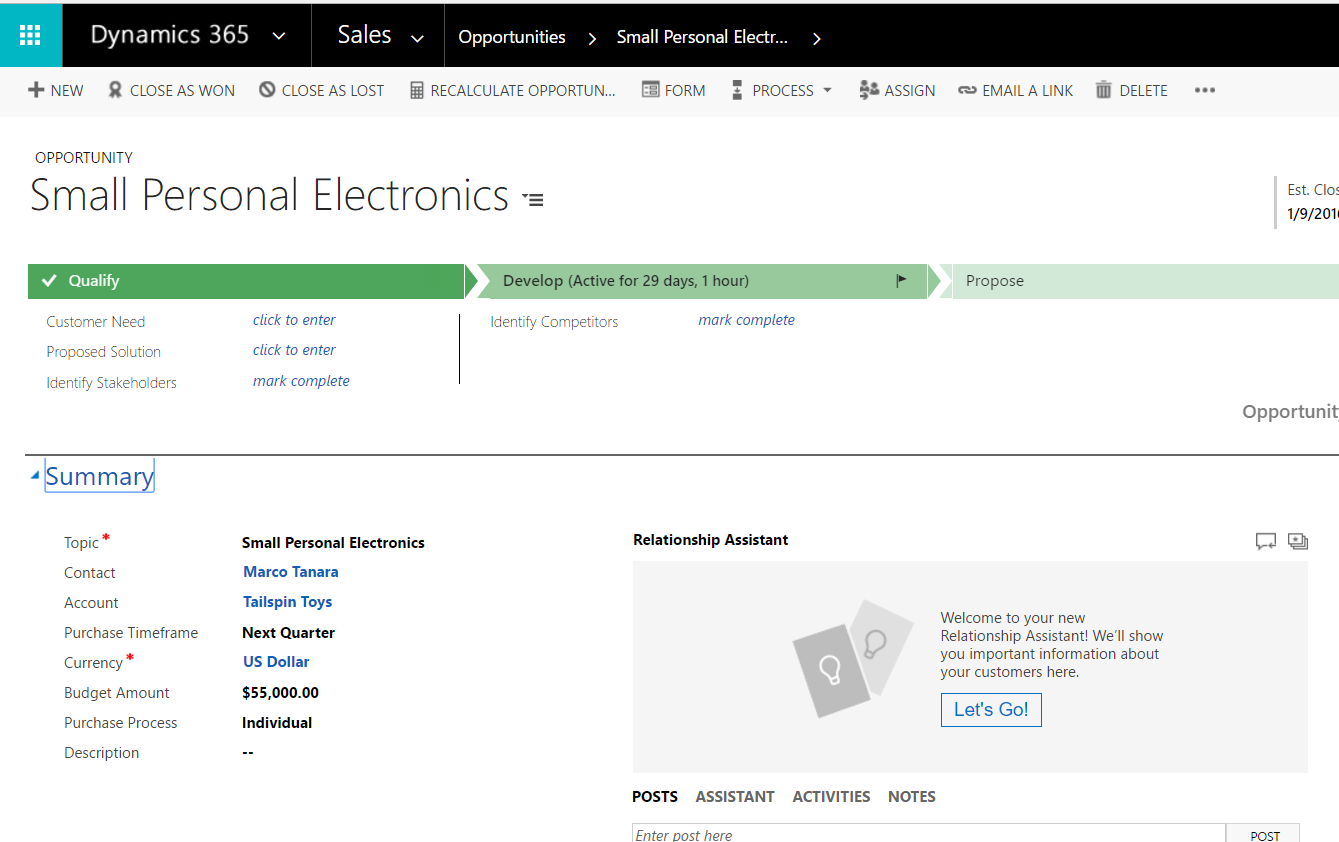
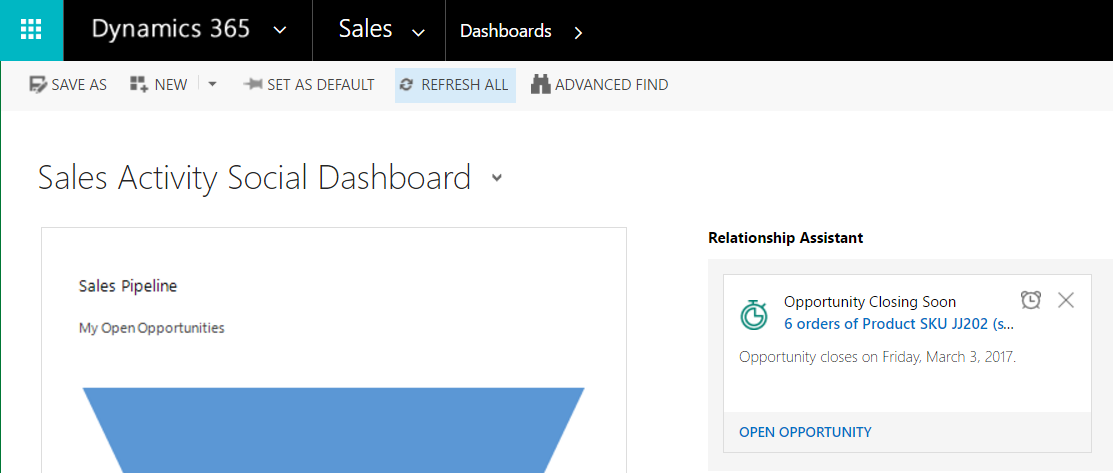
Going to the main Sales screen, we see a new tile showing the Relationship Assistant:

Keep learning. Keep building.
Explore AI, agents & Microsoft technology.
I share practical ideas, tutorials, and videos about AI, AI agents, Microsoft technologies, and the Power Platform.
Subscribe on YouTube →Carl de Souza Enterprise Architect at Microsoft · AI Technology Expert
