In Dynamics 365, there are mobile apps you can download and use for your tablet and phone. To download the apps, head to the app store for your device:
Install the app, and you will be presented with a login screen:

Enter the URL to your organization. You will see a welcome message:
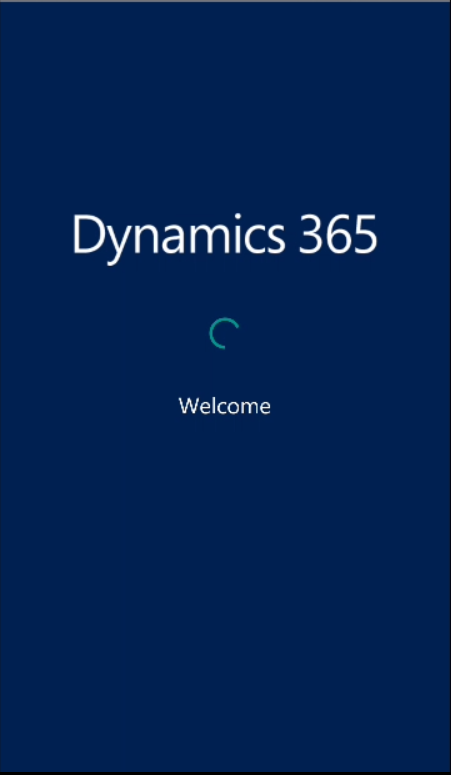
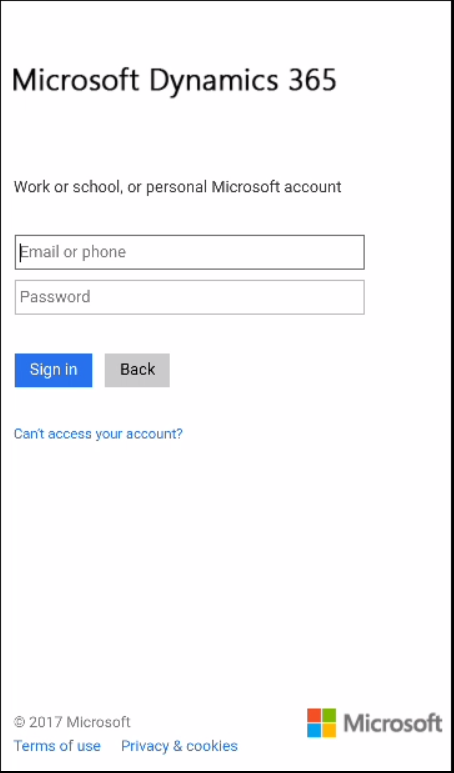
And you will then be able to enter your username and password
At this point, the app will download the latest metadata and customizations. The app will then open:
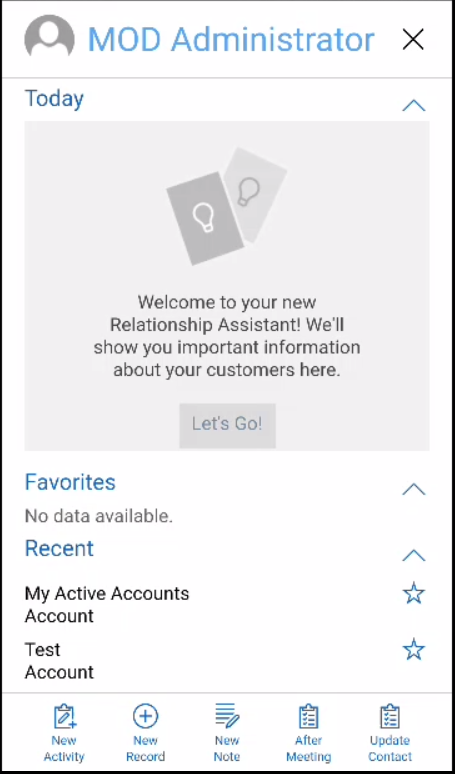
From here, you can select home screen:
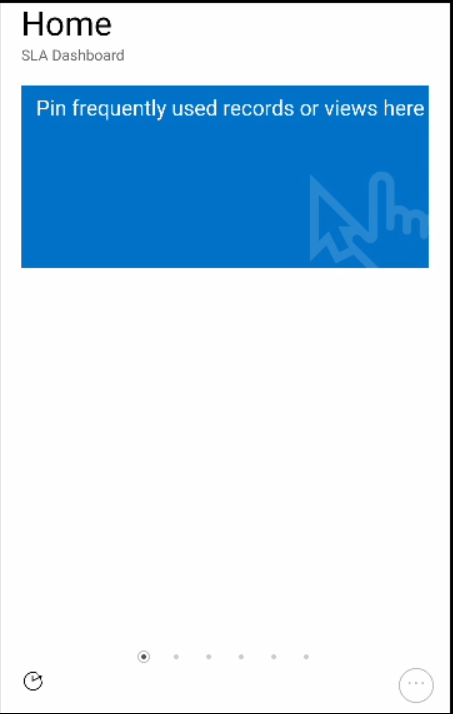
Sliding right will display the default dashboard you have set up in the web client with each of the components of the dashboard such as charts and views:
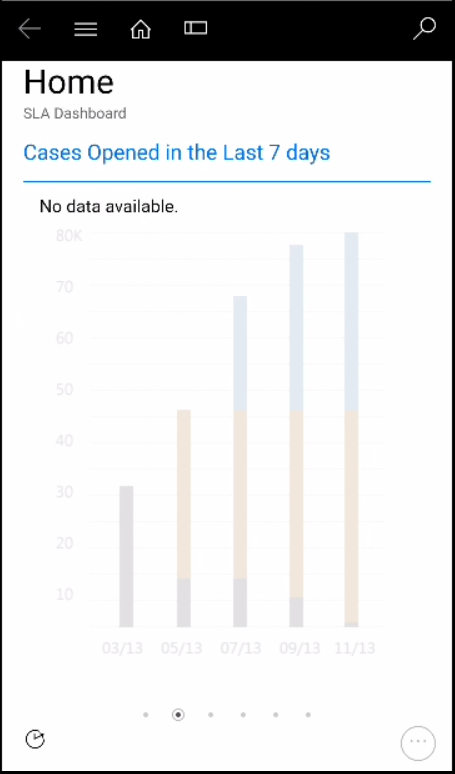
Selecting the menu drop down will display a list of entities, as displayed in the web client:
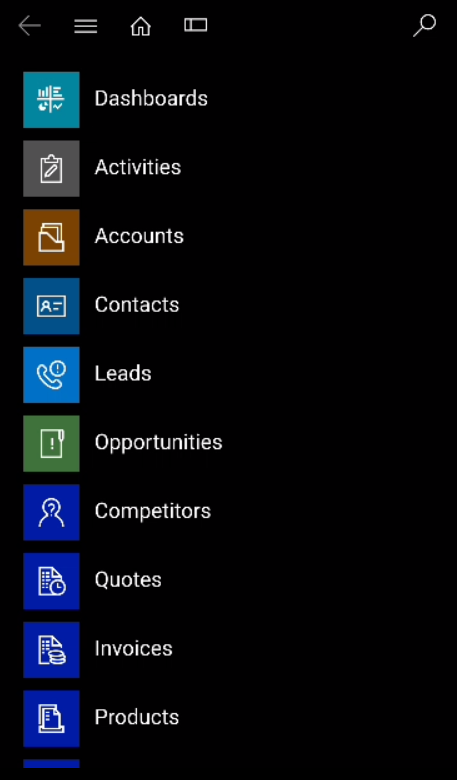
Selecting Accounts will display the list of My Active Accounts:
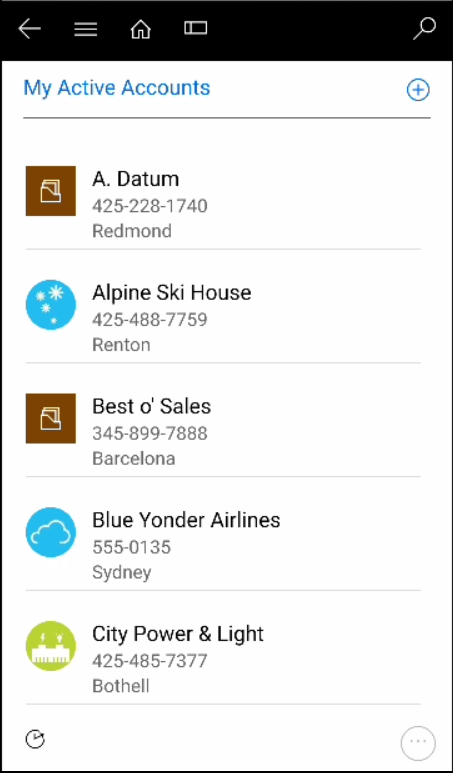
Of which the view can be changed by pressing the ellipse in the lower right:
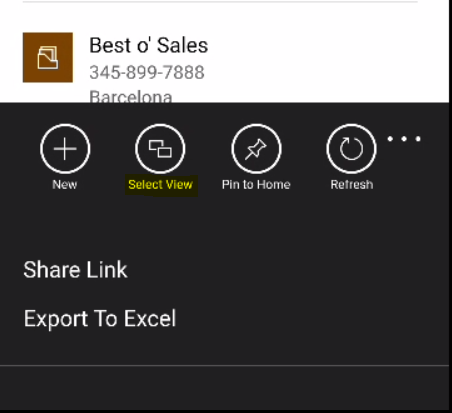
Different view:
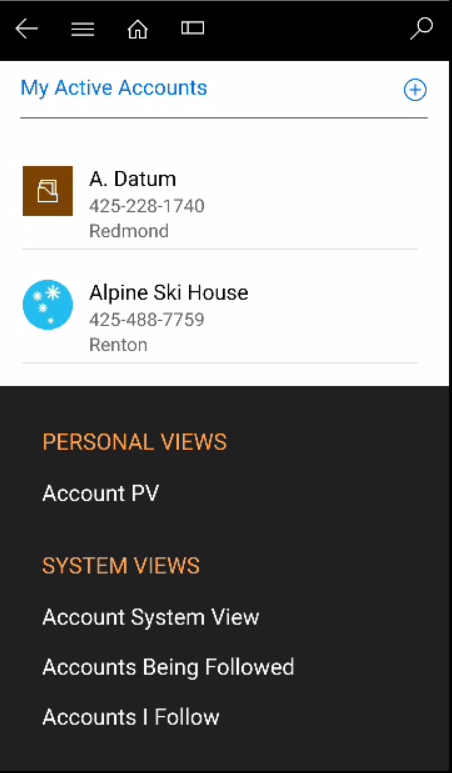
Selecting search will open the search page:
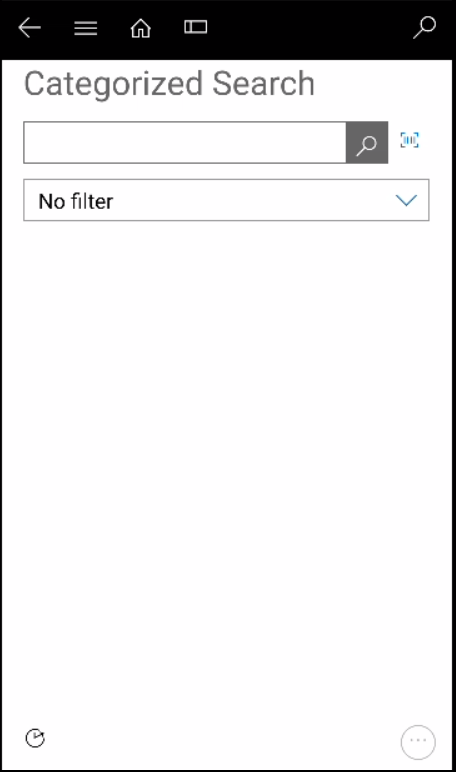
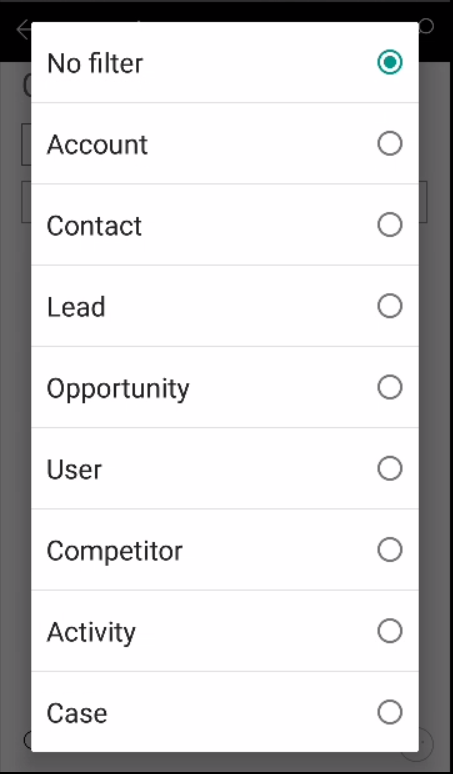
Which can be filtered:
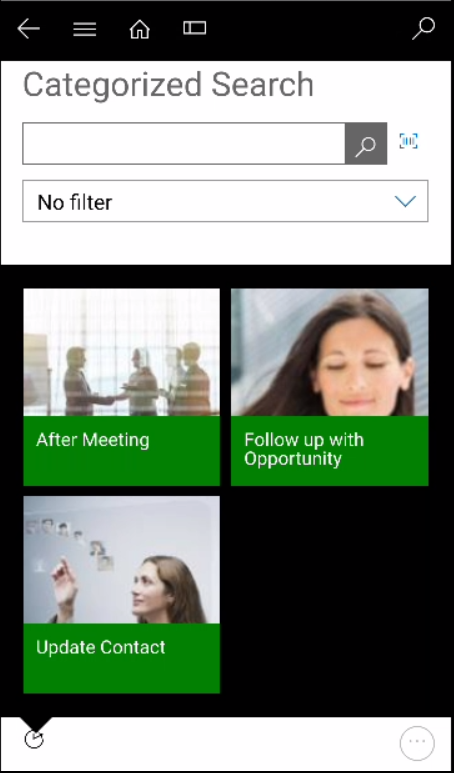
Selecting the icon in the bottom left will open Mobile Task Flows.
Selecting the bottom right ellipse will open the menu:
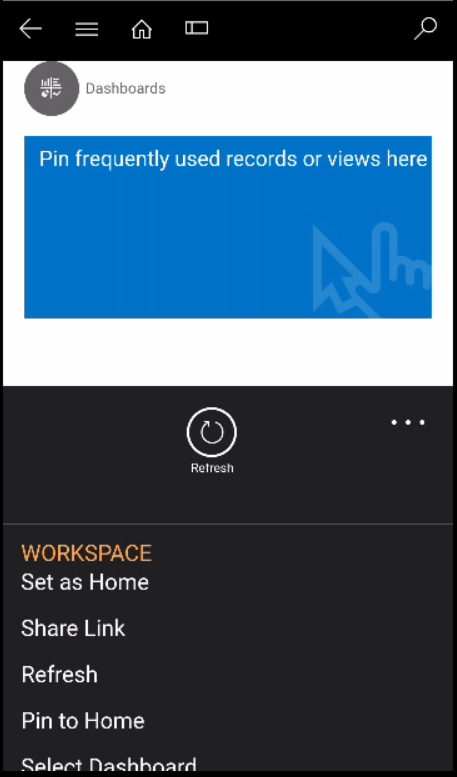
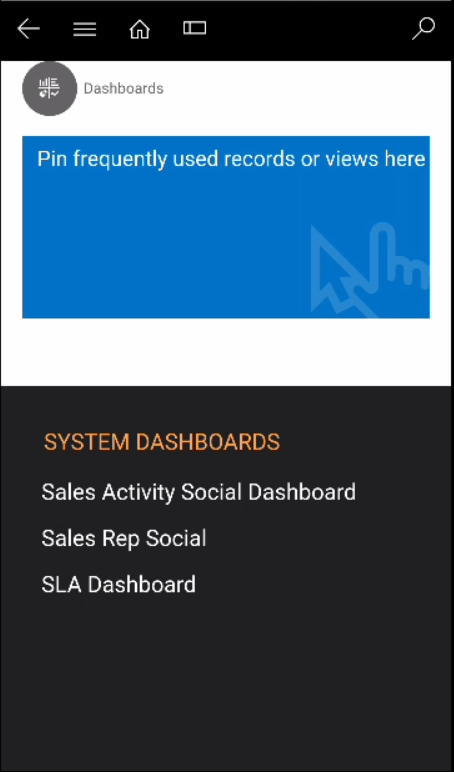
One option allows you to select a dashboard:
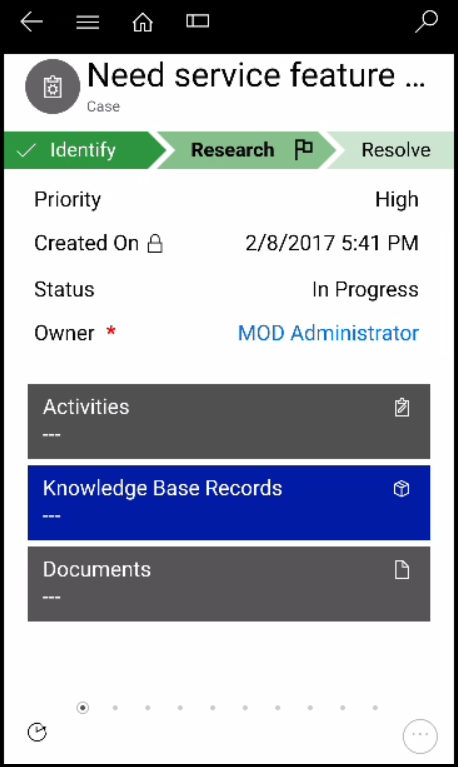
You can find and open a record such as a case. Note some of these controls you can customize to be more mobile friendly through customizing the entity in CRM:
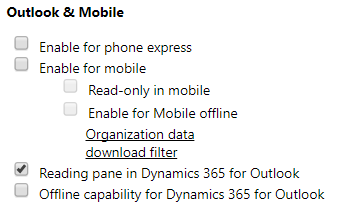
Within Dynamics 365, you have control over which entities you enable for mobile apps. In the Outlook & Mobile section of an entity, you will see several options for enabling for mobile, including a read-only and offline option (which will be discussed in another post):

Explore AI, agents & Microsoft technology.
I share practical ideas, tutorials, and videos about AI, AI agents, Microsoft technologies, and the Power Platform.
Subscribe on YouTube →