We will go through an example of how to create a new tabular model in SQL Server Analysis Services 2016 (SSAS).
Open SQL Server Data Tools (SSDT) and create a new Analysis Services Tabular project:
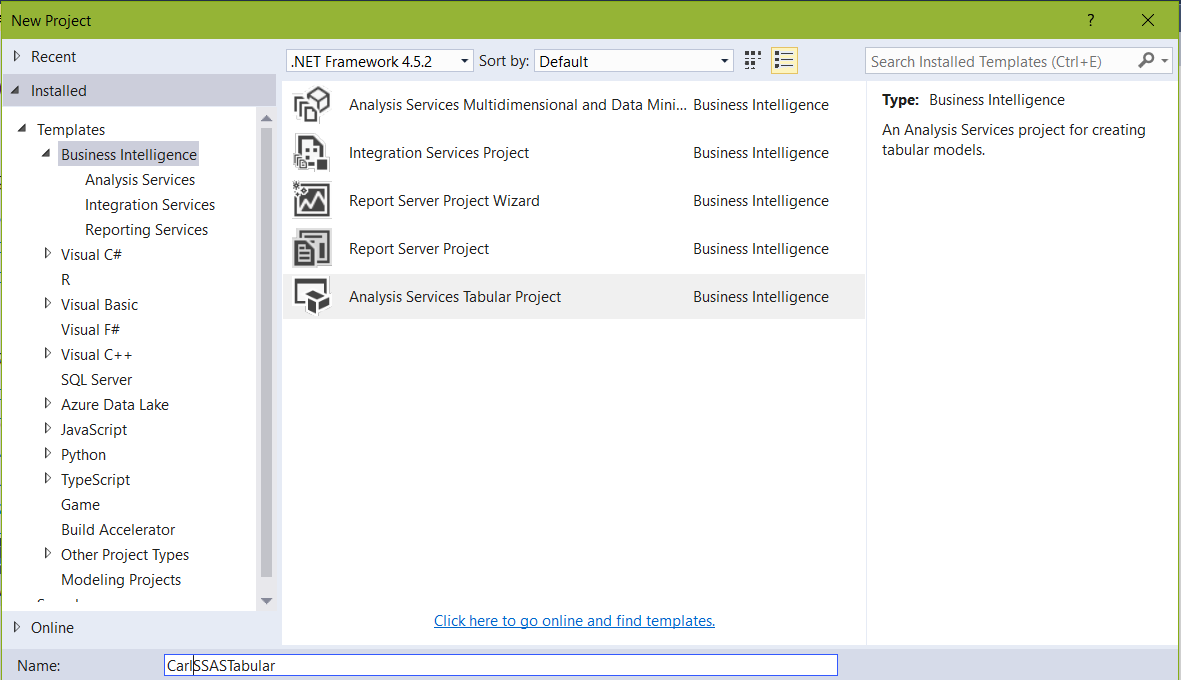
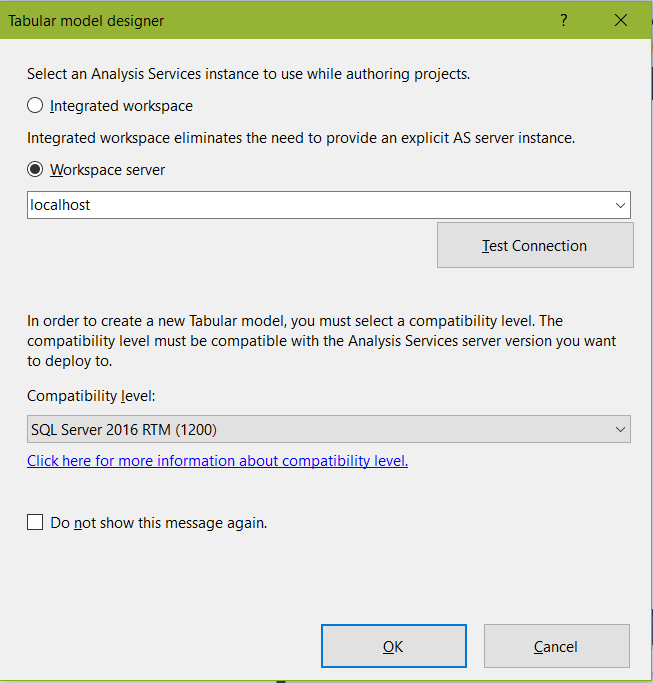
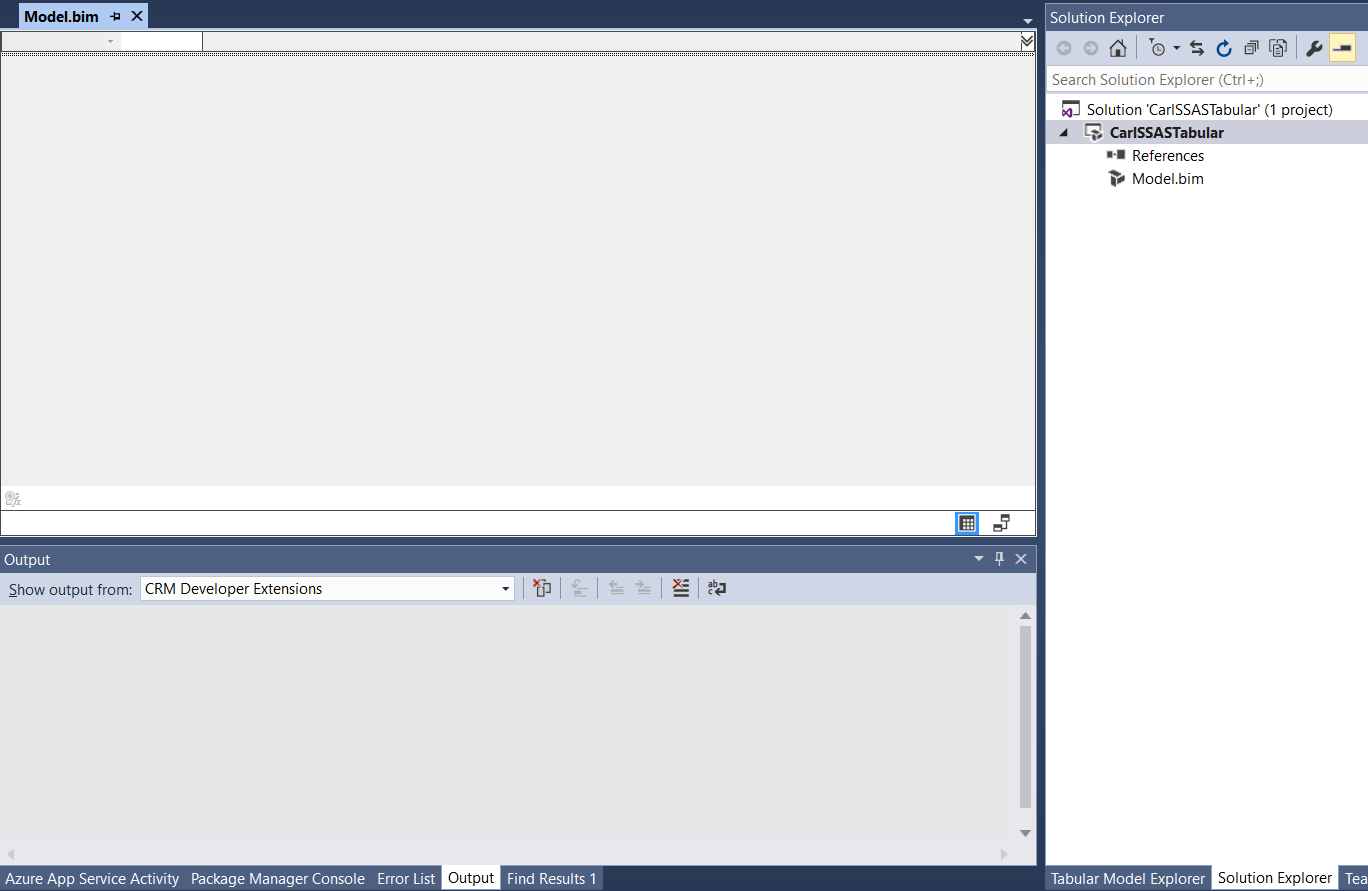
A new project will be created:
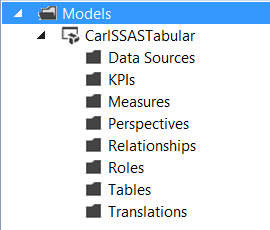
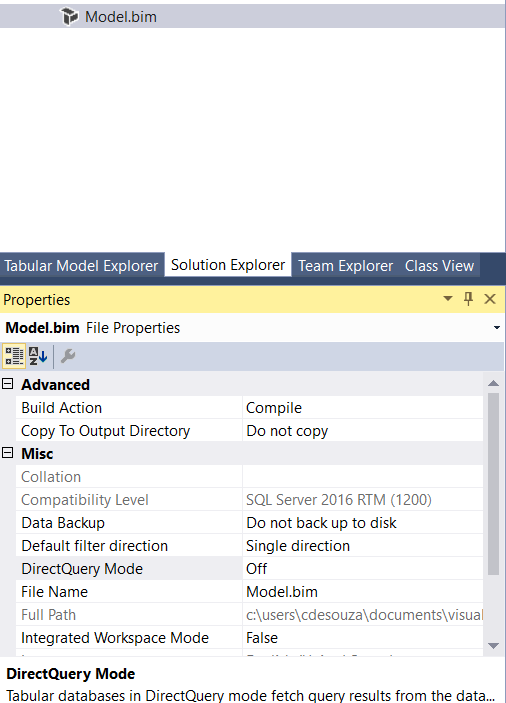
Model.bim contains the following properties:
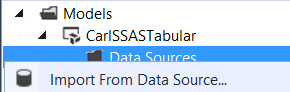
Add data source connection:
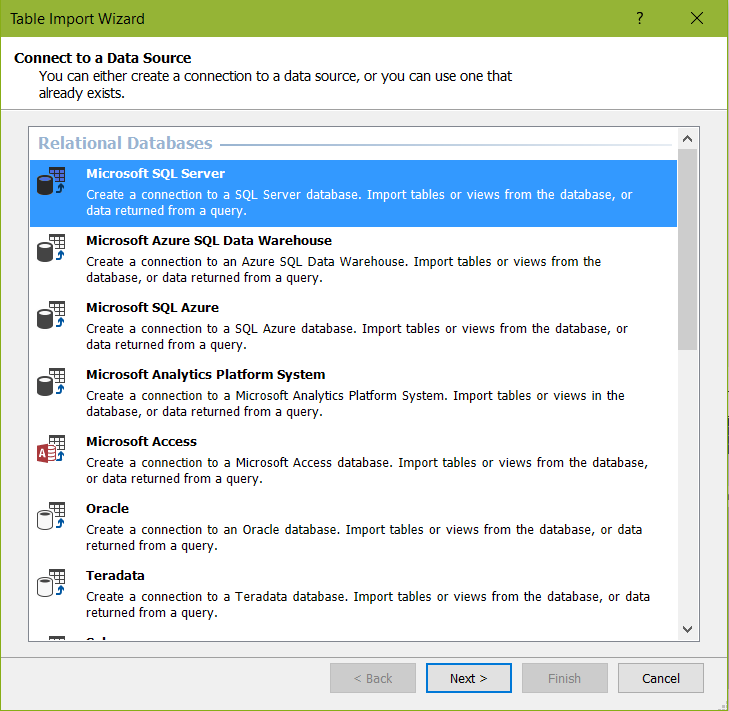
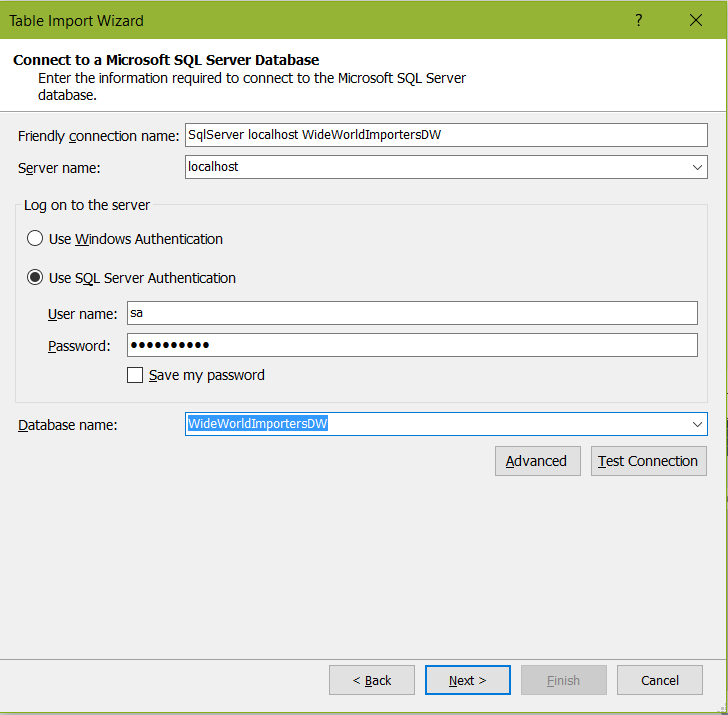
Connect to SQL data warehouse:
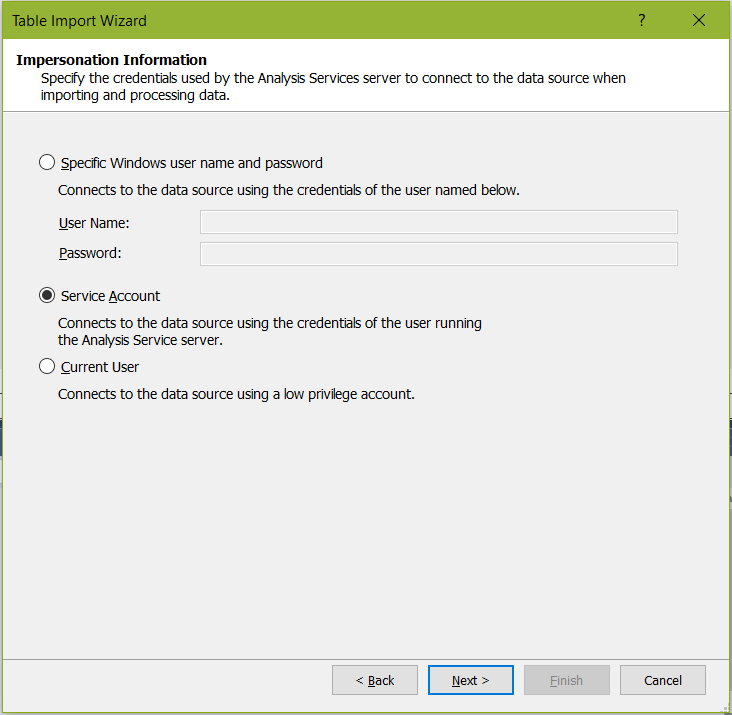
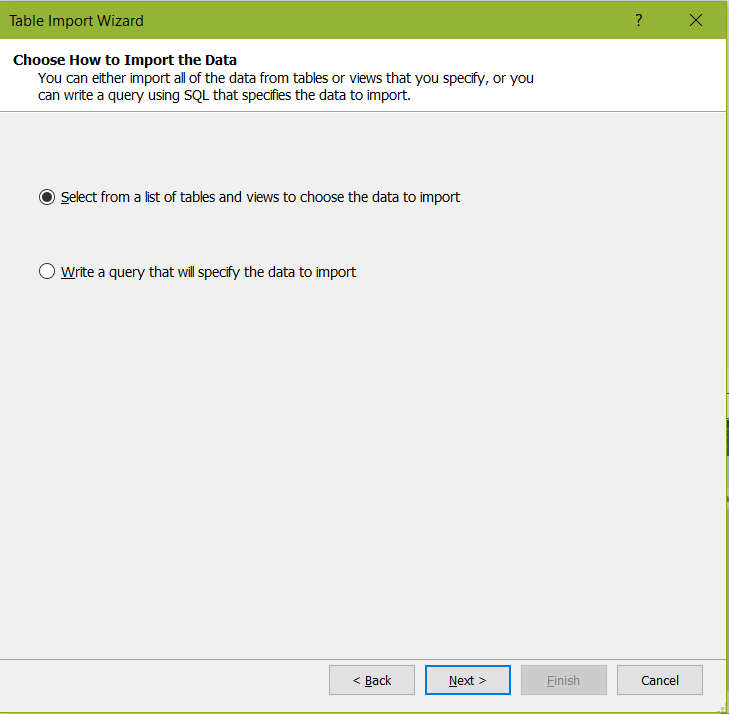
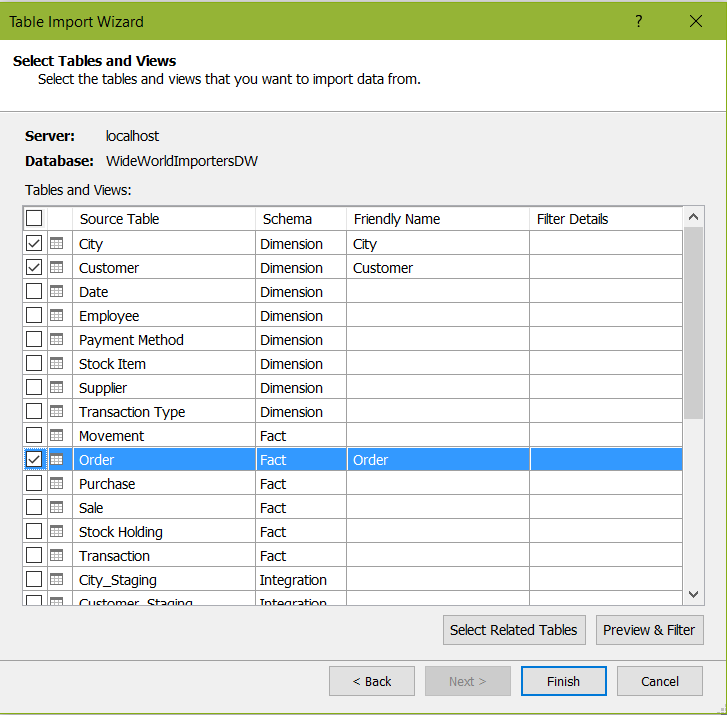
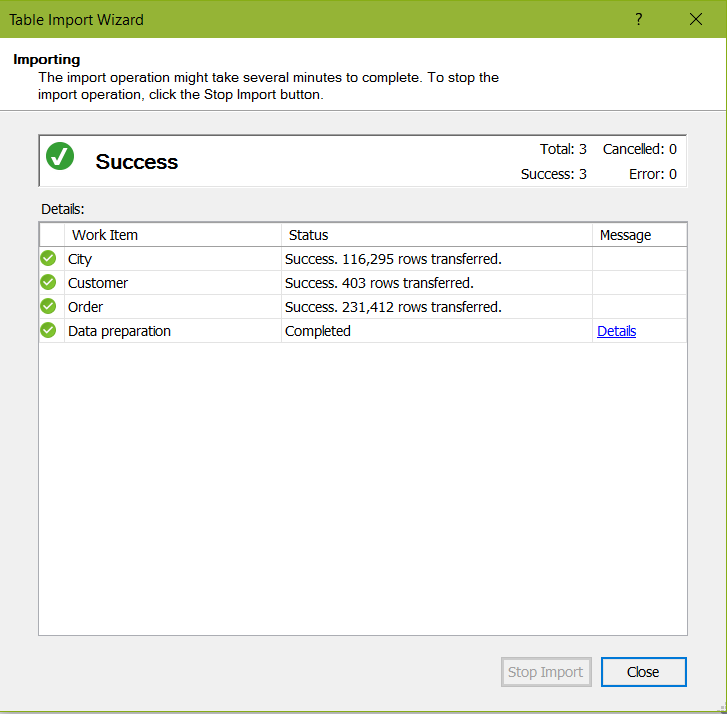
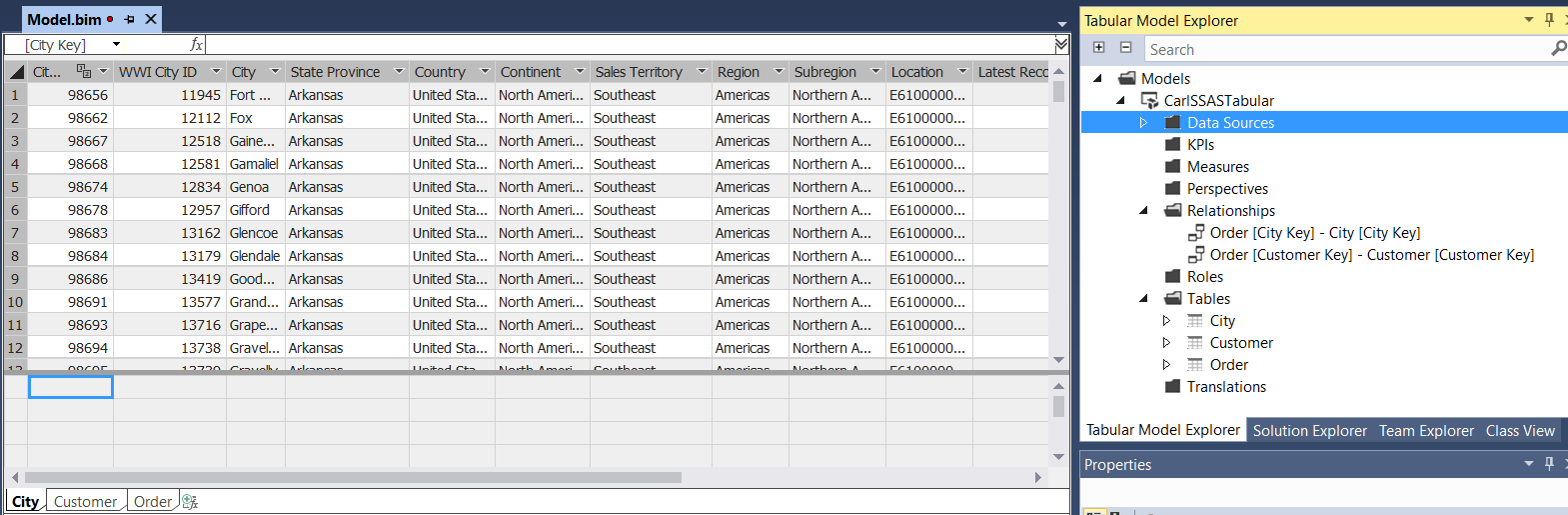
To add tables to the model, click Model->Existing Connections:
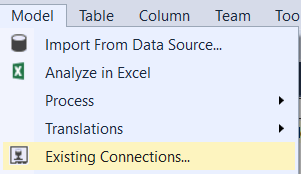
Open:
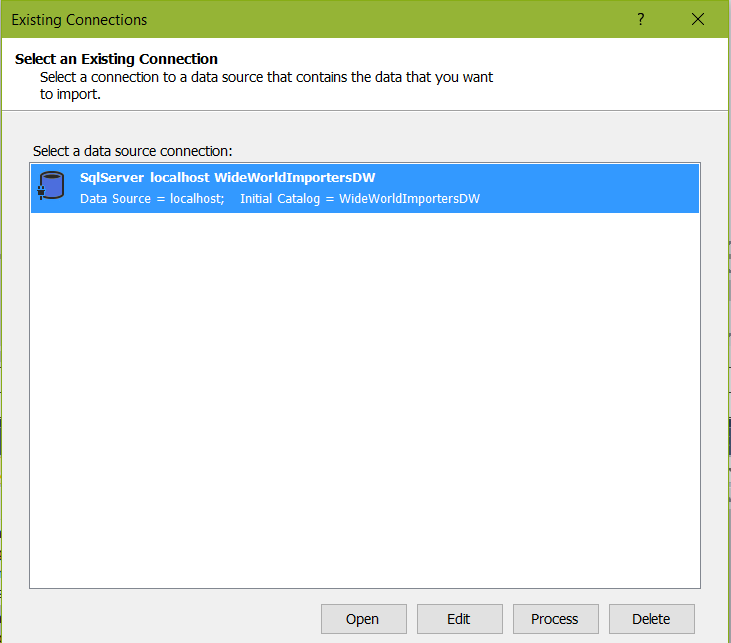
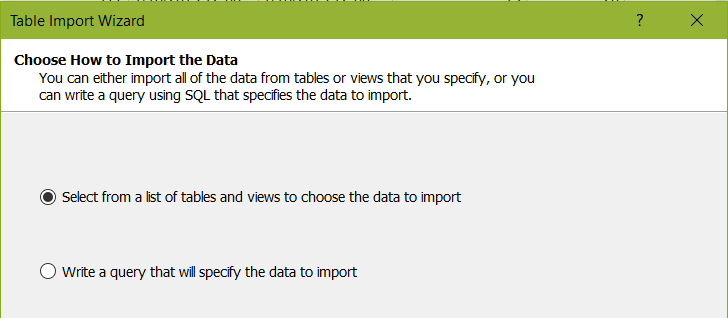
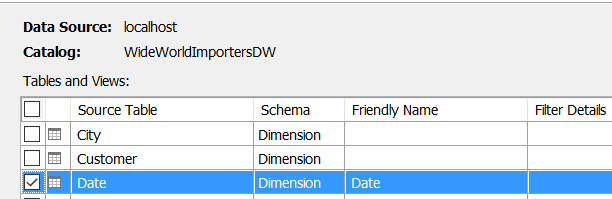
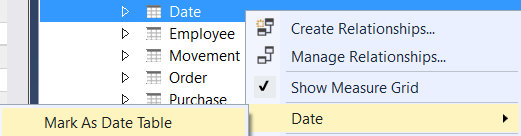
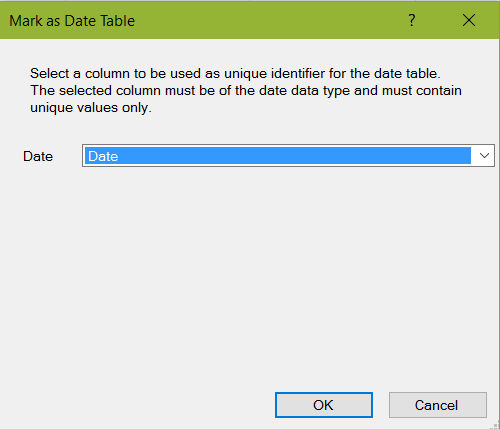
Mark the date table as date table:
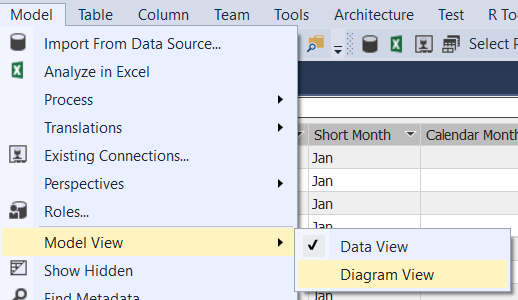
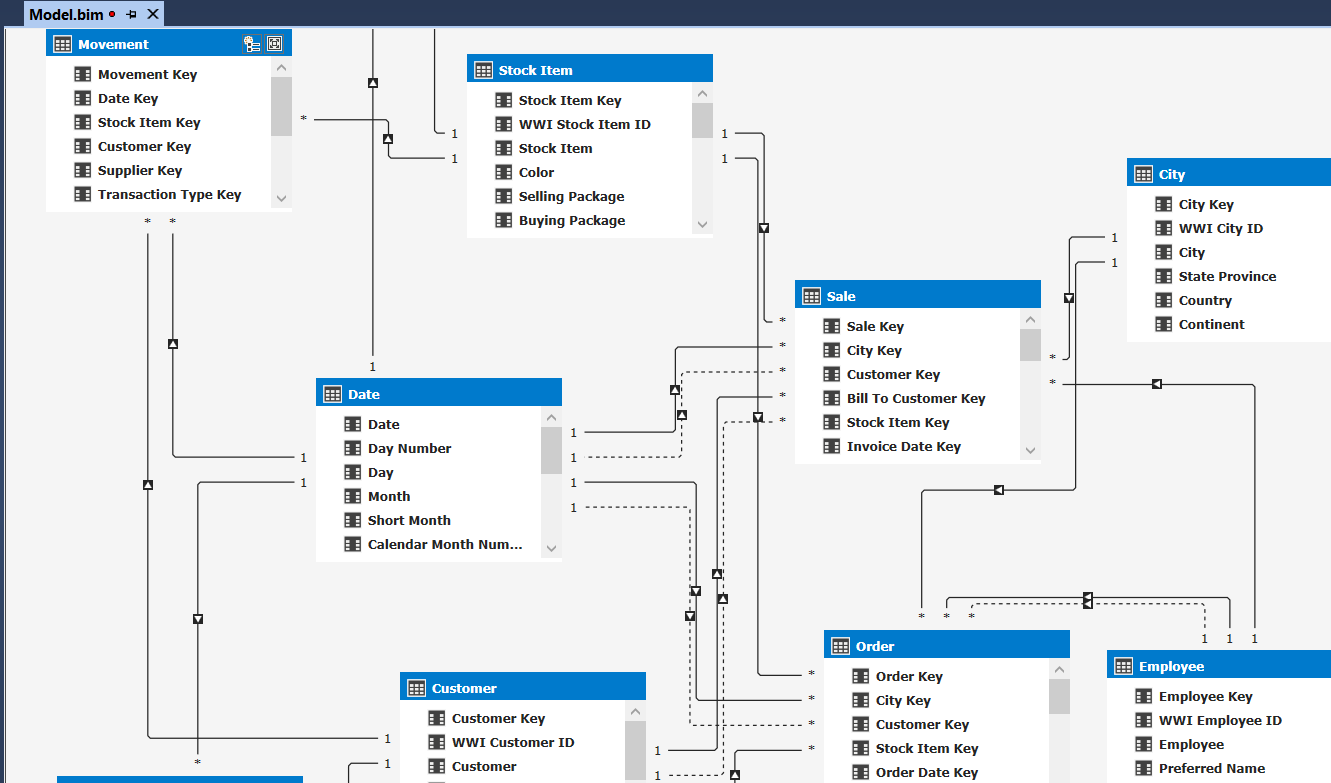
Change the view to Diagram View and see the table relationships:
Add a new column Extended Price and type the formula:

Create a new measure and add a DAX formula:
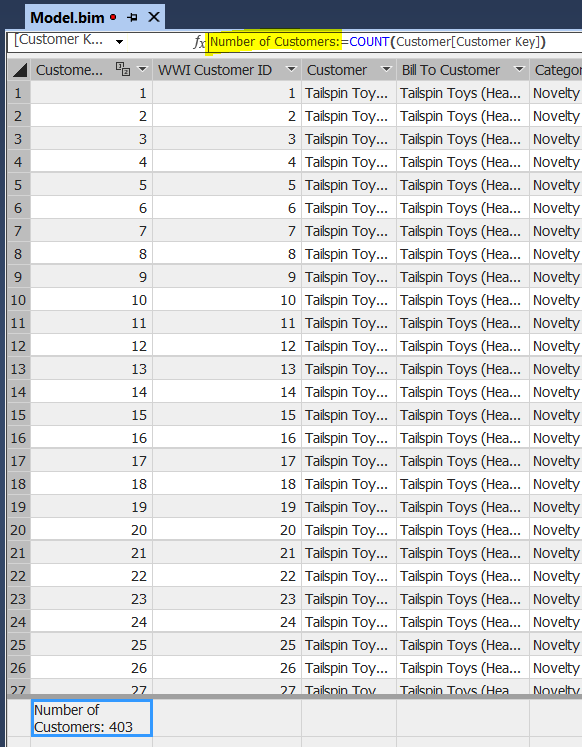
Build and save the solution.
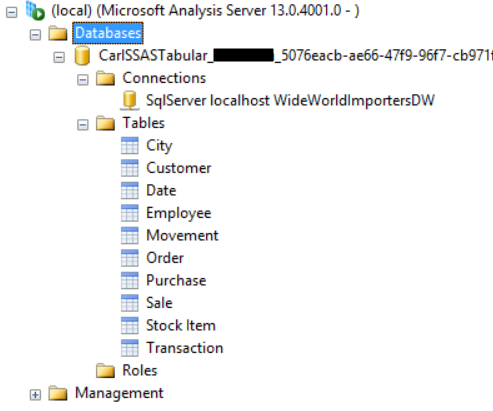
In SSAS, you will now see the new database:

Explore AI, agents & Microsoft technology.
I share practical ideas, tutorials, and videos about AI, AI agents, Microsoft technologies, and the Power Platform.
Subscribe on YouTube →