Azure Cloud Shell is an interactive shell for Azure, which allows you to manage your Azure resources. This is useful in that you don’t need to install other tools to run commands – you can do it directly from within a browser. The tool currently supports Azure CLI 2.0.
To access the cloud shell, log into portal.azure.com and select the Cloud Shell icon on the right:

The browser will then open a split screen:
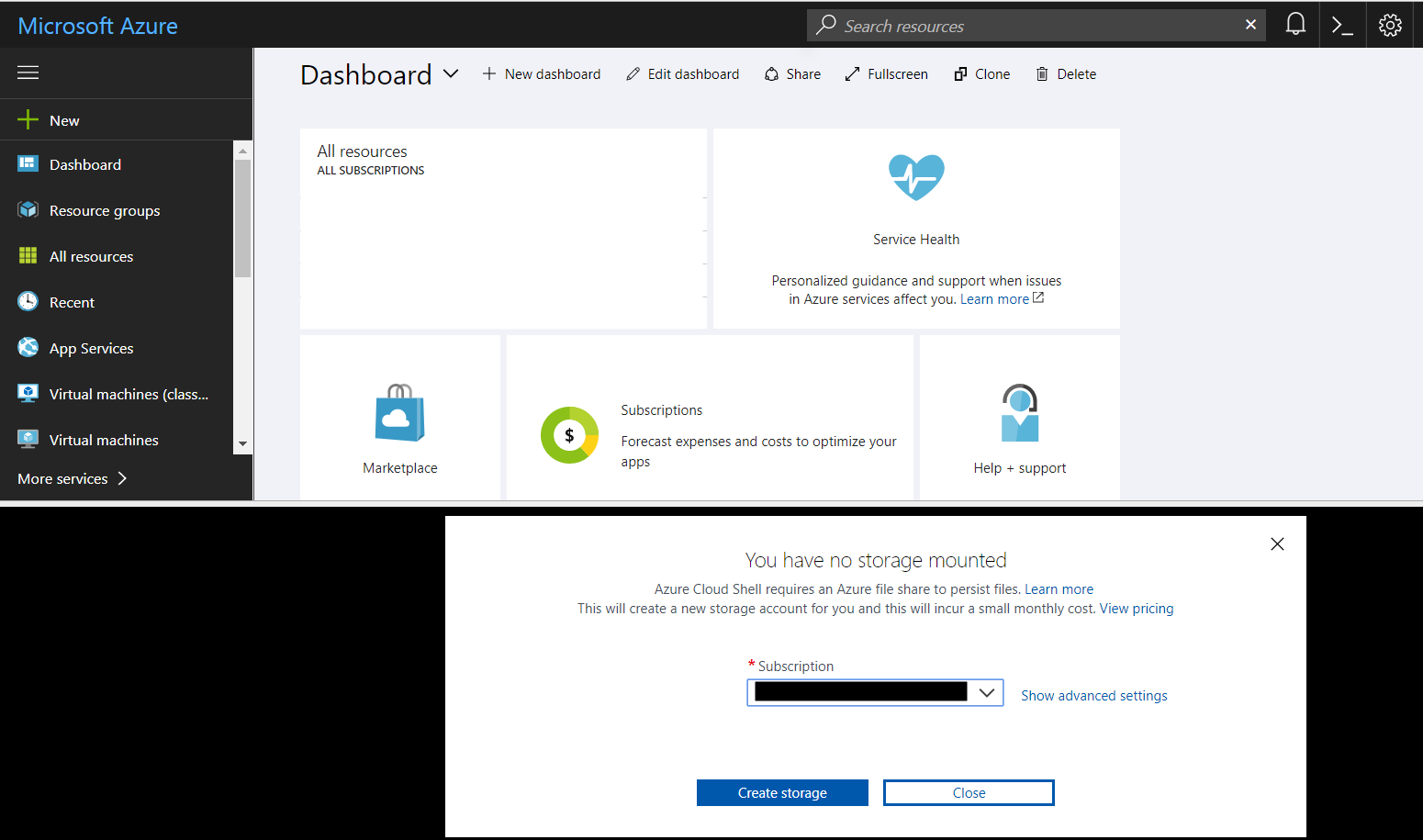
You may see a prompt to add storage. Select your subscription to create storage.
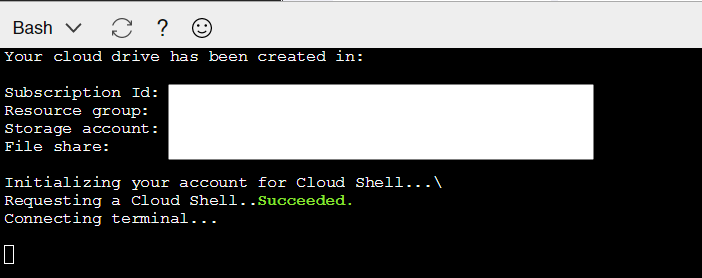
You will then see something like below:
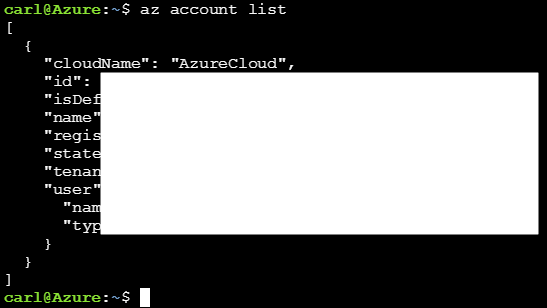
You can then run commands, for example, az account list:

Keep learning. Keep building.
Explore AI, agents & Microsoft technology.
I share practical ideas, tutorials, and videos about AI, AI agents, Microsoft technologies, and the Power Platform.
Subscribe on YouTube →Carl de Souza Enterprise Architect at Microsoft · AI Technology Expert